Generators / Name Coloring Page Generator
Colour your name and download a printable PDF
Make a free editable name coloring page. Type a name or message, choose a lettering style, and adjust the font size and page orientation. Edit your design online, then download the preview as a printable A4 PDF or PNG.
Want AI word art with illustrated backgrounds? Create a free ColorBliss account to start a new app design. Save generated pages in your app account.
Customize your coloring page
Type your name, select your font, then download and print your name coloring page!
Create new AI word art in the app
Make word art with illustrated scenes
Create AI word art with illustrated backgrounds in the app and save your generated pages in your account.
- Make new AI word art with illustrated backgrounds
- Save generated pages in your ColorBliss app account
Make new AI word art with illustrated backgrounds
Create a free ColorBliss account to make AI word art with illustrated backgrounds in the app and save generated pages in your account.
Create word art in the appMaking a classroom set or alphabet book? Try the coloring book creator
Make a matching name page for each student
Use the controls above once for each name. Choose the same lettering style and page orientation to make a consistent set for a classroom activity, party, or family project.
- Enter one student's name in the text field.
- Pick a font style, leave Auto-fit on or set the font size, and choose portrait or landscape orientation.
- Check the preview and download a printable A4 PDF or PNG.
The text and settings are editable in the generator before export. Once downloaded, the PDF does not contain editable text layers or fillable fields. Change the design above and download it again if you want a different version.
How to make your own name coloring page
AI coloring page generator FAQ
Everything you need to know about creating coloring pages with AI
Other Free Generators
Explore more ways to create custom coloring pages
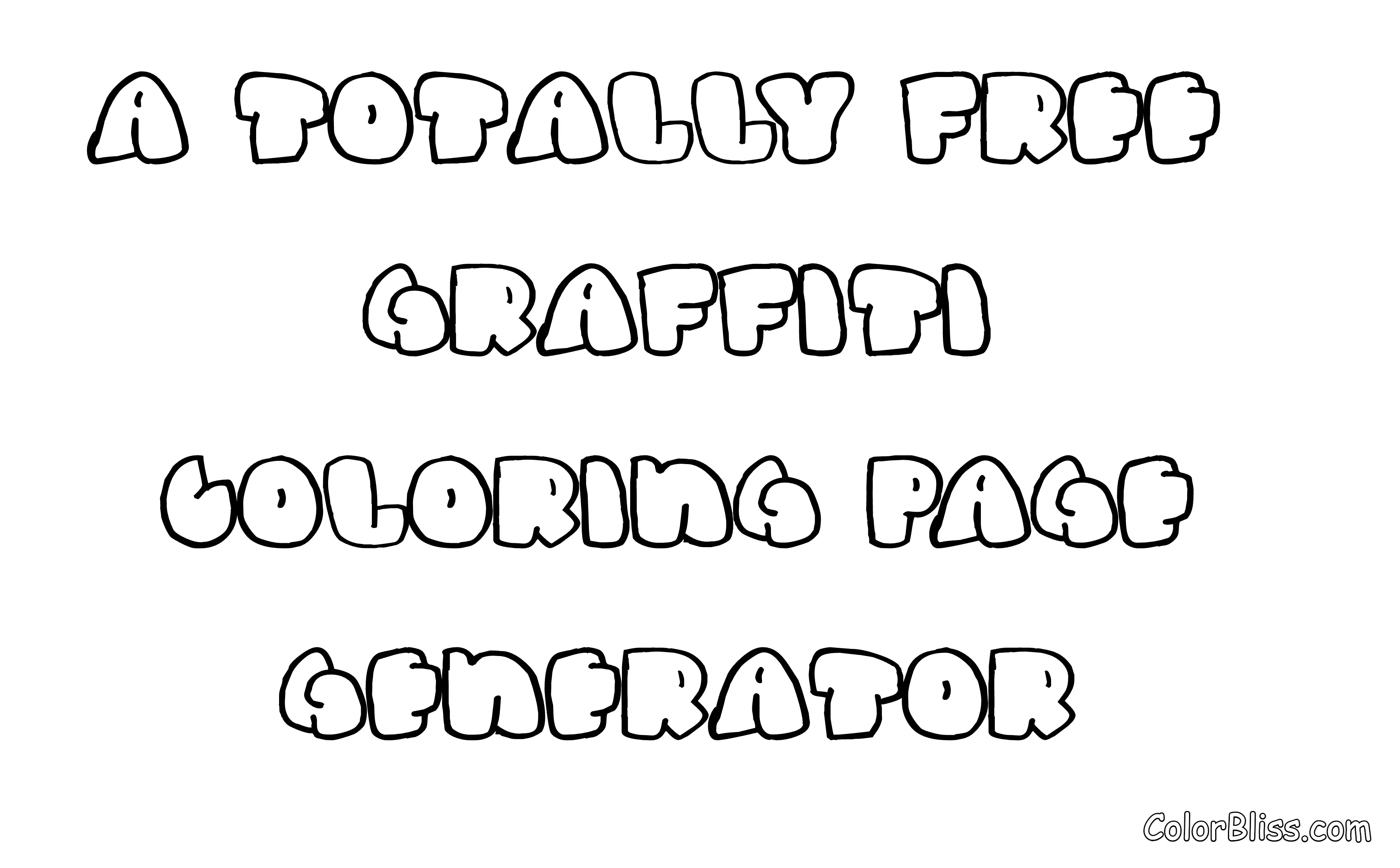
Graffiti Generator
Create custom graffiti-style coloring pages
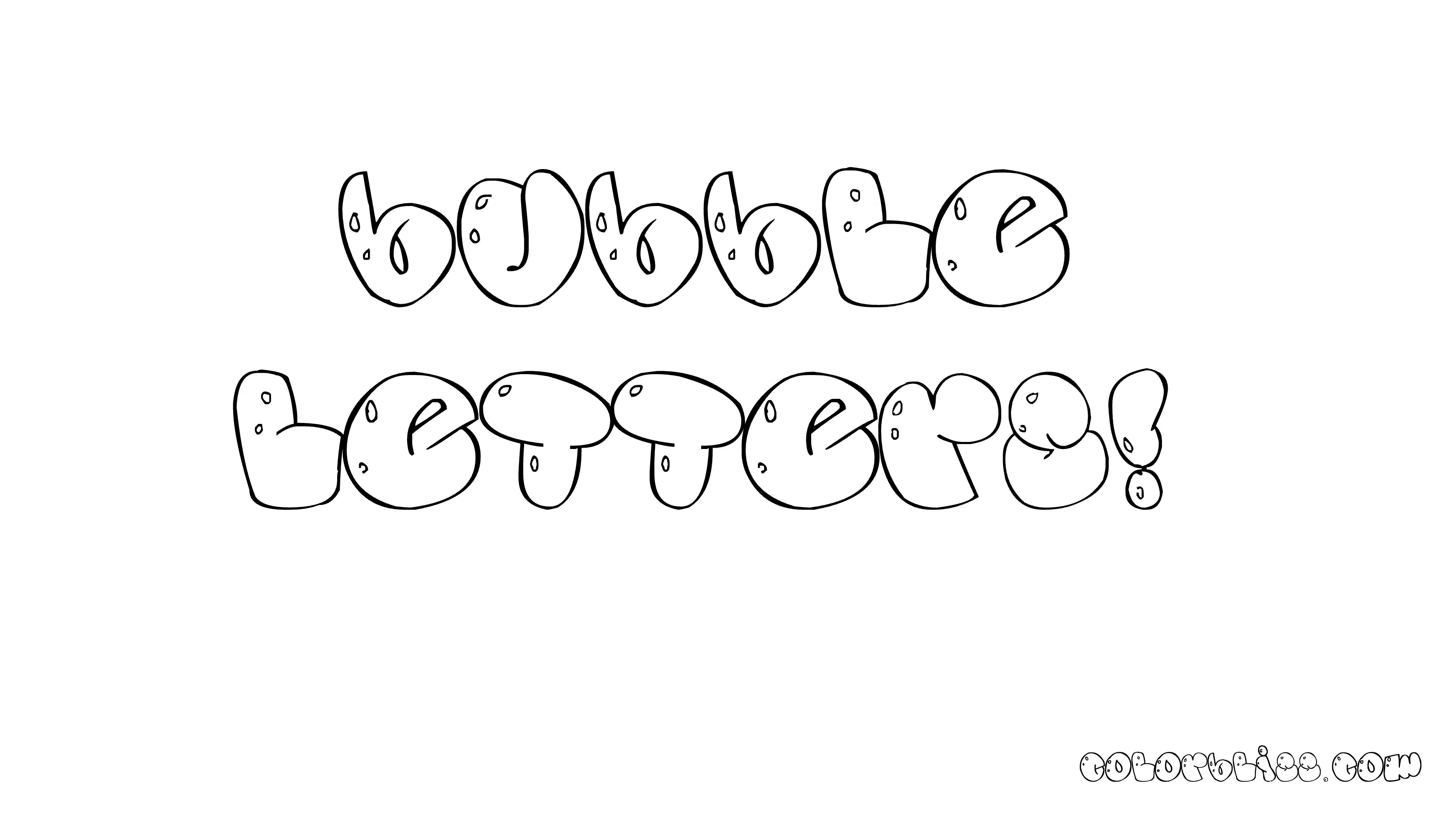
Bubble Letter Generator
Create fun bubble letter coloring pages
Bubble Graffiti Font Generator
Graffiti-style bubble letters for coloring
Bubble Cursive Font Generator
Flowing cursive bubble letters for coloring
Cute Bubble Font Generator
Kawaii-style cute bubble letters for coloring
Retro Bubble Font Generator
70s and 80s style bubble letters for coloring

Quote Generator
Turn quotes into coloring pages
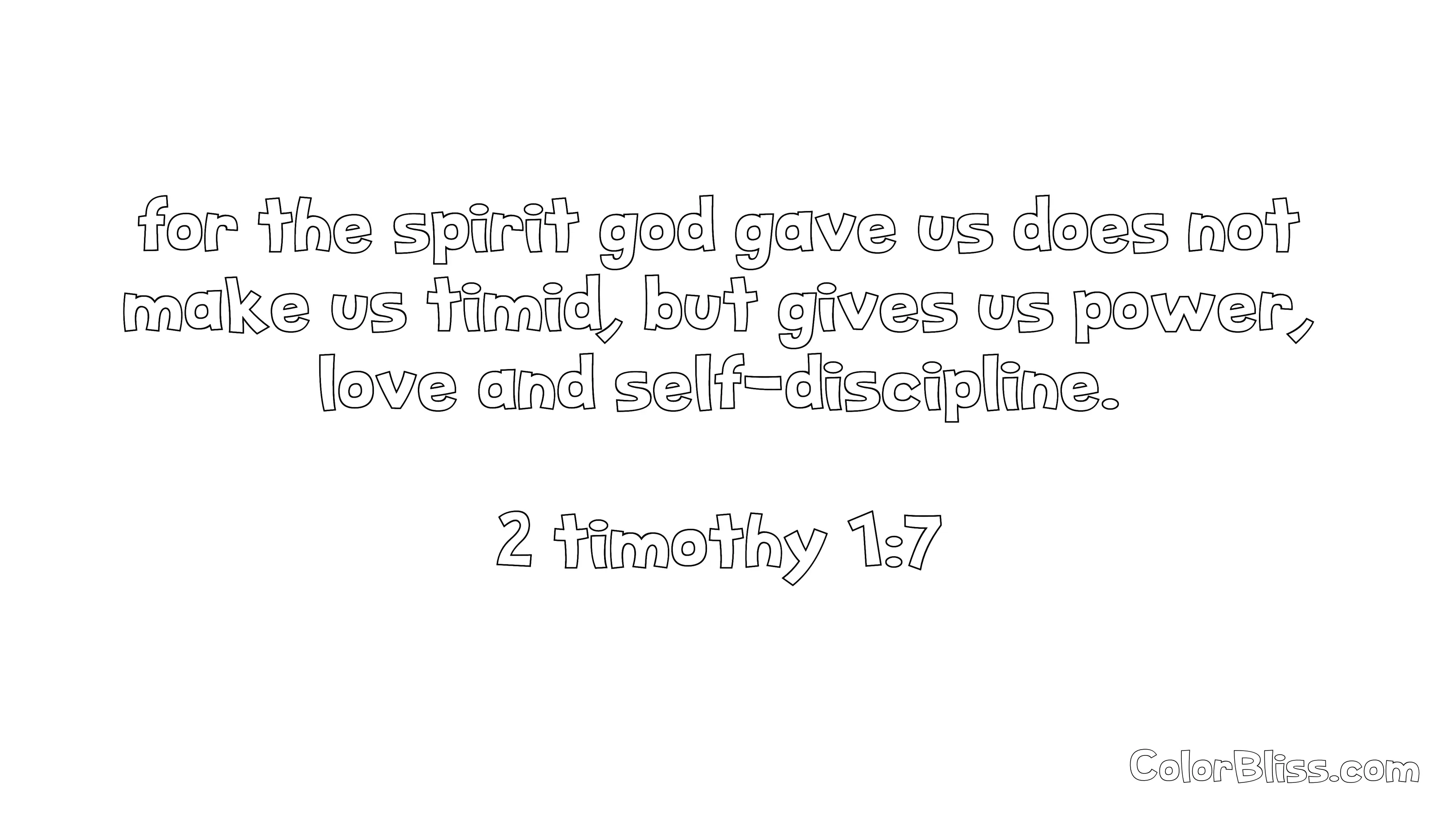
Bible Verse Generator
Create bible verse coloring pages
Classroom Activities
Find engaging activities for all grade levels
Rainy Day Activities
Fun indoor activities for kids and adults