Turn any photo into a hand-drawn pencil portrait
Our AI creates pencil sketches with real shading, natural texture, and the warmth of hand-drawn art. Turn photos of loved ones, pets, or special moments into portrait sketches worth framing.
Looking for clean line art instead? Try our line art converter for stencils, vectors, and digital projects.
Try Free: No WatermarkPencil portrait art from any photo in seconds


from 243 reviews
Over 1,710,099 coloring pages created!
Drag the slider to see the pencil sketch transformation
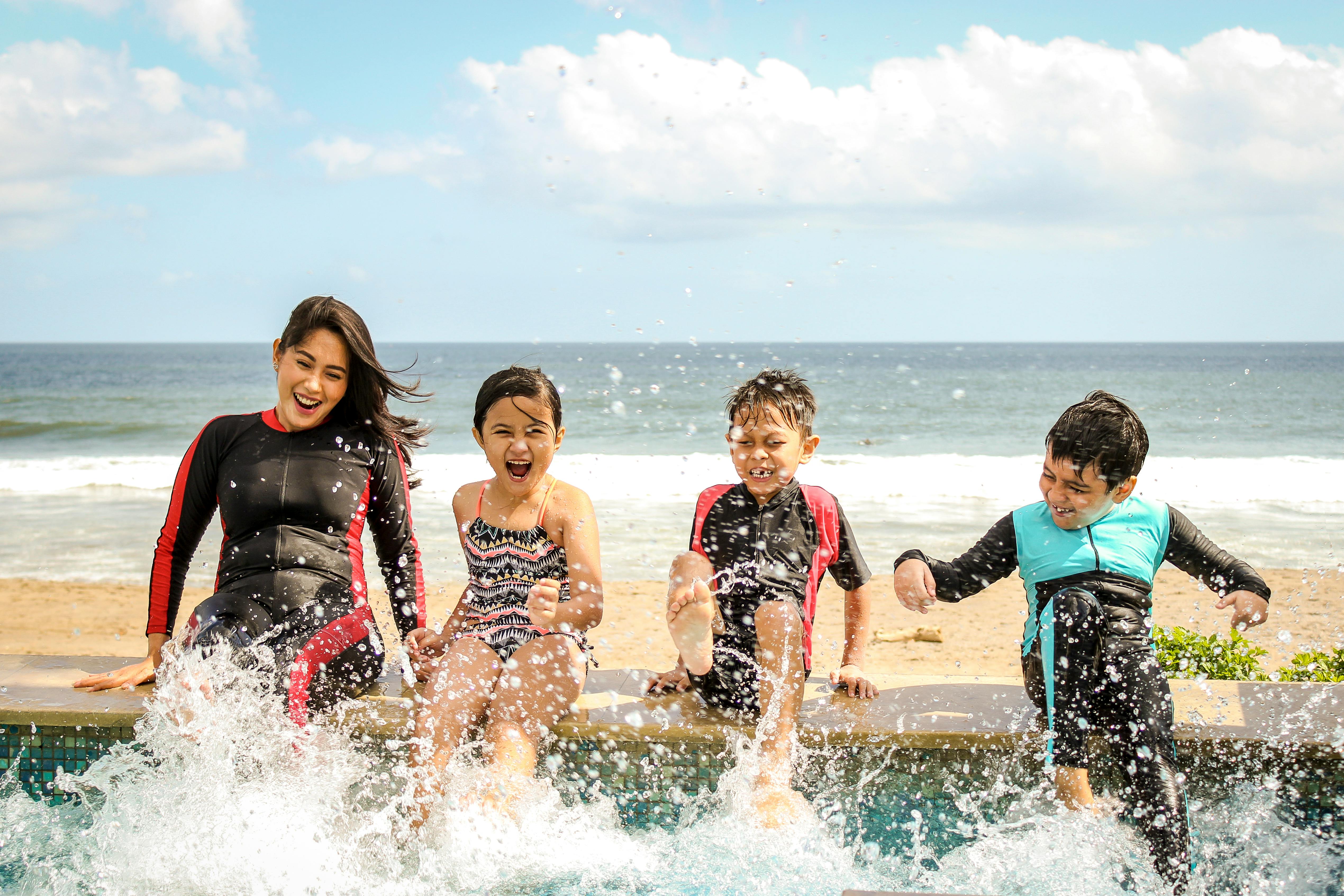
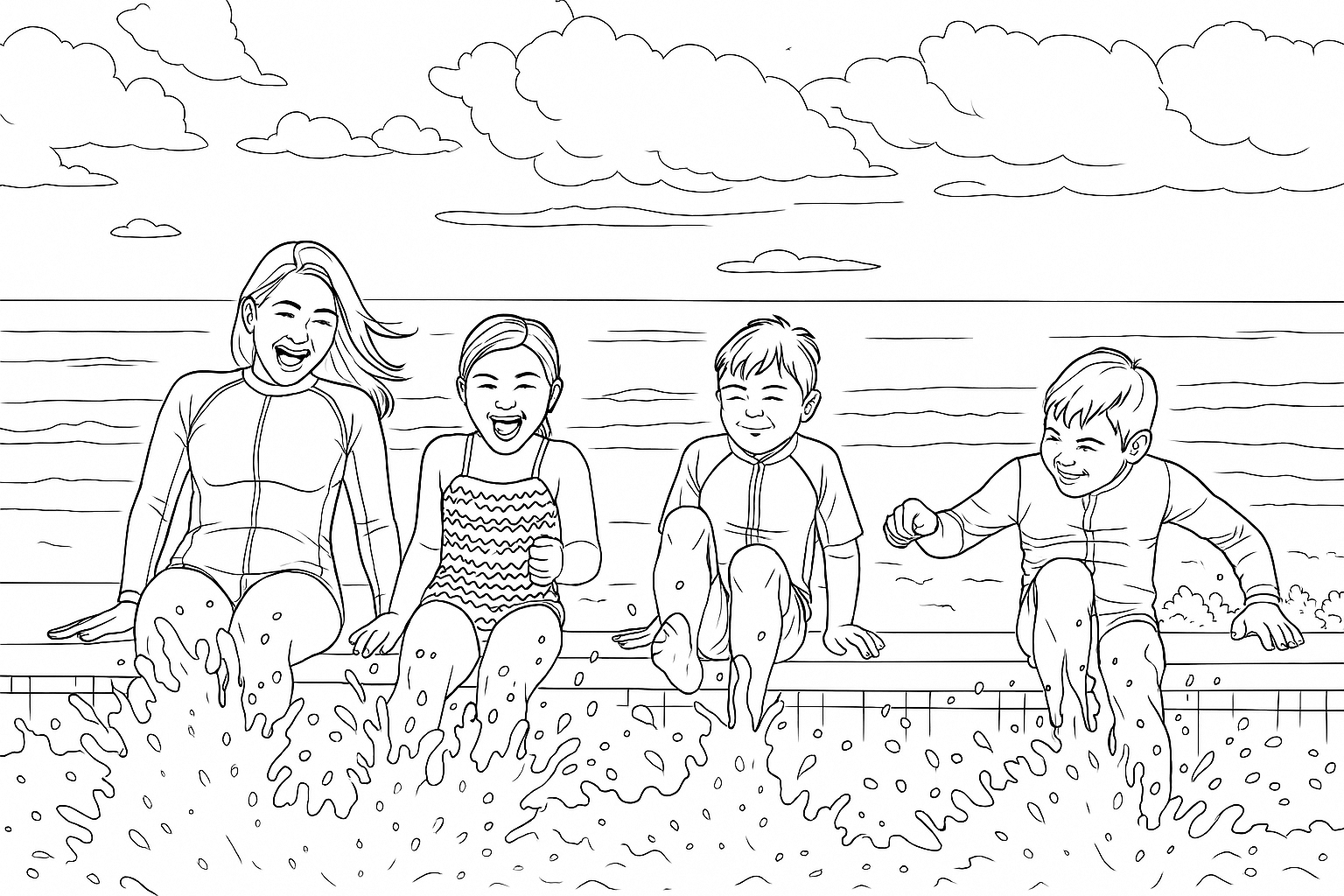
Whether it's a portrait of a loved one, a sketch of your pet, or a cherished family photo turned into art, our pencil sketch converter captures the warmth and detail that makes hand-drawn art so special.
See what your photos look like as pencil art
Upload a portrait, pet photo, or any image you love and watch it transform into a hand-drawn pencil sketch. Try it free, then sign up for more.
How it works: photo to pencil portrait in 3 steps
Turn any photo into a pencil sketch that looks like commissioned portrait art
1. Upload your photo
Upload any portrait, pet photo, or image you want sketched. JPG, PNG, or WebP from any device.
2. AI draws your portrait
Our AI studies facial features, lighting, and composition, then renders a pencil portrait with natural graphite shading and hand-drawn texture.
3. Print, frame, or gift
Download your pencil portrait in high resolution. Print it, frame it, or send it as a one-of-a-kind gift. No watermark.
Why people love our pencil sketch converter
Get portrait-quality pencil art without hiring an artist or learning to draw.
Real pencil texture
Natural graphite shading and hand-drawn strokes that look authentically drawn, not filtered
Frame-worthy quality
High resolution output that looks stunning printed and framed at any size
Cheaper than commissioning art
Portrait commissions cost $50 to $200+. Get similar results free, instantly
Gift ready
No watermark, no branding. Download and print as a personalized gift immediately
Works on any device
Create pencil portraits on desktop, tablet, or phone. No app download needed
Your photos stay private
Photos are processed securely then deleted. We never store or share your images
Pet portraits that capture personality
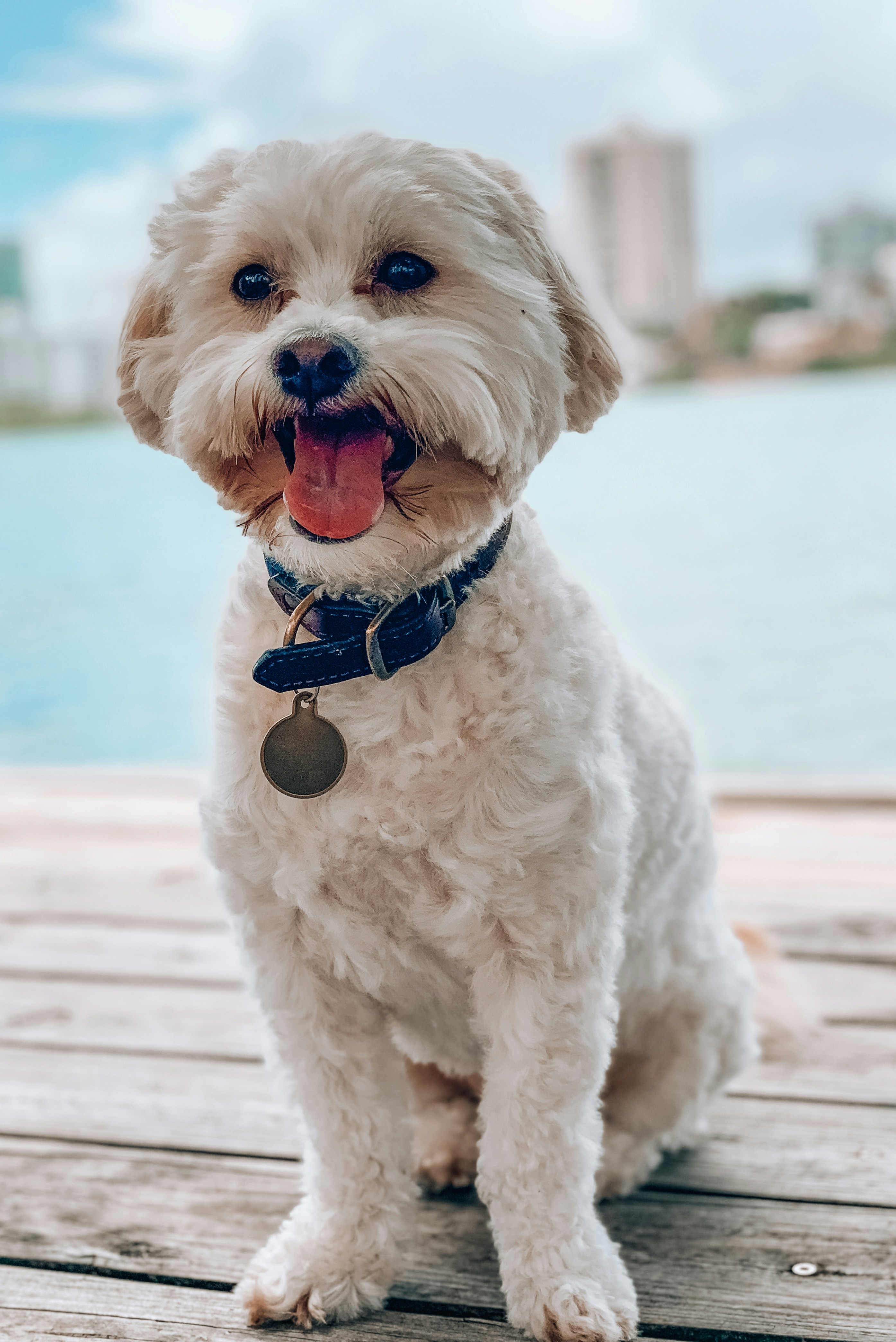
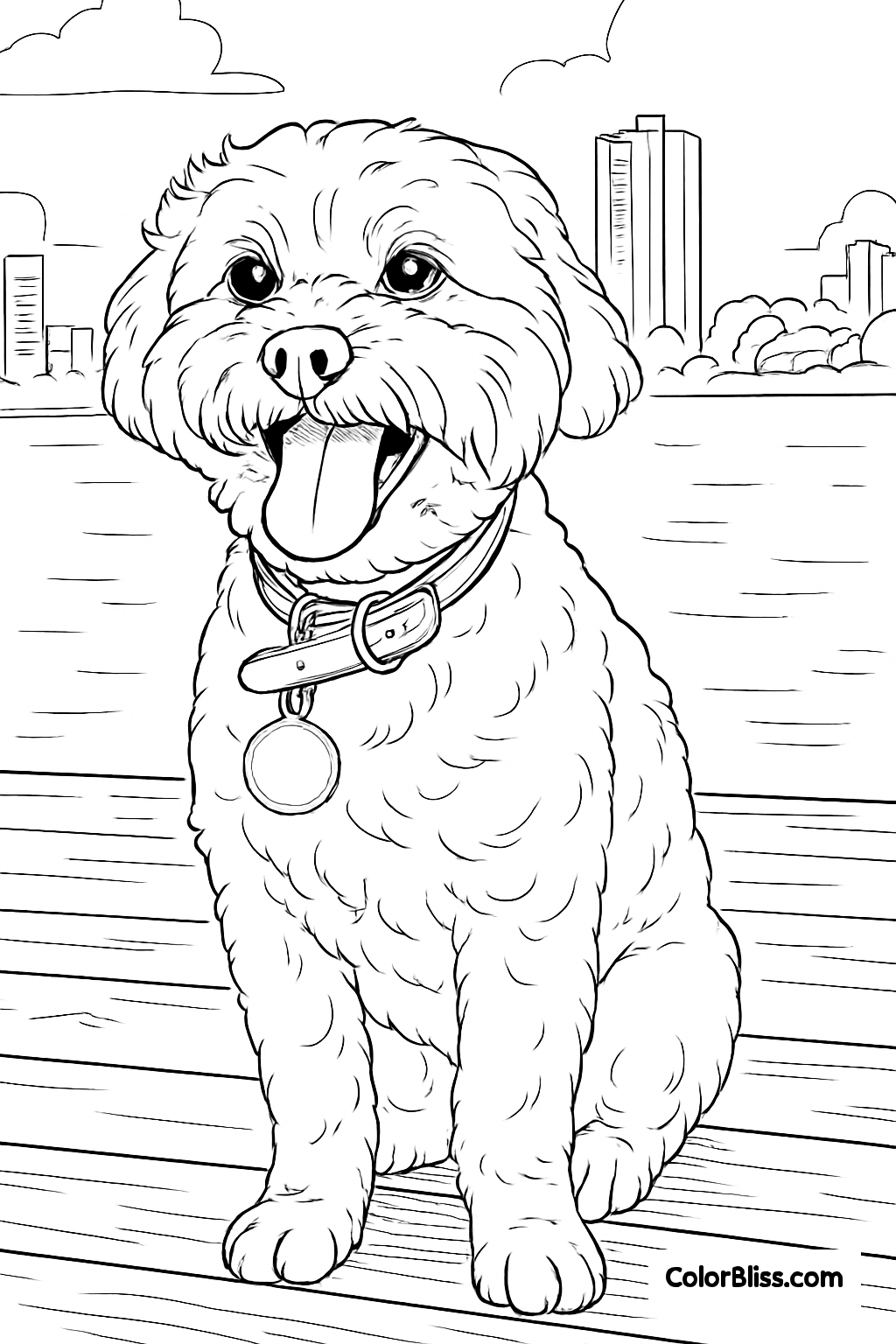
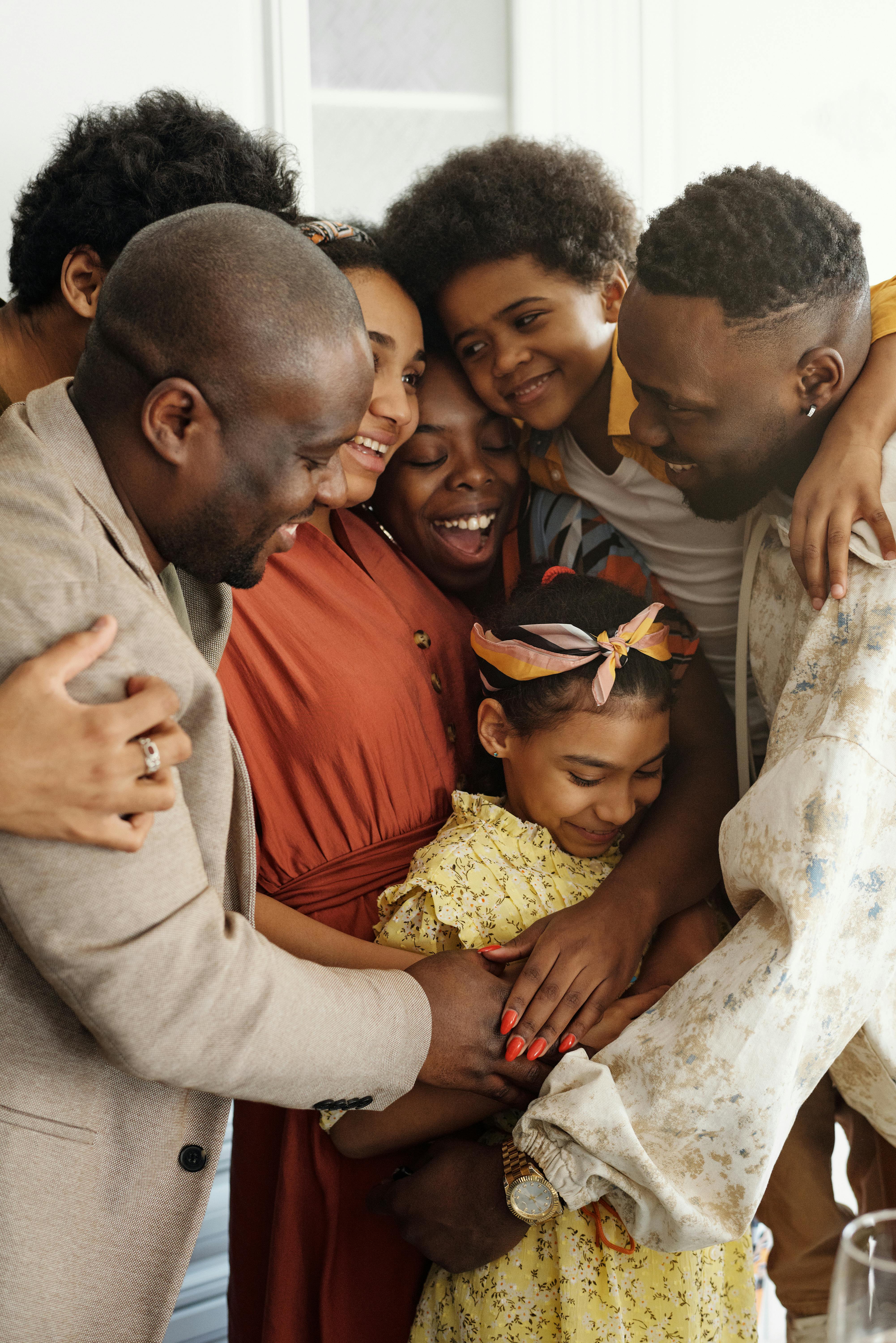
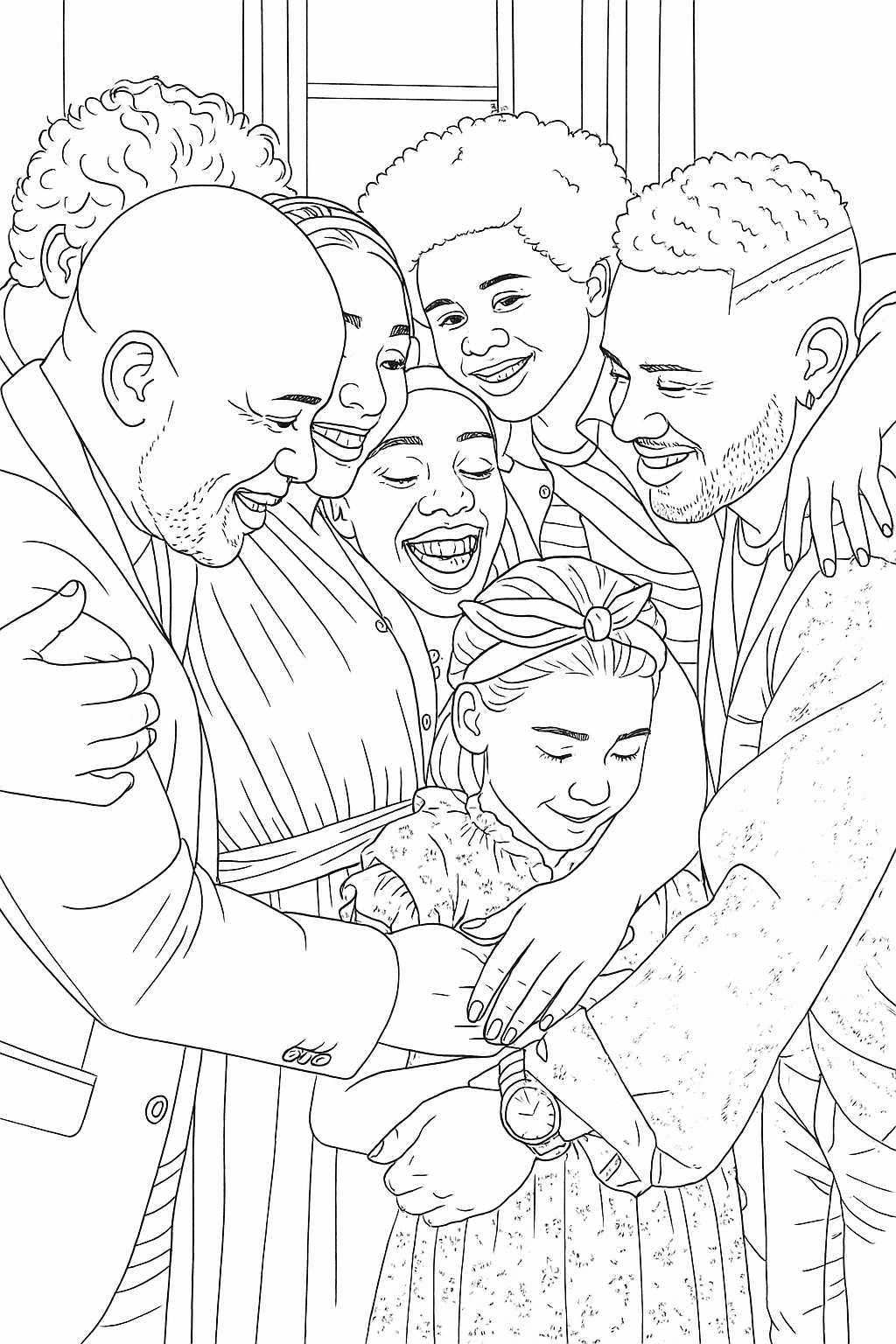
Portrait sketches worth framing
Turn travel memories into wall art

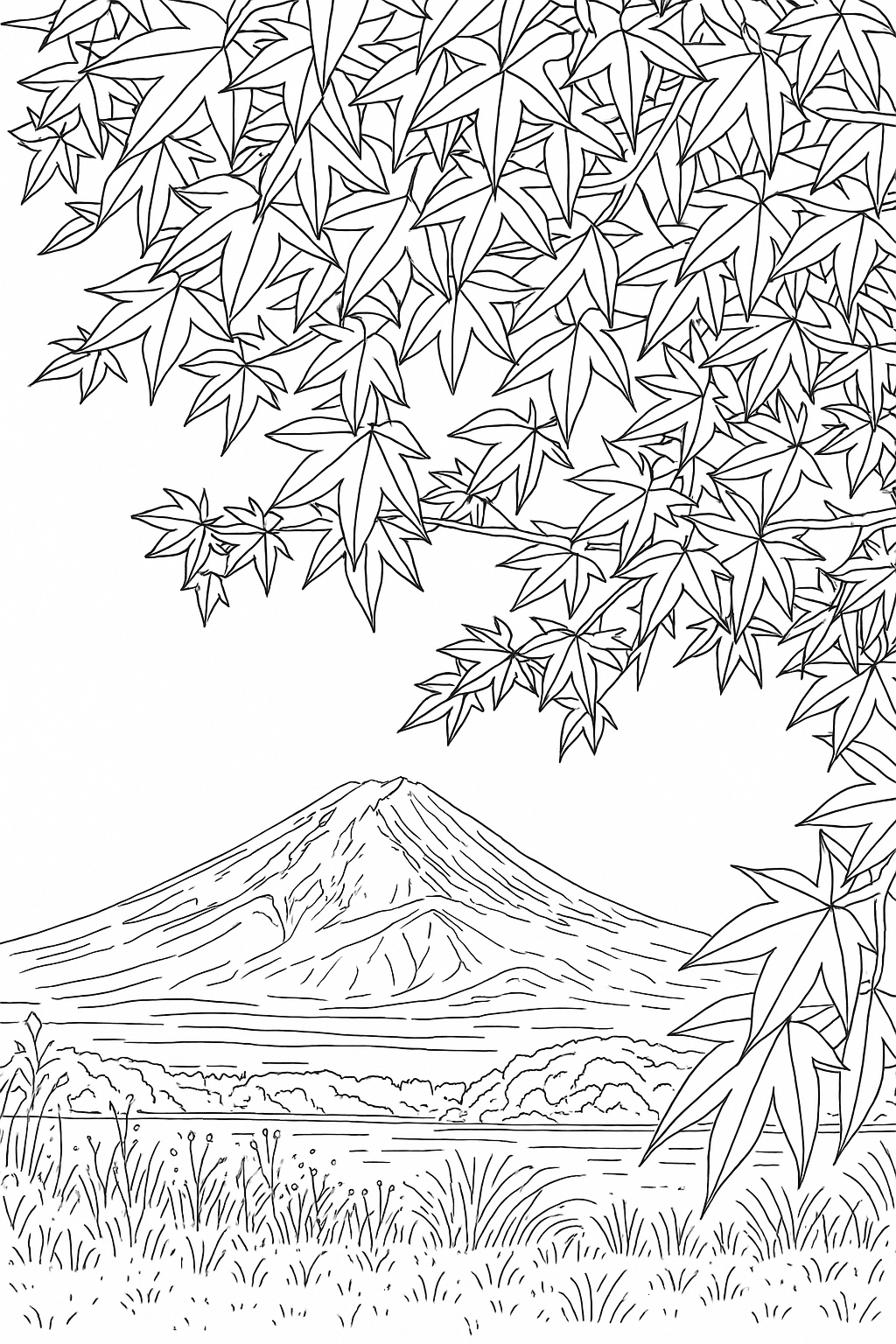
What people create with pencil sketches
Every sketch tells a story
🎁 Personalized portrait gifts
Turn a photo of someone special into a pencil portrait and frame it. Birthdays, anniversaries, Mother's Day, Father's Day. The kind of gift that makes people tear up.
🐾 Pet memorial art
Honor a beloved pet with a beautiful pencil portrait sketch. A meaningful keepsake that captures their personality and spirit in timeless pencil art.
💒 Wedding and couple sketches
Convert wedding photos or couple portraits into pencil art. Perfect for anniversary gifts, save-the-dates, or guest book art that's truly unique.
🖼️ Gallery wall art
Create a cohesive gallery wall by converting your favorite photos into matching pencil sketch prints. Looks stunning in any room.
📱 Social media portraits
Stand out with a pencil sketch profile picture or post. The hand-drawn aesthetic gets attention on Instagram, LinkedIn, and Pinterest.
🏠 Home decor prints
Turn vacation photos, family portraits, or landscape shots into pencil art that works as sophisticated home decor. Print on canvas or fine art paper.
Better than commissioning a portrait artist
Get the look of hand-drawn pencil art without the wait or the price tag
Commissioned portrait
$50 to $200+, days to weeks of turnaround, limited revisions
ColorBliss: Free to start, instant results, unlimited retries
Sketch filter apps
Basic filters, in-app purchases, results look obviously filtered
ColorBliss: AI-generated pencil texture that looks hand-drawn
Drawing it yourself
Years of practice, expensive supplies, hours per portrait
ColorBliss: Portrait-quality pencil art in seconds
A note from the founder
Founder, ColorBliss
Hi, I'm Ben! 👋
I built ColorBliss because I believe everyone should be able to create beautiful art, regardless of artistic skill. I always wanted to give hand-drawn pencil portraits as gifts but never had the talent. Now, with AI, anyone can turn a photo into art worth framing.
Over 100,000 people have used ColorBliss to create coloring pages, line art, and pencil sketches. Whether you're making a portrait gift for someone special, creating wall art from travel photos, or sketching your pet's face, I'm so grateful you're here.

Ben
ColorBliss Founder, Father of 4, Pretty Nice Guy
Not what you need?
ColorBliss has other tools for different creative goals
Loved by Artists, Teachers, and Everyone
See what people are saying about ColorBliss
I'm loving what I can do with ColorBliss. Changing photos and drawings to coloring pages. I haven't even started with prompts. It does exactly what it says it does. I'm playing around with some artistic coloring books, and it's wonderful.

Overall brilliant and easy to use. I will be using ColorBliss frequently as I produce more and more coloring books. Easy to learn and produces great results very quickly. Batch processing is a fantastic time saver. Very happy to have find this software

Eu amei .... estou fazendo um livro com 35 páginas de colorir com as fotos da família da minha cliente e o colorbliss me ajudou muito ... arradou [I loved it! I'm creating a book with 35 coloring pages featuring photos of my client's family, and Colorbliss helped me out so much... it turned out amazing!]

I like the platform as it has really good quality! Easy to navigate, and that saves me a ton of time. I can create new books to publish quick while also keeping high quality material.

ColorBliss is so easy to use, no technical experience is required. It's as simple as typing the text to describe what image you want it to produce. The images generated are absolutely fantastic. Plus, with the plan I am subscribed on to, I can use the images commercially. Overall, a super package. Thankyou.
I'm on coloring page 57. Unbelievable! So easy to make pages using the AI. Every page is unique, beautiful and captivating. Ten minutes of work to create dozens and dozens of coloring pages. Colorbliss works. Fast, simple, and intuitive. Thank you so much for making this!

Pricing
Choose the plan that's right for you
Whether you are printing coloring sheets to keep your kids entertained or running business with high volume needs, we've got a plan for you.
/* Frequency toggle component */Hobby
Higher limits and access to all ways of creating coloring pages
$12per month
$149 billed annuallyBuy plan- 500 credits/month
- ✓Rollover up to 1 month of credits (500)
- Features
- ✓Create coloring pages from text prompts
- ✓Create coloring pages with words, names, and numbers
- ✓Adjust color, contrast, and brightness
- ✓Turn photos into coloring pages
- ✓Create coloring pages from drawings
- ✓Advanced editing features
- Additional Benefits
- ✓🎁 Bonus: 50 extra credits for experimenting and retries
- ✓Personal use
Artist
Best for those looking to sell their creations
$25per month
$297 billed annuallyBuy plan- 1,000 credits/month
- ✓Rollover up to 2 months of credits (2,000)
- Features
- ✓Create coloring pages from text prompts
- ✓Create coloring pages with words, names, and numbers
- ✓Adjust color, contrast, and brightness
- ✓Turn photos into coloring pages
- ✓Create coloring pages from drawings
- ✓Advanced editing features
- ✓Early access to new styles and features
- ✓Bulk Generation
- ✓Commercial use
- Additional Benefits
- ✓🎁 Bonus: 75 extra credits for experimenting and retries
Business
For businesses that need higher limits
$83per month
$997 billed annuallyBuy plan- 5,000 credits/month
- ✓Rollover up to 3 months of credits (15,000)
- Features
- ✓Create coloring pages from text prompts
- ✓Create coloring pages with words, names, and numbers
- ✓Adjust color, contrast, and brightness
- ✓Turn photos into coloring pages
- ✓Create coloring pages from drawings
- ✓Advanced editing features
- ✓Early access to new styles and features
- ✓Bulk Generation
- ✓Commercial use
- Additional Benefits
- ✓🎁 Bonus: 250 extra credits for experimenting and retries
AI coloring page generator FAQ
Everything you need to know about creating coloring pages with AI
Turn your favorite photo into pencil art
Join over 100,000 people creating portrait sketches, pet art, and personalized gifts with ColorBliss
Start Converting FreeNo credit card required • No watermark • Cancel anytime