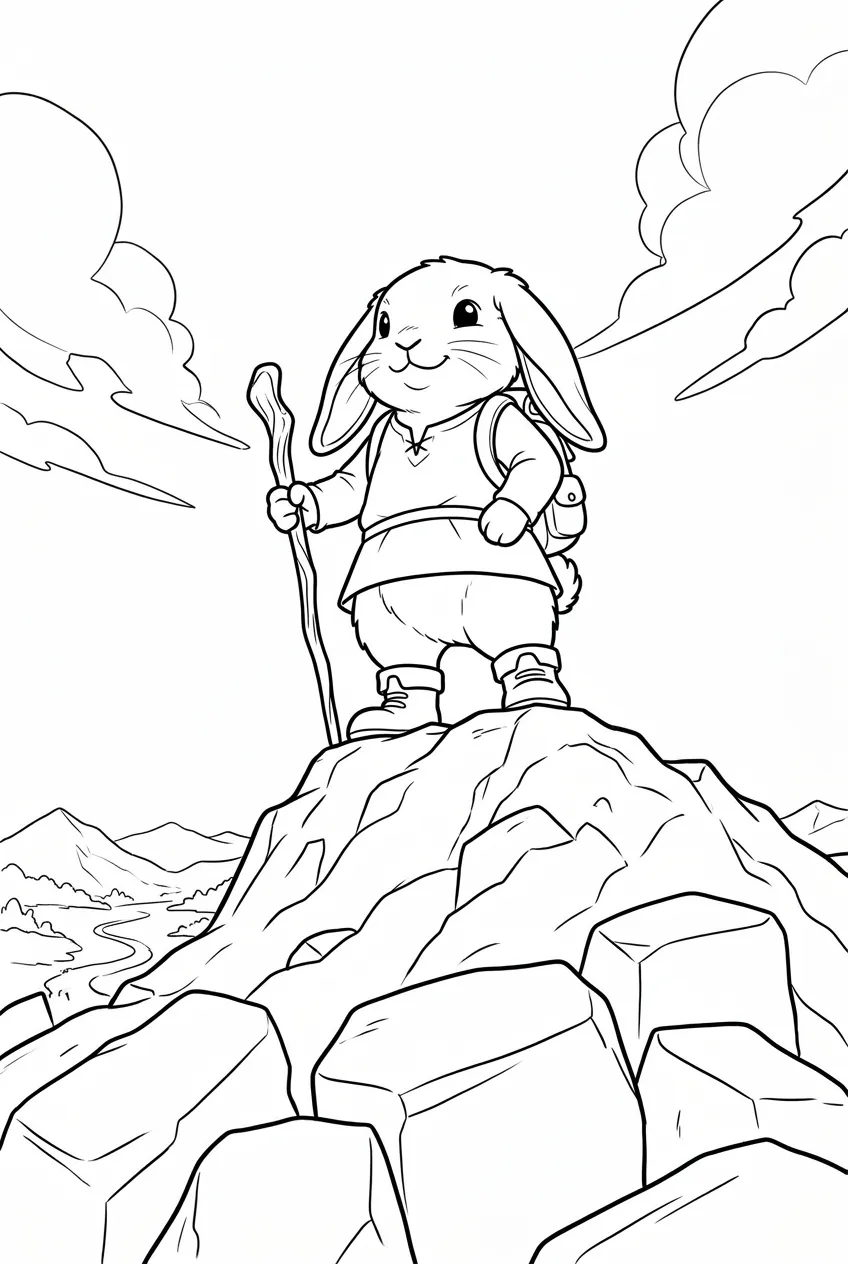
 Angles
Camera angles & orientations
Low angle
Camera positioned below eye level, looking up at the subject. Creates a sense of power, dominance, and monumentality. appears larger, more imposing against the background.
Use this free camera shot prompt generator to search 85 prompts for low angle shots, close-ups, wide shots, POV angles, lens effects, and composition ideas. Copy the shot note you want, pair it with your subject, and use it in Midjourney, FLUX, Stable Diffusion, Nano Banana, or ColorBliss.
Prompt count
85
Every source item is checked into the repo.
Prompt families
6
Angles, framing, composition, movement, lens, and POV prompts.
Built for reuse
Any subject
Copy the shot note, pair it with your own subject line, and run variations fast.
Start with low angle, wide shot, close-up, over-the-shoulder shot, fisheye shot, or drone shot if you want quick camera prompt ideas that cover the most common scene types.
After you choose a camera note, build out the rest of the prompt with our AI image prompt generator, FLUX prompt generator, stable diffusion prompt generator, or Midjourney prompt generator. You can also browse the full prompt generator library for related tools.
Search the prompt library
Search by shot name, composition style, or camera language. Every card focuses on the camera note itself so you can combine it with your own subject prompt fast.
24 prompts in this section
AnglesCamera angles & orientations
Camera positioned below eye level, looking up at the subject. Creates a sense of power, dominance, and monumentality. appears larger, more imposing against the background.
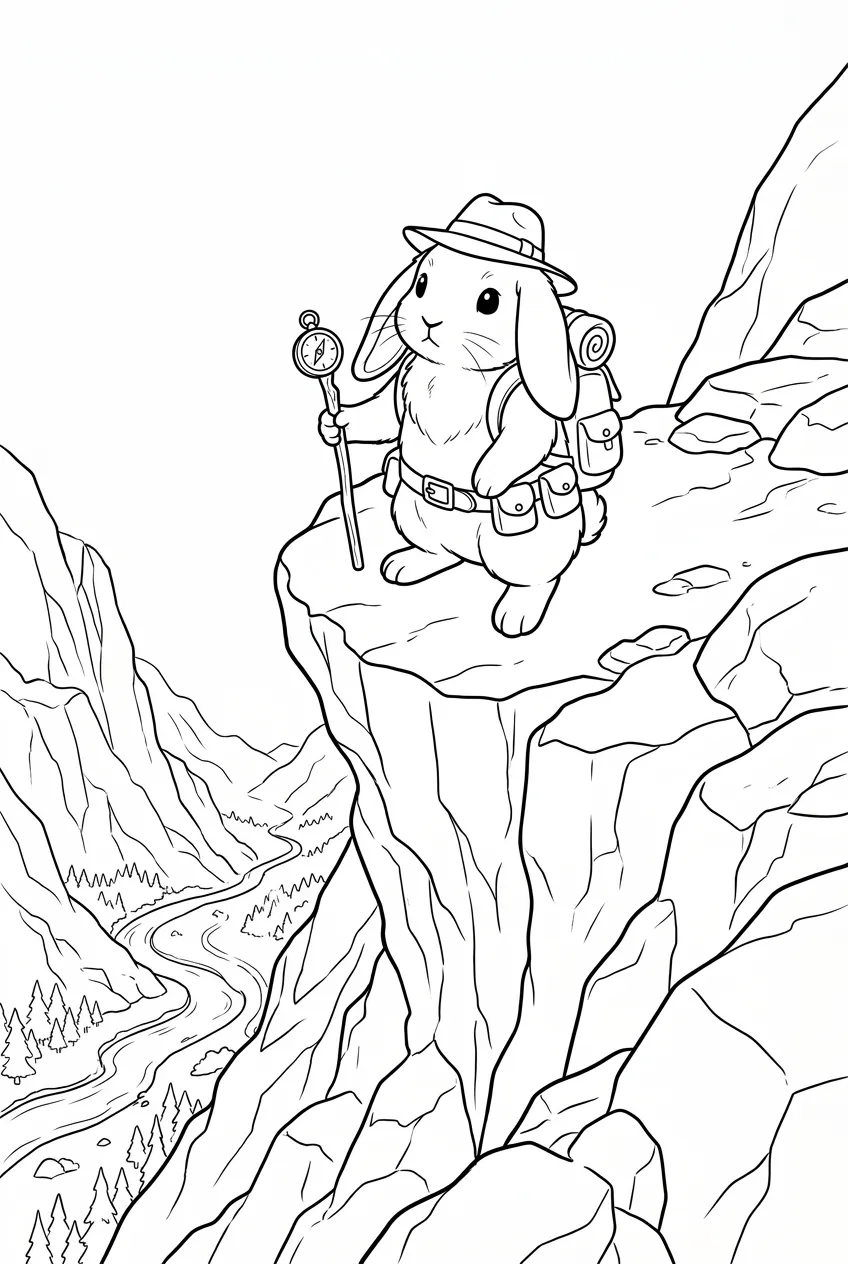 Angles
Camera angles & orientations
Camera positioned above eye level, looking down at the subject. Creates vulnerability, smallness, or overview perspective. Subject appears diminished or subordinate in the frame.
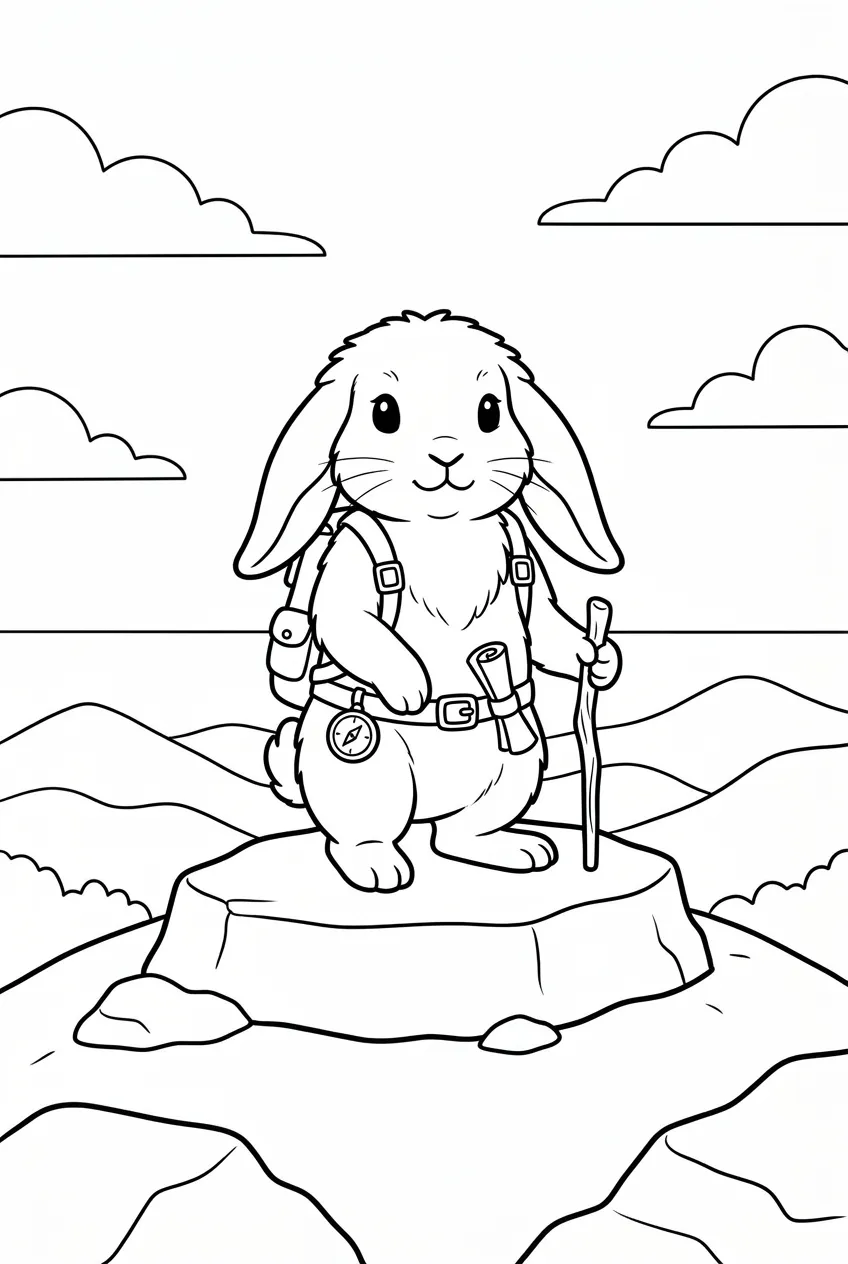 Angles
Camera angles & orientations
Camera positioned at the subject's eye height, creating neutral, natural perspective. Establishes equality and realism, neither empowering nor diminishing the subject.
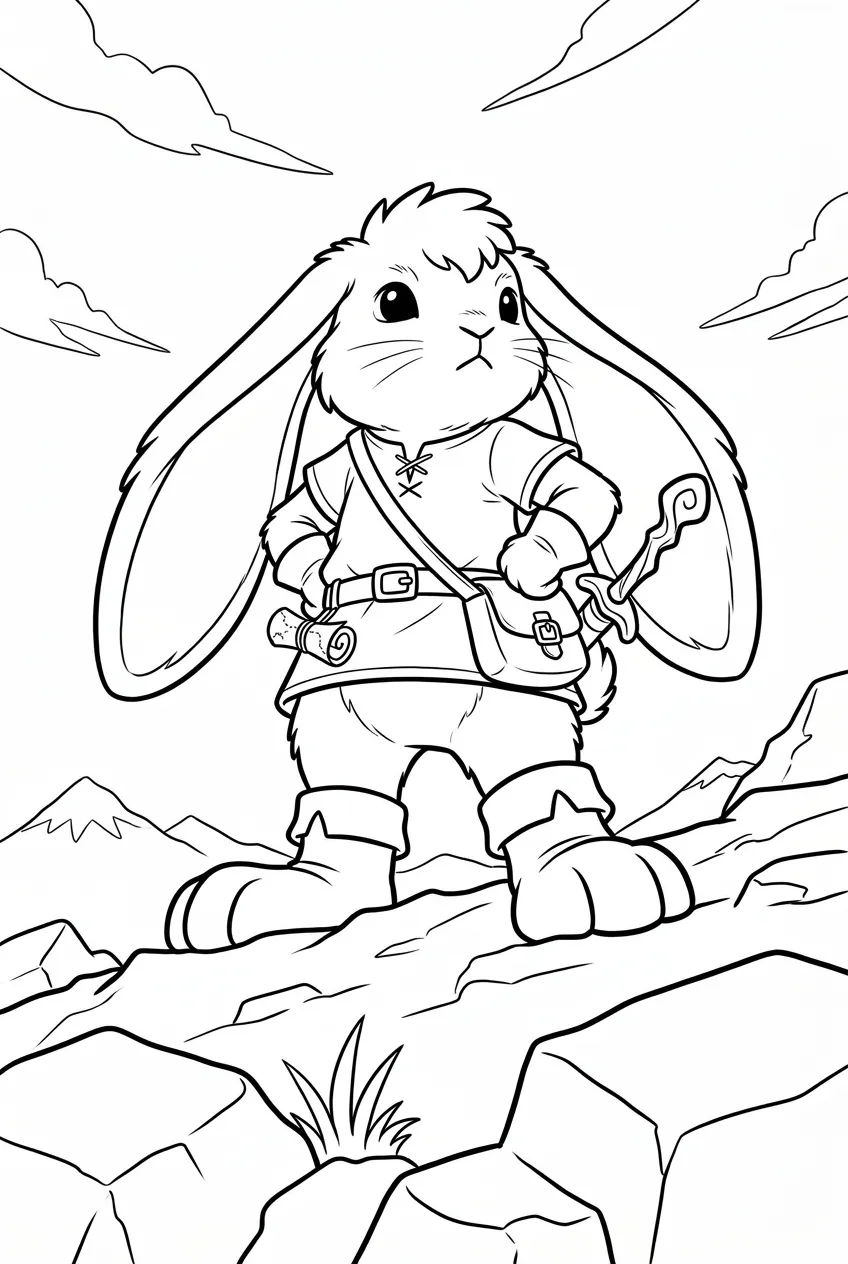 Angles
Camera angles & orientations
Camera positioned very close to ground level, looking sharply upward. Creates dramatic scale distortion, towering effect, and powerful sense of dominance or intimidation.
 Angles
Camera angles & orientations
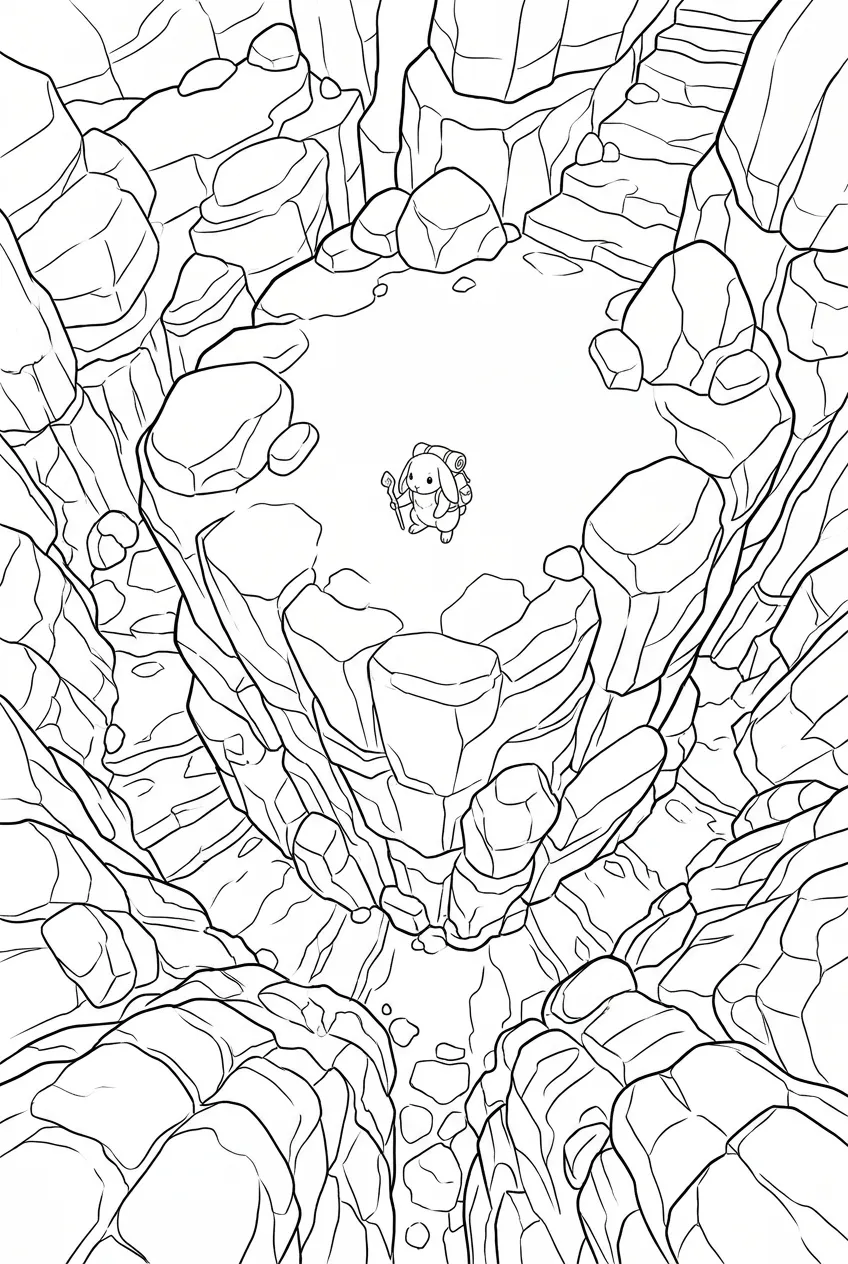
Camera positioned far above subject, looking steeply downward. Creates isolation, vulnerability, or god's-eye perspective. Subject appears tiny within vast environment.
 Angles
Camera angles & orientations
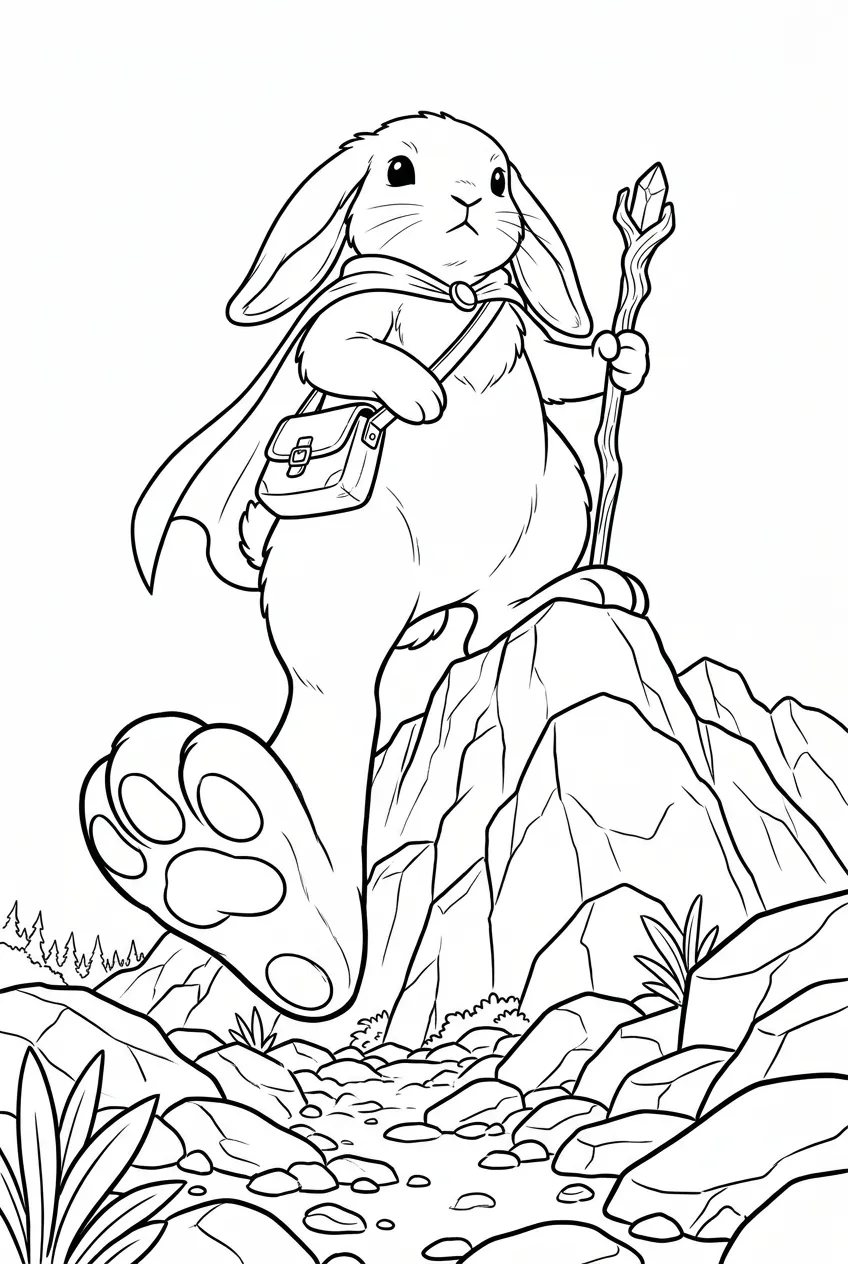
View from below the subject, worm's-eye perspective, camera close to ground, looking up. Exaggerated scale, low-angle composition, emphasizing height and dominance of the subject.
 Angles
Camera angles & orientations
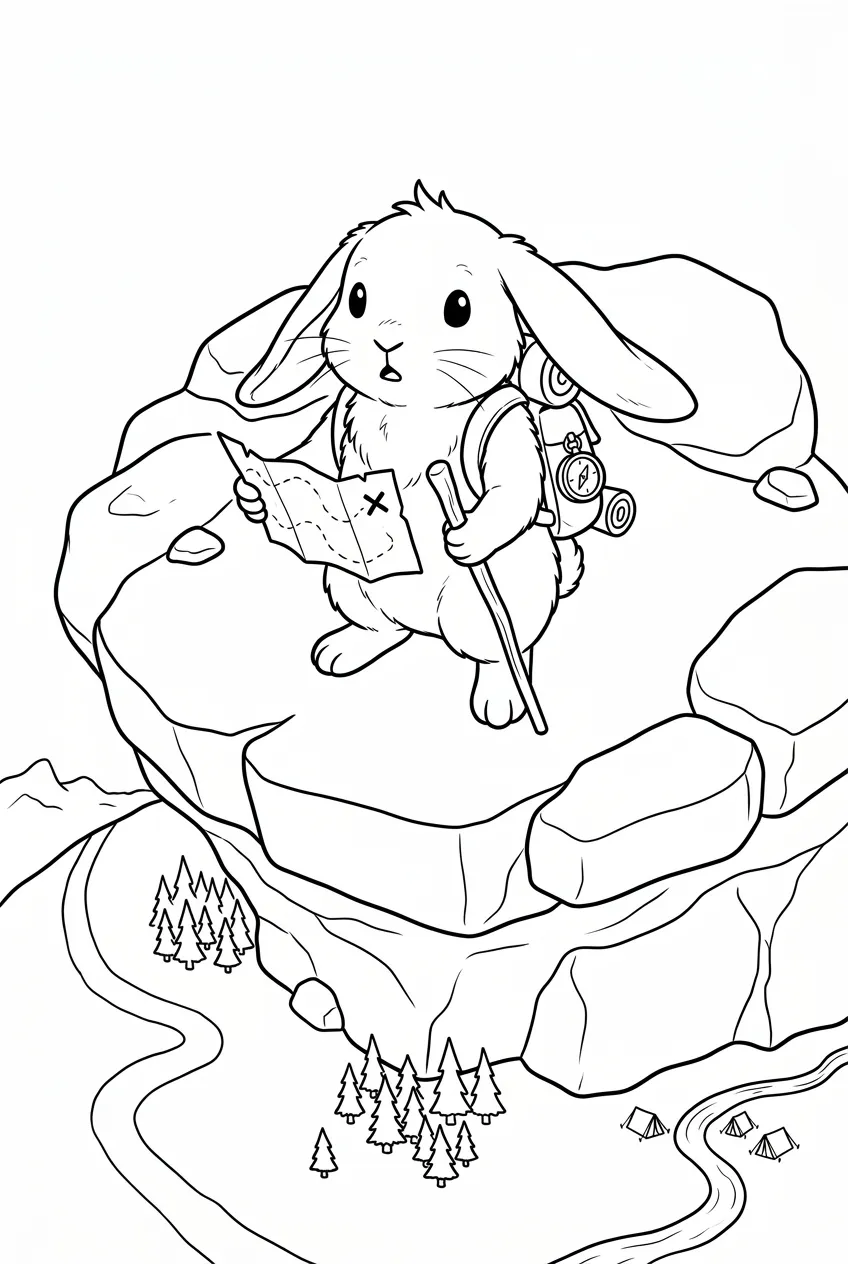
The camera is placed above the subject, angled downward to create a clear bird's-eye view without distortion.
 Angles
Camera angles & orientations
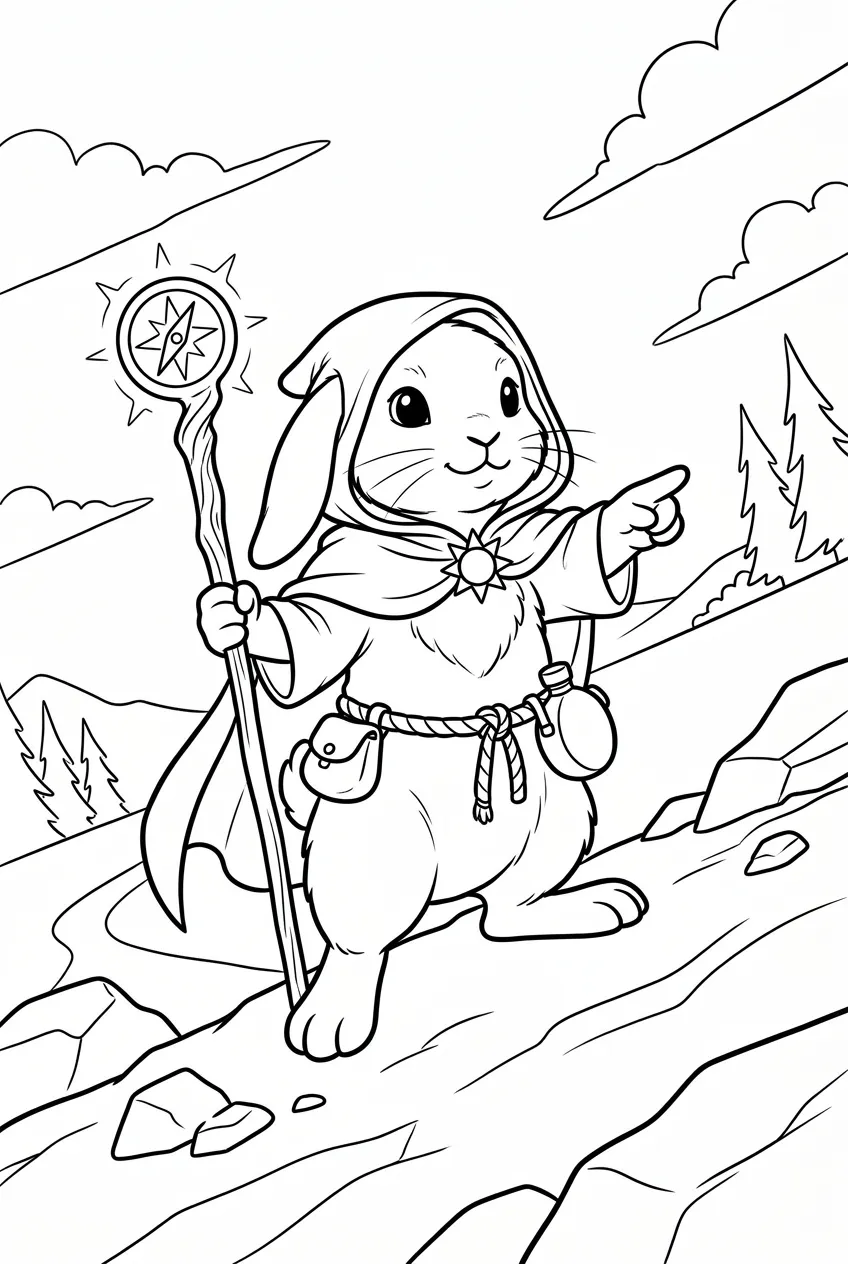
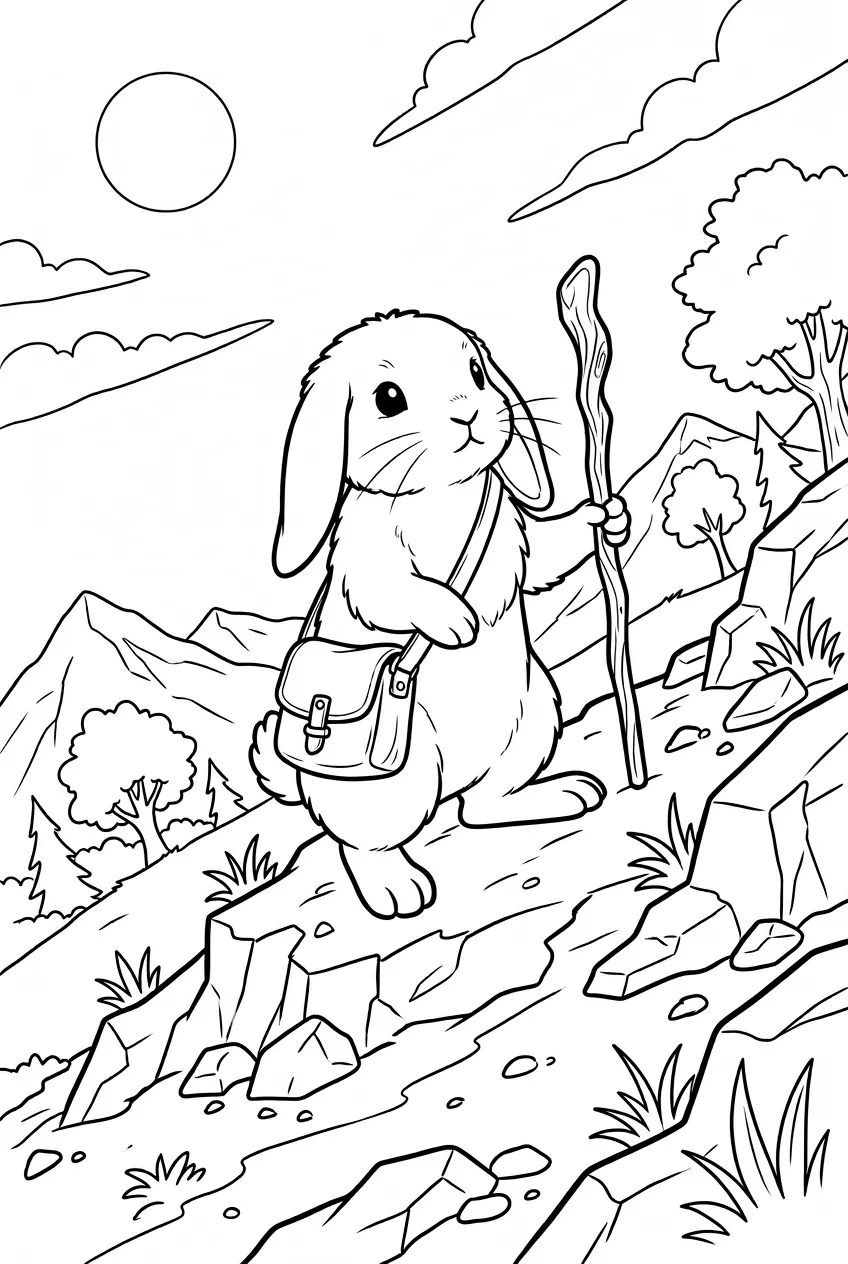
The camera is intentionally tilted off-balance on the roll axis, giving the composition a diagonal, dynamic feel, but with only a small tilt instead of a full rotation.
 Angles
Camera angles & orientations
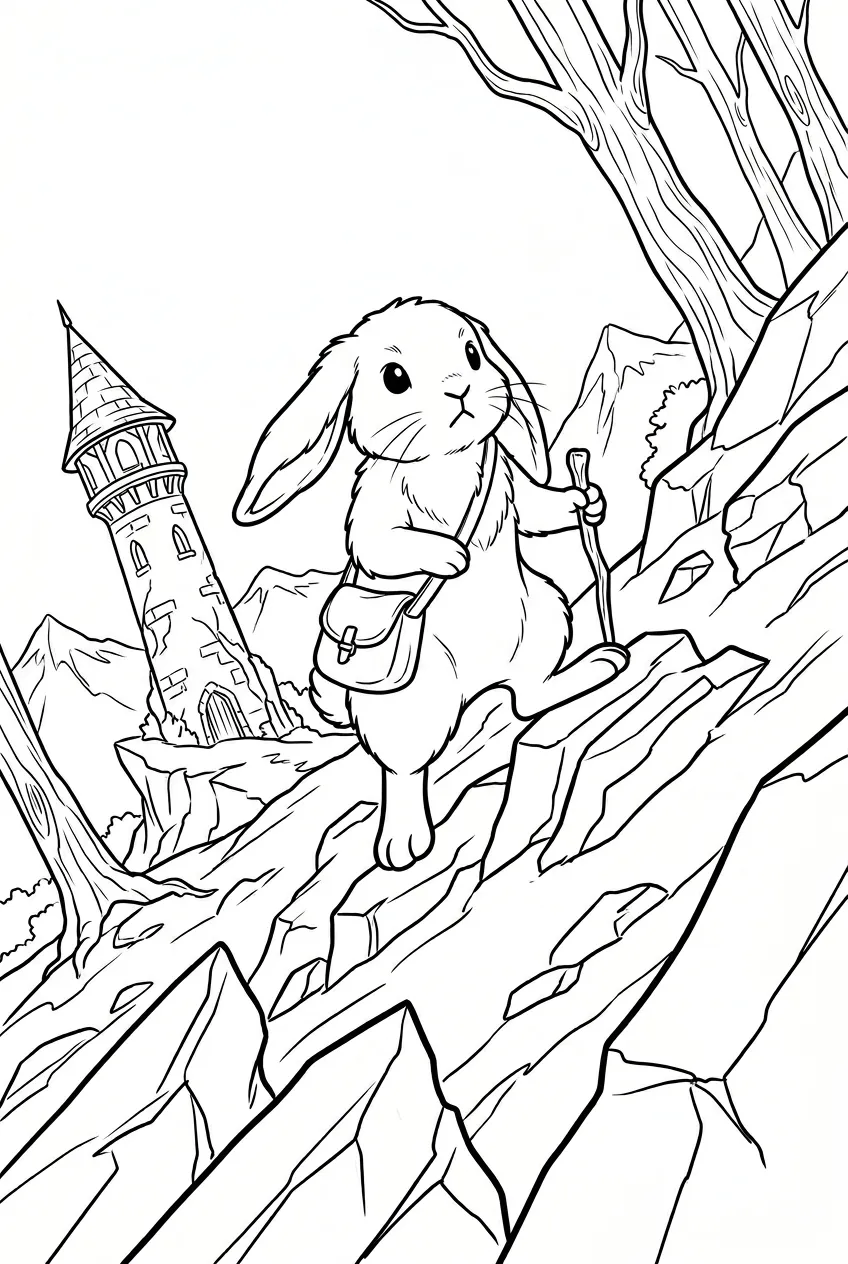
Camera rolled on its axis, creating slanted horizon line and diagonal perspective. Generates tension, disorientation, or psychological unease in the frame.
 Angles
Camera angles & orientations
Camera tilted sideways off horizontal axis, creating oblique composition. Conveys instability, tension, or dynamic energy through off-kilter framing.
 Angles
Camera angles & orientations
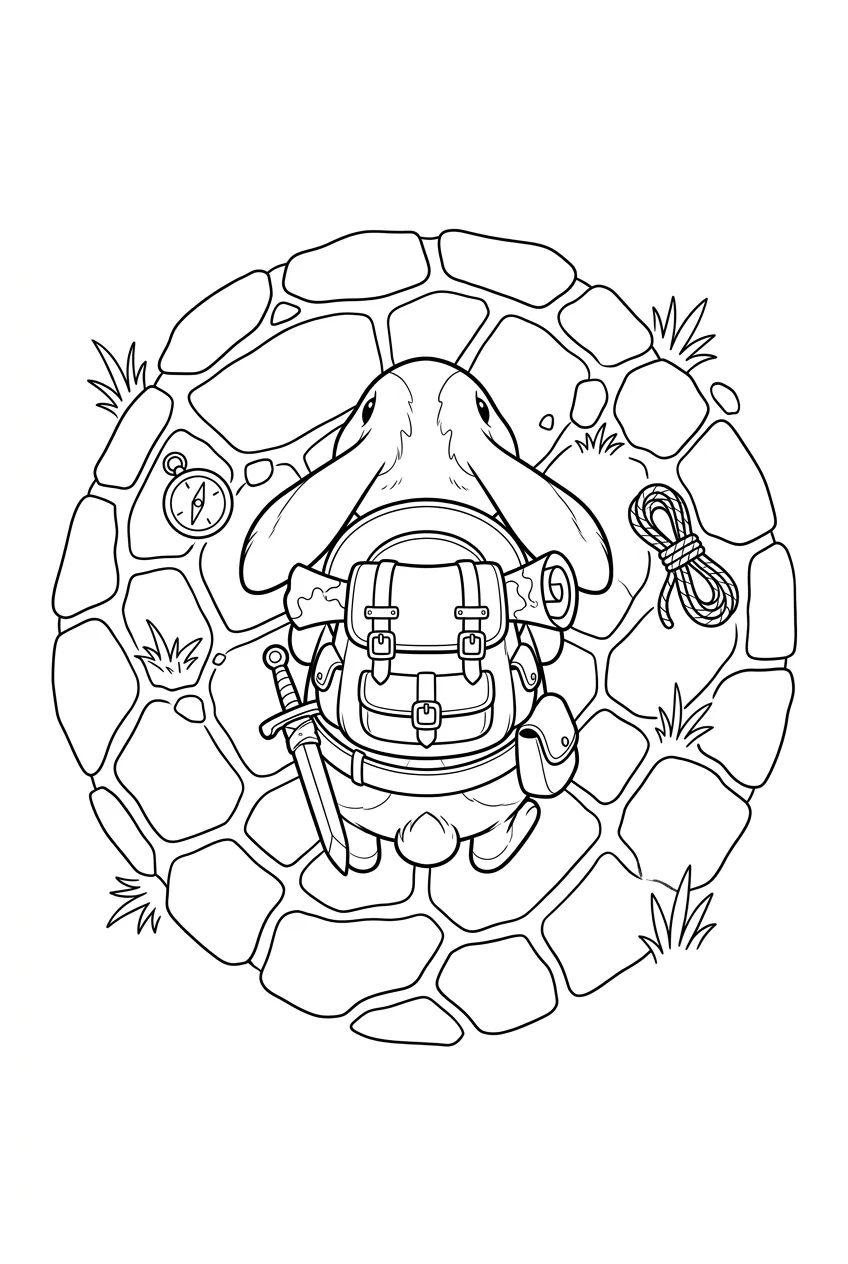
Camera positioned directly above subject, pointing straight down. Creates flat, graphic composition showing spatial relationships and patterns from above.
 Angles
Camera angles & orientations
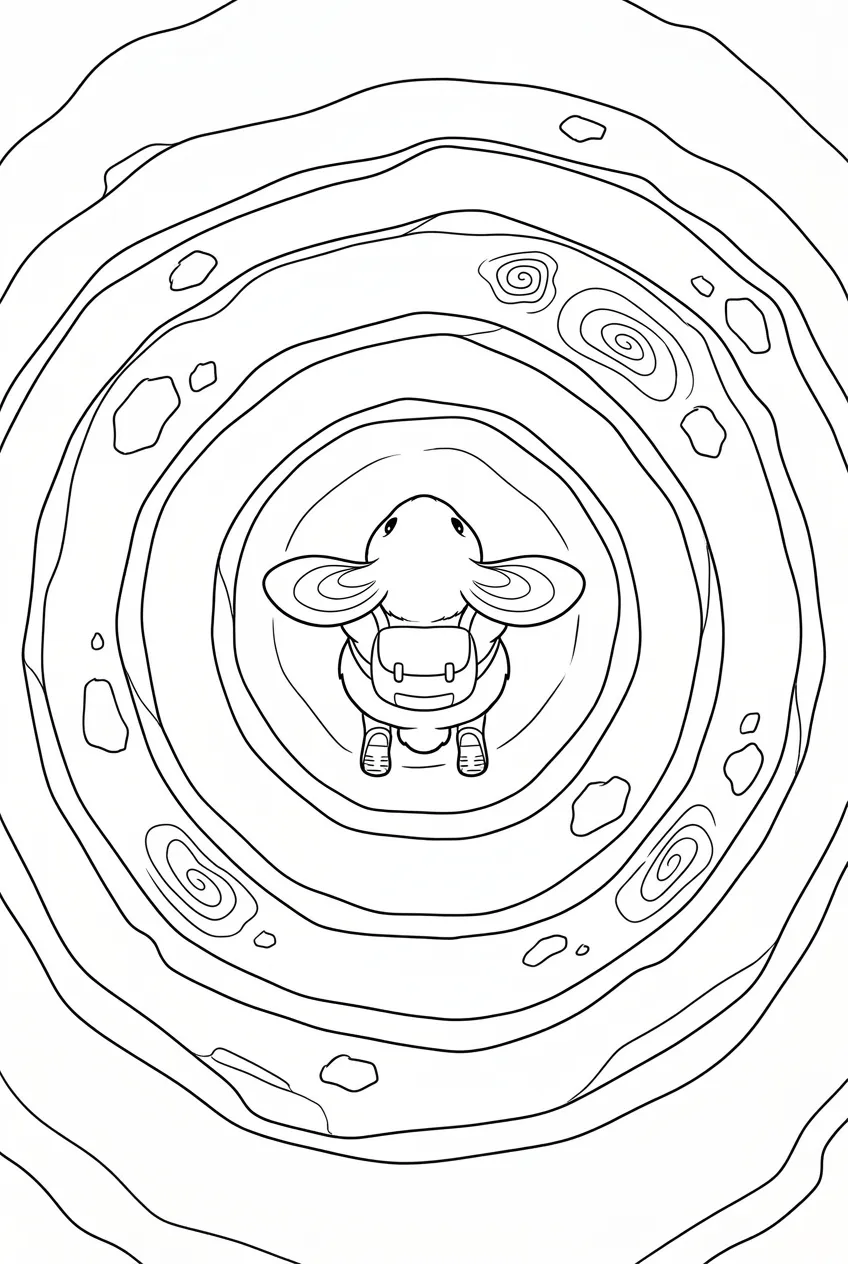
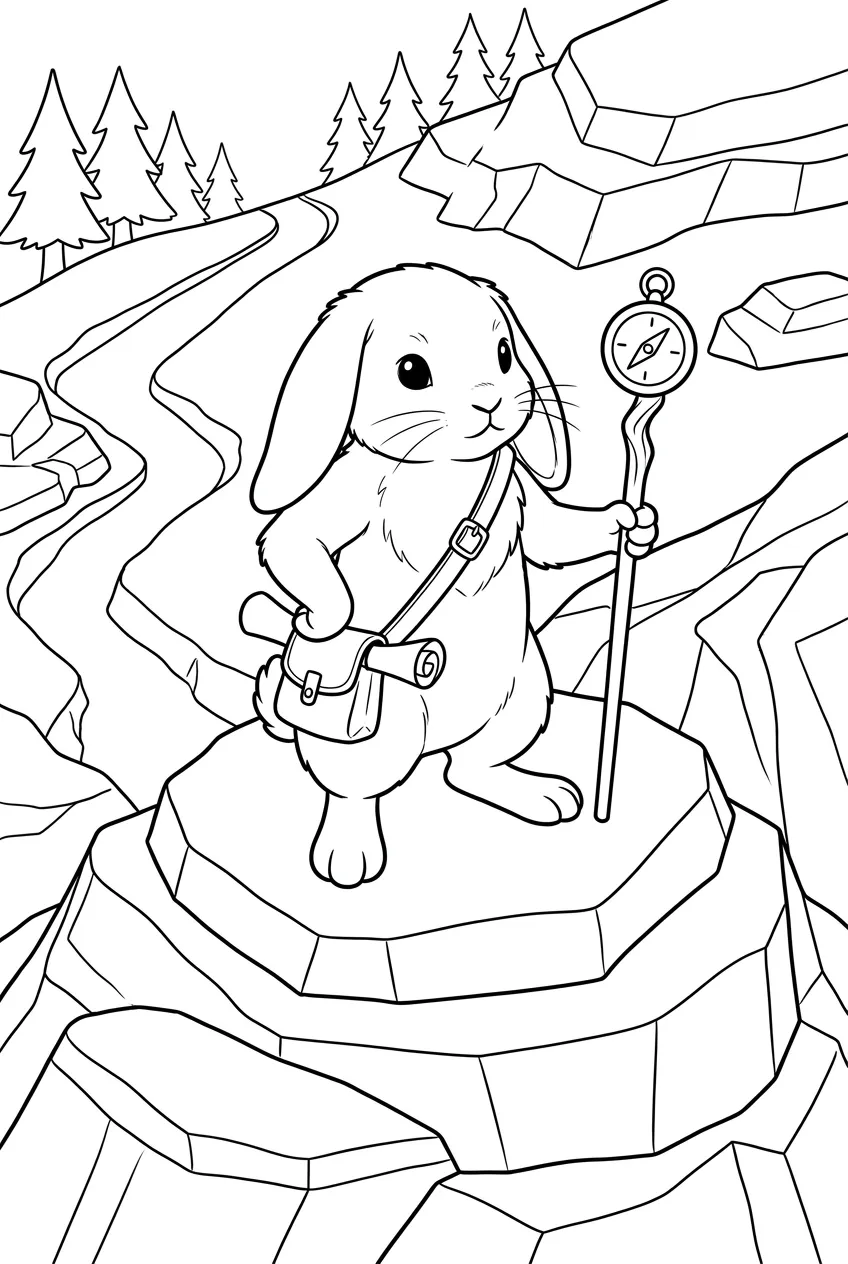
Camera looking directly downward onto subject from above. Emphasizes layout, arrangement, and spatial design with flattened perspective.
 Angles
Camera angles & orientations
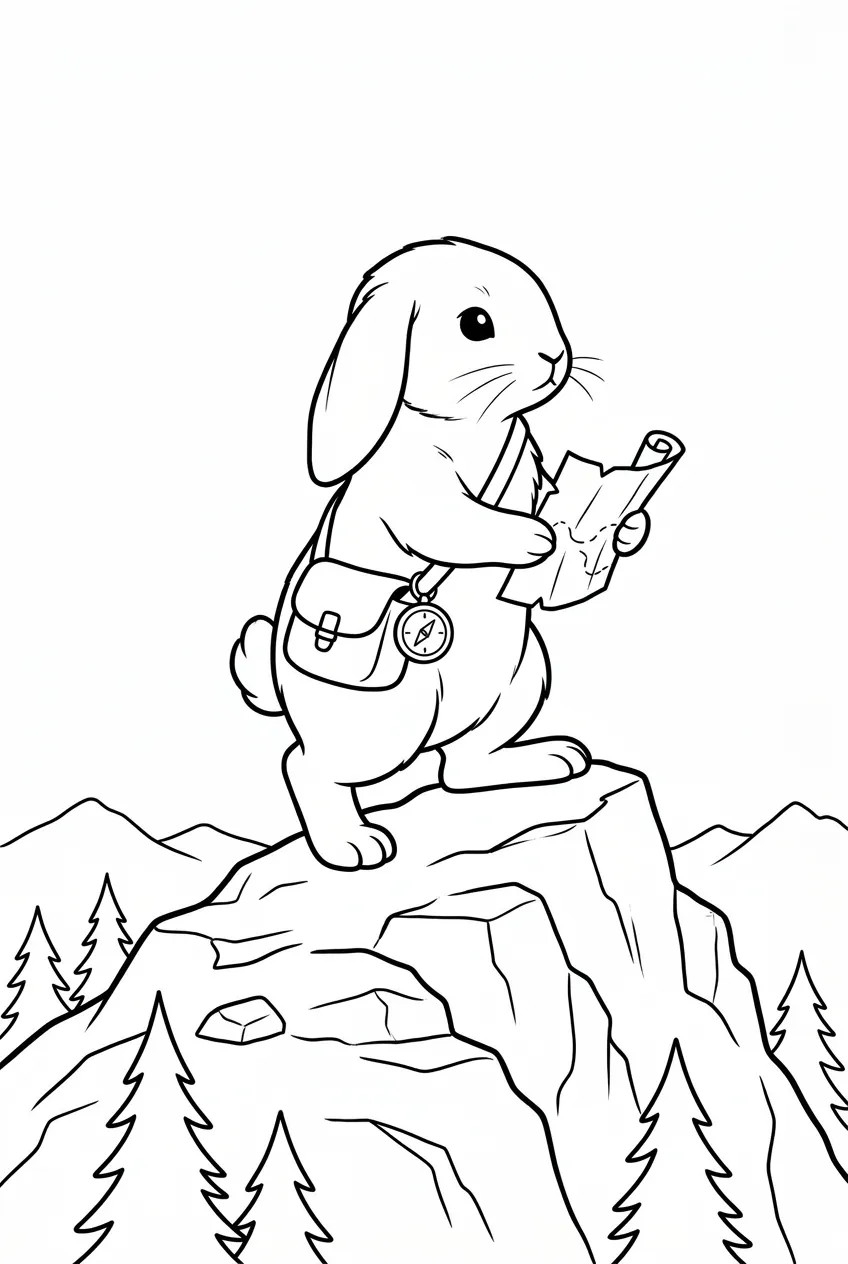
Camera positioned at diagonal angle to subject, neither parallel nor perpendicular. Creates depth, dimension, and dynamic three-dimensional perspective.
 Angles
Camera angles & orientations
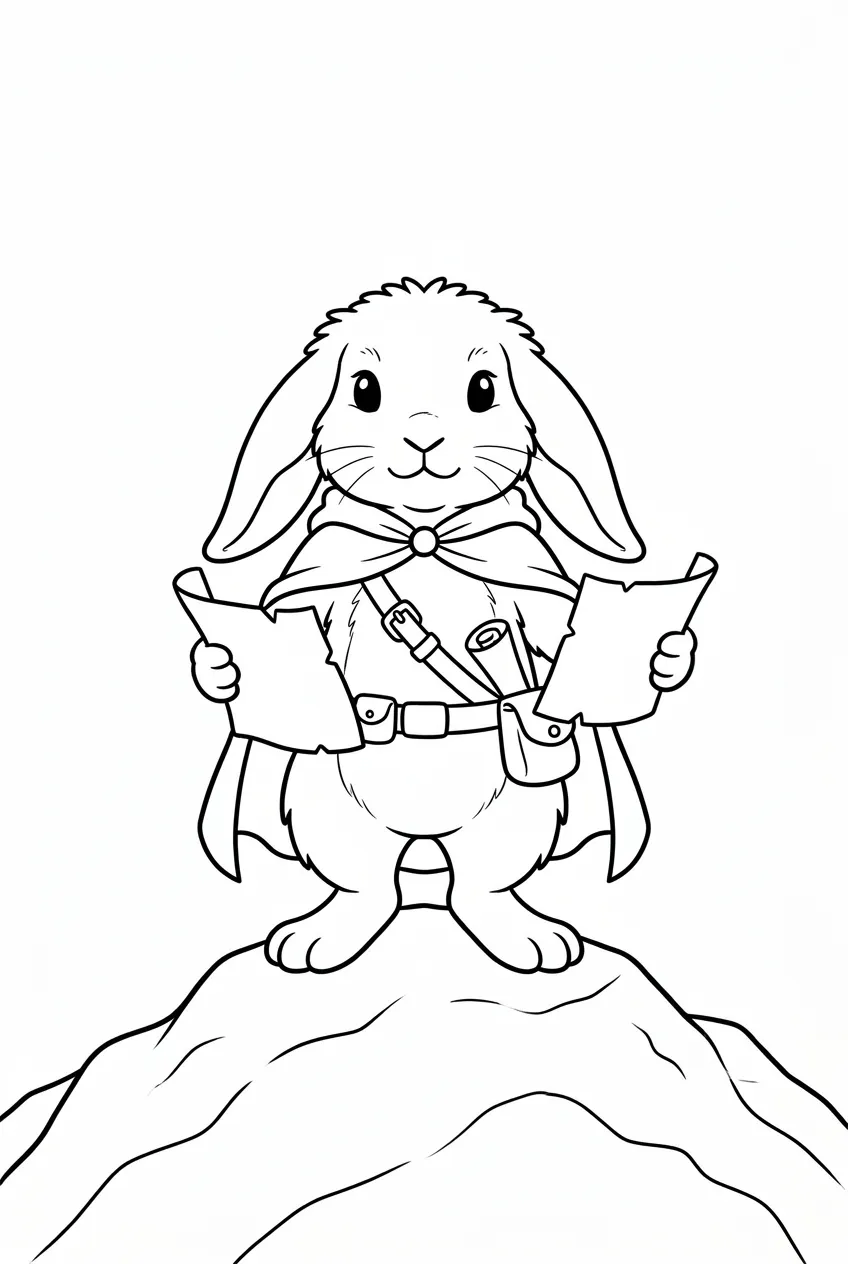
Camera positioned perpendicular to subject, capturing pure profile view. Emphasizes silhouette, outline, and lateral dimension of subject.
 Angles
Camera angles & orientations
Camera positioned directly in front of subject, creating symmetrical frontal view. Establishes direct confrontation, intimacy, or formal presentation.
 Angles
Camera angles & orientations
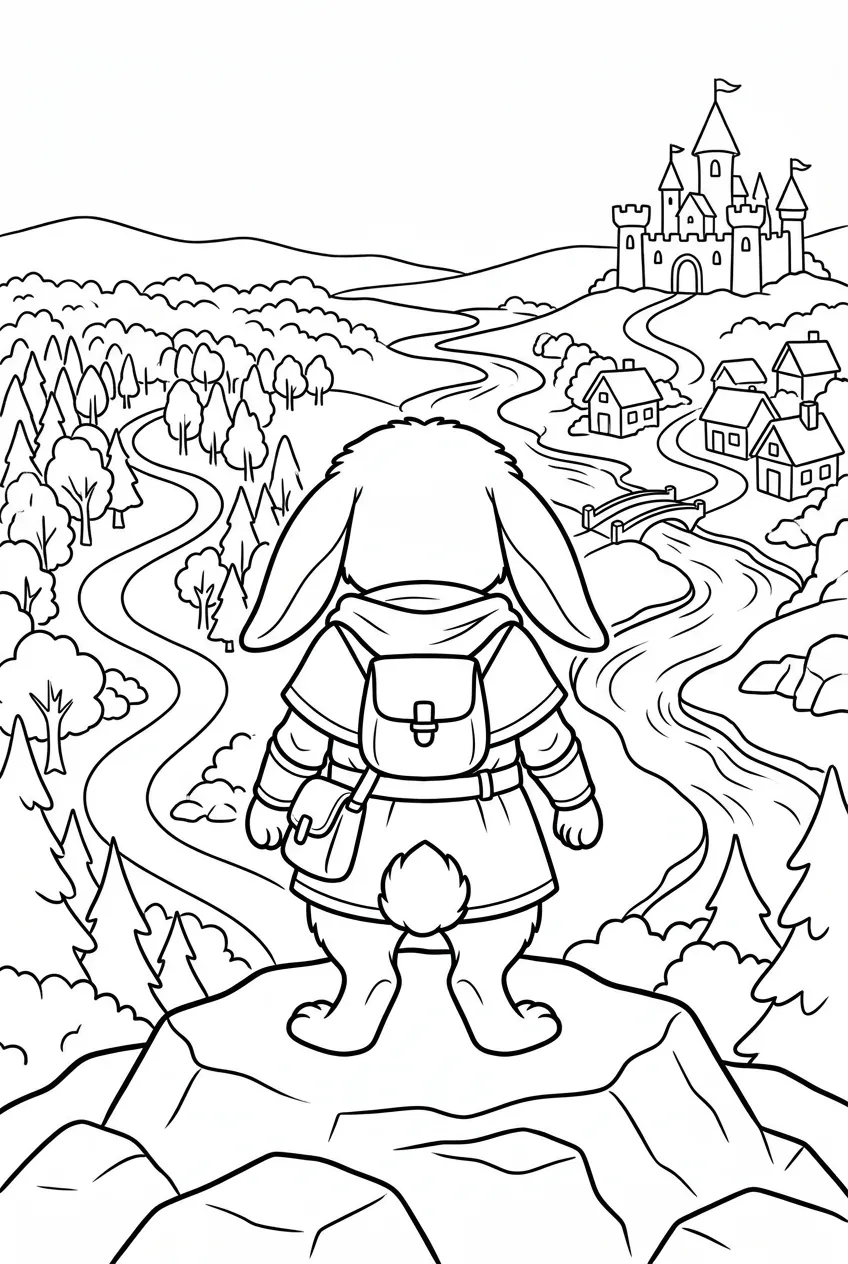
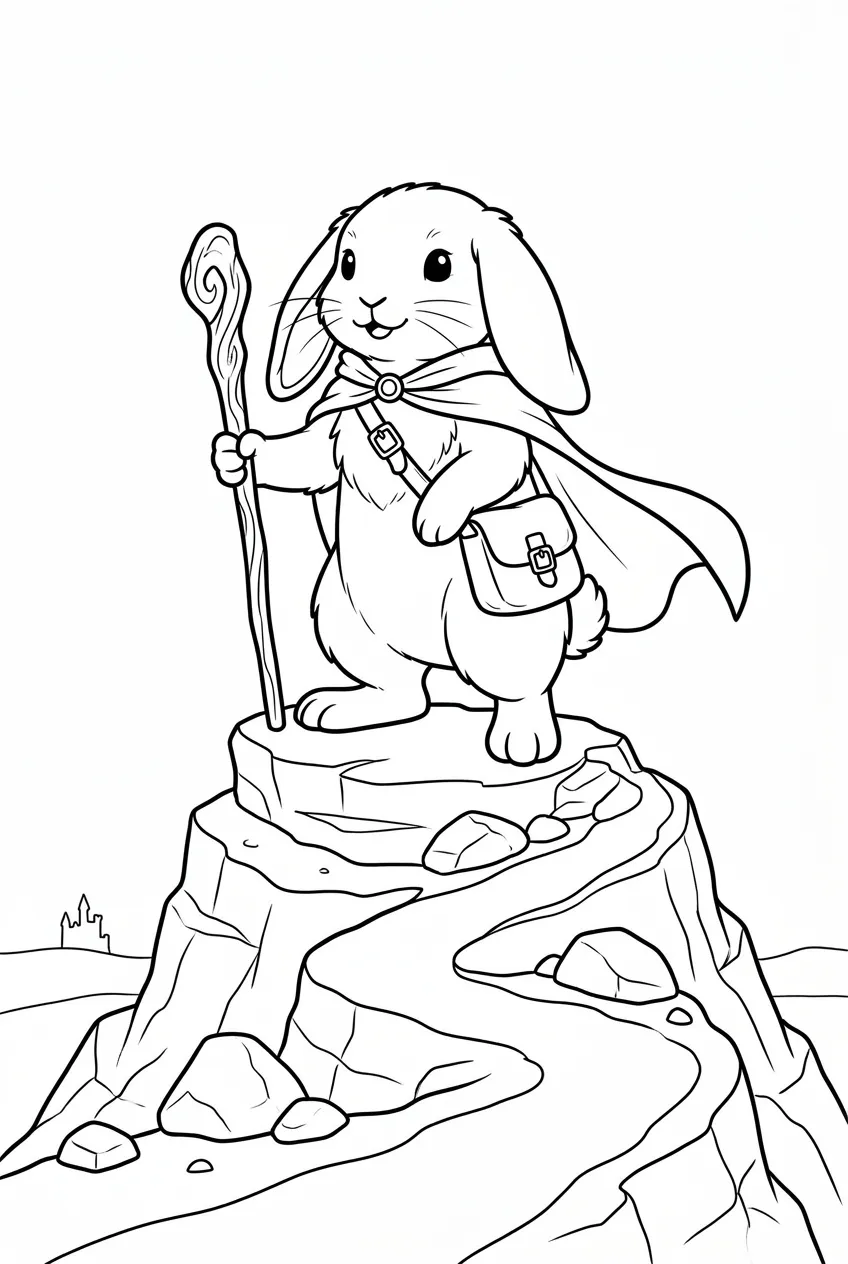
Camera positioned behind subject, showing rear view. Creates mystery, anonymity, or shares subject's perspective of what lies ahead.
 Angles
Camera angles & orientations
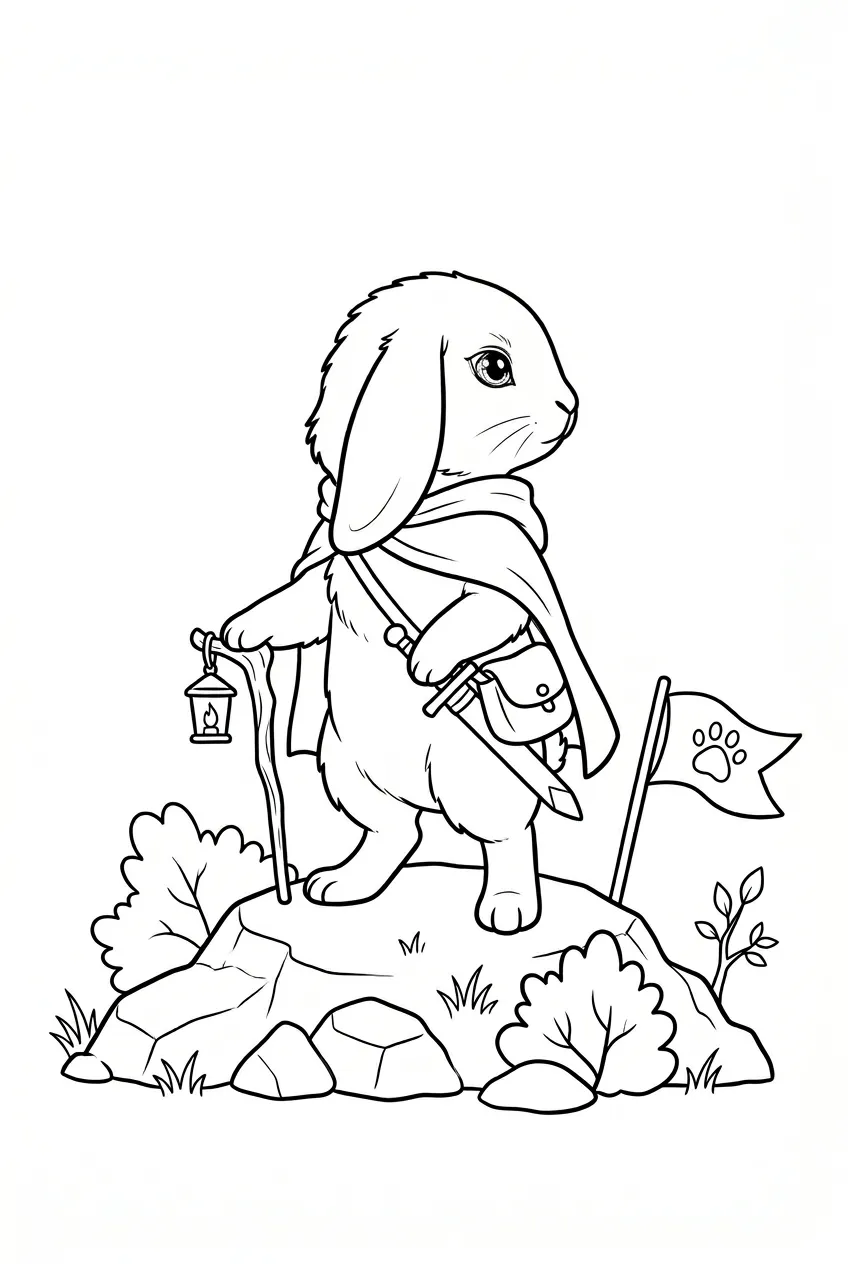
Camera positioned at 45-degree angle to subject, showing both front and side. Creates depth, dimensionality, and natural, flattering perspective.
 Angles
Camera angles & orientations
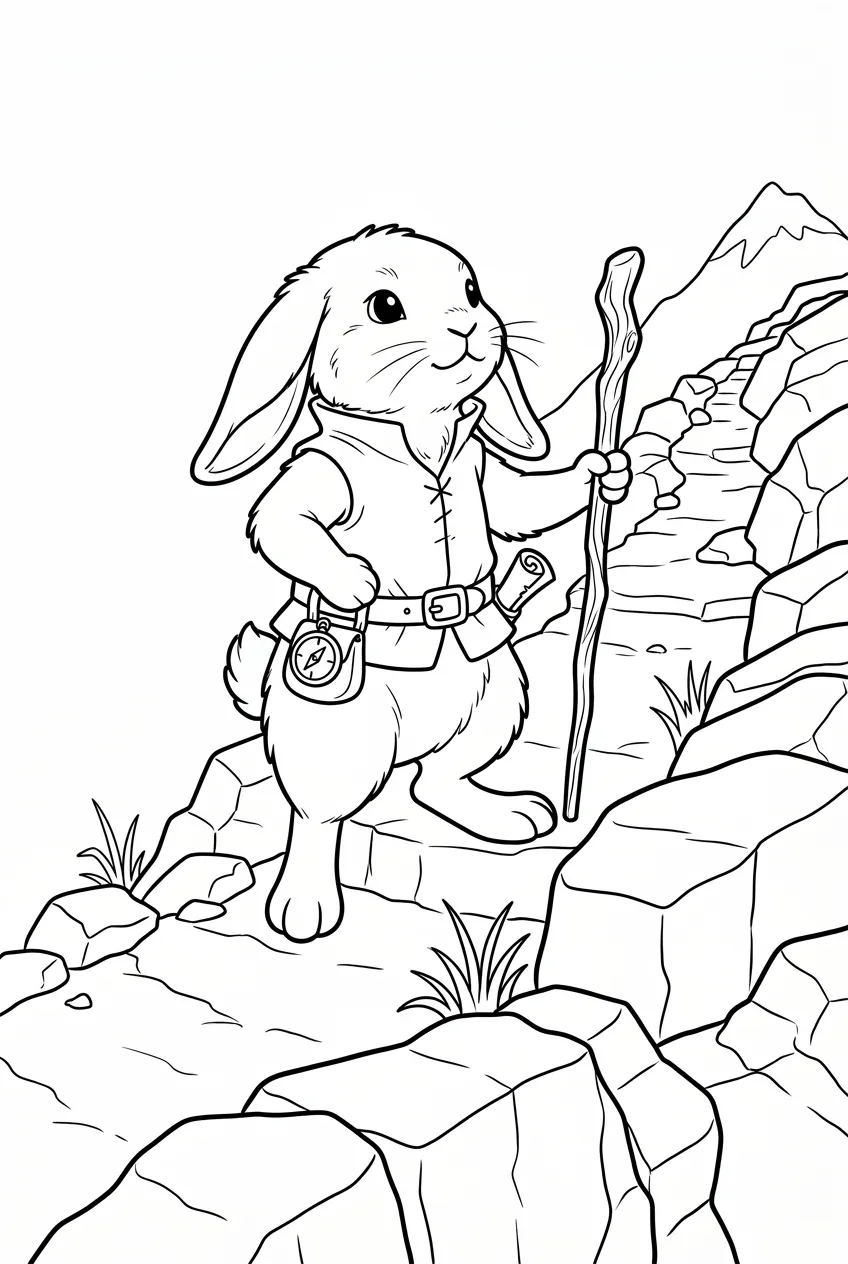
Camera capturing subject from pure side view, showing complete silhouette. Emphasizes facial features, body contour, and outline against background.
 Angles
Camera angles & orientations
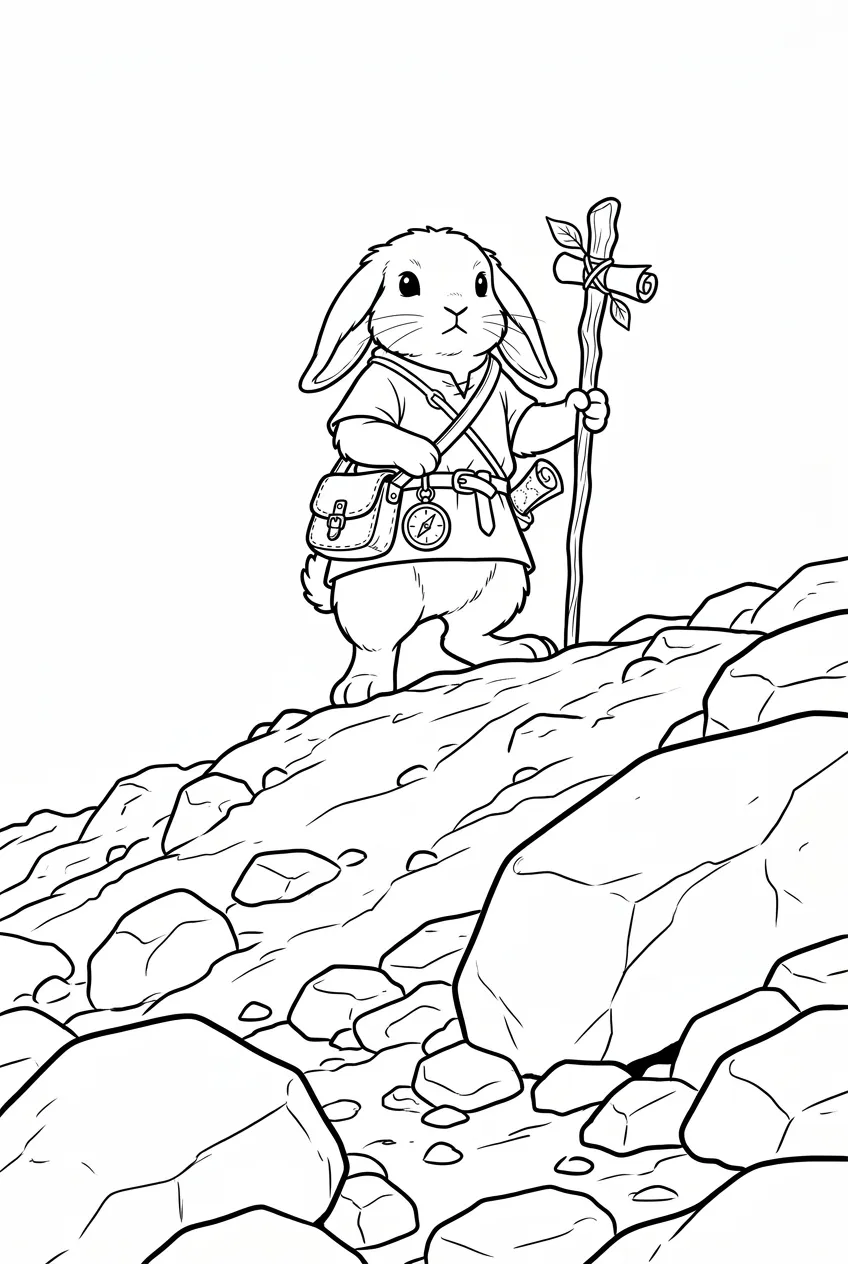
The composition positions the subject along a bold diagonal path, enhancing energy and flow within the frame.
 Angles
Camera angles & orientations
Camera angled upward from lower position, gradually revealing subject from bottom to top. Creates anticipation, grandeur, or revealing movement.
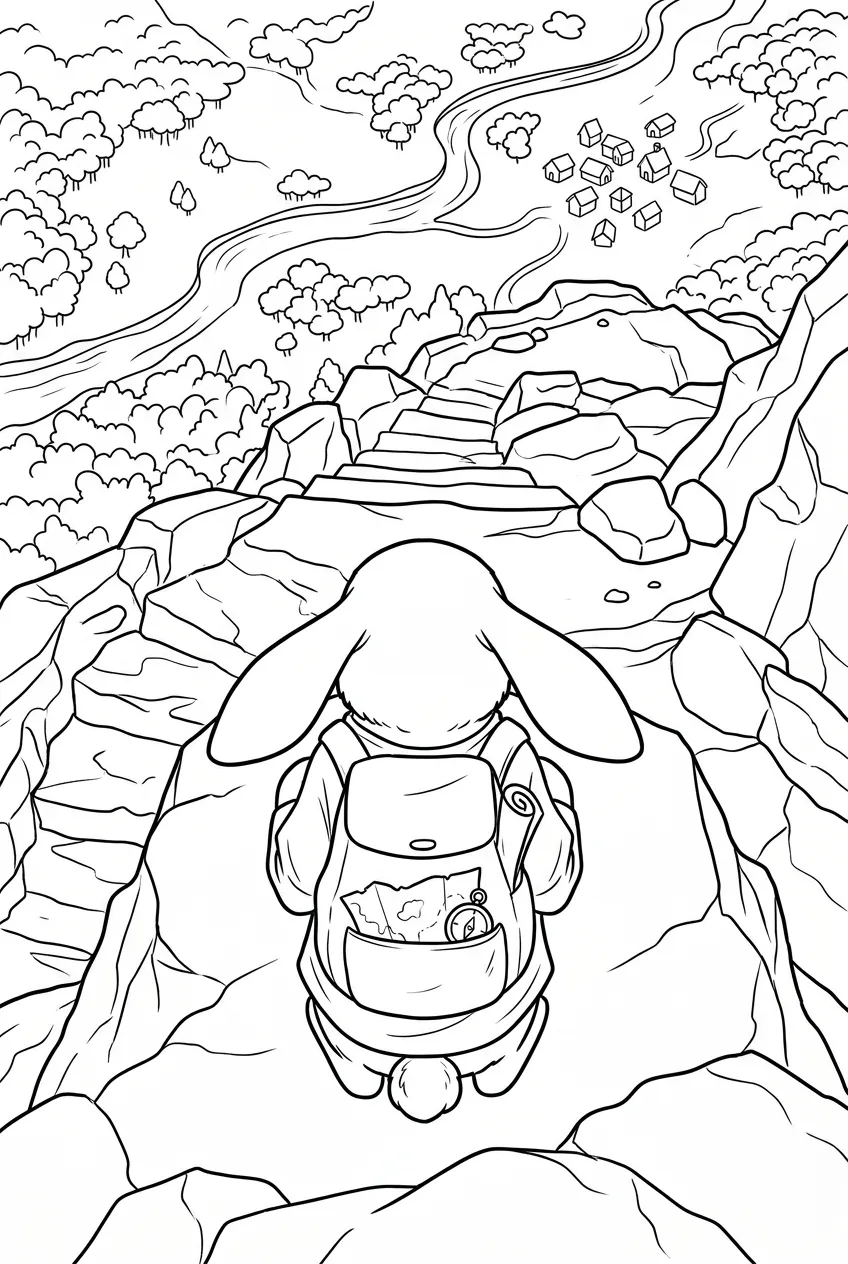 Angles
Camera angles & orientations
Camera angled downward from higher position, showing subject from top descending. Creates survey, assessment, or descending perspective.
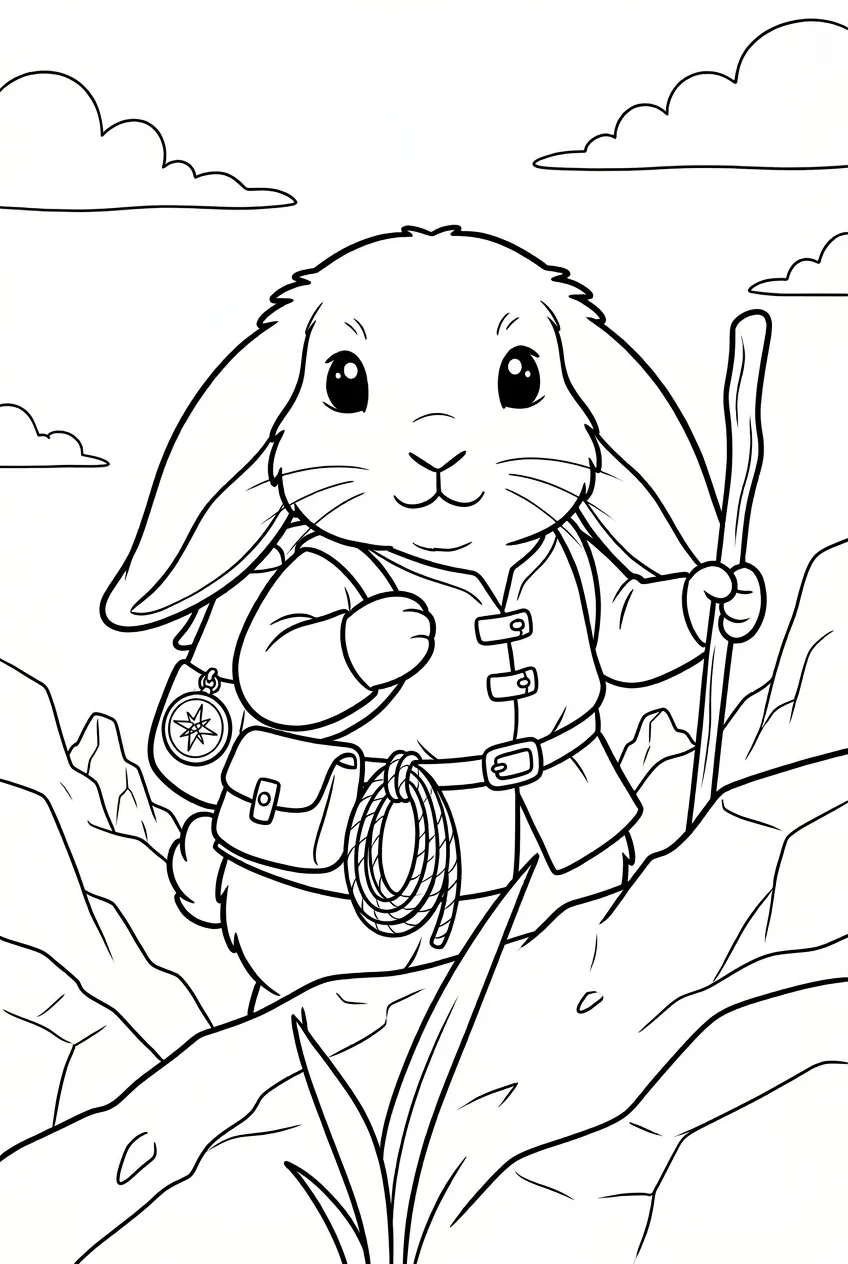 Angles
Camera angles & orientations
Camera positioned to replicate exact perspective of a character's eyes. Creates immersive, subjective experience of seeing through character's viewpoint.
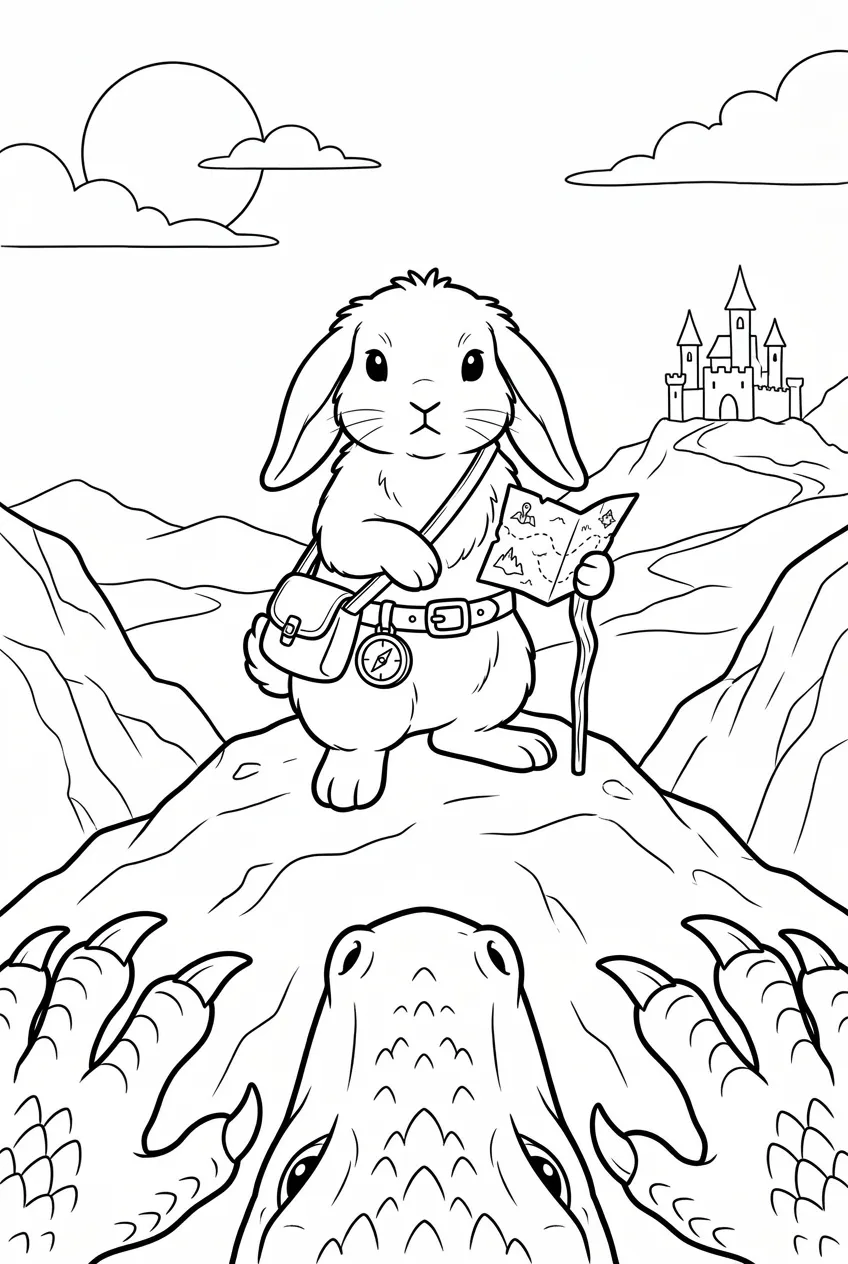 Angles
Camera angles & orientations
Camera showing what is looking at the POV character. Reveals the subject of character's gaze, completing visual conversation between perspectives.
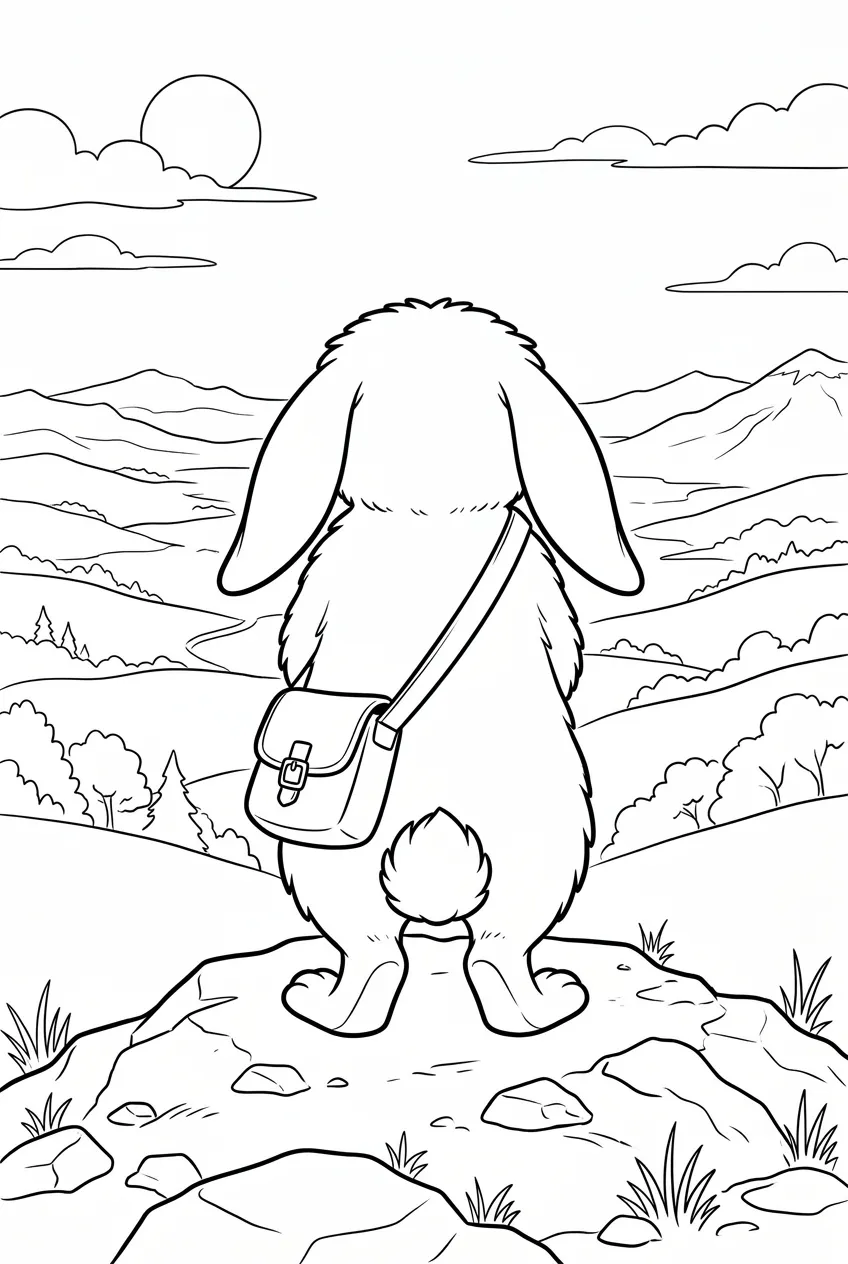 Angles
Camera angles & orientations
Subject positioned with back toward camera, facing away. Creates anonymity, contemplation, or shares subject's forward-looking perspective.
16 prompts in this section
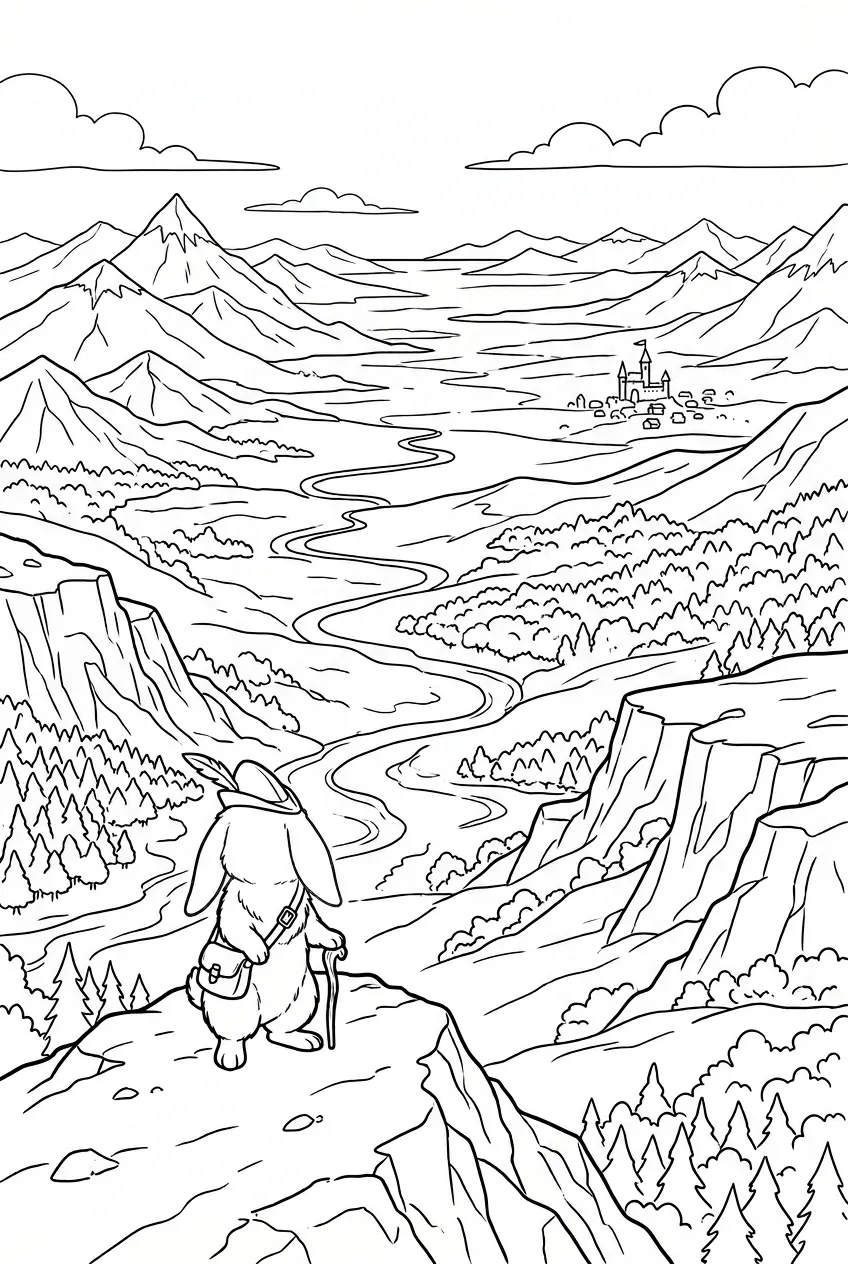 Shots
ShotsCamera shots (framing / distance)
Camera positioned very far from subject, showing vast environment. Subject appears small within expansive landscape, emphasizing scale and context.
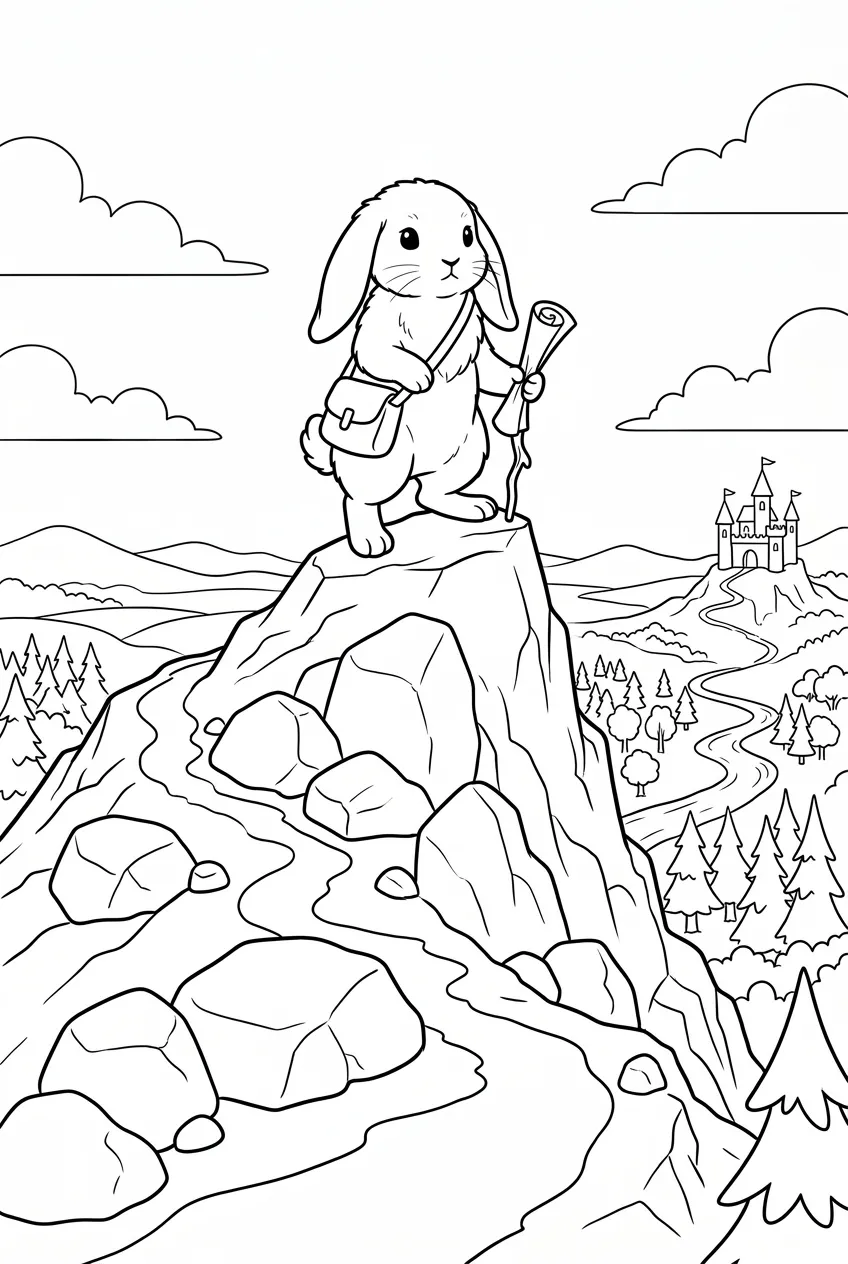 Shots
ShotsCamera shots (framing / distance)
Camera captures subject fully within environment, showing complete body and surrounding space. Establishes location, context, and spatial relationships.
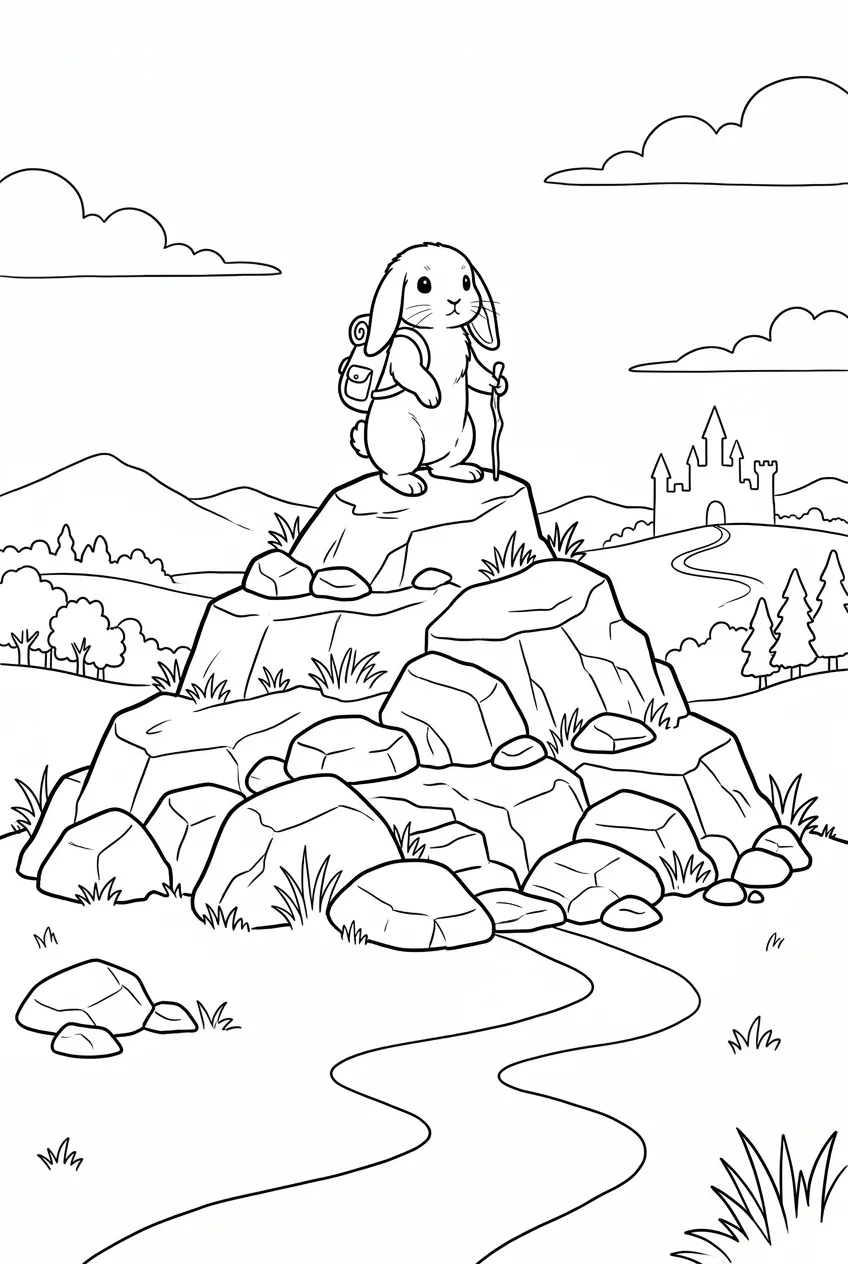 Shots
ShotsCamera shots (framing / distance)
Camera positioned at distance showing full subject from head to toe with surrounding space. Balances subject presence with environmental context.
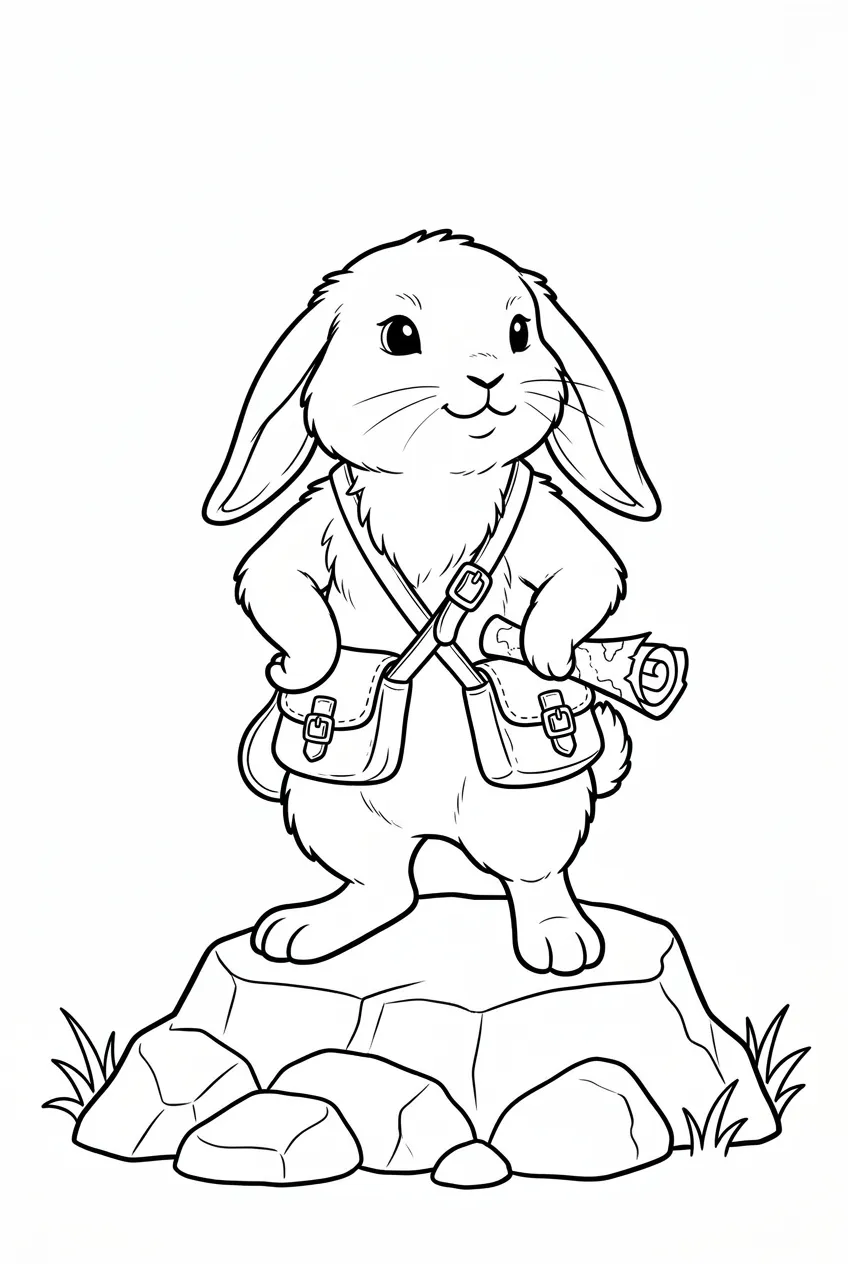 Shots
ShotsCamera shots (framing / distance)
Camera framing captures subject's entire body from head to feet. Shows complete physical presence, posture, and body language within frame.
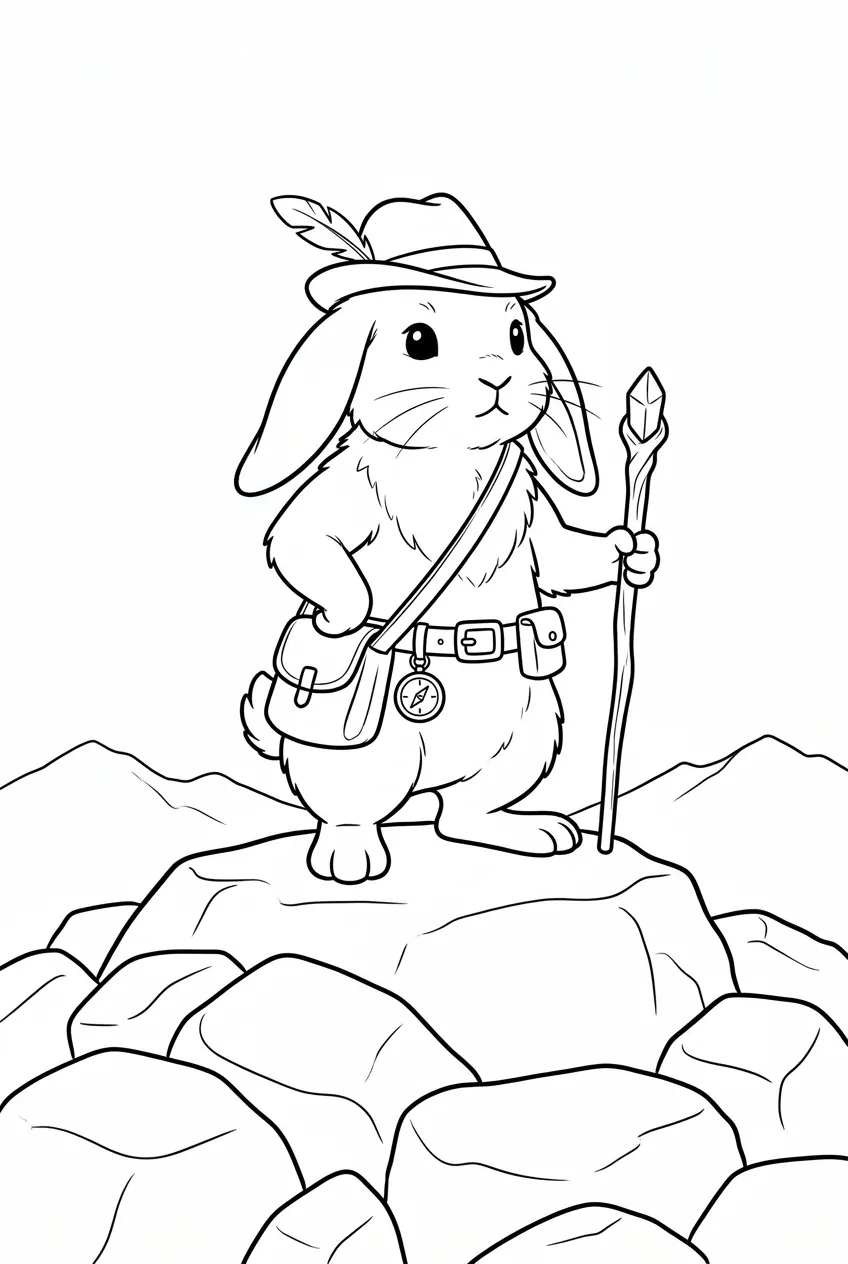 Shots
ShotsCamera shots (framing / distance)
Camera frames subject from approximately knees upward. Often called "cowboy shot," balancing body language visibility with facial detail.
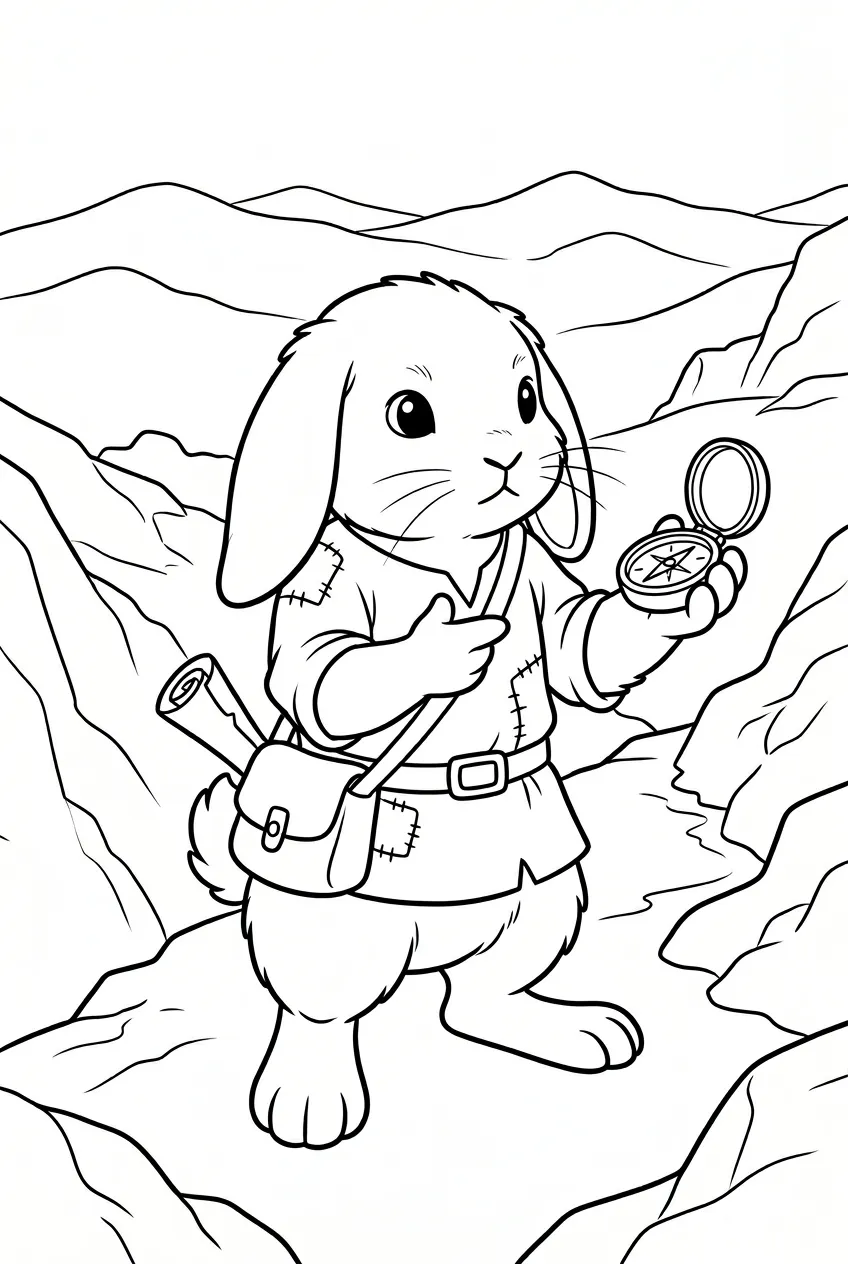 Shots
ShotsCamera shots (framing / distance)
Camera frames subject from waist up, showing torso, arms, and head. Balances facial expression with body language and gestures.
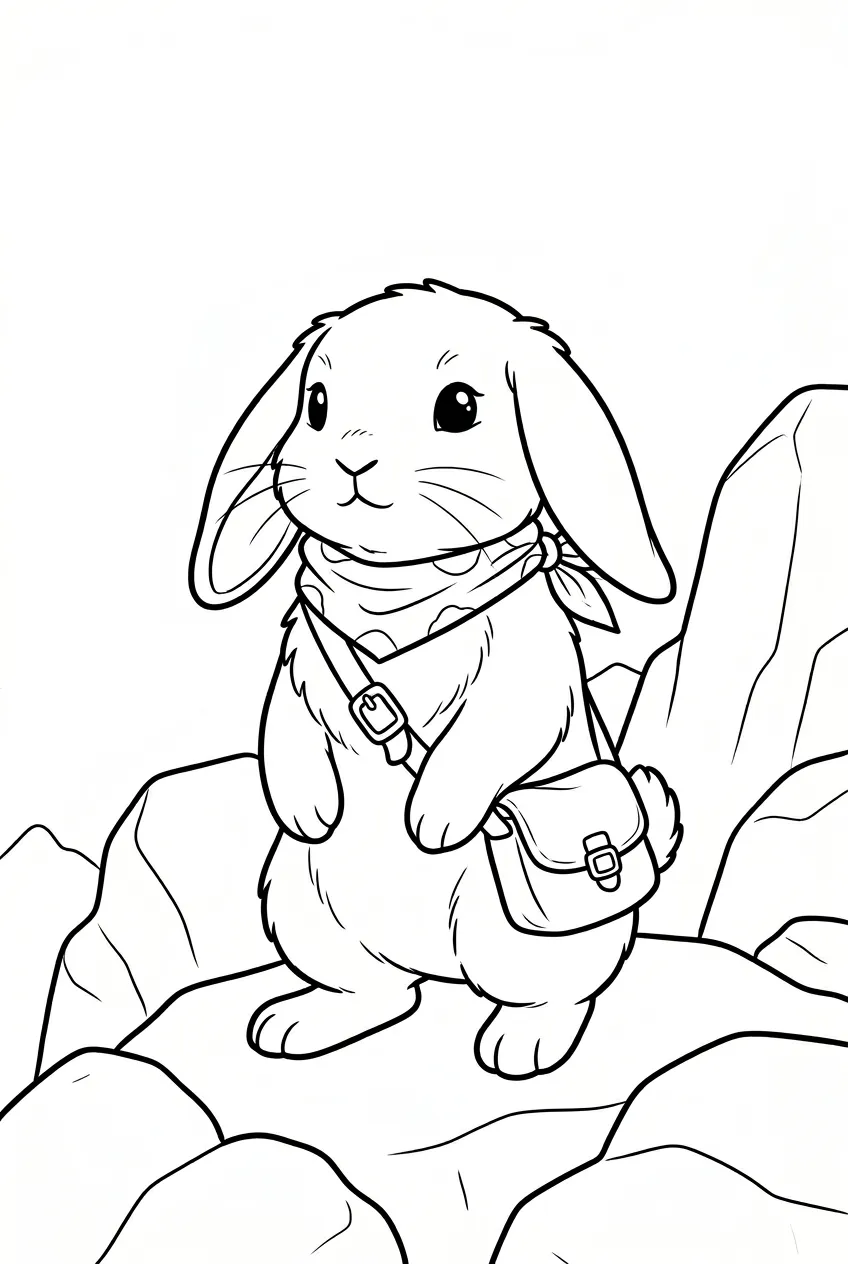 Shots
ShotsCamera shots (framing / distance)
Camera frames subject from chest upward, emphasizing face while including shoulders. Intimate yet maintaining some physical context.
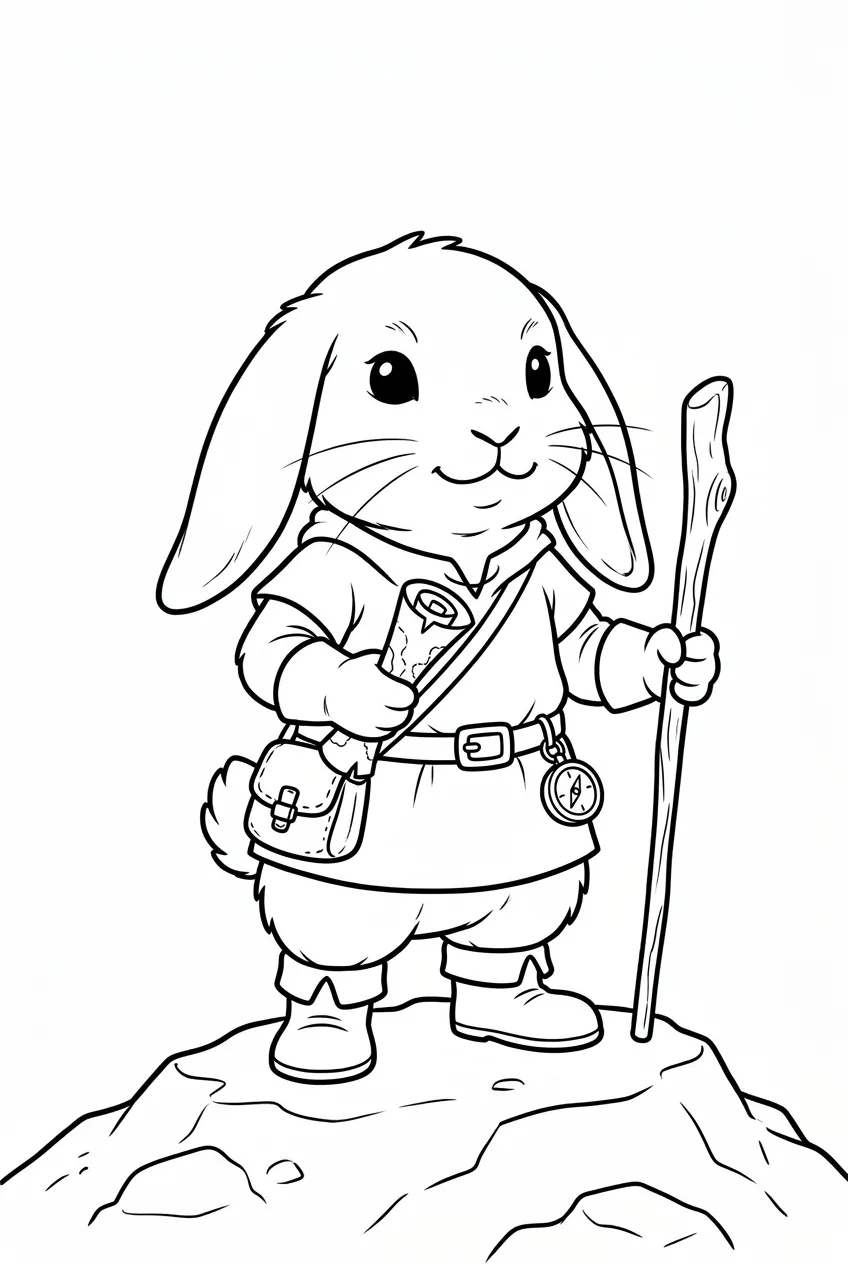 Shots
ShotsCamera shots (framing / distance)
The camera is positioned very near the subject, capturing all subject in the frame.
 Shots
ShotsCamera shots (framing / distance)
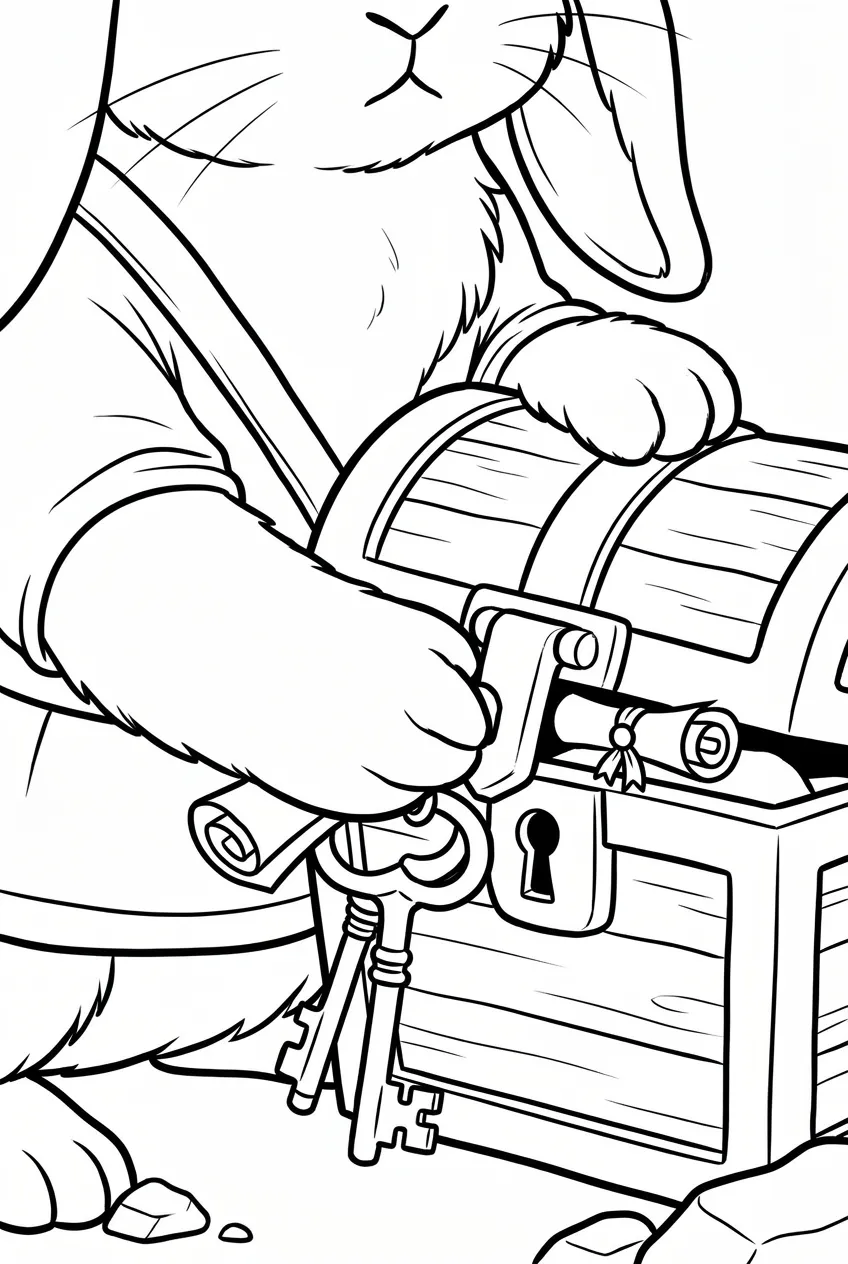
Camera frames very tight on a specific detail such as eyes, mouth, hands, or object. Creates intense intimacy, emphasis, or dramatic focus.
 Shots
ShotsCamera shots (framing / distance)
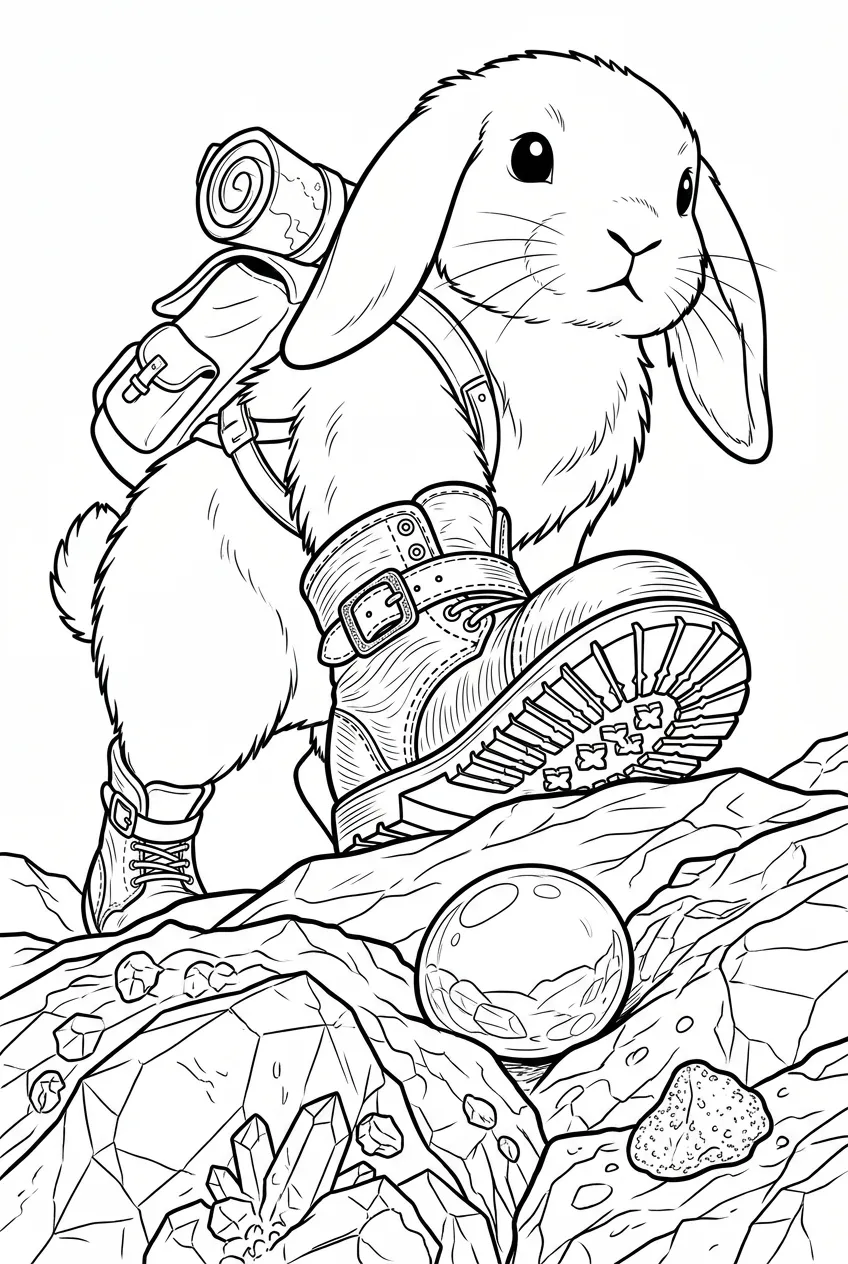
Camera with macro lens positioned extremely close to small subject, revealing minute details invisible to naked eye. Creates abstract, detailed, magnified perspective.
 Shots
ShotsCamera shots (framing / distance)
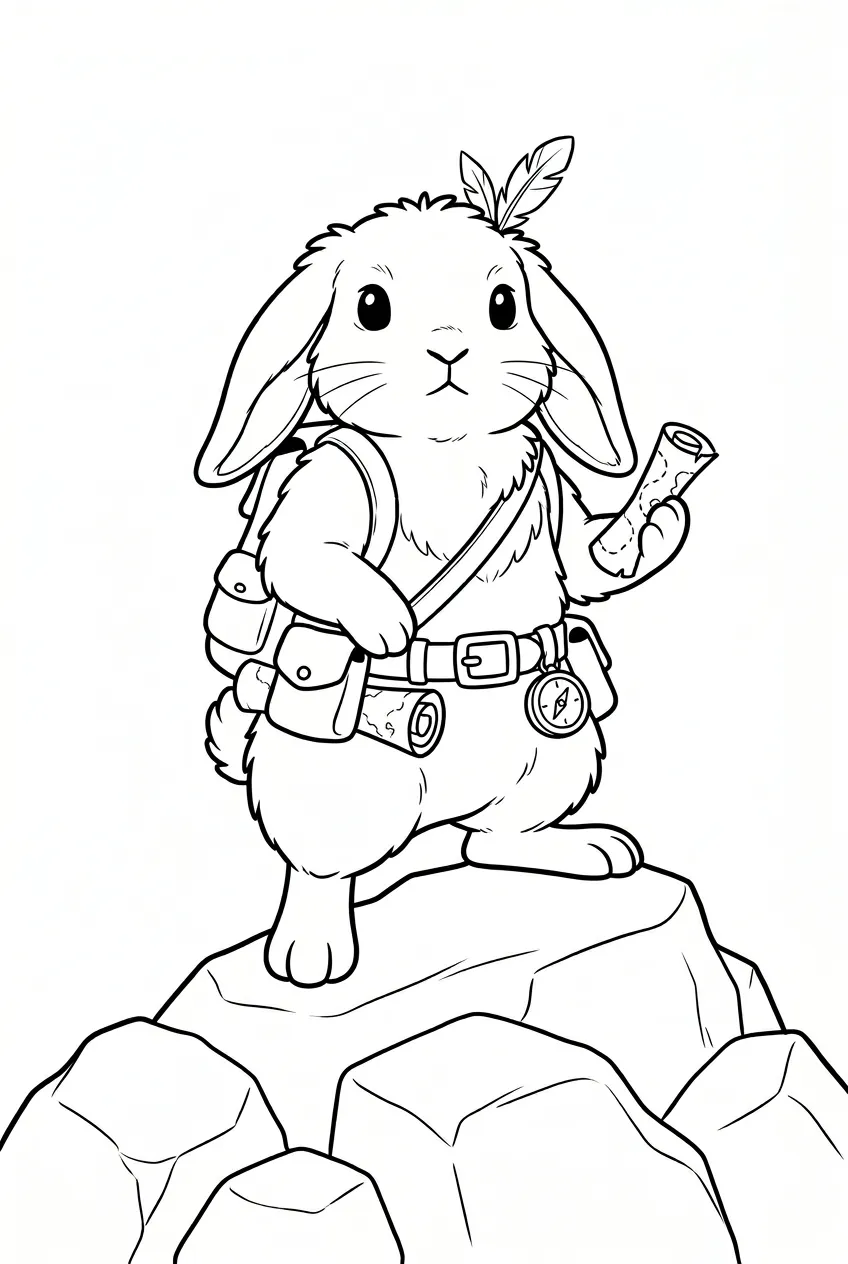
Camera frames subject from mid-thigh upward, traditionally showing gunbelt in Western films. Emphasizes stance, readiness, and body language.
 Shots
ShotsCamera shots (framing / distance)
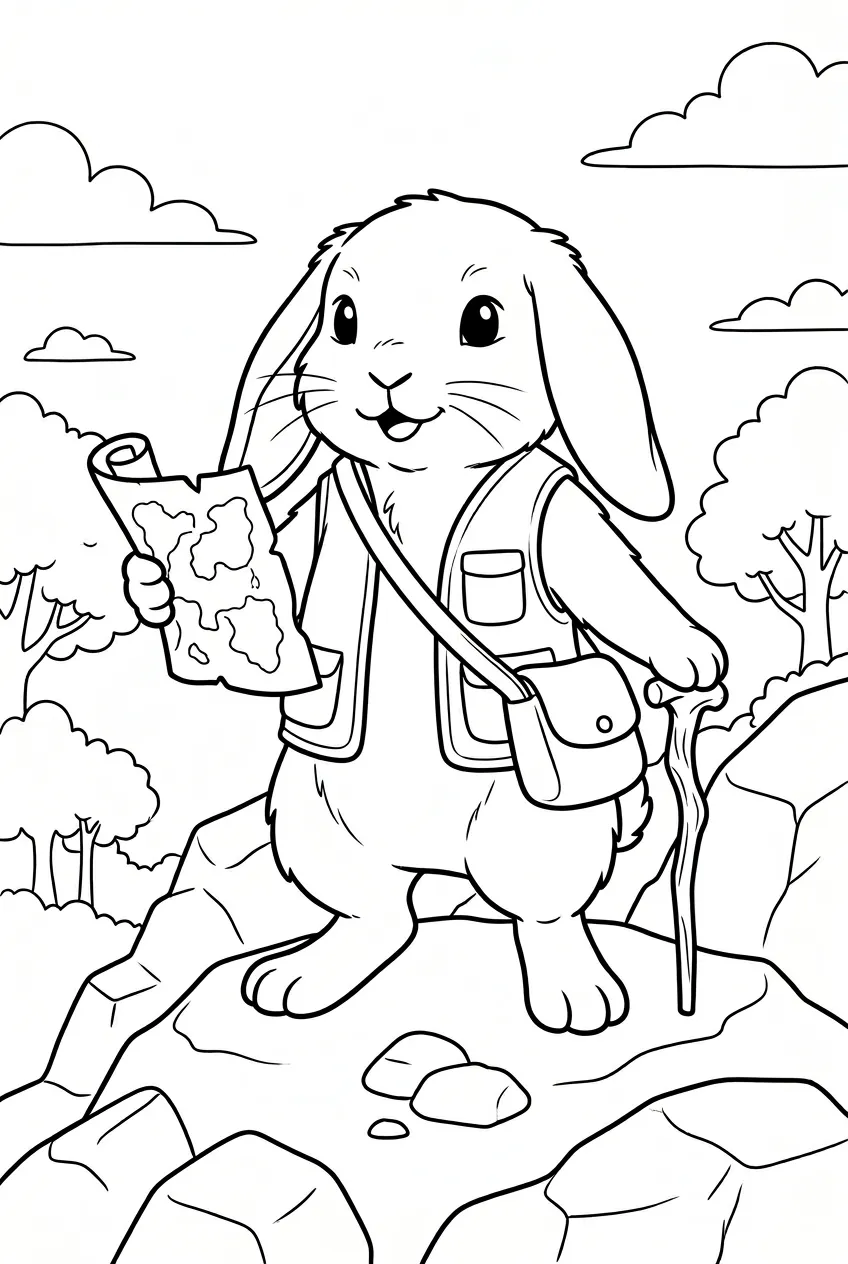
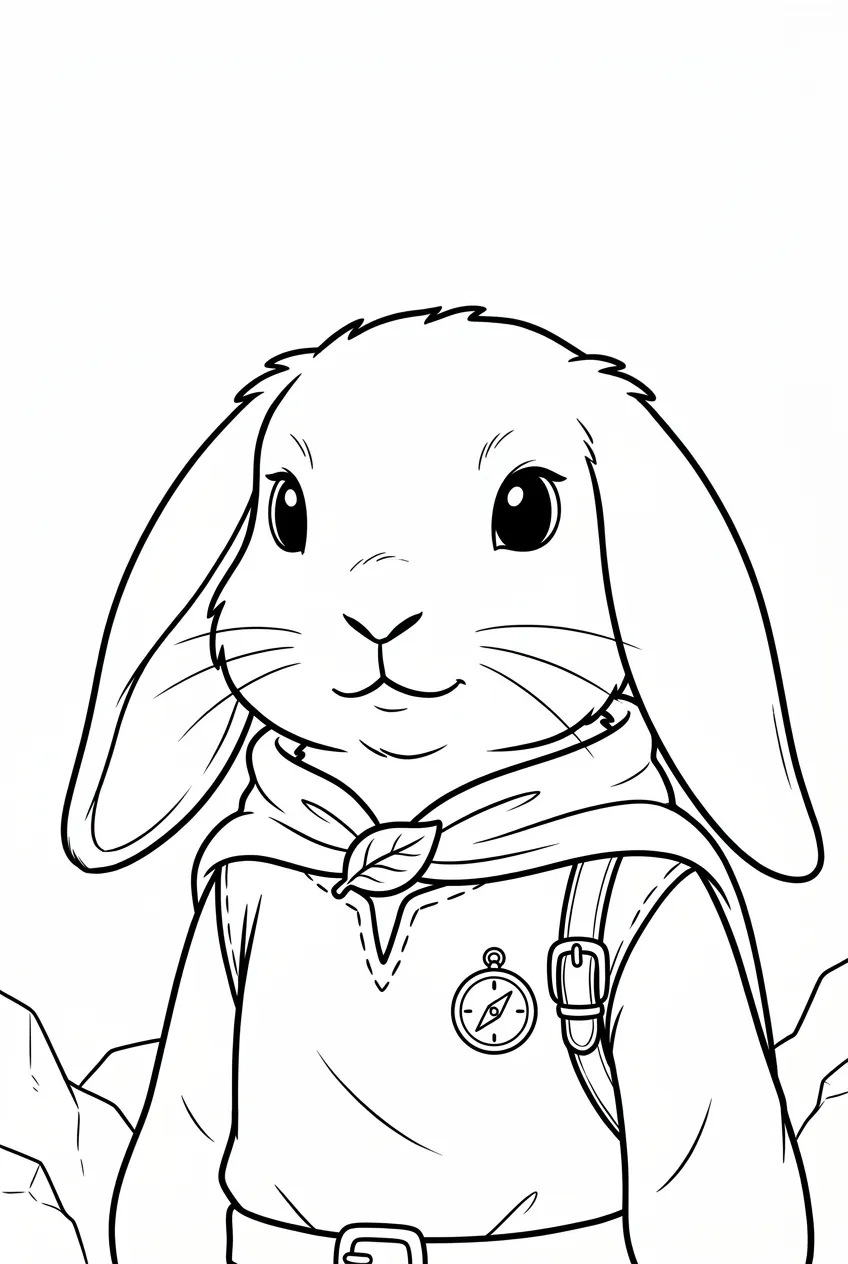
Camera frames subject from knees upward, showing most of body while maintaining facial detail. Provides strong sense of physical presence.
 Shots
ShotsCamera shots (framing / distance)
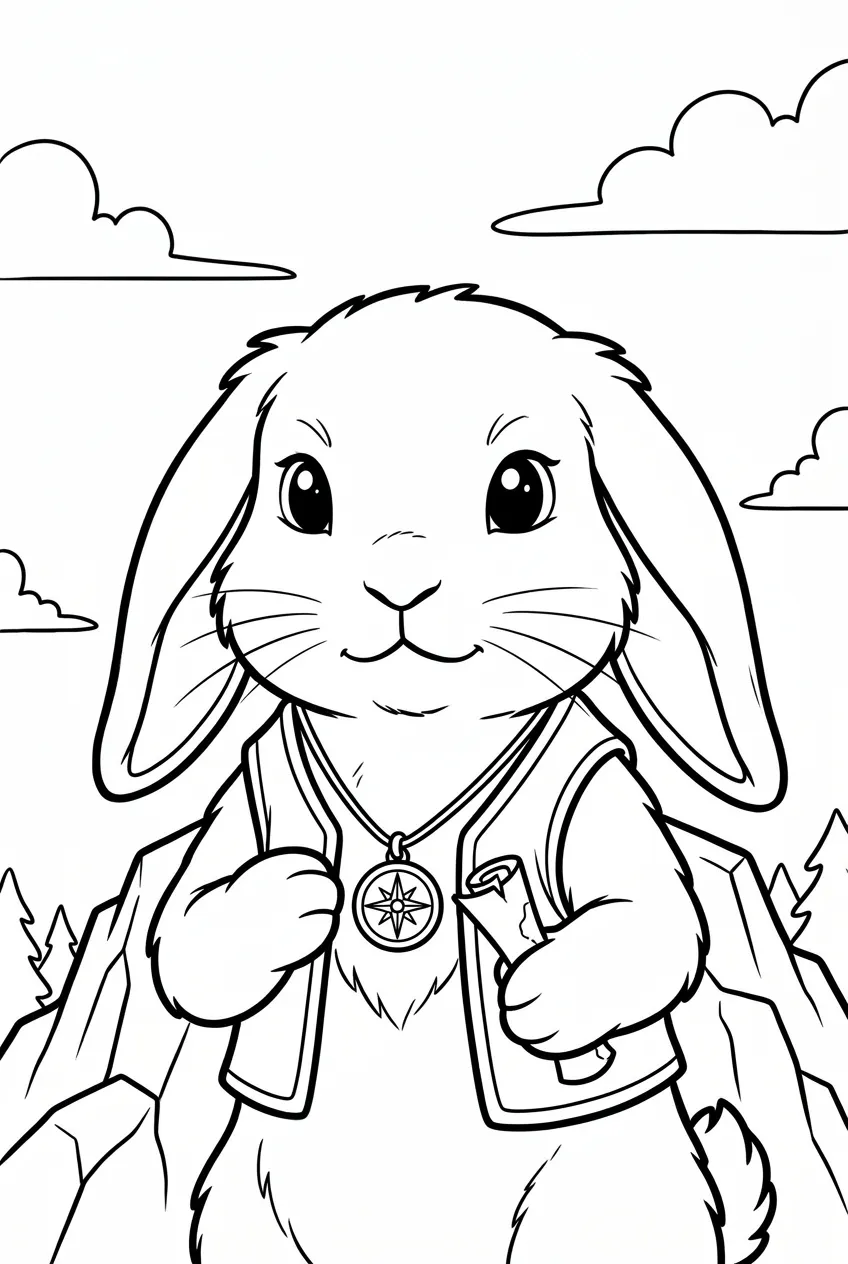
Camera frames subject from shoulders up, focusing on face and upper torso. Creates intimacy while maintaining personal space boundary.
 Shots
ShotsCamera shots (framing / distance)
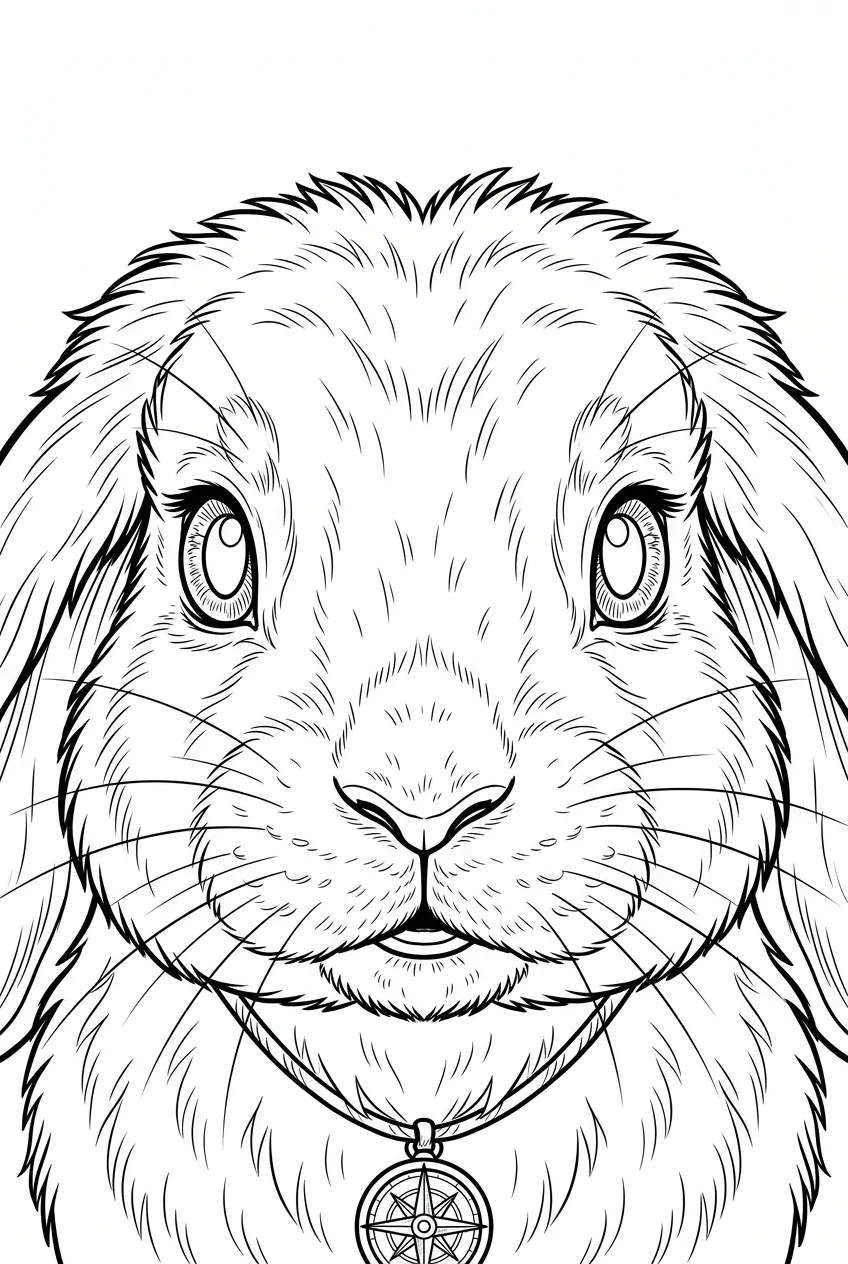
Camera frames subject from chest upward, capturing head, neck, and upper torso. Classic portrait framing emphasizing facial expression and upper body.
 Shots
ShotsCamera shots (framing / distance)
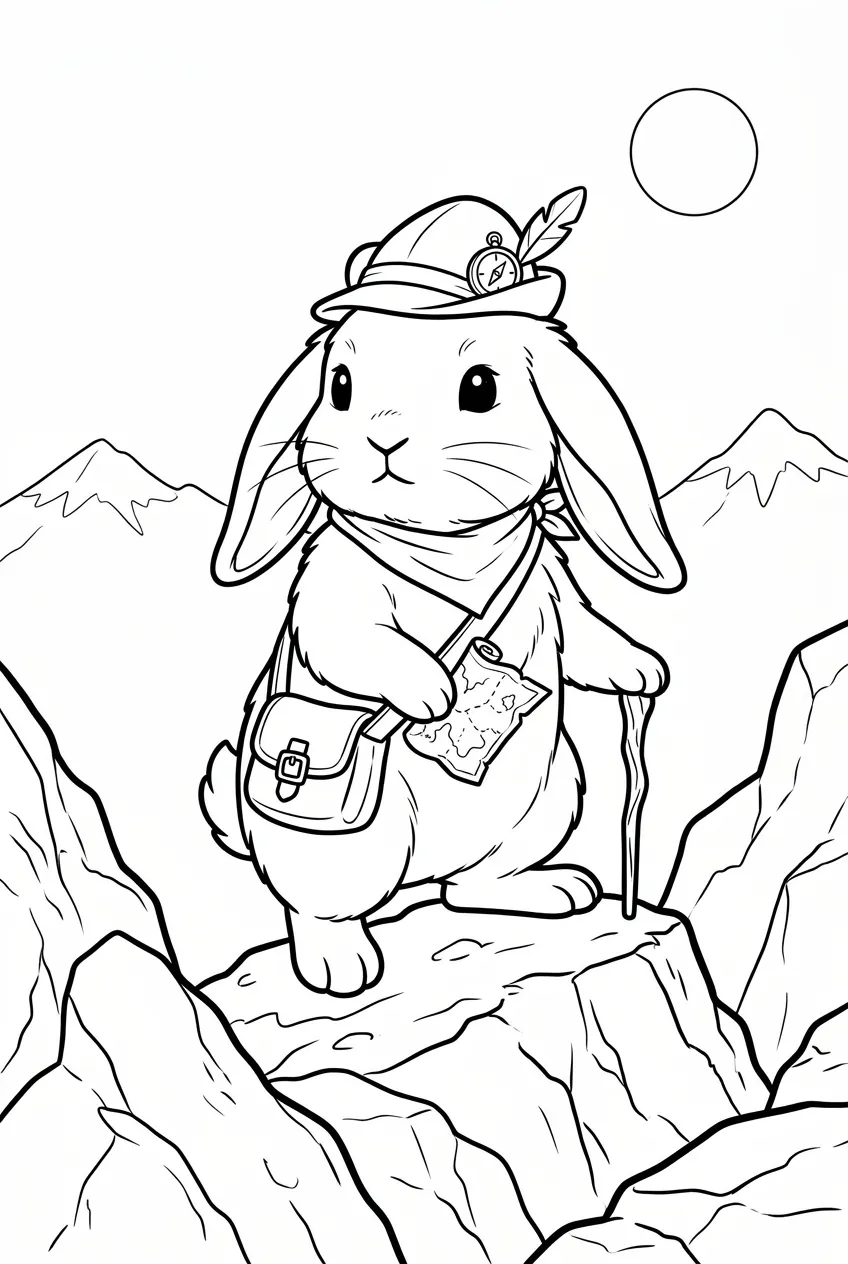
Camera tightly frames subject's head and face, filling frame from top of head to just below chin. Maximum facial detail and emotional intimacy.
 Shots
ShotsCamera shots (framing / distance)
Camera framed extremely close to subject with minimal surrounding space. Creates claustrophobic, intense, or highly focused composition.
14 prompts in this section
 Composition
Composition-style shot tags
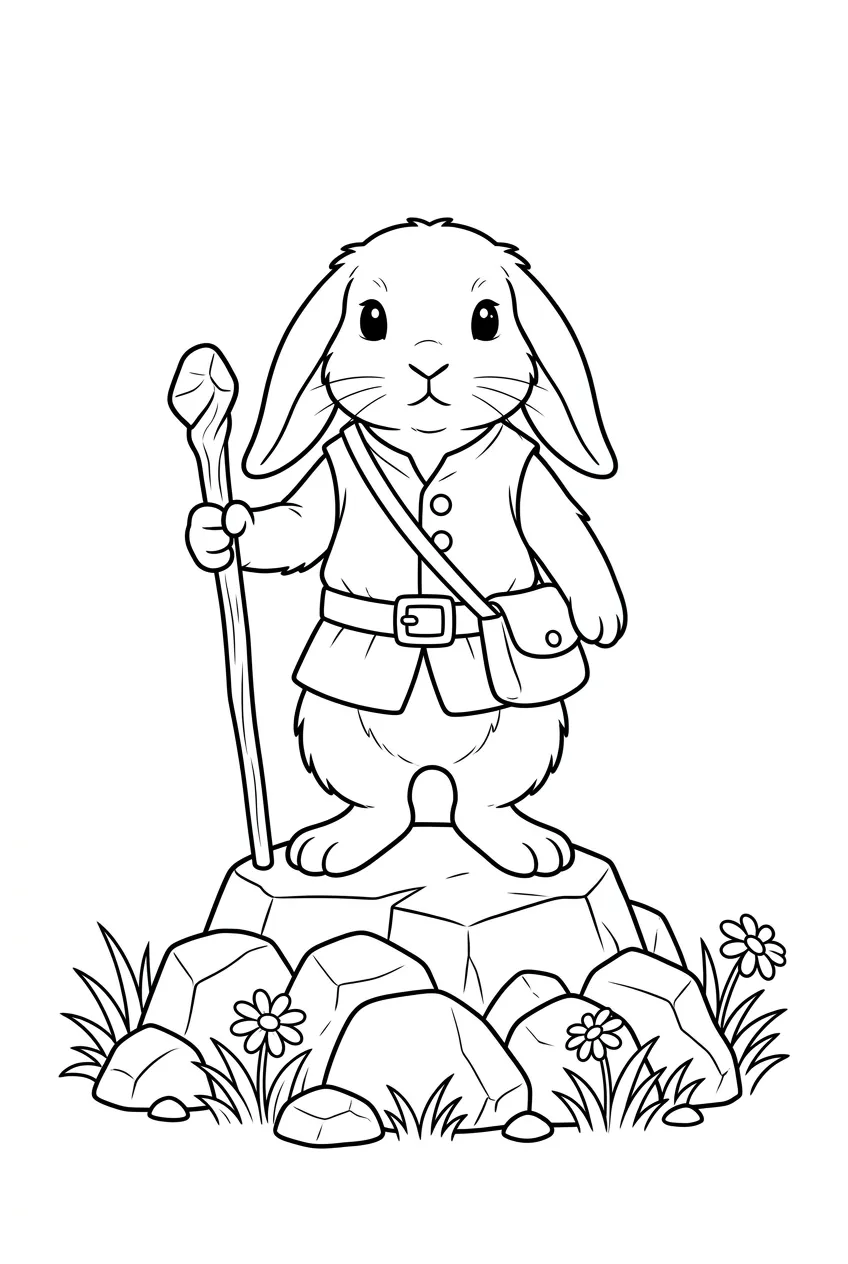
Subject positioned in exact center of frame, creating symmetrical, balanced, formal arrangement. Emphasizes subject importance and stability.
 Composition
Composition-style shot tags
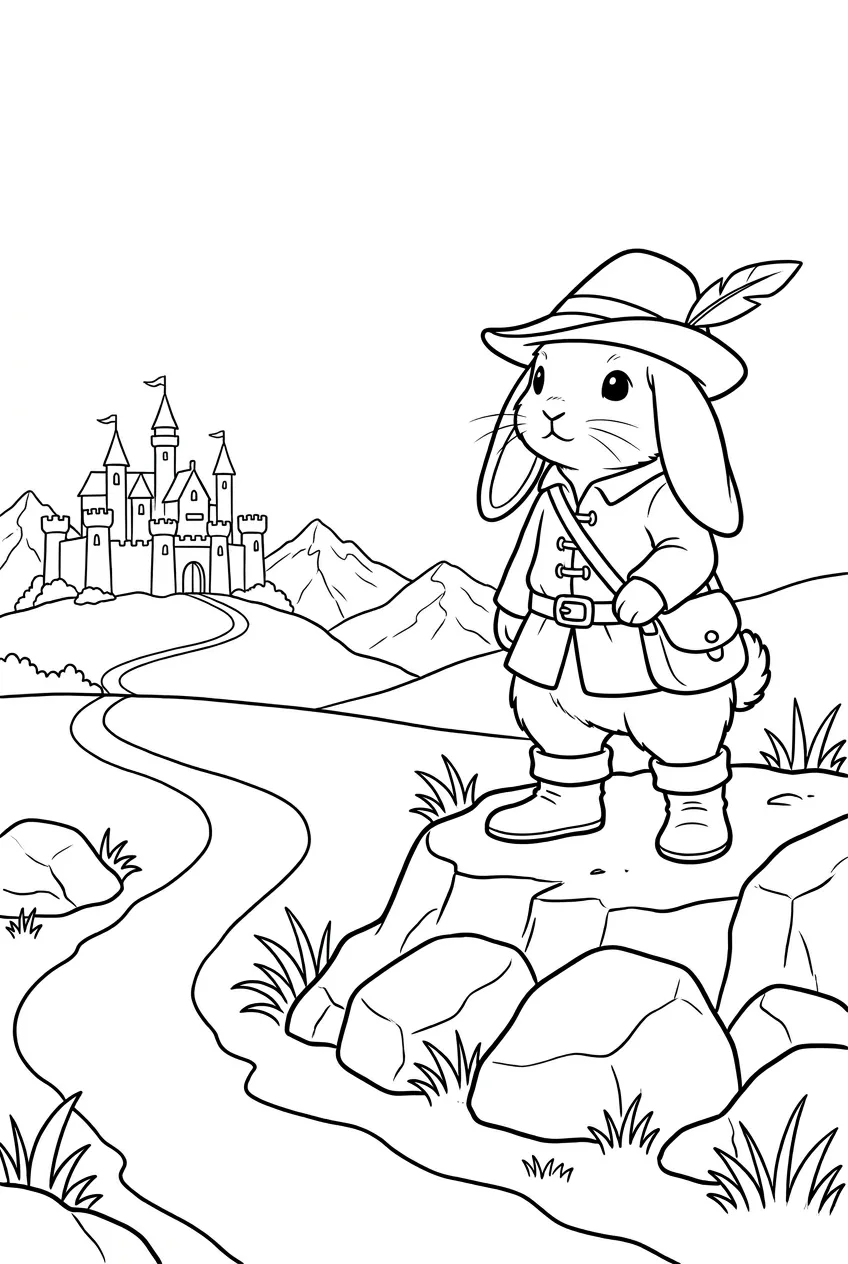
Frame divided into 3x3 grid, subject positioned along gridlines or intersections. Creates balanced, natural, visually pleasing arrangement.
 Composition
Composition-style shot tags
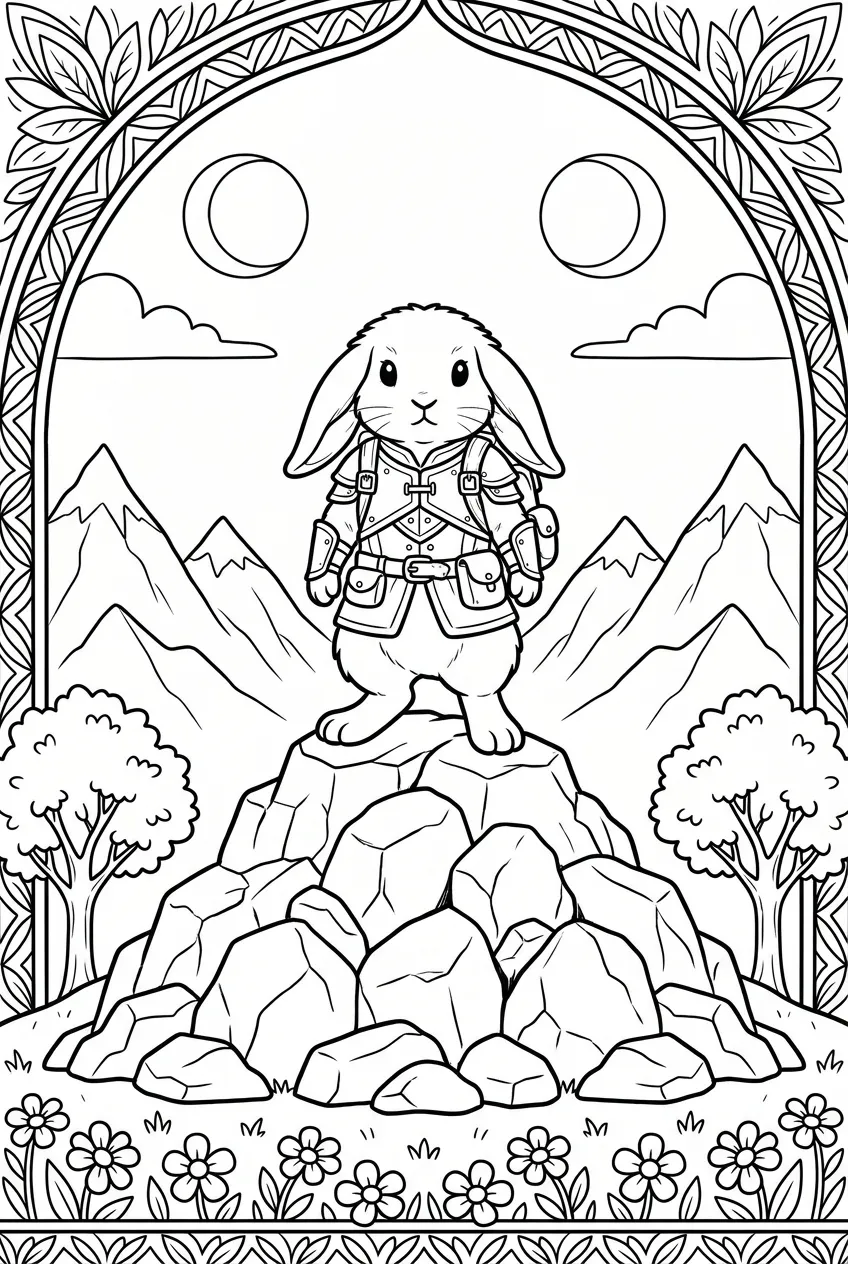
Composition with balanced elements mirrored on either side of central axis. Creates harmony, formality, and aesthetic perfection.
 Composition
Composition-style shot tags
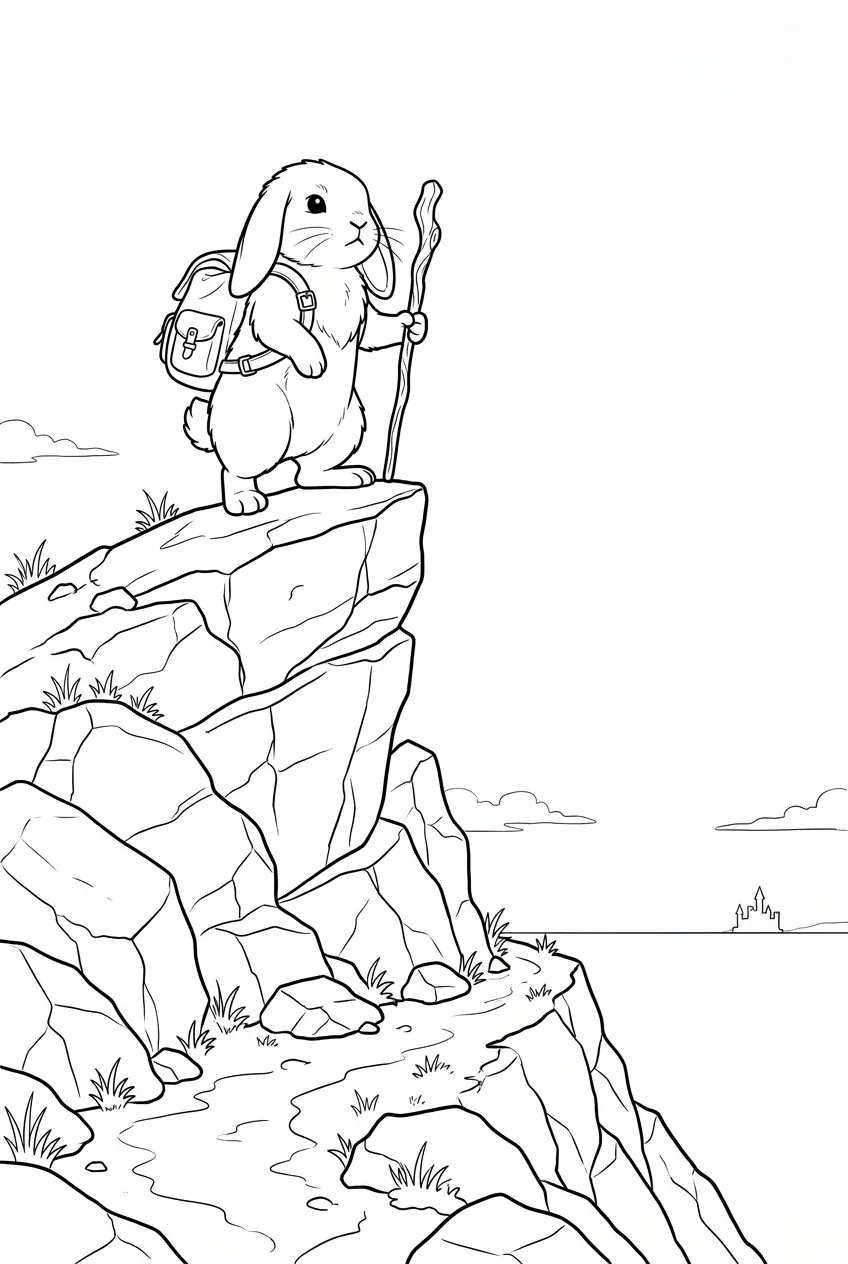
Composition with unbalanced element distribution, creating visual tension. Generates dynamic interest through intentional imbalance.
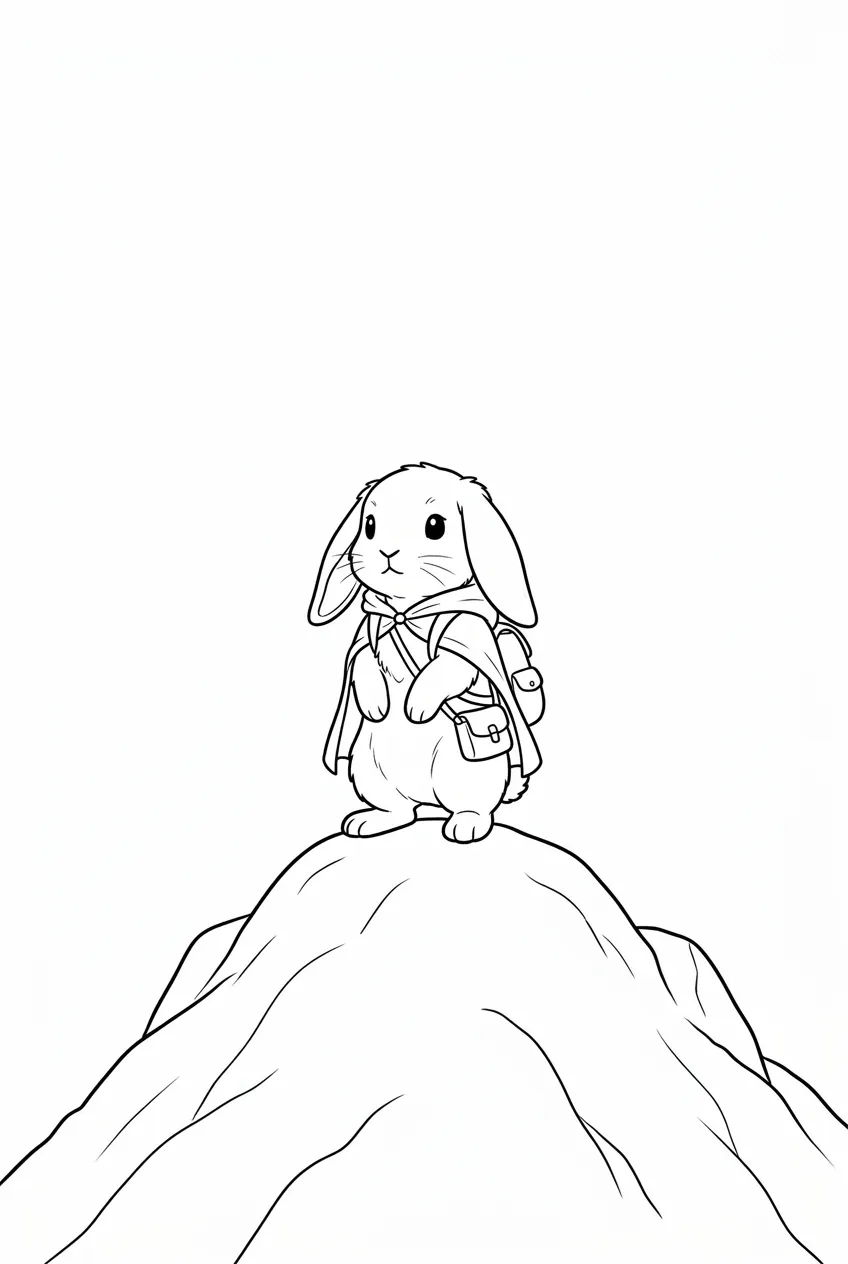 Composition
Composition-style shot tags
Composition with minimal elements, abundant empty space, simple forms. Emphasizes subject through reduction and negative space.
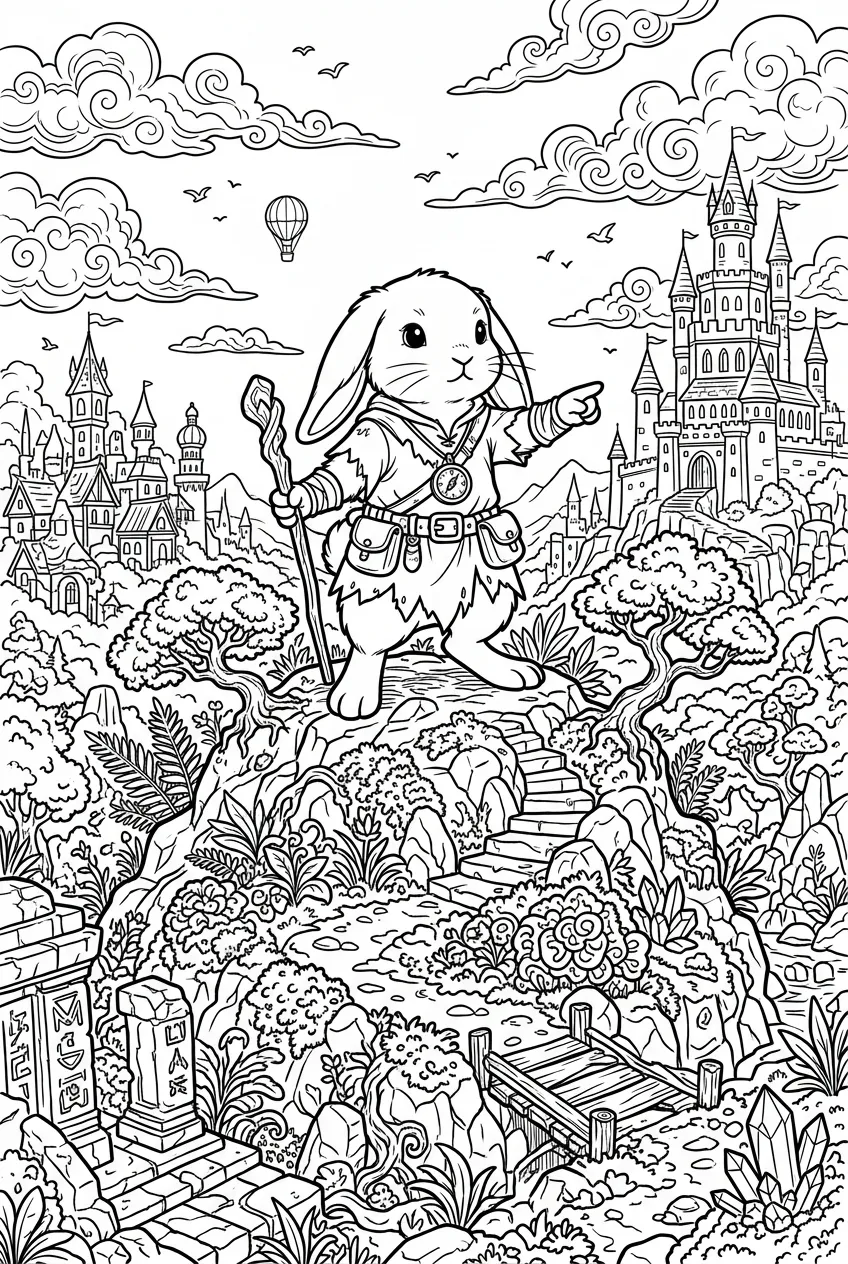 Composition
Composition-style shot tags
Frame filled with multiple elements, details, and visual information. Creates complexity, energy, or overwhelming sensory experience.
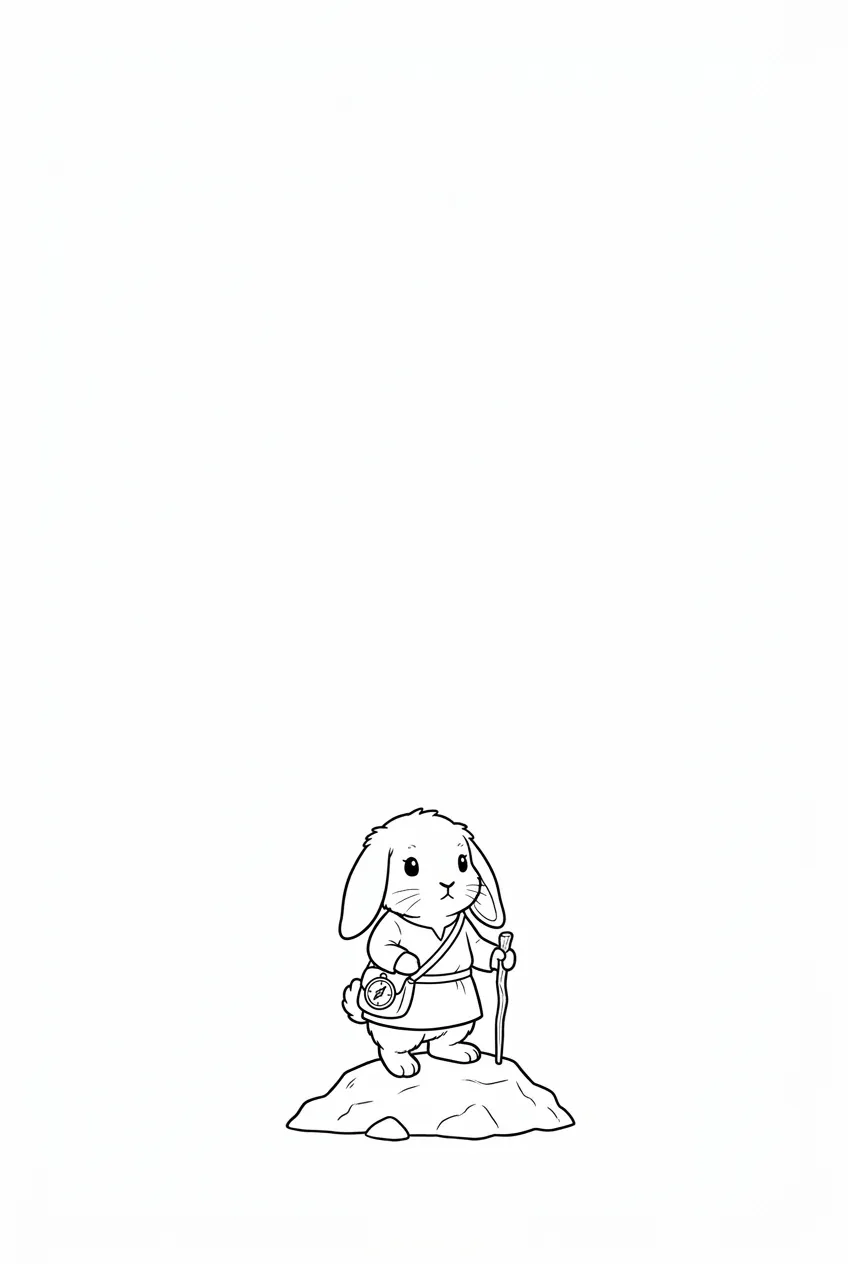 Composition
Composition-style shot tags
Composition emphasizing empty areas around subject, using emptiness as design element. Creates isolation, focus, or breathing room.
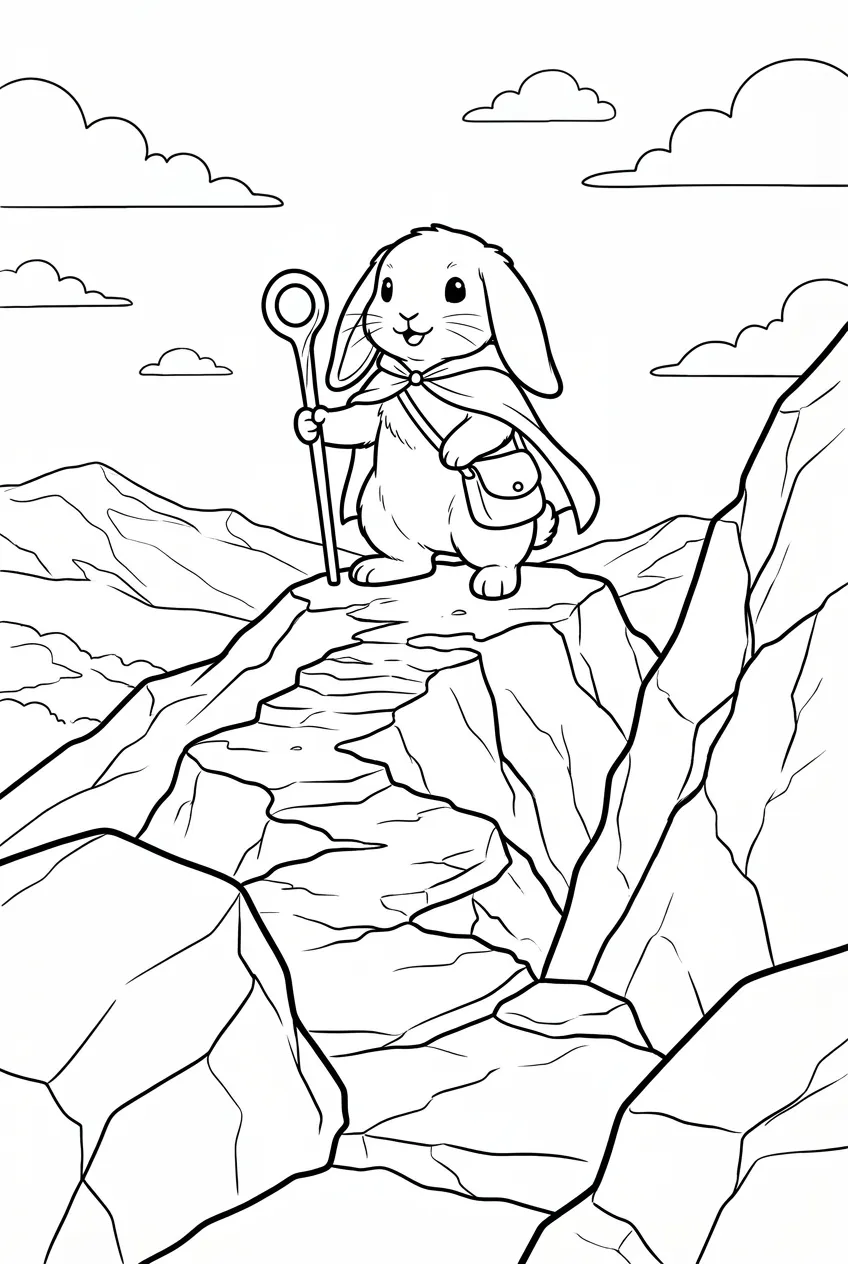 Composition
Composition-style shot tags
Visual lines within frame guide viewer's eye toward subject. Creates depth, direction, and purposeful visual flow.
 Composition
Composition-style shot tags
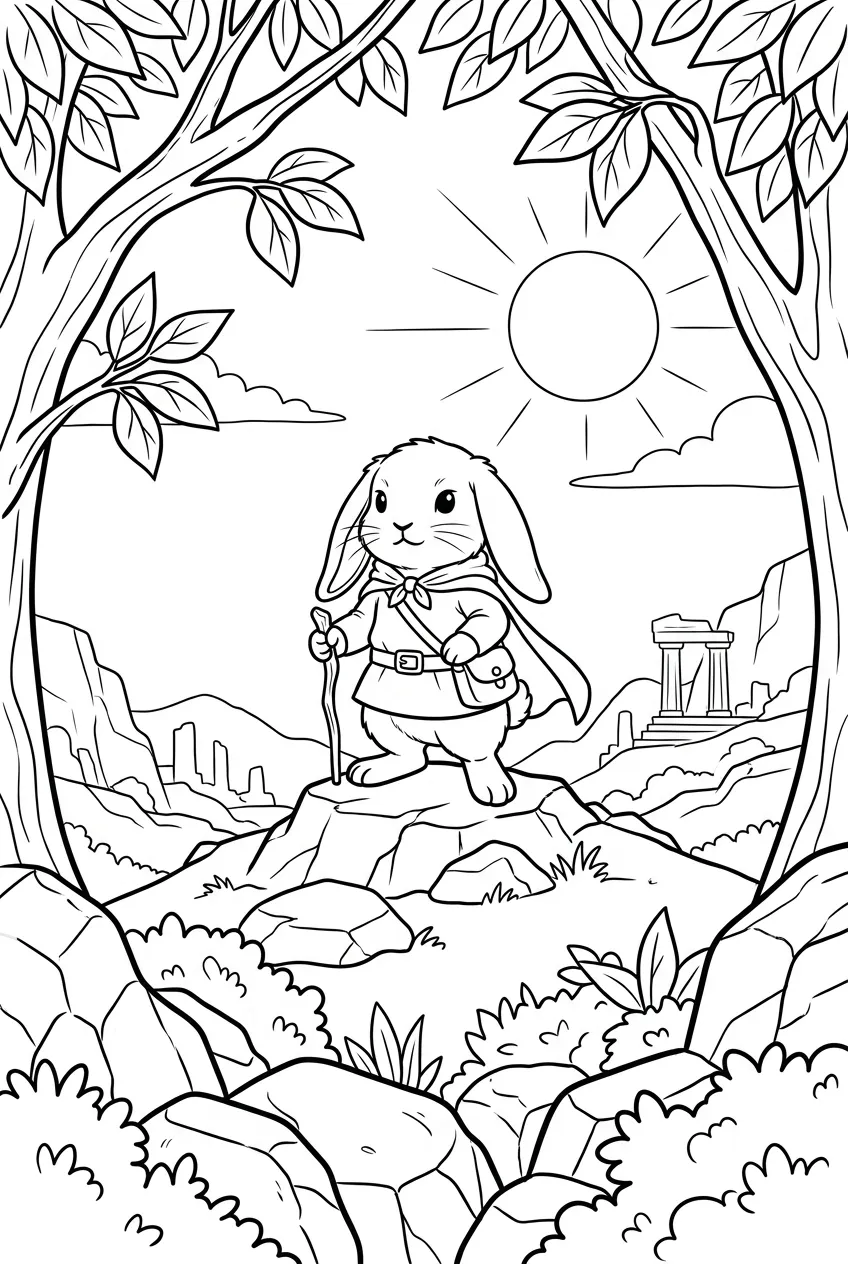
Elements in foreground create natural frame around subject. Adds depth, context, and directs attention to main subject.
 Composition
Composition-style shot tags
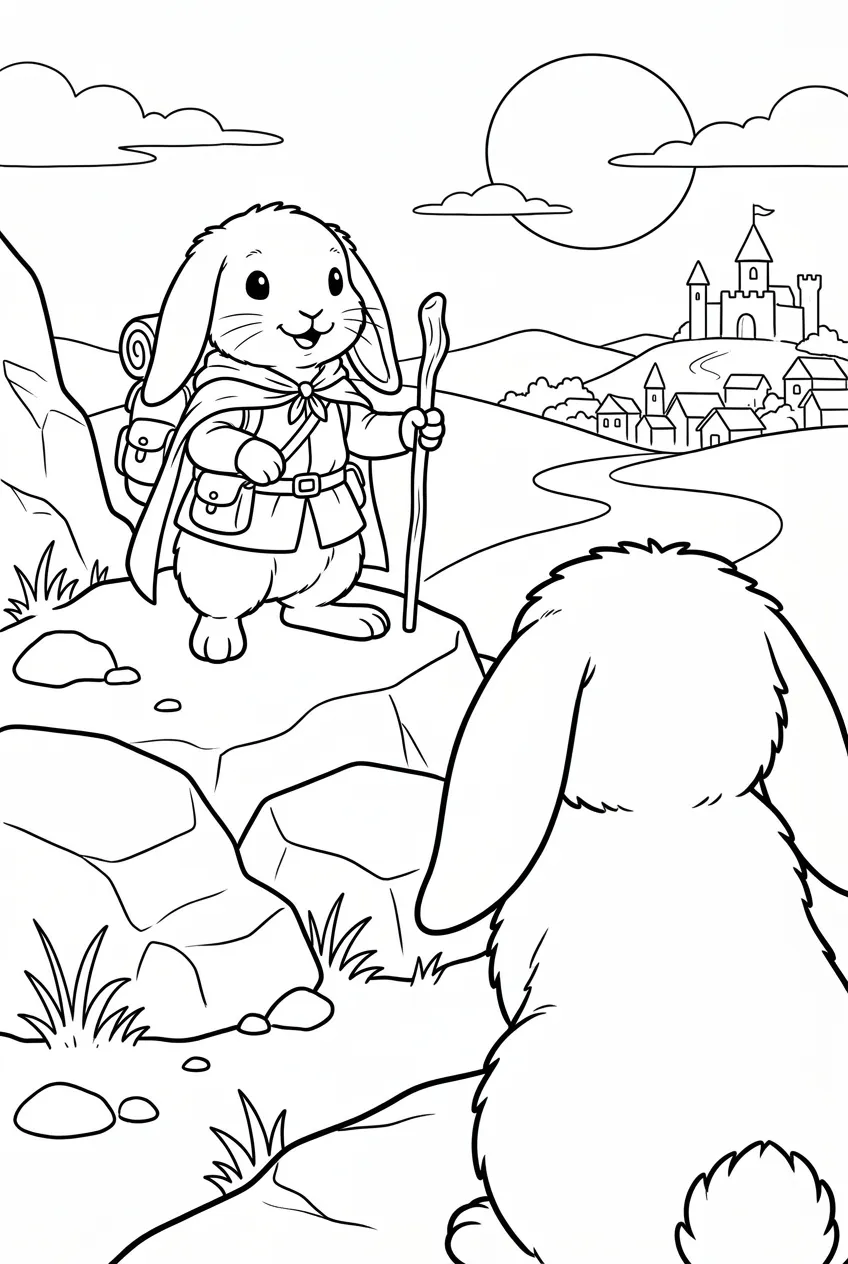
Camera positioned behind one subject's shoulder, looking toward another. Creates conversational perspective and spatial relationship.
 Composition
Composition-style shot tags
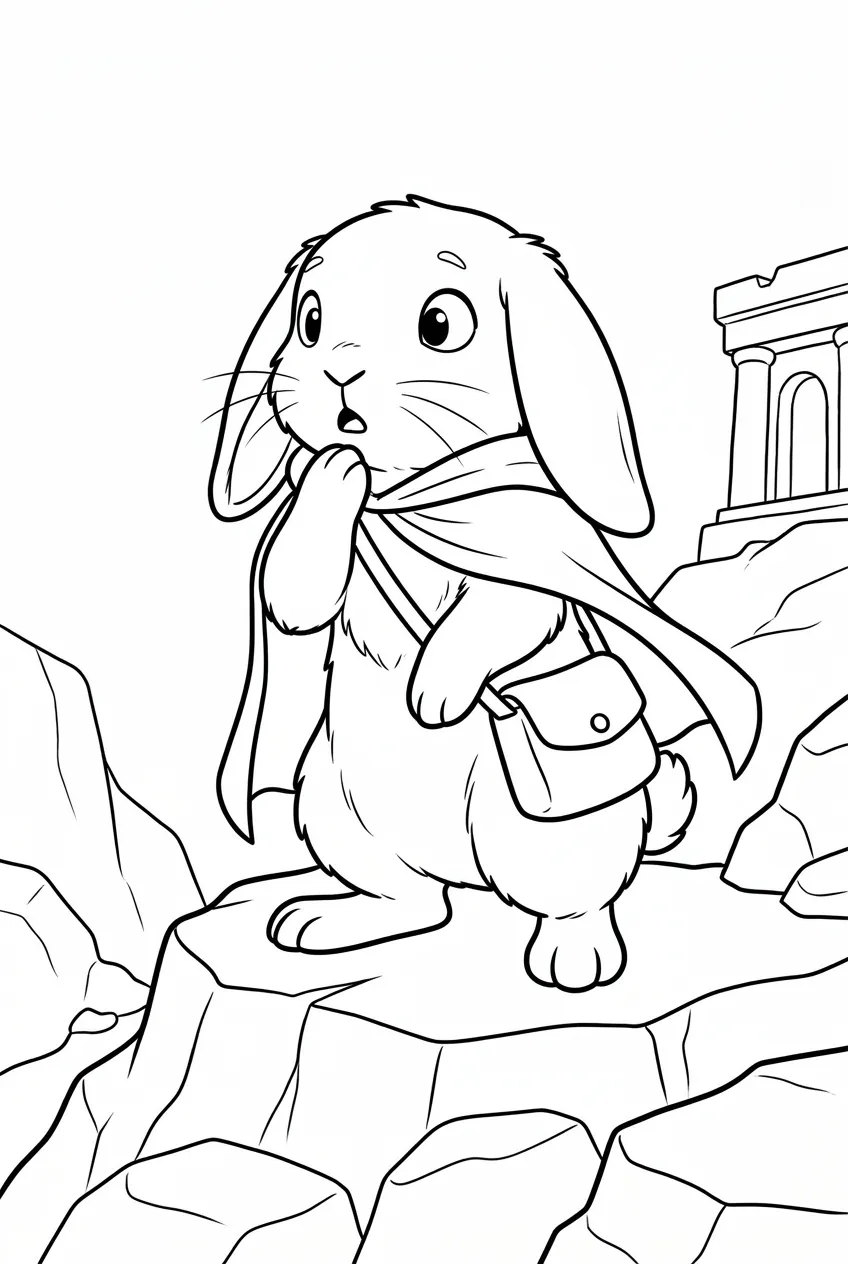
Camera captures subject responding to off-screen action or dialogue. Emphasizes emotional response and character perspective.
 Composition
Composition-style shot tags
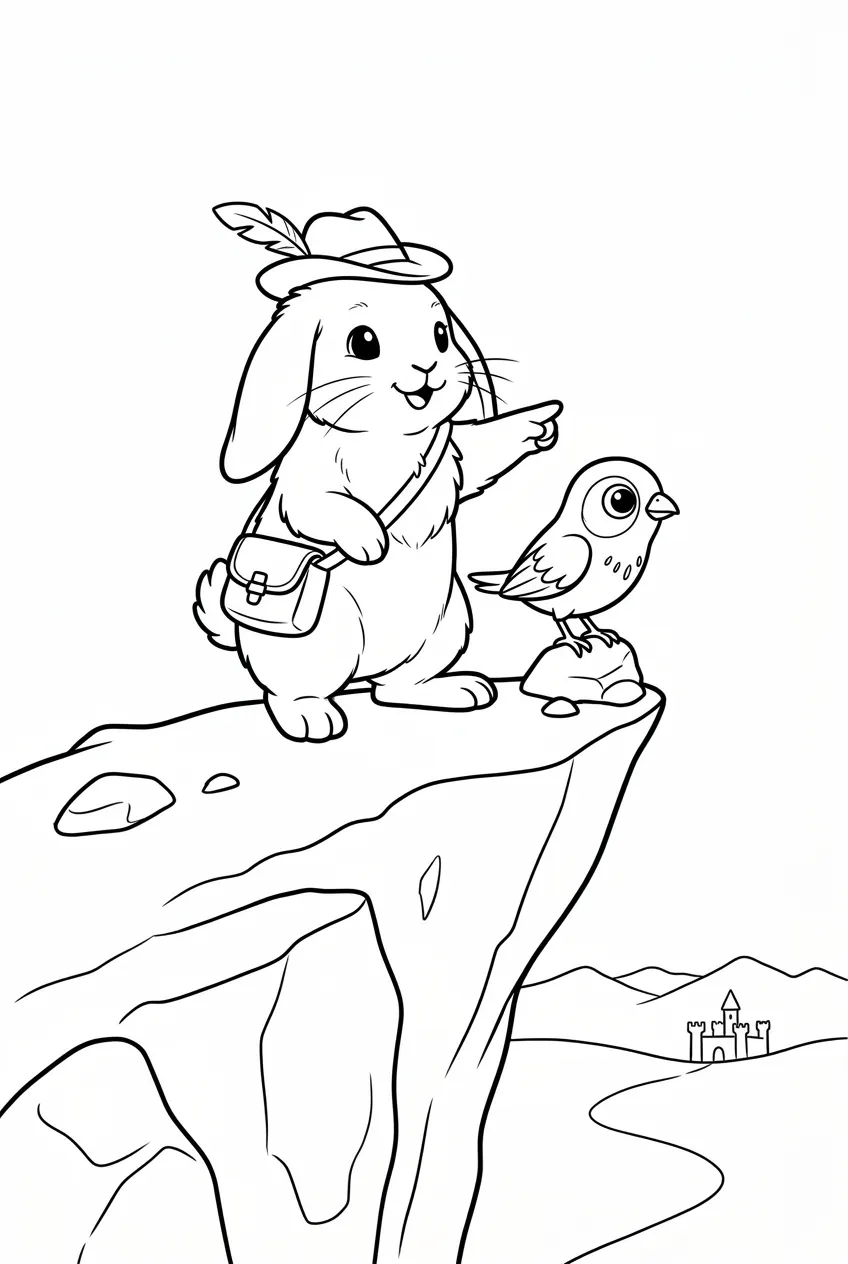
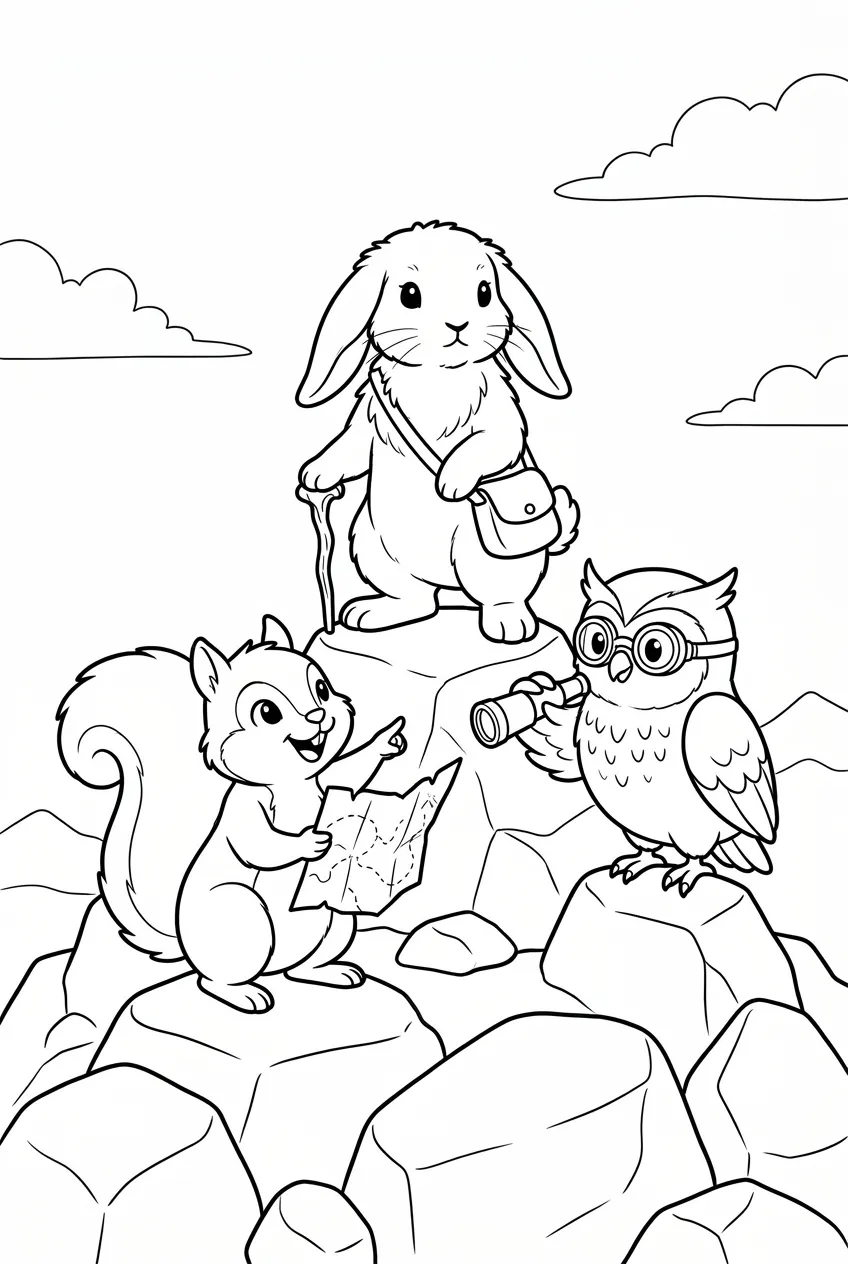
Camera frames two subjects within same composition. Establishes relationship, interaction, or comparison between characters.
 Composition
Composition-style shot tags
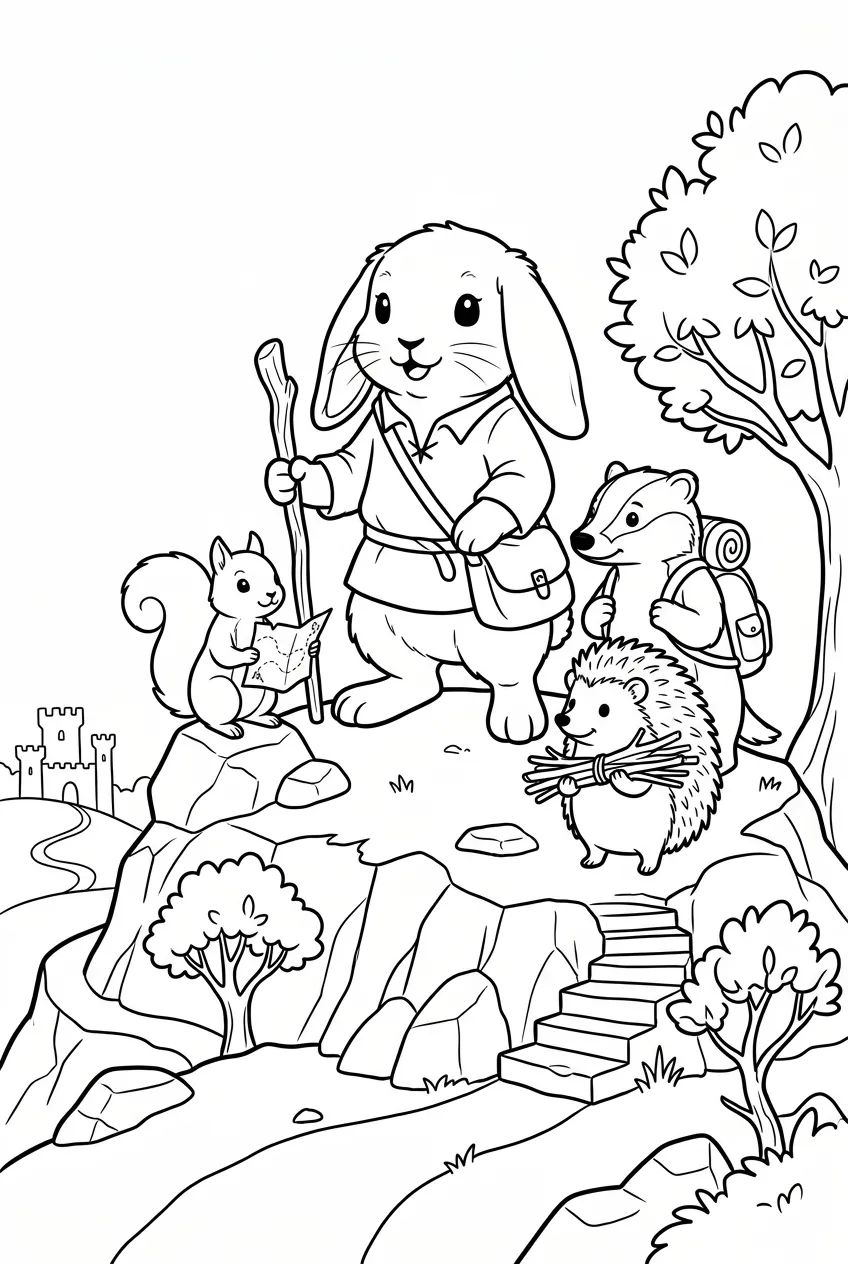
Camera frames three subjects within composition, showing group dynamic. Creates triangular visual relationship and social interaction.
 Composition
Composition-style shot tags
Camera captures multiple subjects arranged together in frame. Emphasizes collective presence, community, or ensemble dynamic.
12 prompts in this section
 Movement
Movement-related camera shots
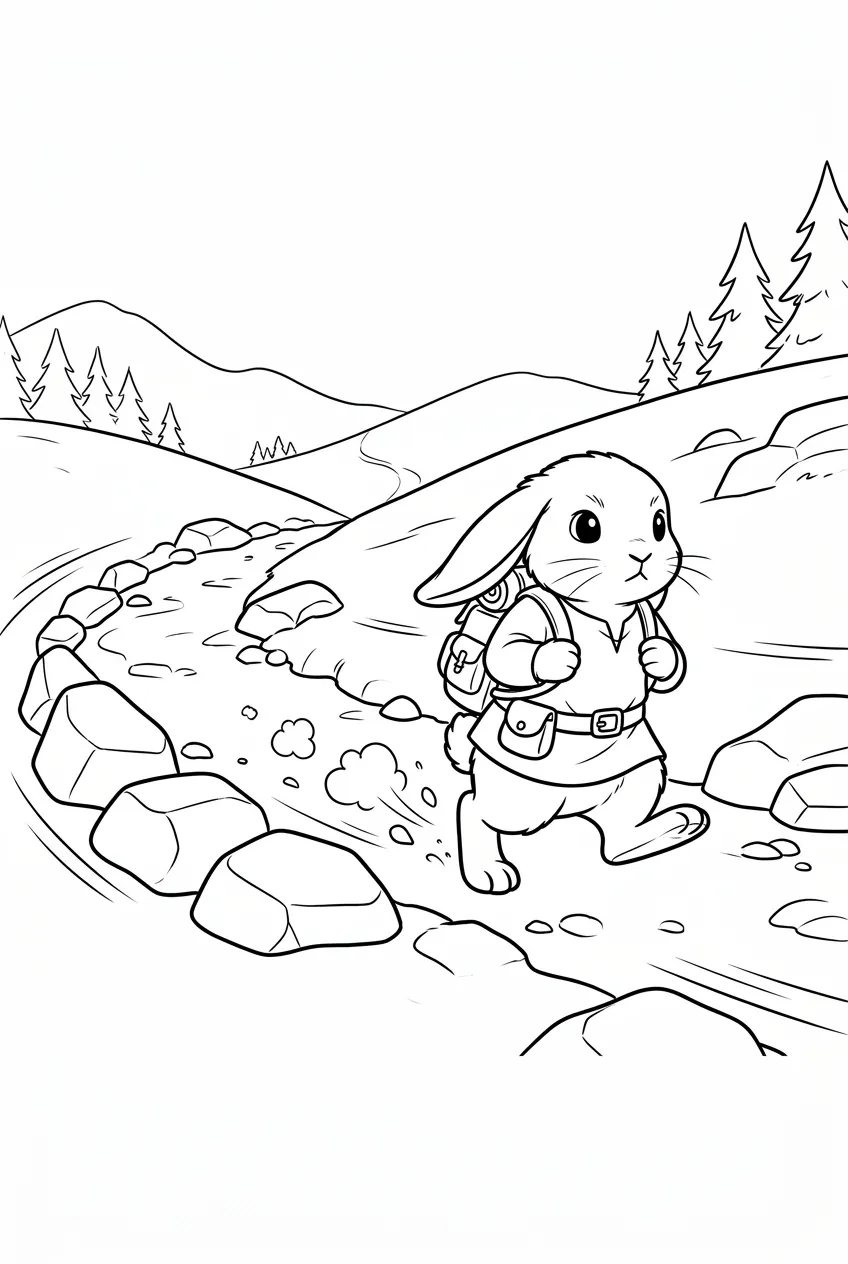
Composition suggesting camera movement following subject laterally. Creates dynamic sense of motion, pursuit, or accompaniment.
 Movement
Movement-related camera shots
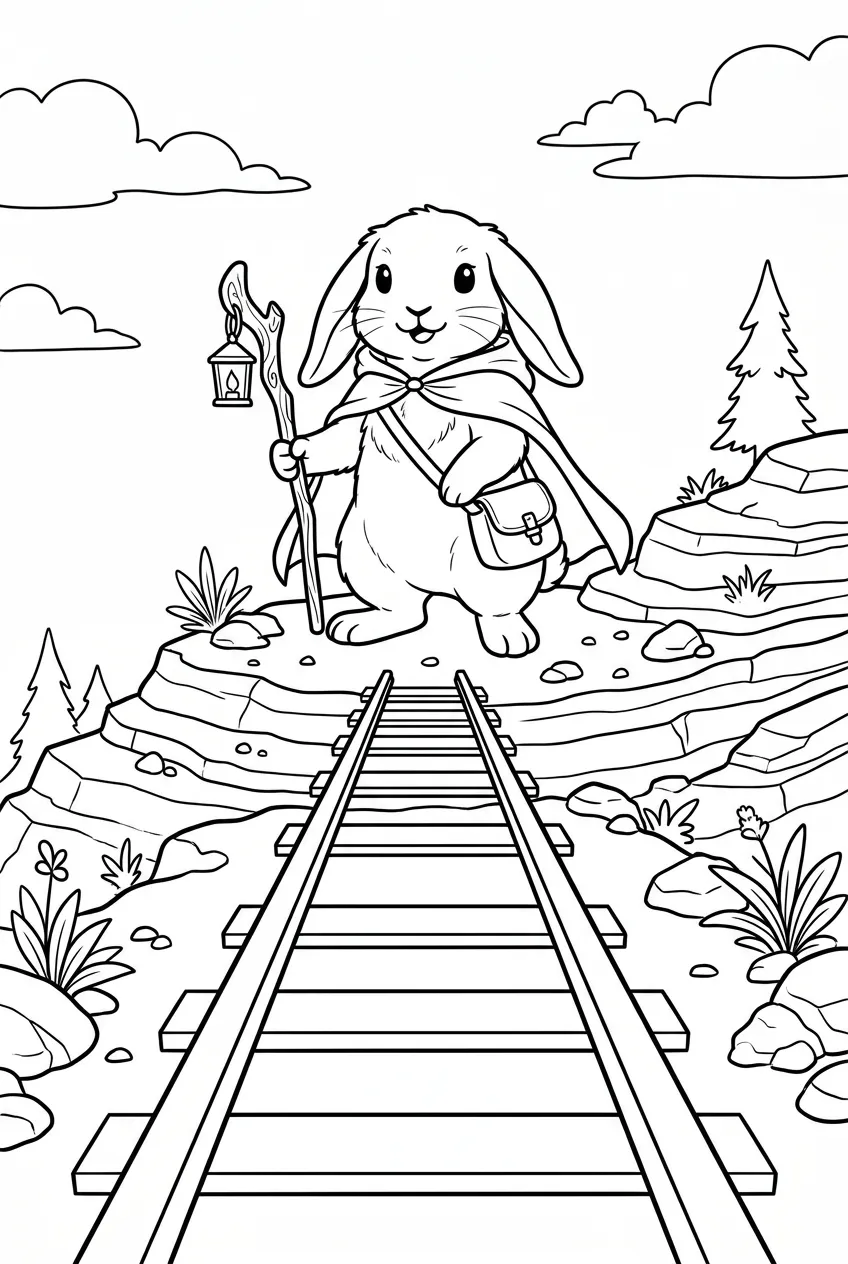
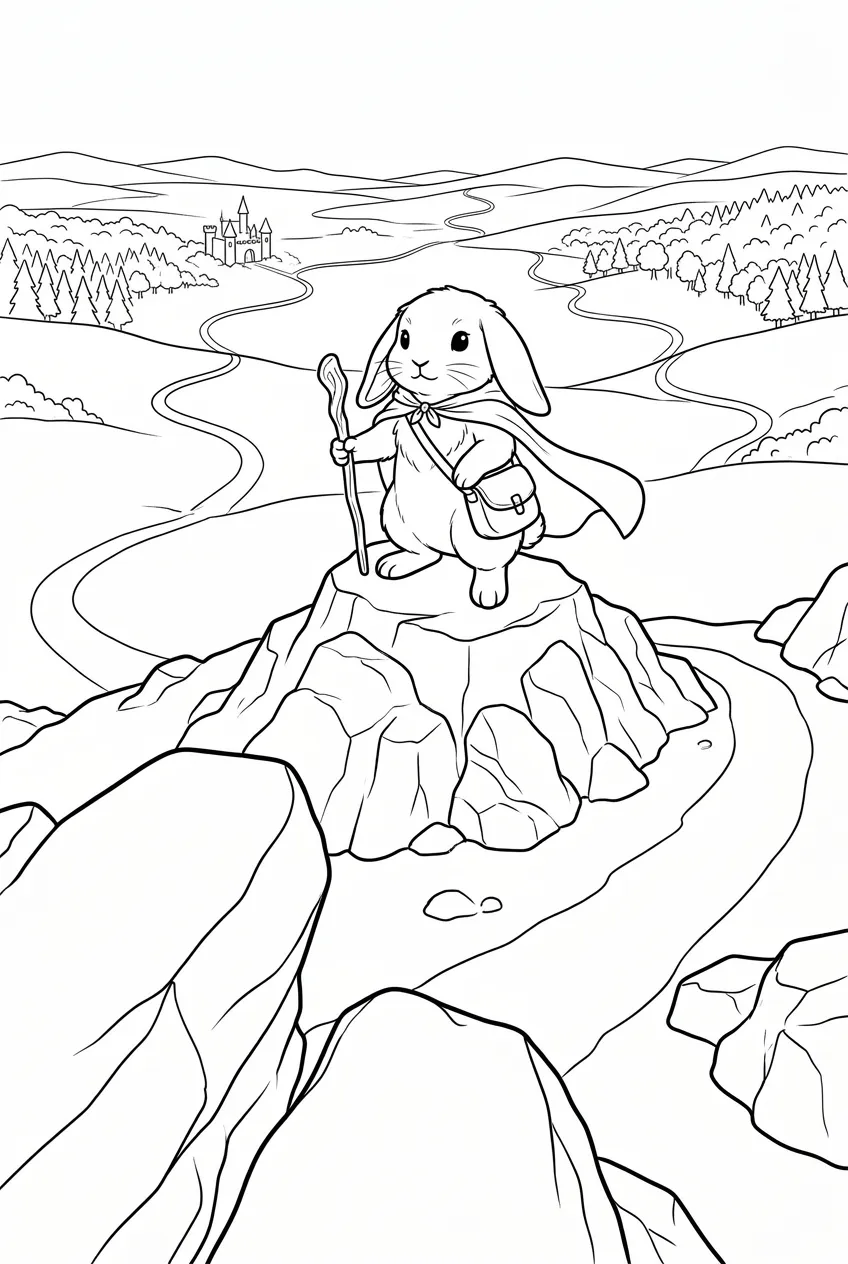
Composition implying camera physically moving toward or away from subject on track. Creates smooth approach or retreat with depth change.
 Movement
Movement-related camera shots
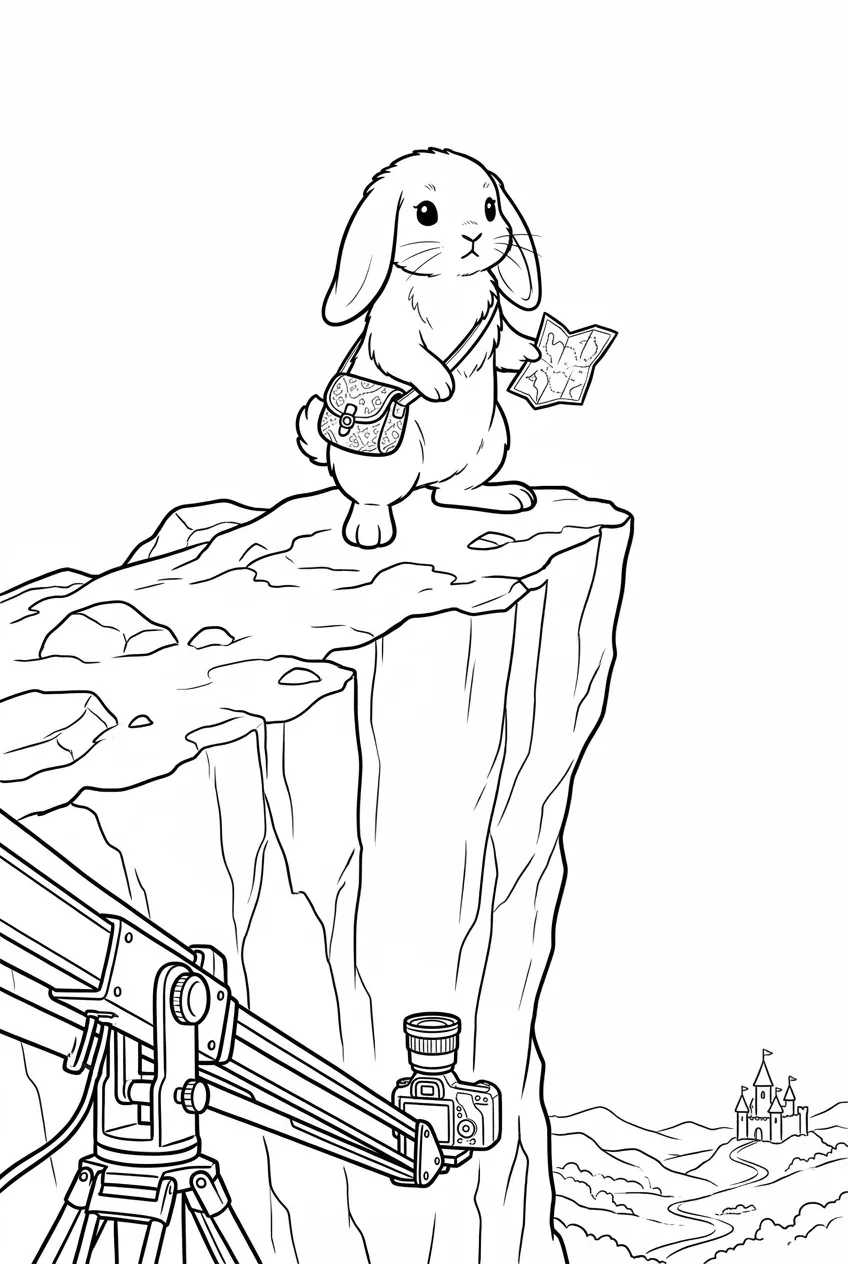
Composition suggesting camera positioned on crane, capable of sweeping vertical and horizontal movement. Creates grand, elevated, cinematic perspective.
 Movement
Movement-related camera shots
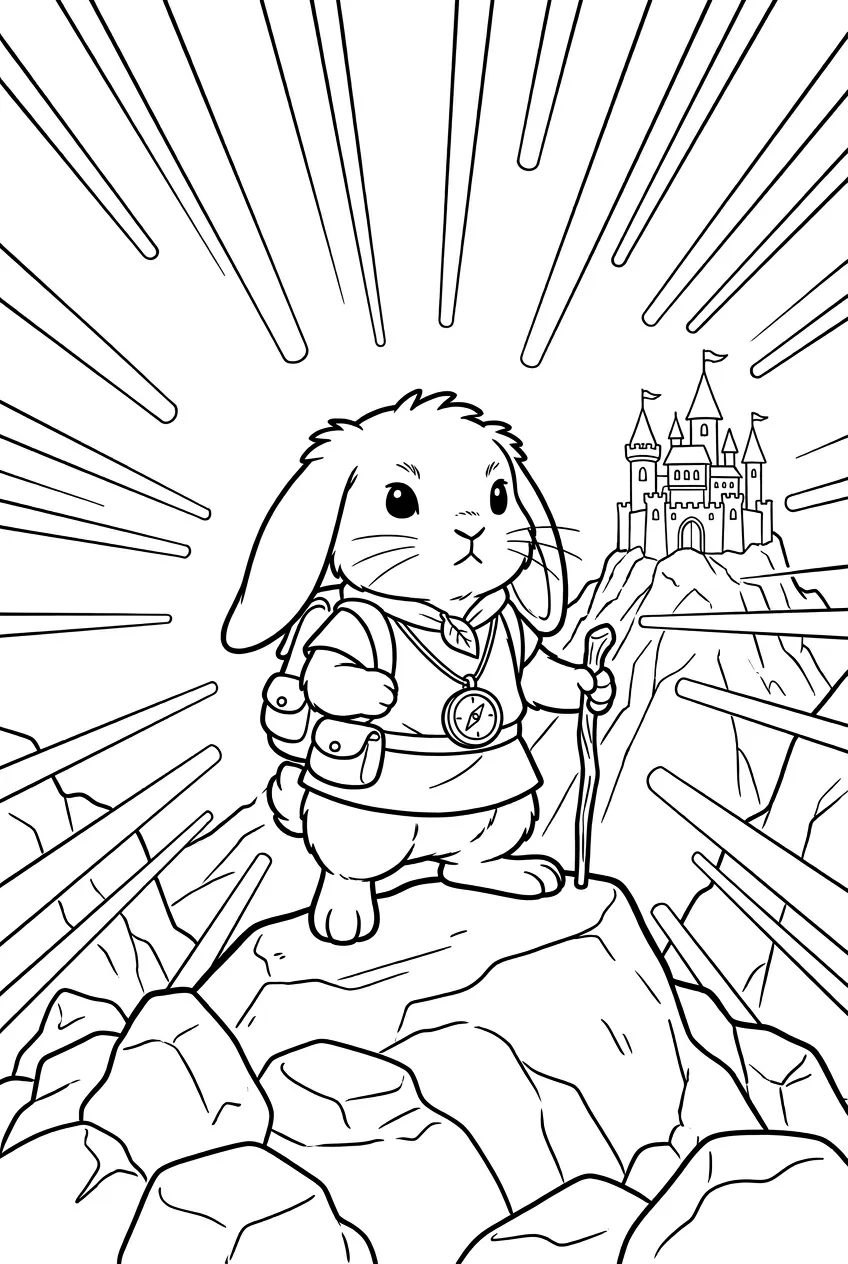
Composition implying camera on boom arm, moving vertically. Creates rising or lowering perspective with dramatic reveal.
 Movement
Movement-related camera shots
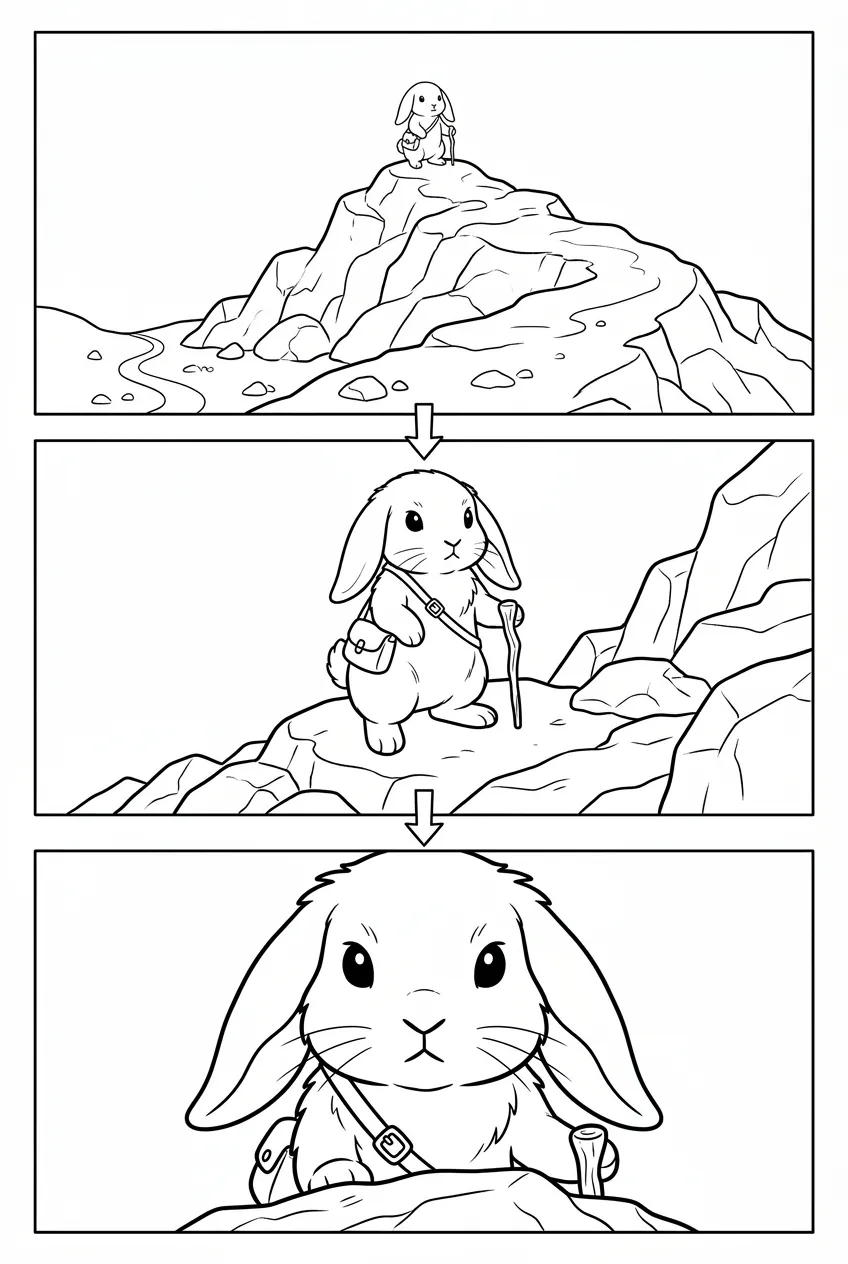
Composition suggesting focal length change, appearing to move closer or farther. Creates intensity increase or dramatic distance change.
 Movement
Movement-related camera shots
Framing suggesting camera moving steadily closer to subject. Creates building tension, intimacy, or focused attention.
 Movement
Movement-related camera shots
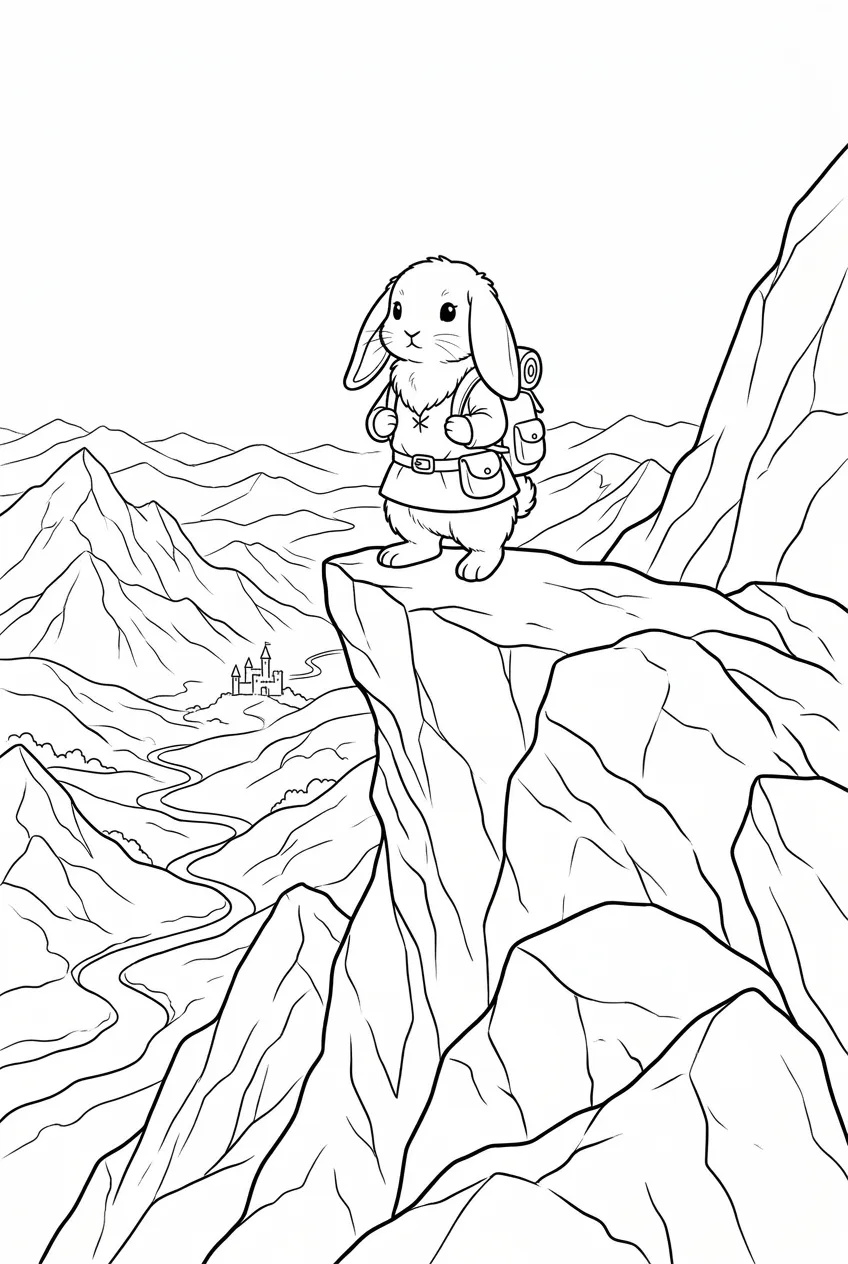
Framing suggesting camera moving away from subject, revealing context. Creates revelation, scope expansion, or isolation.
 Movement
Movement-related camera shots
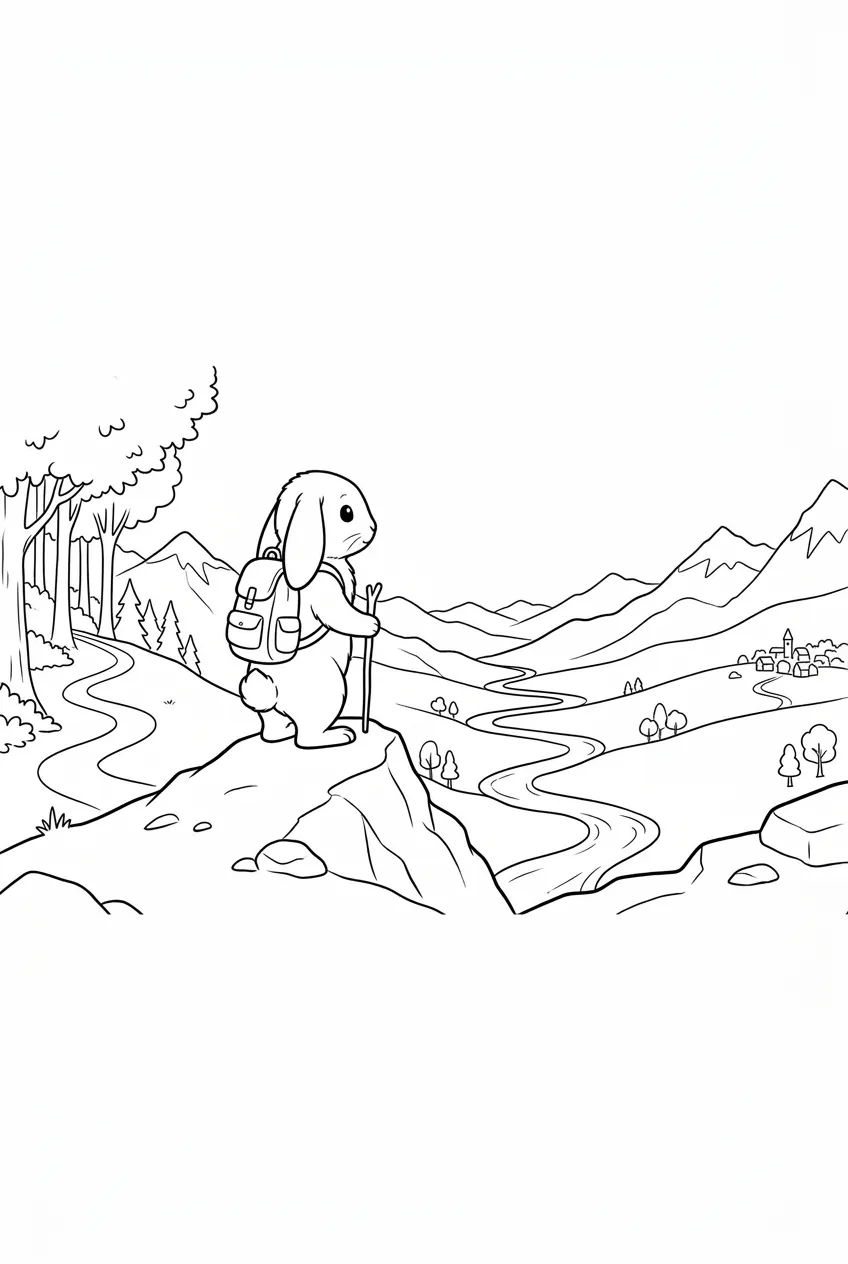
Composition implying horizontal camera rotation across scene. Creates sweeping survey, landscape revelation, or spatial exploration.
 Movement
Movement-related camera shots
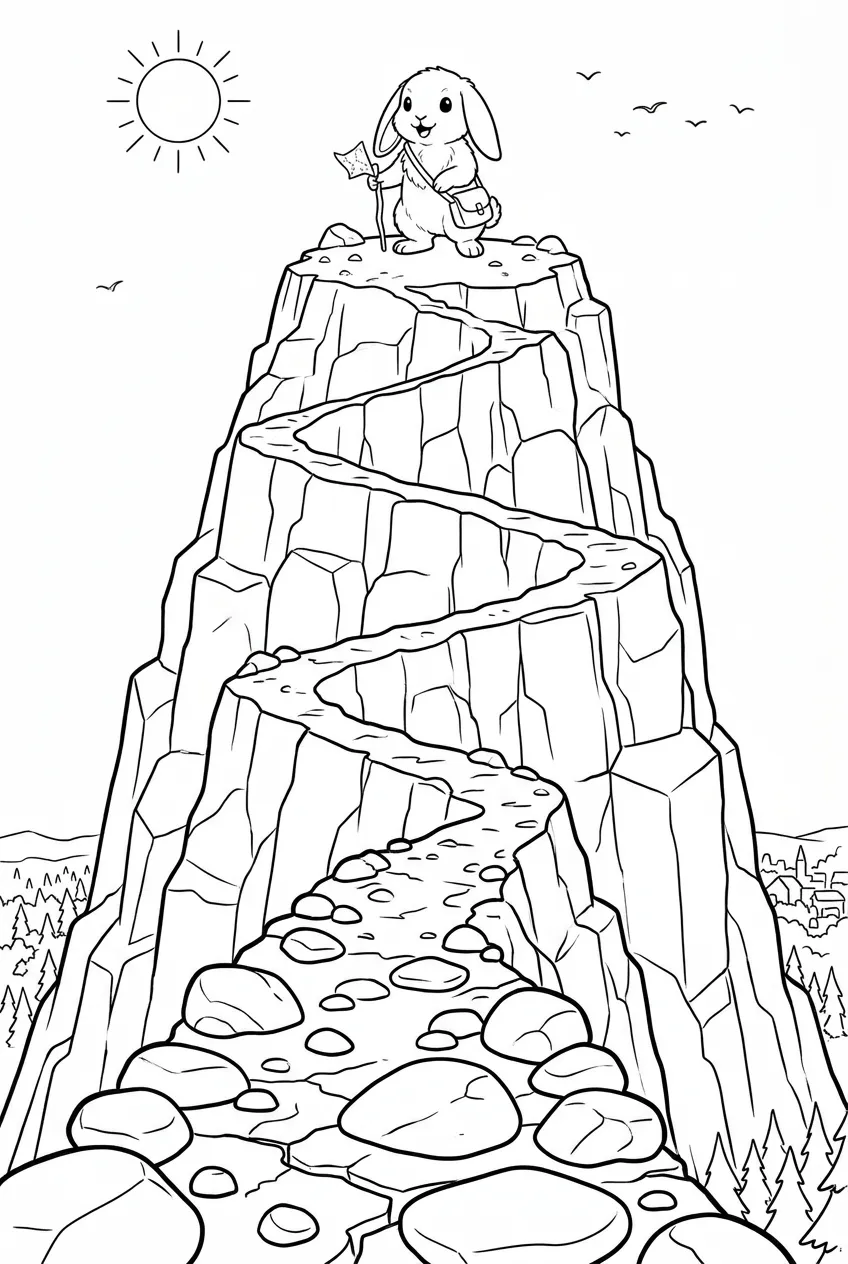
Composition suggesting vertical camera rotation, scanning up or down. Creates height revelation or vertical space exploration.
 Movement
Movement-related camera shots
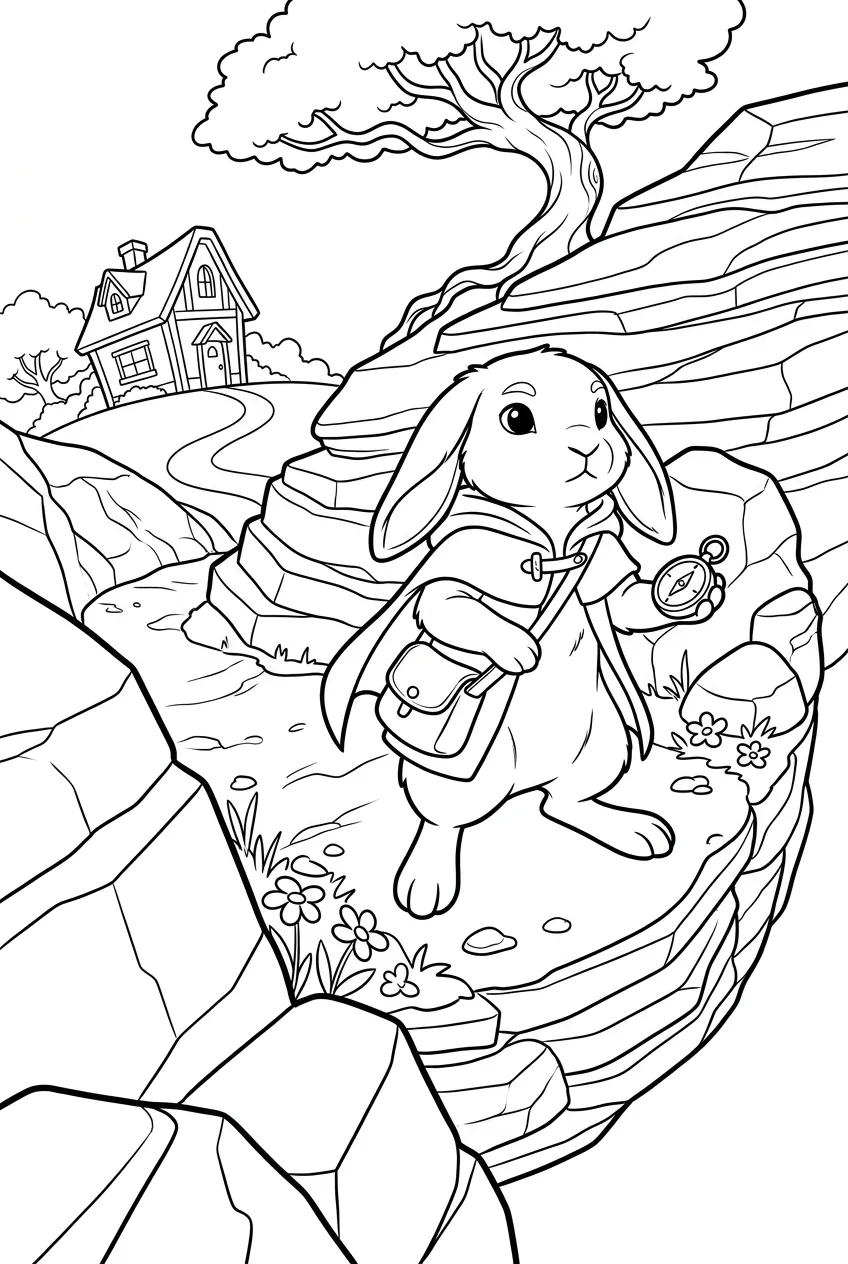
Framing suggesting camera moving in curved path around subject. Creates dimensional reveal, dynamic perspective, and circular motion.
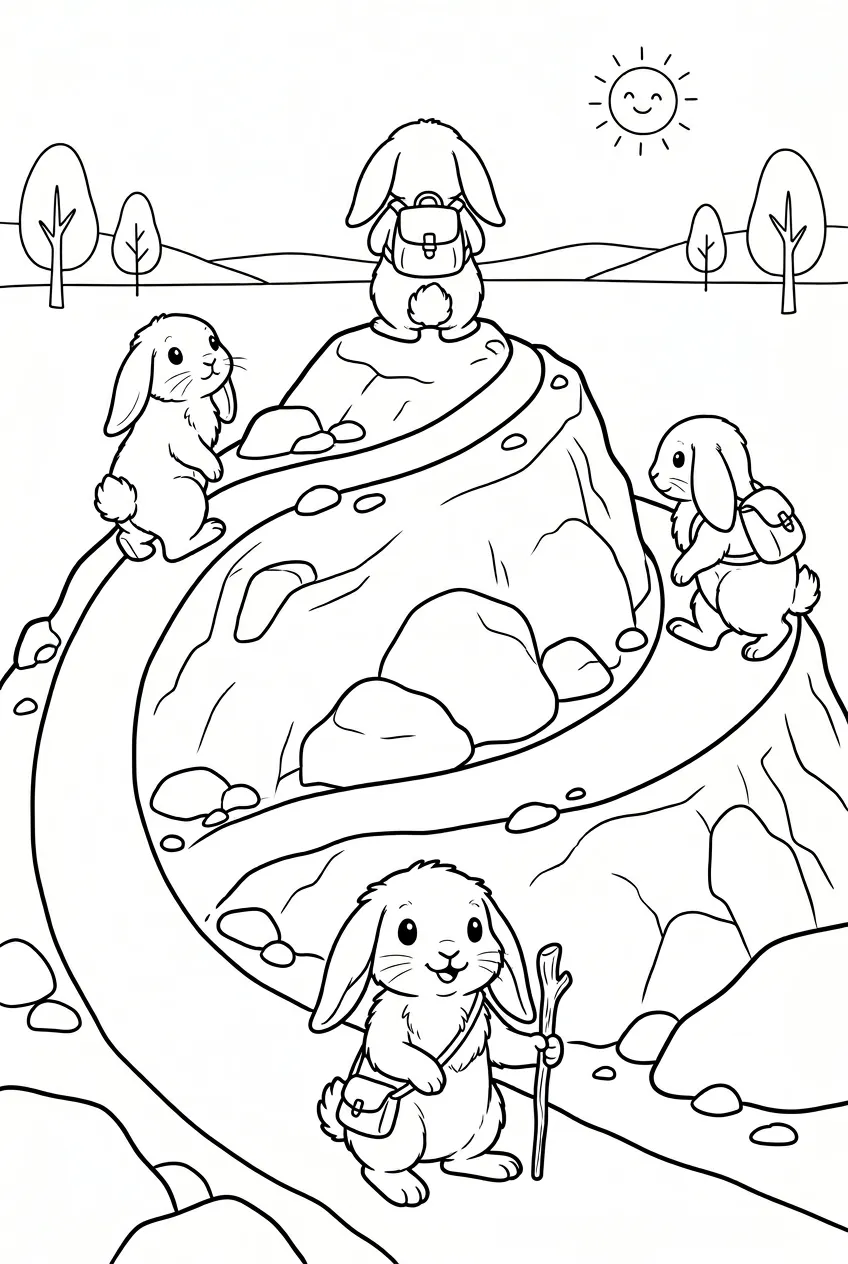 Movement
Movement-related camera shots
Composition implying complete circular camera path around subject. Creates comprehensive spatial understanding and dynamic rotation.
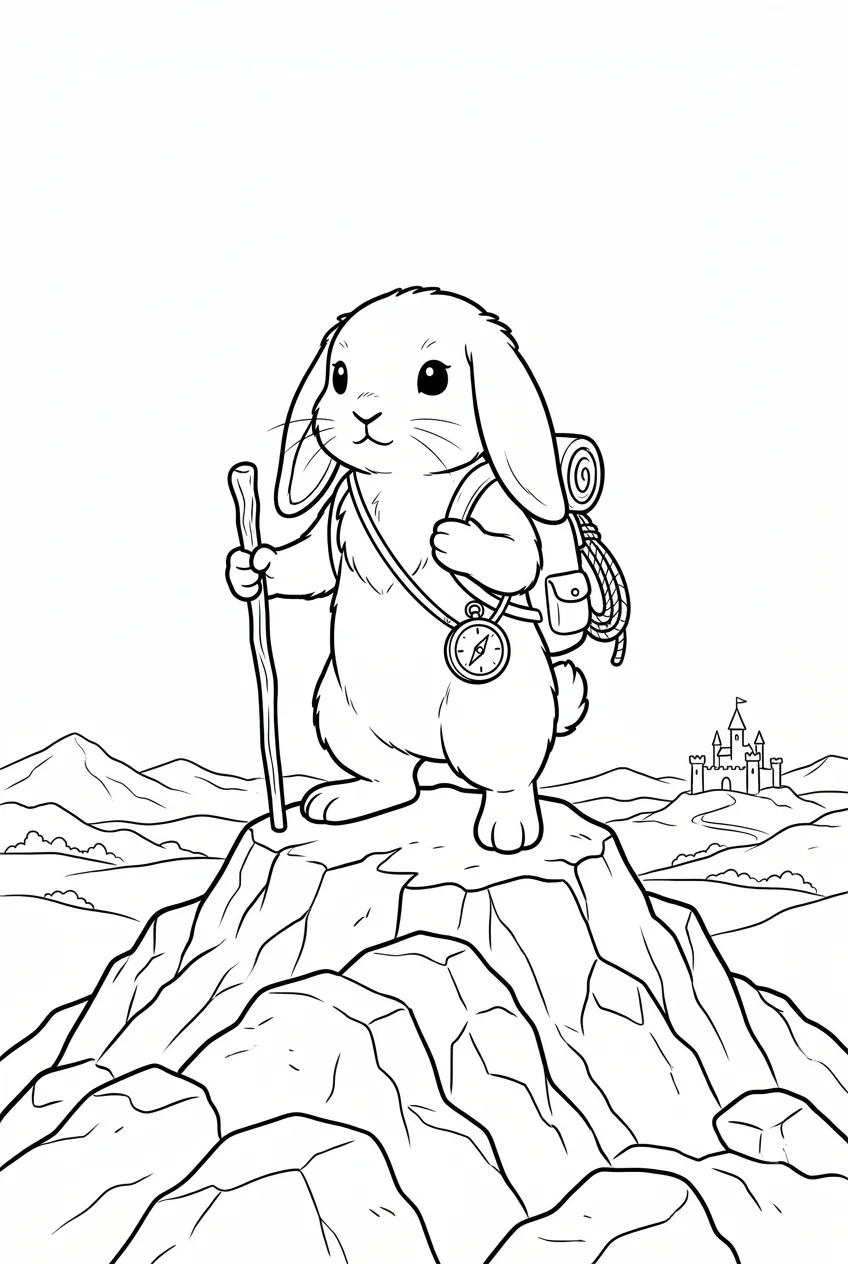 Movement
Movement-related camera shots
Camera fixed in single position without movement. Creates stability, observation, and deliberate, contemplative framing.
8 prompts in this section
 Lens
LensLens / perspective type tags
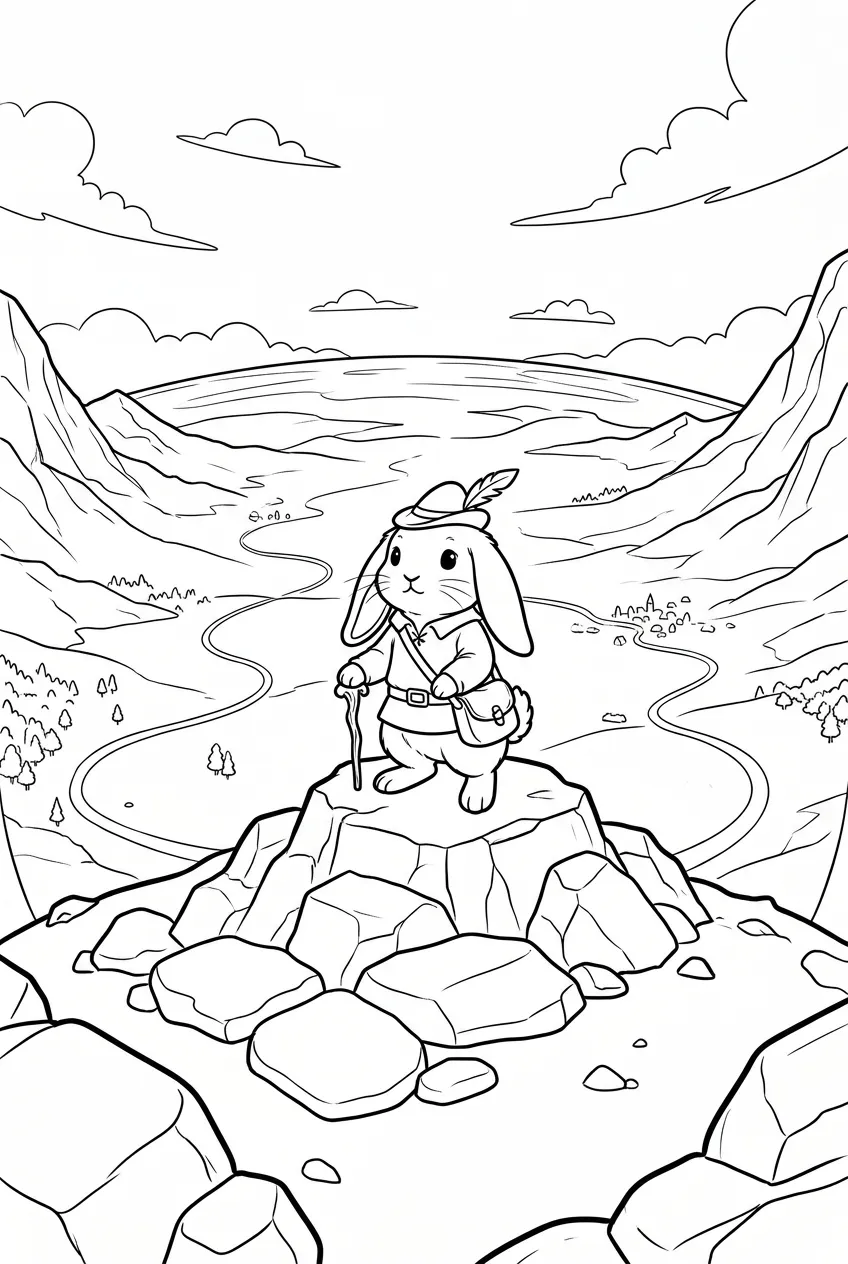
Composition showing expanded field of view with slight barrel distortion. Exaggerates space, depth, and environmental scope.
 Lens
LensLens / perspective type tags
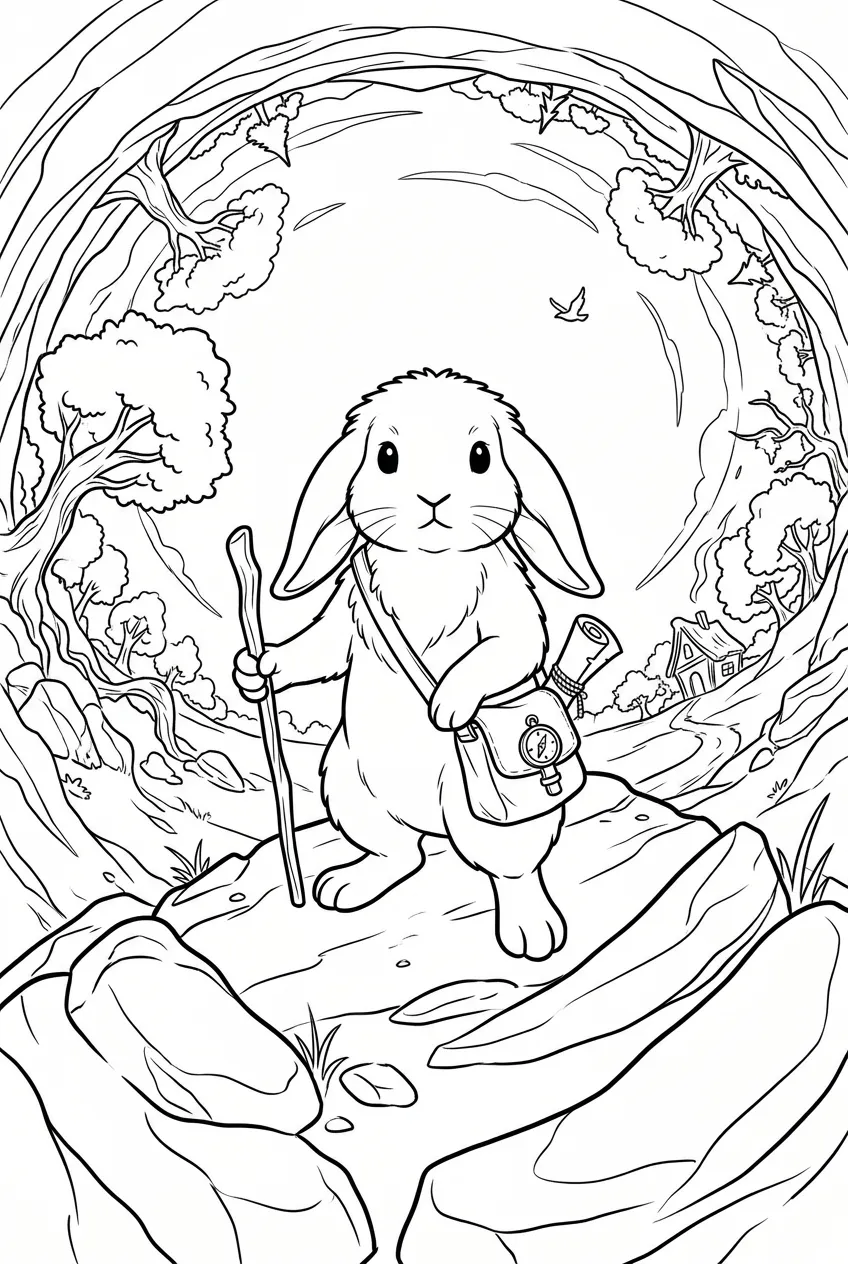
Composition with extremely expanded field of view and pronounced barrel distortion. Creates dramatic spatial exaggeration and immersive perspective.
 Lens
LensLens / perspective type tags
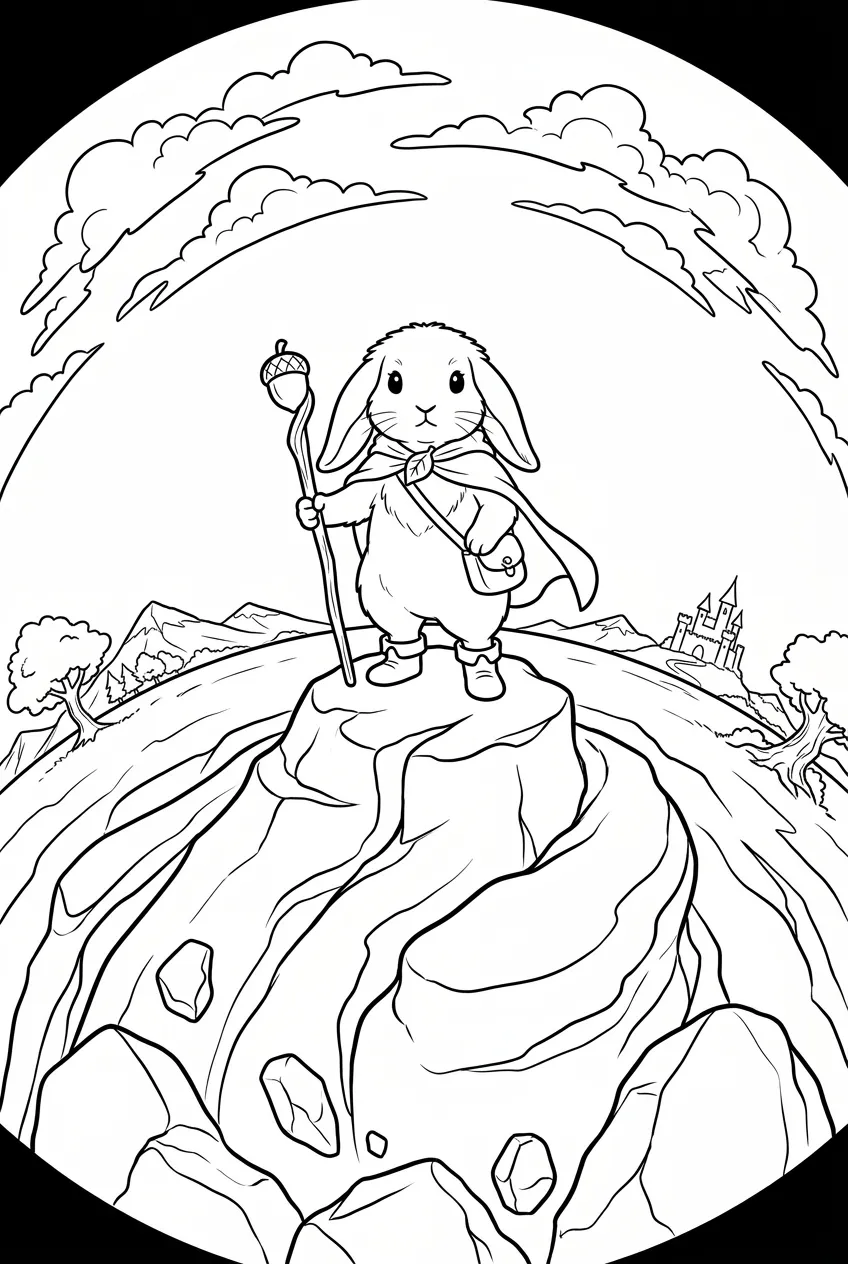
Composition with spherical distortion creating circular, bulging perspective. Dramatically warps space, creating surreal, immersive viewpoint.
 Lens
LensLens / perspective type tags
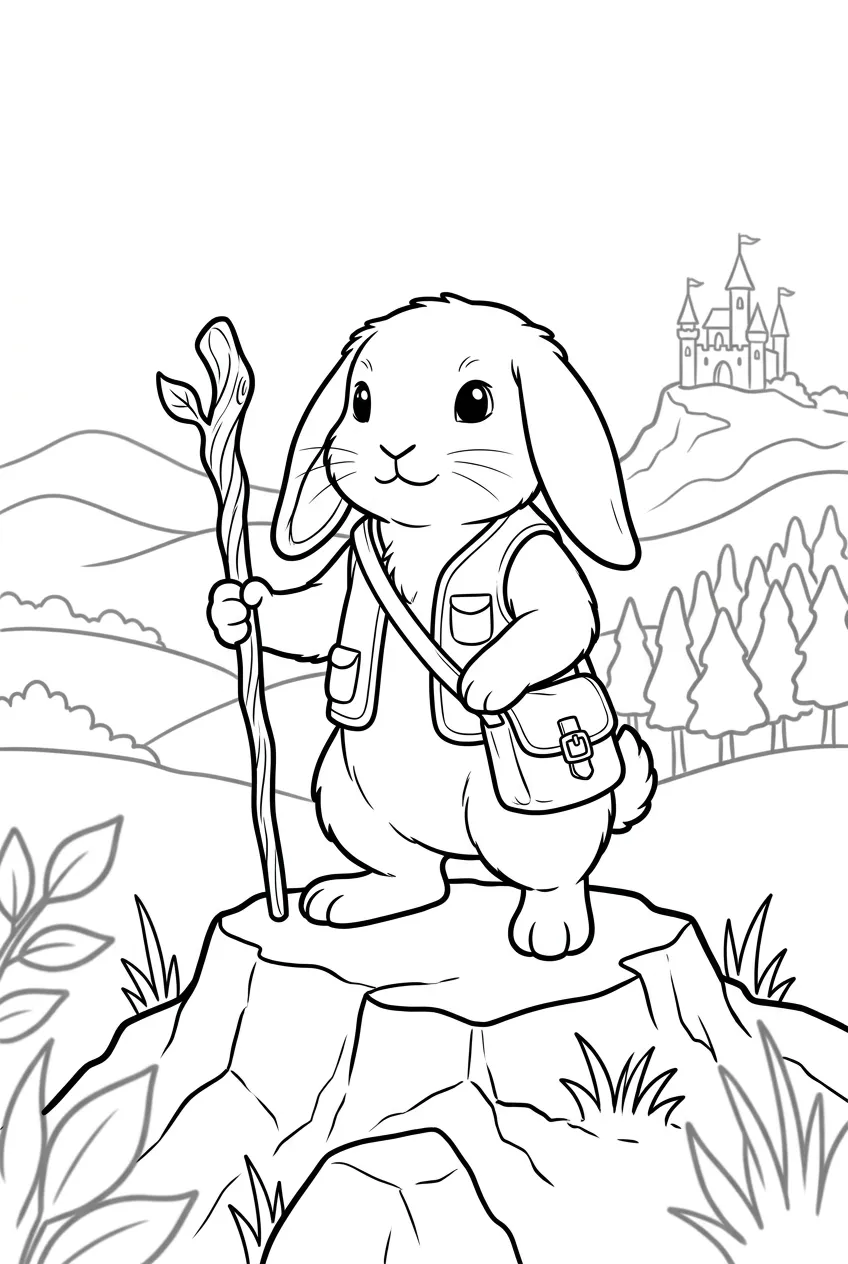
Composition with compressed perspective, flattened depth, and narrow field of view. Creates isolated subject with beautifully blurred background.
 Lens
LensLens / perspective type tags
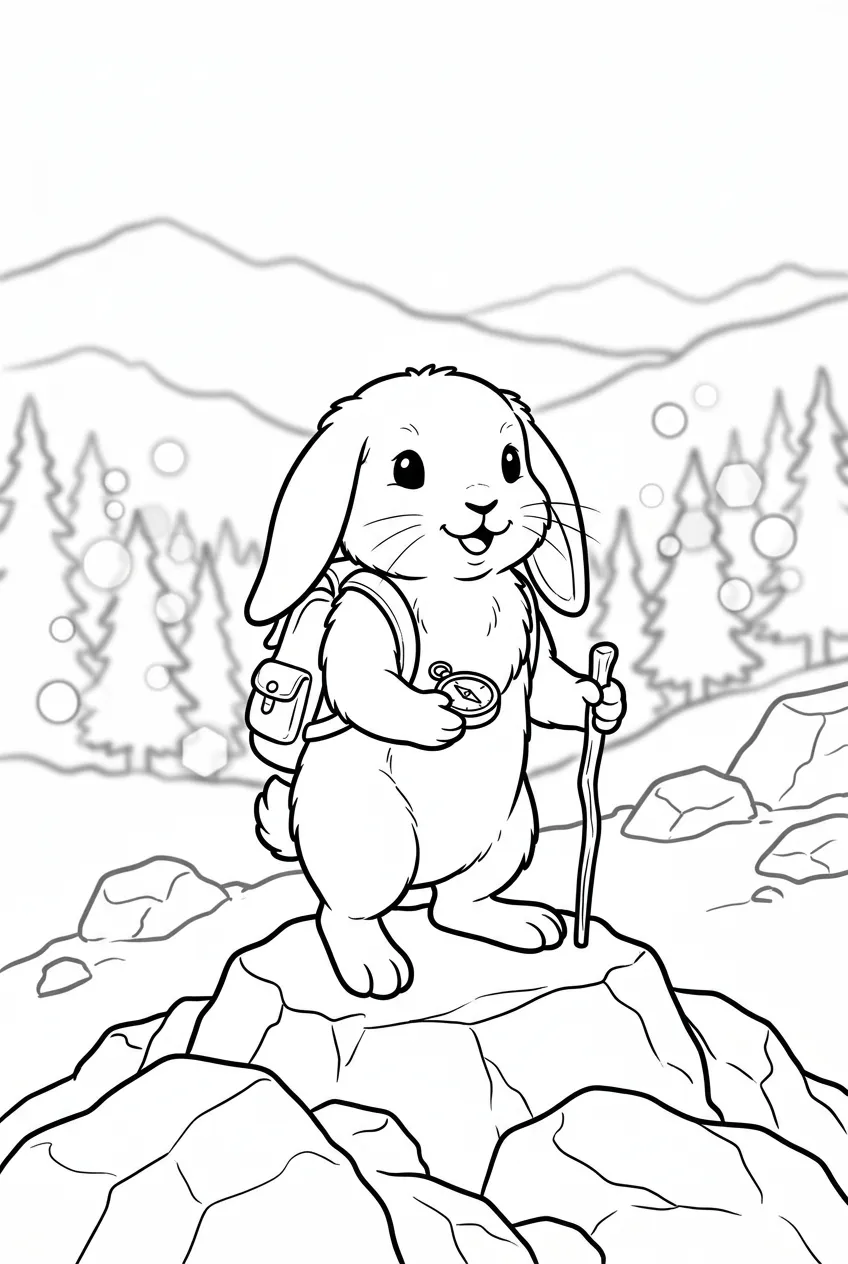
Composition with shallow depth of field, subject sharp against softly blurred background. Creates pleasing bokeh and subject isolation.
 Lens
LensLens / perspective type tags
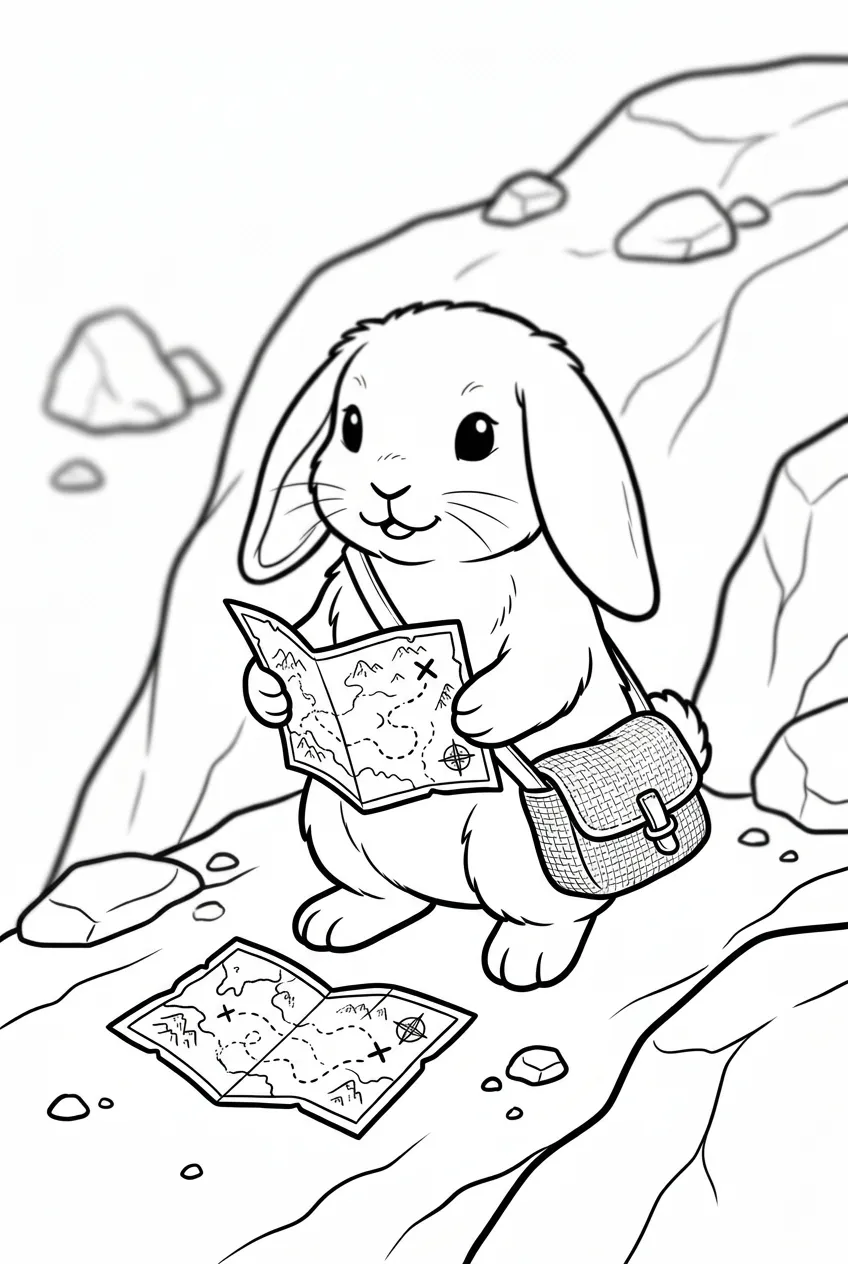
Composition capturing extreme detail of small subject at very close range. Reveals microscopic textures and details with minimal depth of field.
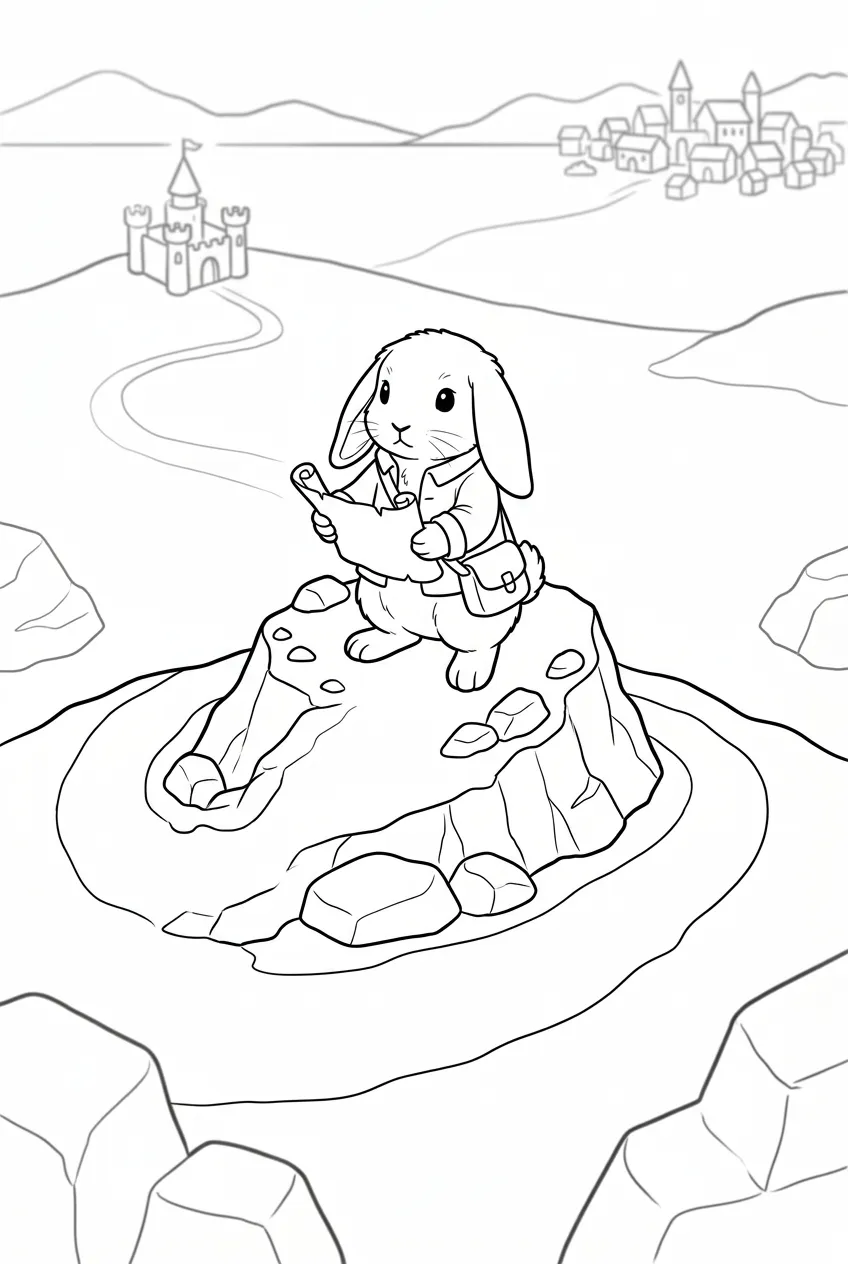 Lens
LensLens / perspective type tags
Composition with selective focus plane, creating miniature effect or corrected perspective. Produces dreamy, toy-like, or architecturally corrected view.
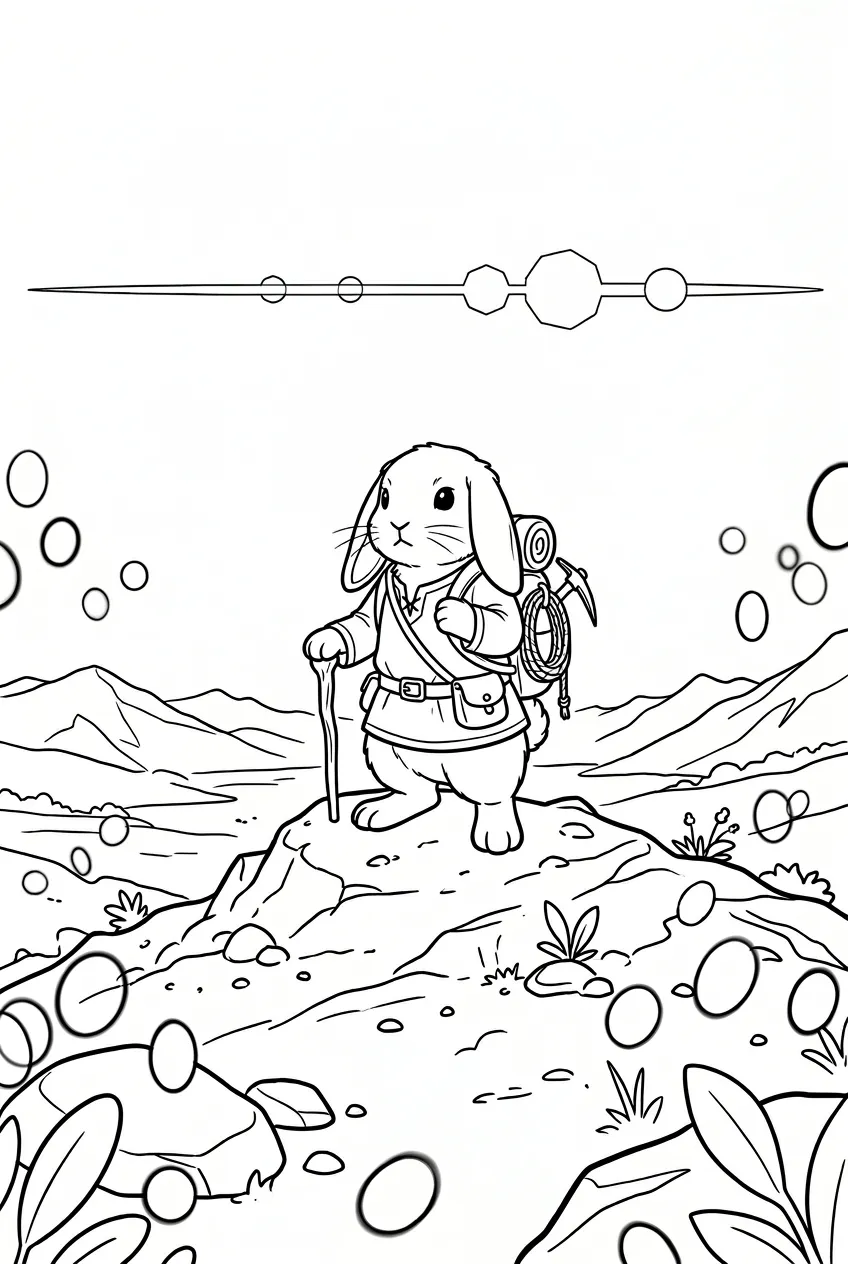 Lens
LensLens / perspective type tags
Composition with characteristic wide aspect ratio, horizontal lens flares, and oval bokeh. Creates cinematic, premium visual aesthetic.
11 prompts in this section
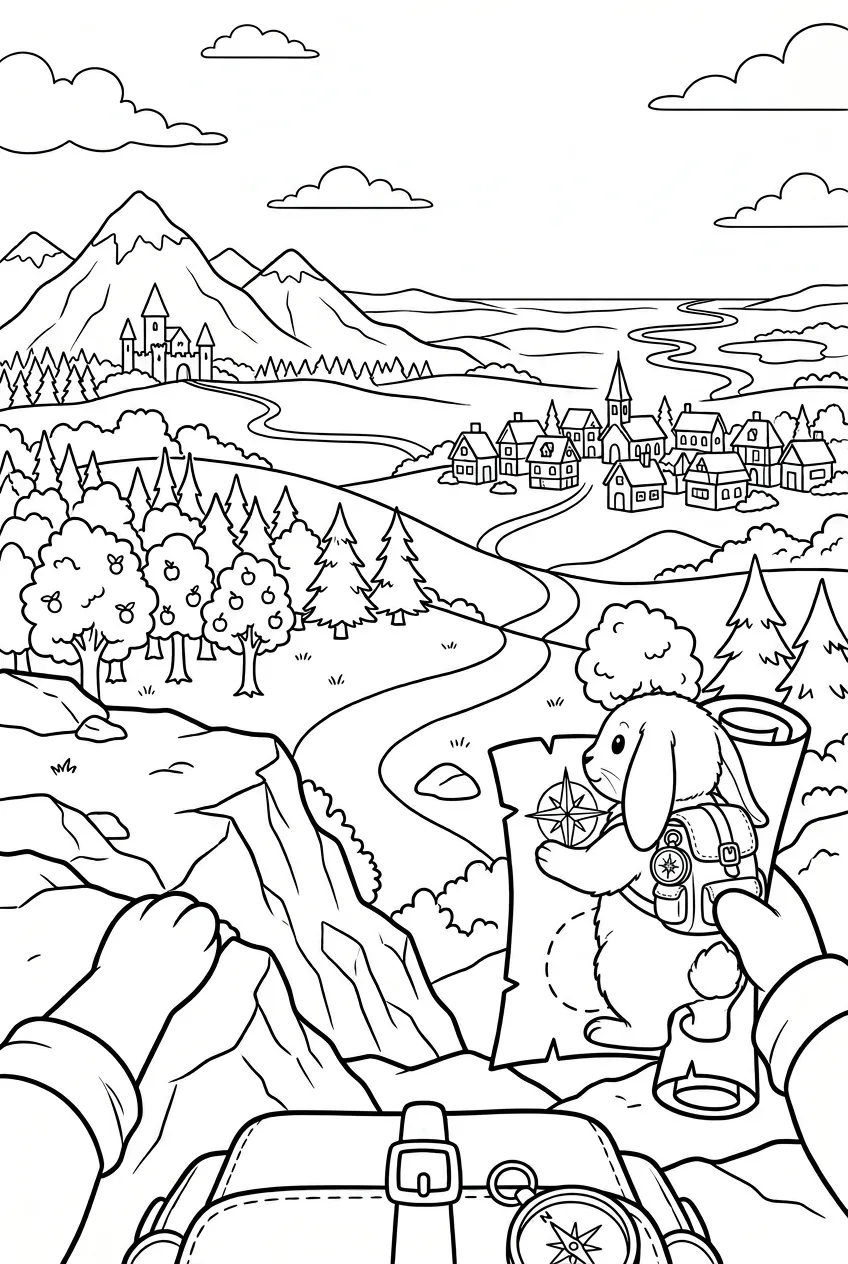 POV
POVSpecial POV / perspective tags
Camera represents character's own eyes, showing what they see. Creates immersive, subjective experience of being the character.
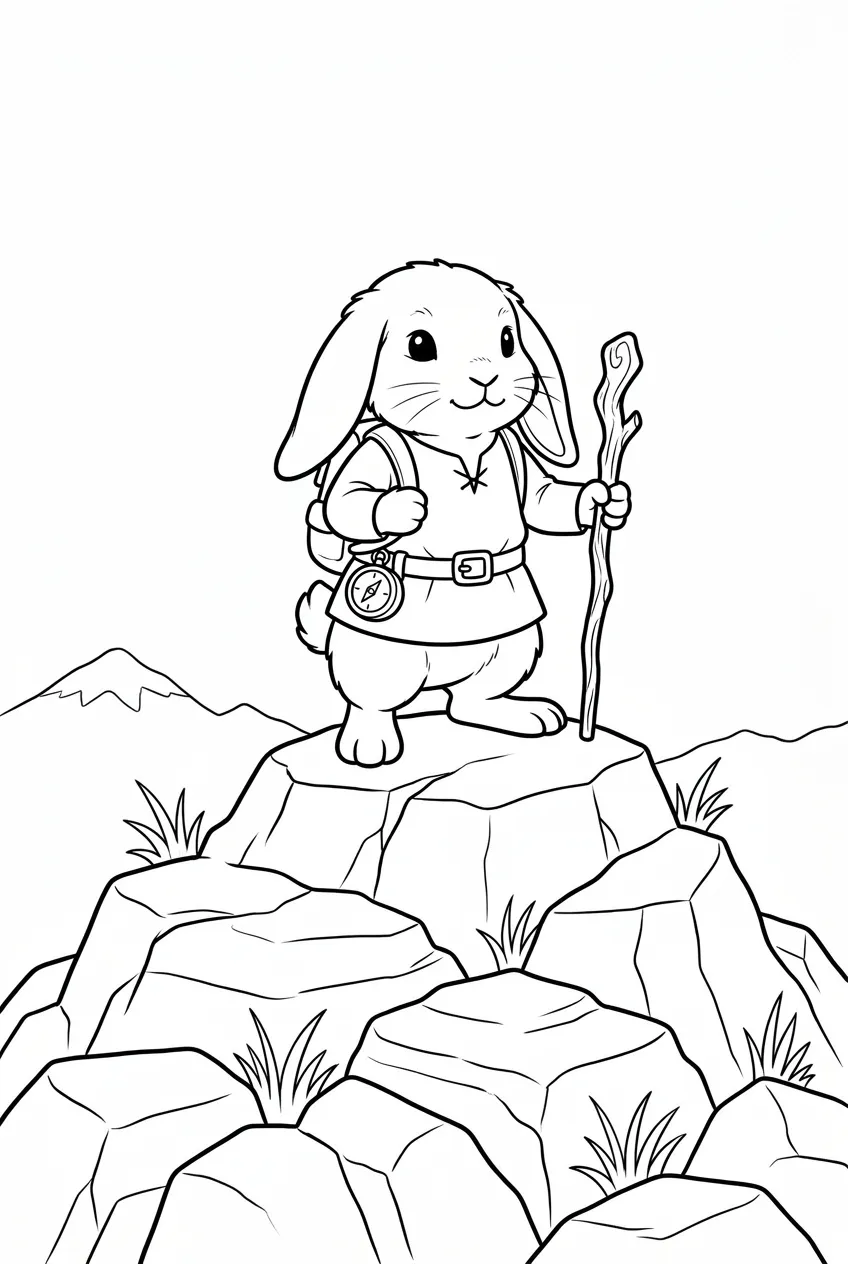 POV
POVSpecial POV / perspective tags
Camera observing subject from outside their body. Creates objective viewpoint watching character from external position.
 POV
POVSpecial POV / perspective tags
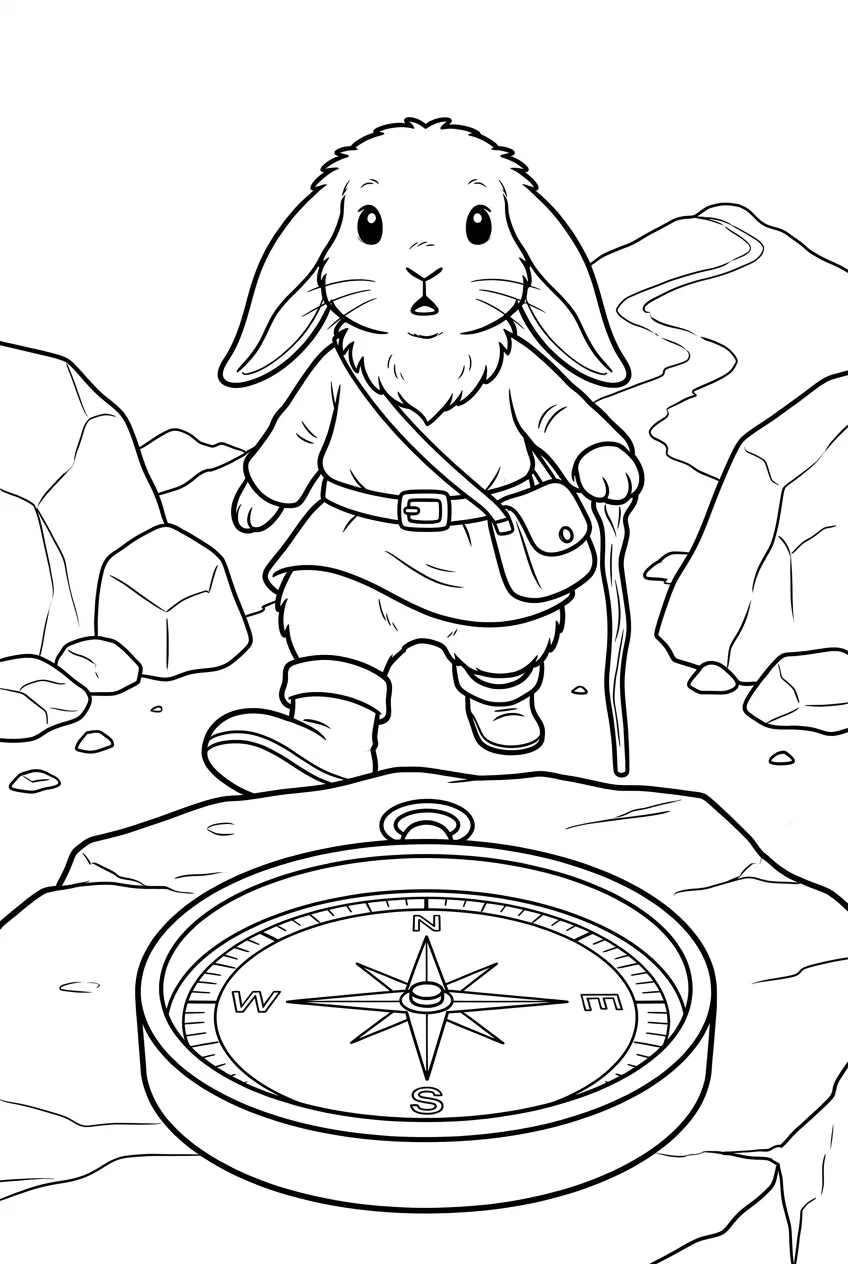
Camera positioned at perspective of inanimate object, showing scene from object's "viewpoint." Creates unusual, creative perspective.
 POV
POVSpecial POV / perspective tags
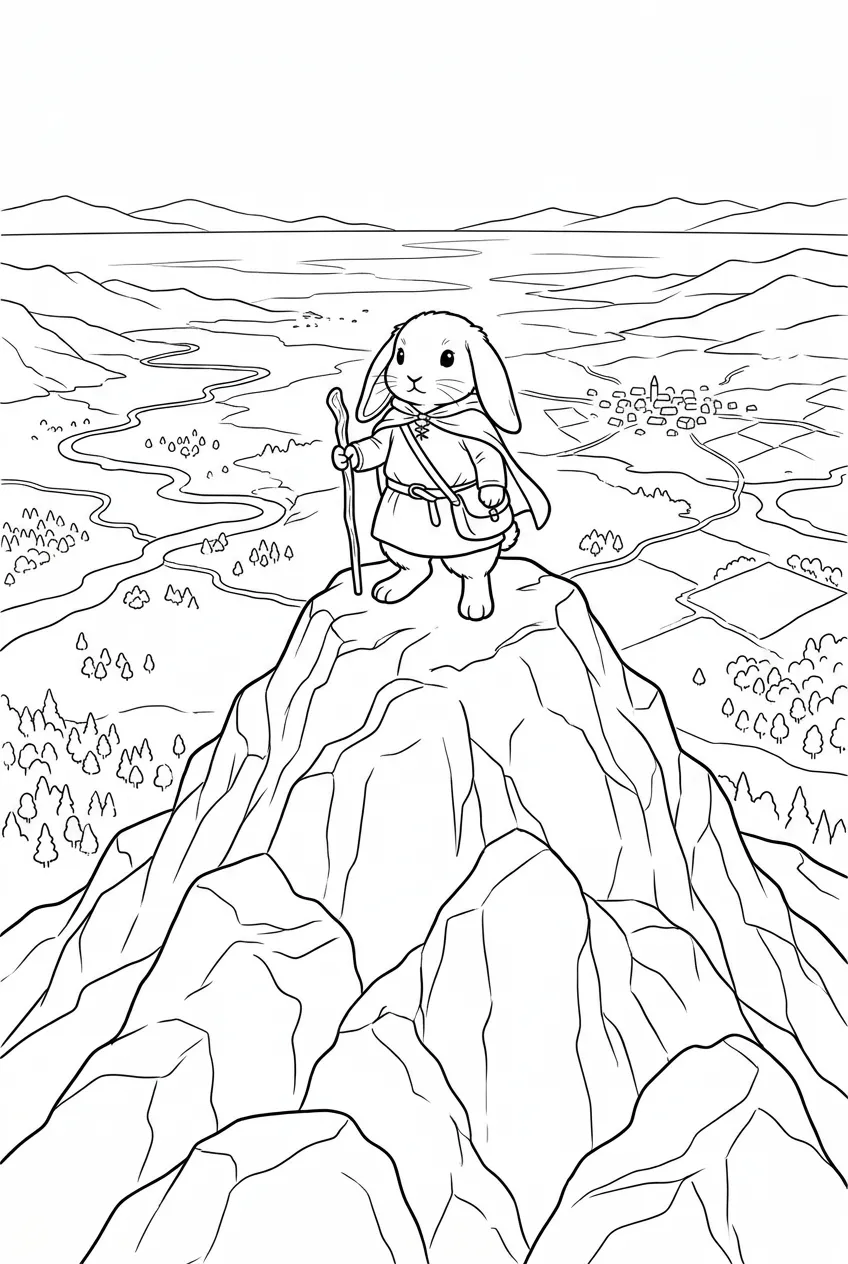
Elevated aerial view with smooth, floating quality. Creates sweeping, bird's-eye perspective with contemporary aesthetic.
 POV
POVSpecial POV / perspective tags
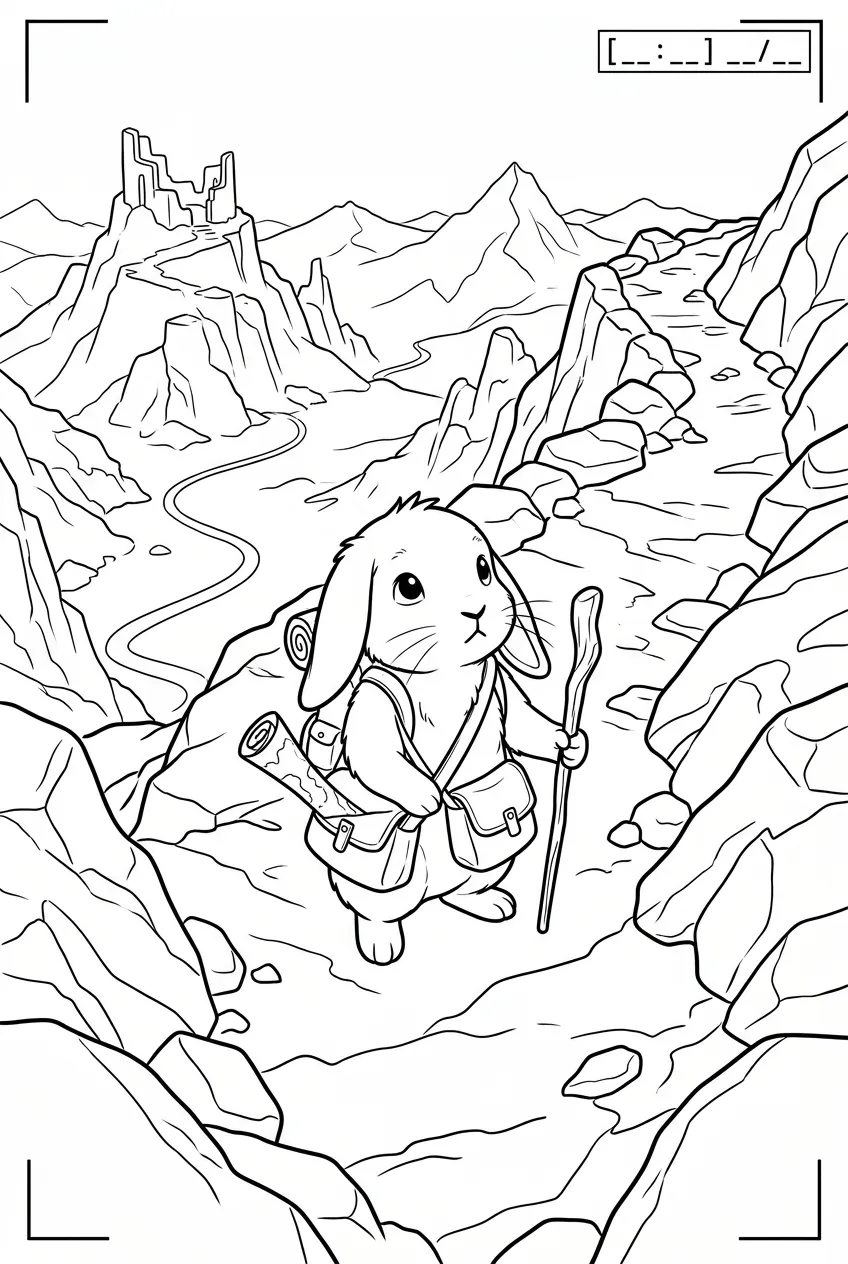
High-corner mounted perspective with wide-angle distortion, timestamp overlay aesthetic. Creates voyeuristic, security monitoring viewpoint.
 POV
POVSpecial POV / perspective tags
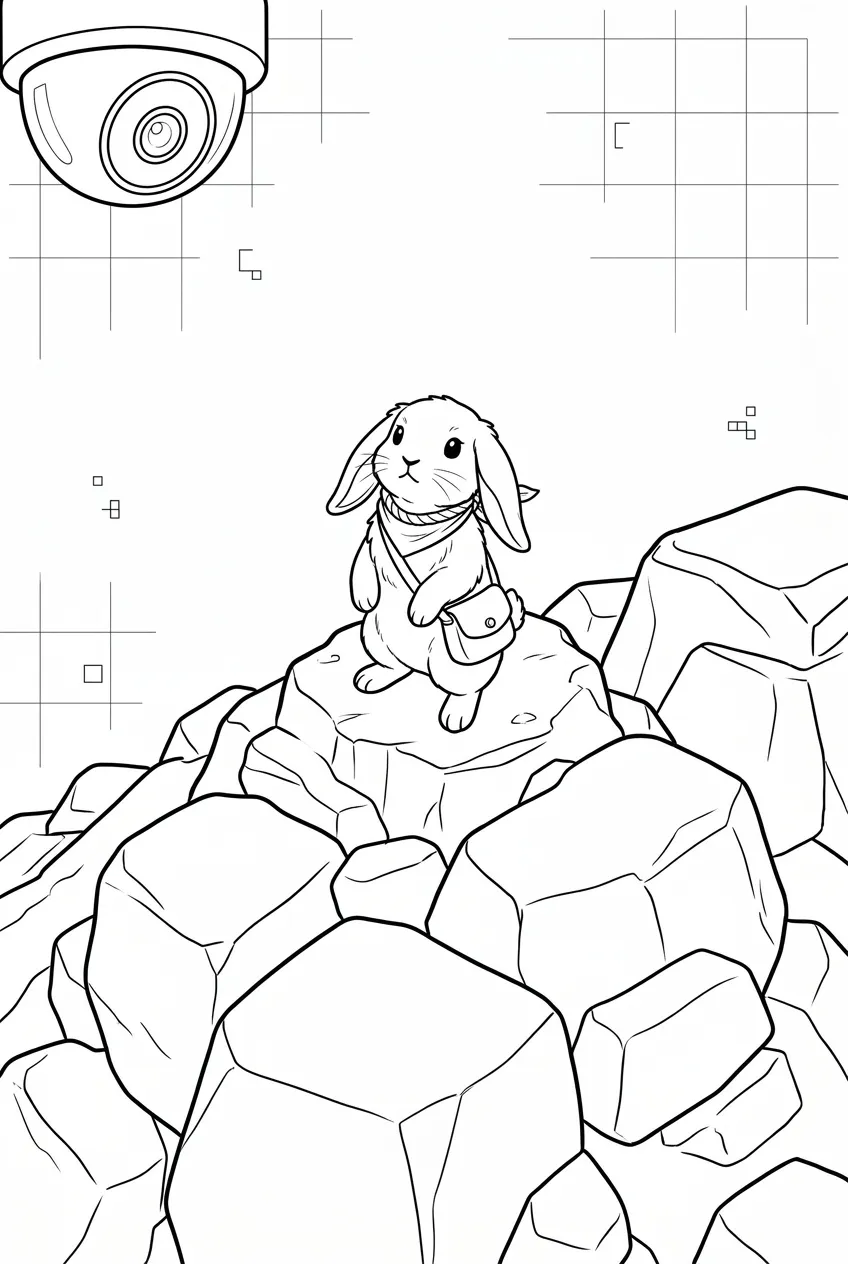
Fixed high-angle viewpoint with grainy quality, suggesting CCTV footage. Creates documentary, monitoring, or found-footage aesthetic.
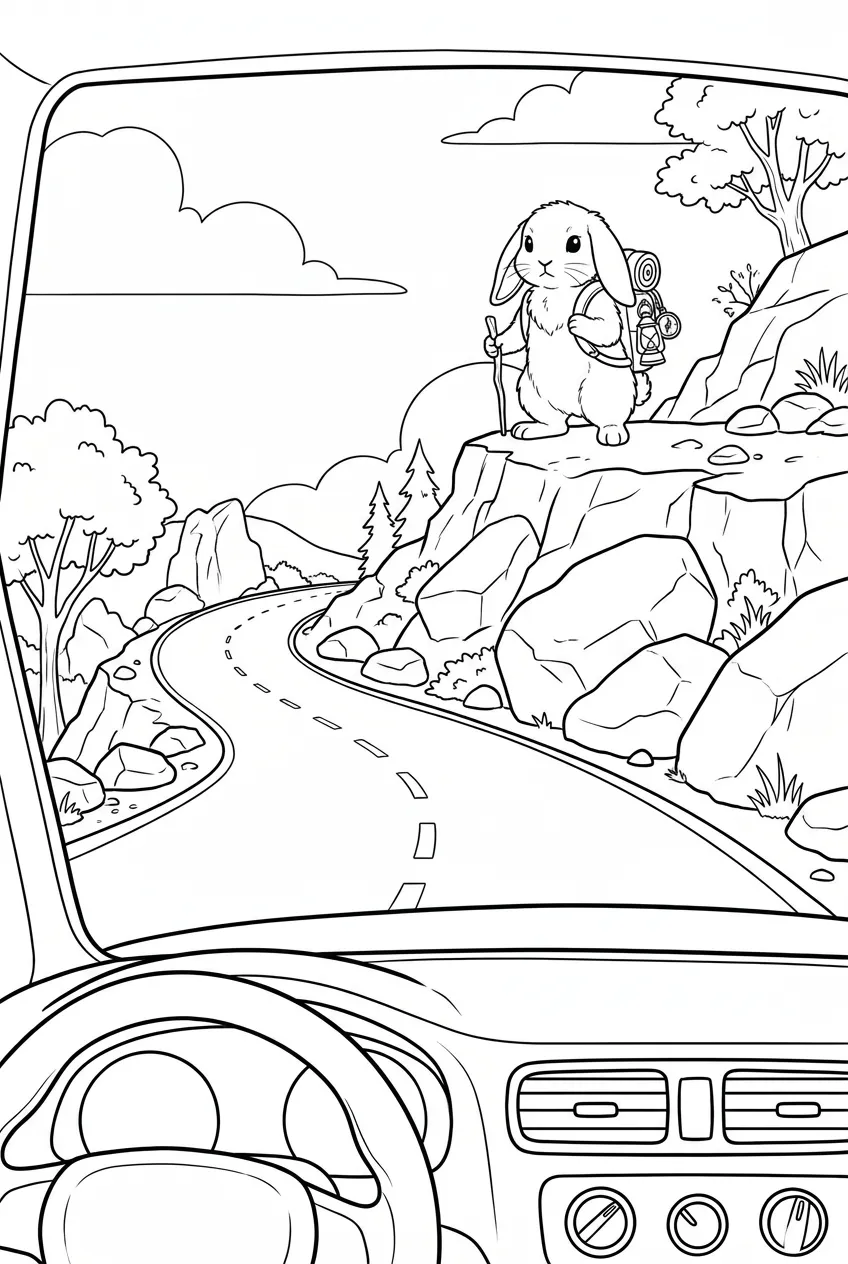 POV
POVSpecial POV / perspective tags
Forward-facing view from vehicle dashboard, showing road ahead. Creates point-of-view from driver's position with characteristic wide angle.
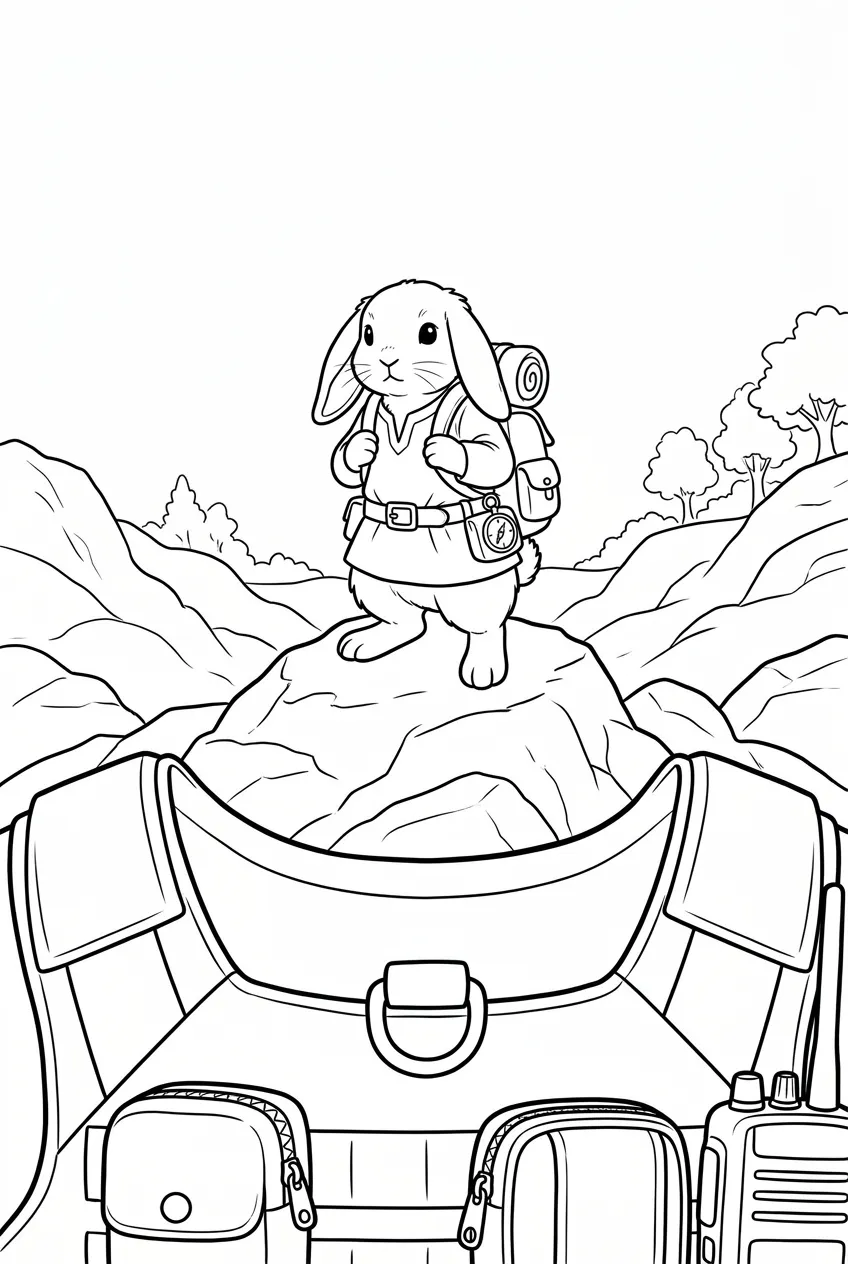 POV
POVSpecial POV / perspective tags
Chest-height POV with slight bounce, showing forward view with partial body visible. Creates documentary, law-enforcement, or action aesthetic.
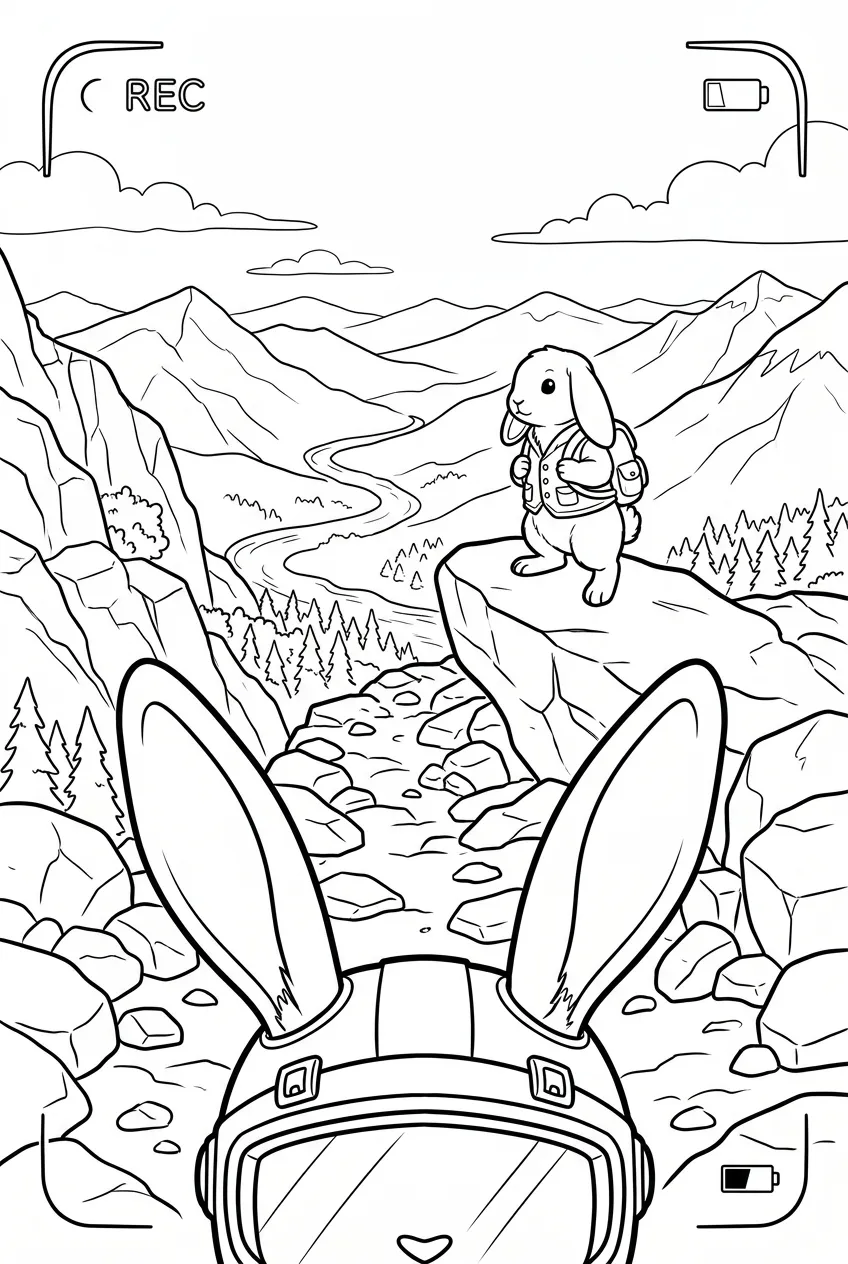 POV
POVSpecial POV / perspective tags
Head-mounted viewpoint showing first-person view from subject's head position. Creates extreme sports, action, or immersive adventure aesthetic.
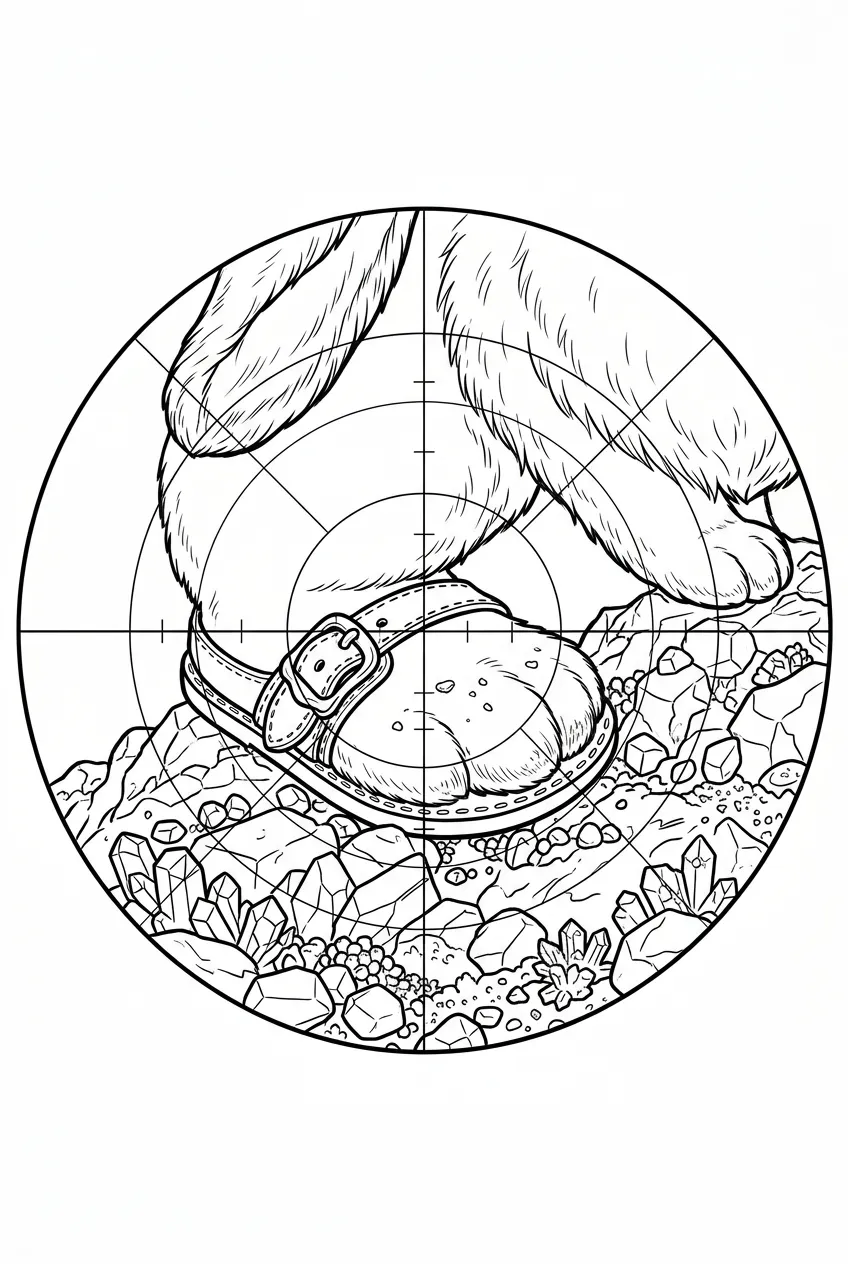 POV
POVSpecial POV / perspective tags
Extreme magnification showing microscopic details with circular vignette. Creates scientific, detailed perspective of tiny subjects.
 POV
POVSpecial POV / perspective tags
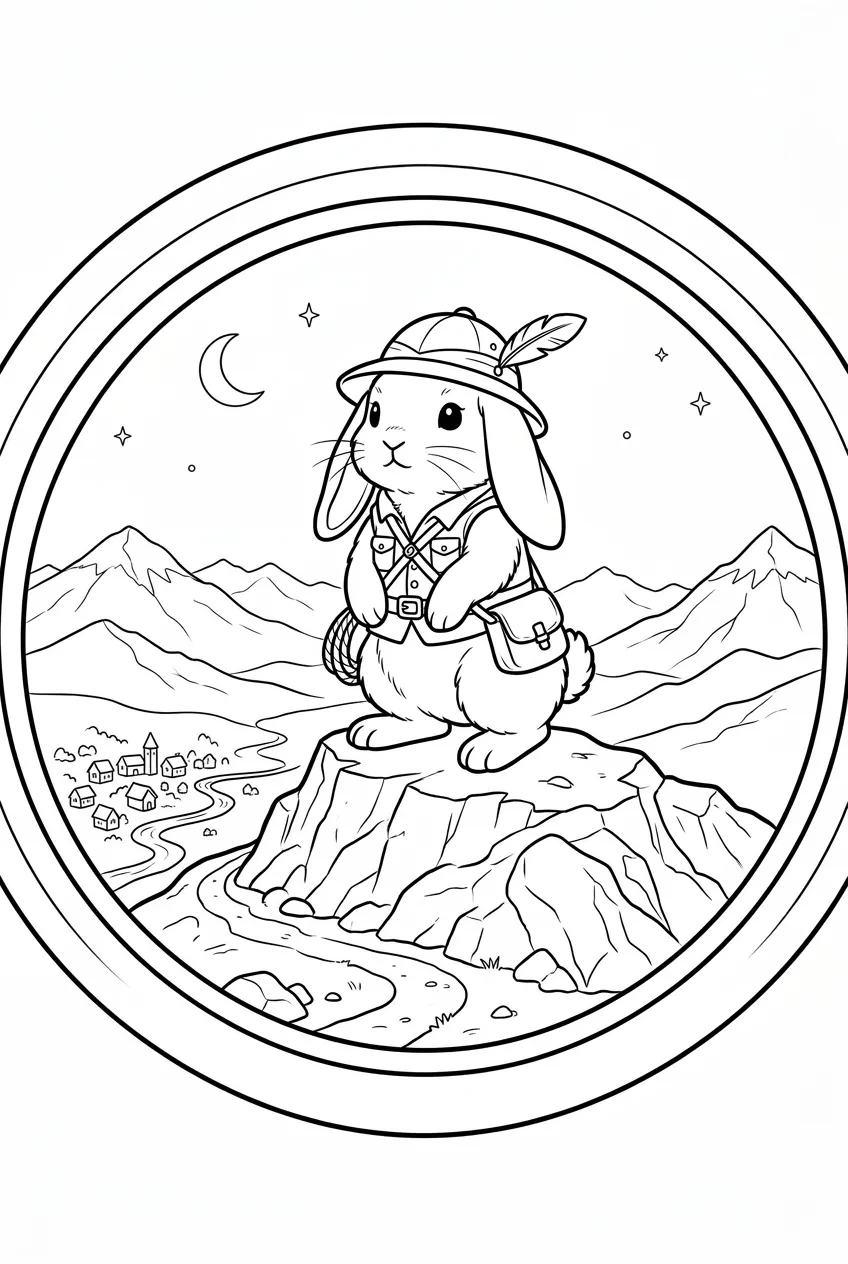
Distant view through circular vignette, showing magnified far-away subjects. Creates astronomical, surveillance, or distant observation perspective.
Browse low angle, high angle, overhead, POV, and other viewpoint prompts that change the power and mood of a scene.
Compare wide shots, medium shots, close-ups, macro prompts, and portrait framings without leaving the page.
Mix composition tags, camera movement cues, lens choices, and perspective prompts when you want a more cinematic result.
If you are learning camera prompts for AI images, start with broad shot types before you mix in more specialized movement or lens language. These prompt links cover power, scale, intimacy, conversation, distortion, and aerial perspective, which makes them a strong starter set for most scenes.
Camera positioned below eye level, looking up at the subject. Creates a sense of power, dominance, and monumentality. appears larger, more imposing against the background.
Camera captures subject fully within environment, showing complete body and surrounding space. Establishes location, context, and spatial relationships.
The camera is positioned very near the subject, capturing all subject in the frame.
Camera positioned behind one subject's shoulder, looking toward another. Creates conversational perspective and spatial relationship.
Composition with spherical distortion creating circular, bulging perspective. Dramatically warps space, creating surreal, immersive viewpoint.
Elevated aerial view with smooth, floating quality. Creates sweeping, bird's-eye perspective with contemporary aesthetic.
Keep the same base subject prompt and switch only the camera language so you can learn what actually changes the result.
Jump straight to low angle, drone shot, fisheye, or over-the-shoulder prompts instead of scrolling through scattered notes.
Every card gives you a reusable shot note you can pair with your own character, object, or scene description.
Camera prompts work best when you change one variable at a time. Keep the subject, lighting, and art style mostly stable, then swap only the camera language to see what actually changes.
Start with the camera family you want to control, such as angle, framing, composition, lens, or POV.
Copy one prompt from the gallery and keep the rest of the wording intact for your first test run.
Combine the shot note with the exact character, object, or scene you want the model to render.
Layer in your model-specific style terms, lighting, or rendering instructions after the camera prompt if you want a more polished result.
Build a full prompt around the camera note with subject, style, and mood details.
Pair camera angle prompts with FLUX-friendly prompt structure.
Add Stable Diffusion style and quality terms after you pick a shot.
Turn a shot note into a longer Midjourney-ready prompt.
Quick answers for searching, copying, and adapting camera shot prompts in image models.
A camera shot prompt generator is a prompt library that helps you control framing, angle, lens, and point of view. Instead of rewriting shot language from scratch, you can copy a shot note, combine it with your subject description, and test variations quickly.
Camera angle prompts change how large the subject feels, how much of the environment shows up, and how dramatic or intimate the result looks. A low angle can make a subject feel dominant, while a top-down or overhead prompt can make the same idea feel graphic or observational.
Pair the copied shot note with your own subject description before you run the prompt. A simple workflow is to write your subject first, then append the camera note, then add any style or lighting details you want.
You can use these prompts with Midjourney, FLUX, Stable Diffusion, Nano Banana, Gemini, and most other image models that respond well to natural-language prompt structure.
Both show more of the environment than a close-up, but a wide shot is usually framed to establish the whole scene, while a long shot often keeps the full subject readable from head to toe with some environmental context around it.
Start with a small set of versatile prompts such as low angle, wide shot, close-up, over-the-shoulder shot, fisheye shot, and drone shot. Those six cover power, scale, intimacy, conversation, distortion, and aerial perspective, which makes them a useful starter set for most scenes.
Sign up for ColorBliss to unlock unlimited generations, high resolution downloads, and more.
Try a different prompt style in one click
Generate prompts for FLUX image generation
Mix subjects, styles, and moods for image prompts
Create prompts with style, mood, and environment
Get drawing ideas when you feel stuck
Generate structured prompts for Recraft
Create prompts with quality and style details
Extract prompts from images with our extension