AI Coloring In 2026: How To Create Printable Pages From Prompts, Photos, And Ideas

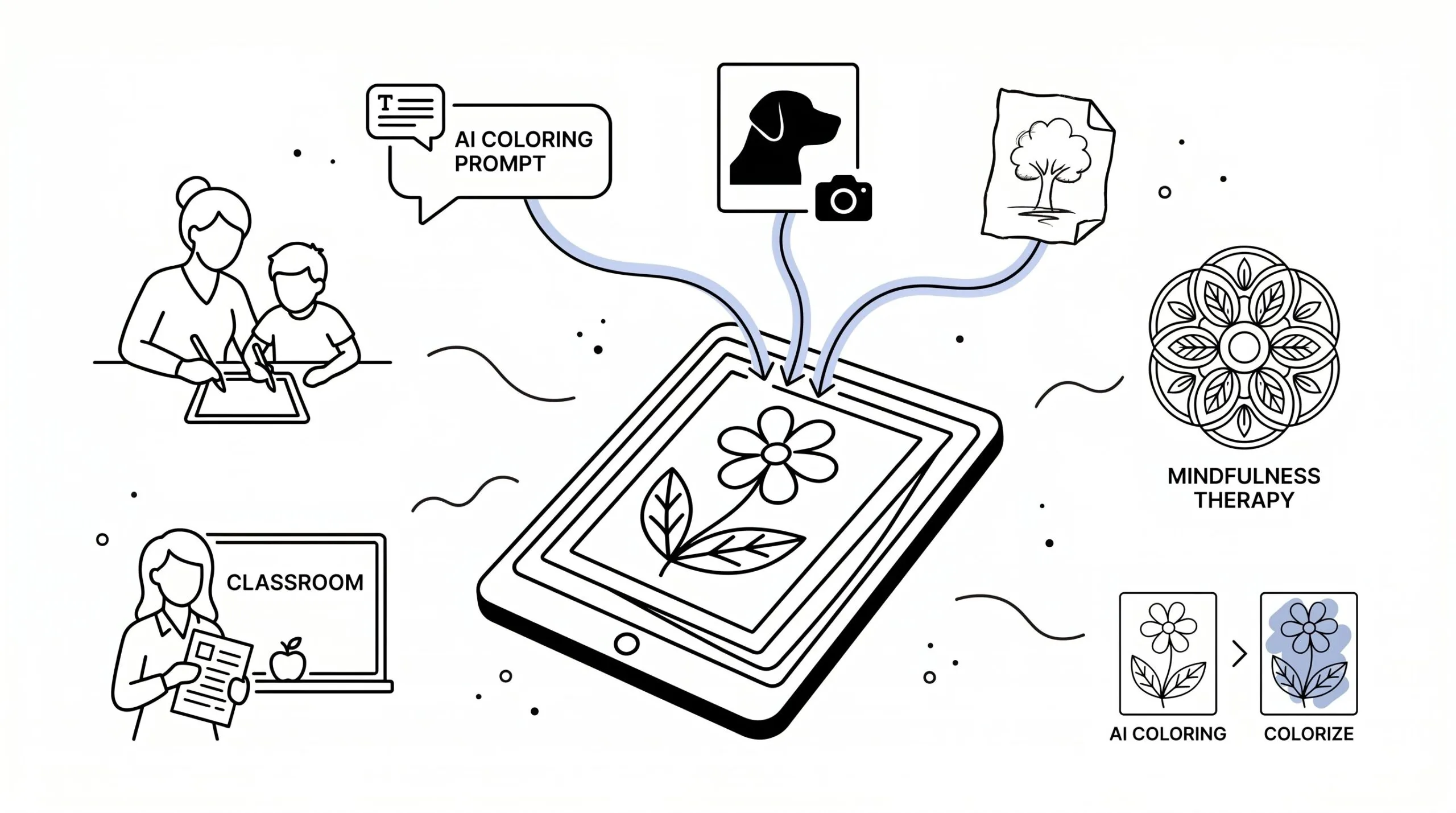
AI coloring has gone from novelty to genuinely useful tool. In 2026, you can type a prompt, upload a pet photo, or sketch a rough idea and get printable line art in seconds.
That matters if you’re a parent making quiet-time activities, a teacher building custom worksheets, a therapist setting up calming exercises, or a creator testing low-cost book ideas. The trick isn’t just getting an image. It’s getting clean, colorable, printable pages. Here’s how ai coloring works, where it helps most, and how to get results you’ll actually want to print.
Key Takeaways
- AI coloring transforms text, photos, and sketches into clean, printable line art ideal for kids, educators, therapists, and creators.
- Using specific prompts with print-focused details like ‘bold clean lines’ and ‘no shading’ improves the quality of AI coloring outputs for better usability.
- AI coloring offers fast, custom solutions for personalized activities, educational materials, calming exercises, and rapid book concept testing.
- Differentiate AI coloring (creating outlines for coloring) from AI colorize (adding color to images) to select the right tool for your project.
- To fix common issues such as excessive detail or weak outlines, refine prompts by emphasizing simplicity, bold lines, and high-resolution exports.
- Start small by creating one practical coloring page to quickly learn how to optimize AI coloring as a reliable, time-saving tool.
What AI Coloring Means And Why It’s So Popular Right Now
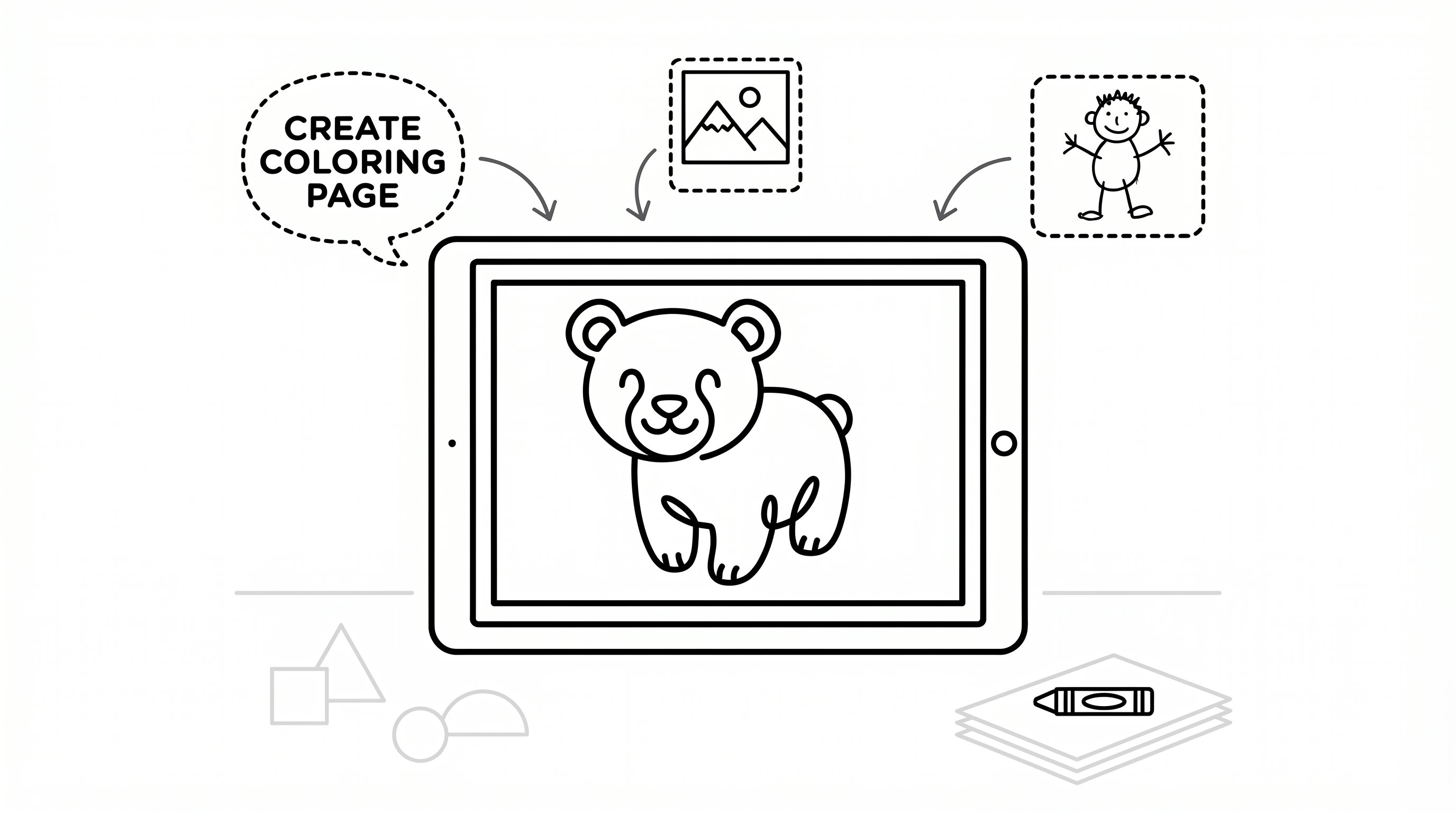
AI coloring means using artificial intelligence to turn text prompts, photos, or rough sketches into black-and-white line art for coloring. It’s different from ordinary image generation because the goal is printable outlines, which means less shading, clearer borders, and pages people can actually color with crayons, pencils, or markers.
Why is it everywhere right now? Simple: the barrier dropped. You don’t need drawing skills, expensive software, or hours of tracing. A modern coloring page generator can produce custom pages fast, which means teachers, parents, and small businesses can make niche materials on demand.
It’s also popular because the use cases are broad:
- Kids’ activities, which means personalized pages for names, pets, and favorite themes
- Classroom materials, which means vocabulary, science scenes, and holiday centers
- Therapy and mindfulness, which means calming, repetitive art without screen-heavy stimulation
- Book creation, which means faster testing for Etsy or Amazon KDP ideas
For educators, resources from the U.S. Department of Education keep reinforcing the value of accessible learning tools, which means adaptable printables still matter in real classrooms.
Do this today: write three simple page ideas you’d actually use this week. Spend 5 minutes listing one for fun, one for learning, and one for calm.
How AI Coloring Tools Turn Text, Photos, And Sketches Into Clean Line Art
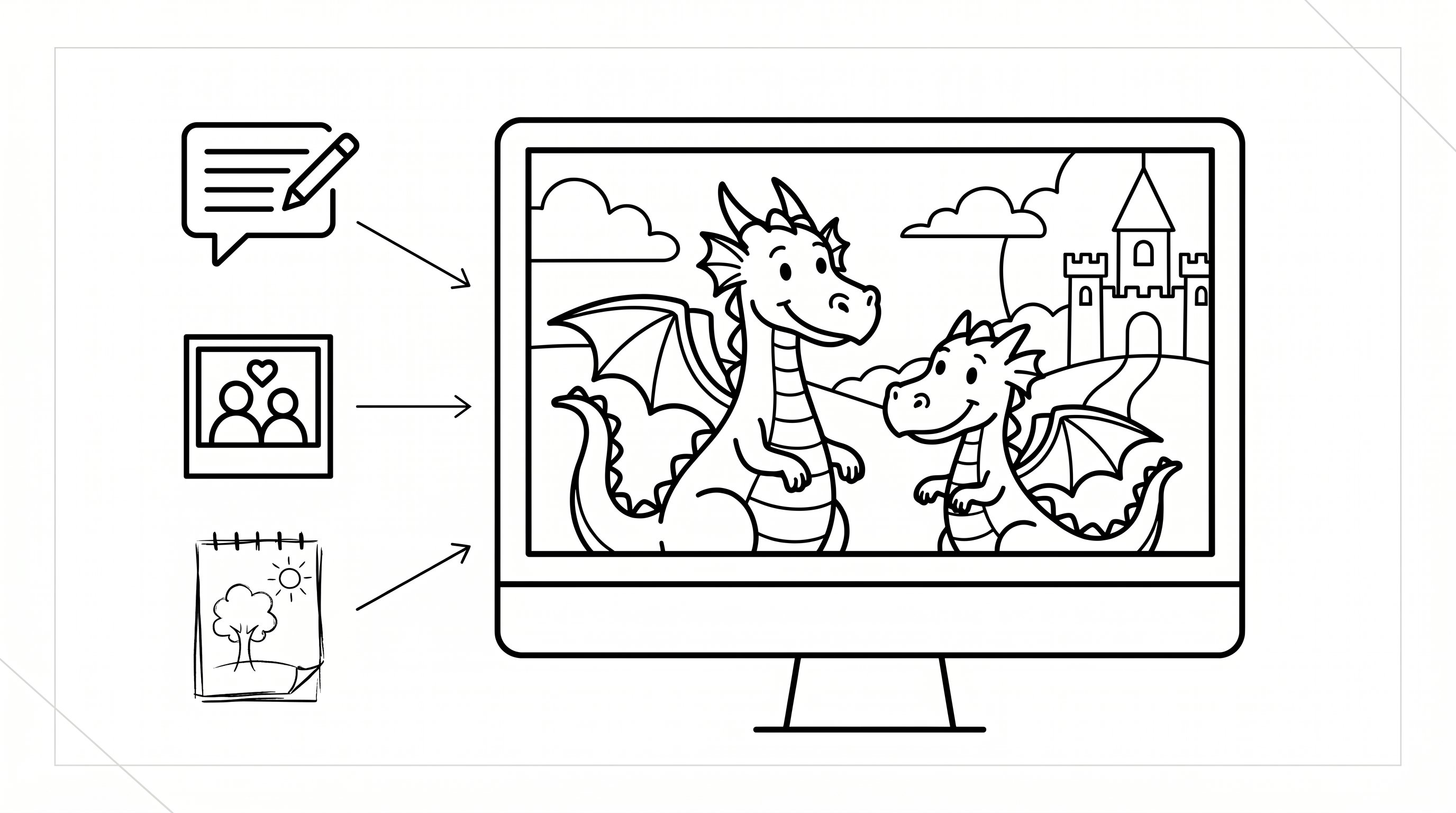
Most ai coloring tools follow the same basic pattern: they interpret input, simplify shapes, and emphasize outlines. If you start with text, the model maps your words to visual concepts. If you upload a photo, it detects edges and major forms. If you upload a sketch, it refines what’s already there.
The best tools reduce muddy gray tones, which means your printer won’t spit out a page full of murky shadows. They also separate foreground from background, which means kids and adults can color distinct spaces without confusion.
A few common workflows:
- Text to line art: “friendly dragon, coloring book page, bold outlines”
- Photo to coloring page: great for pets, portraits, and classrooms
- Sketch cleanup: useful for artists and teachers with rough concepts
If you want to turn a family snapshot into printable art, a photo to coloring page workflow is the fastest route, which means you can skip manual tracing. And if you want a broader walkthrough, this guide on turning pictures into coloring pages shows the typical process.
Start by testing one text prompt and one photo. Give yourself 10 minutes and compare which source gives cleaner outlines for your needs.
The Best Ways To Use AI Coloring For Kids, Classrooms, Therapy, And Creative Projects
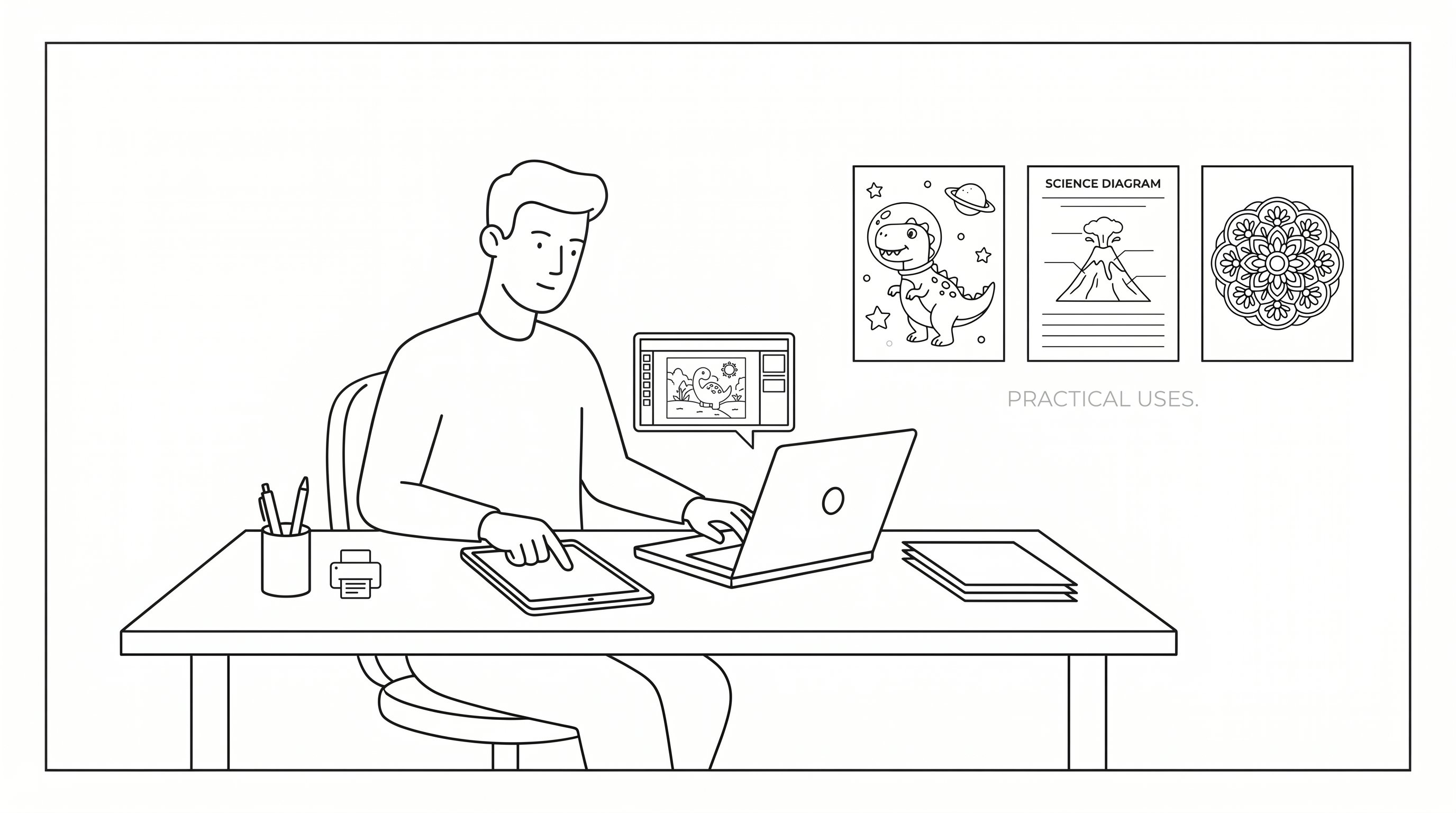
This is where ai coloring gets practical.
For parents, custom pages are great when a child only wants “dinosaurs in space” or “my cat wearing a crown.” That specificity matters, which means you can meet a kid’s interest instead of forcing generic pages.
For teachers, ai coloring can support instruction without adding much prep. You can build vocabulary scenes, historical settings, or science diagrams. Platforms like Khan Academy have long helped normalize flexible learning tools, which means printable visuals fit naturally into differentiated instruction.
For therapists and adults seeking mindfulness, repetitive patterns, gardens, mandalas, and gentle nature scenes can support calm focus. Research on art-based relaxation continues to point in that direction, though it’s not a replacement for clinical care.
For small creators, ai coloring can help test book ideas quickly. An ai coloring book generator can speed up concept validation, which means you spend less time drawing pages people may not want.
Best fits:
- Great for: parents, teachers, churches, activity sellers, therapists, hobby artists
- Less ideal for: high-end illustrators who need exact anatomy or trademark-sensitive character work
Try this: create one page for a real audience you serve. Spend 15 minutes making either a classroom sheet, a calming page, or a giftable custom design.
How To Write Better Prompts For More Usable, Printable Results
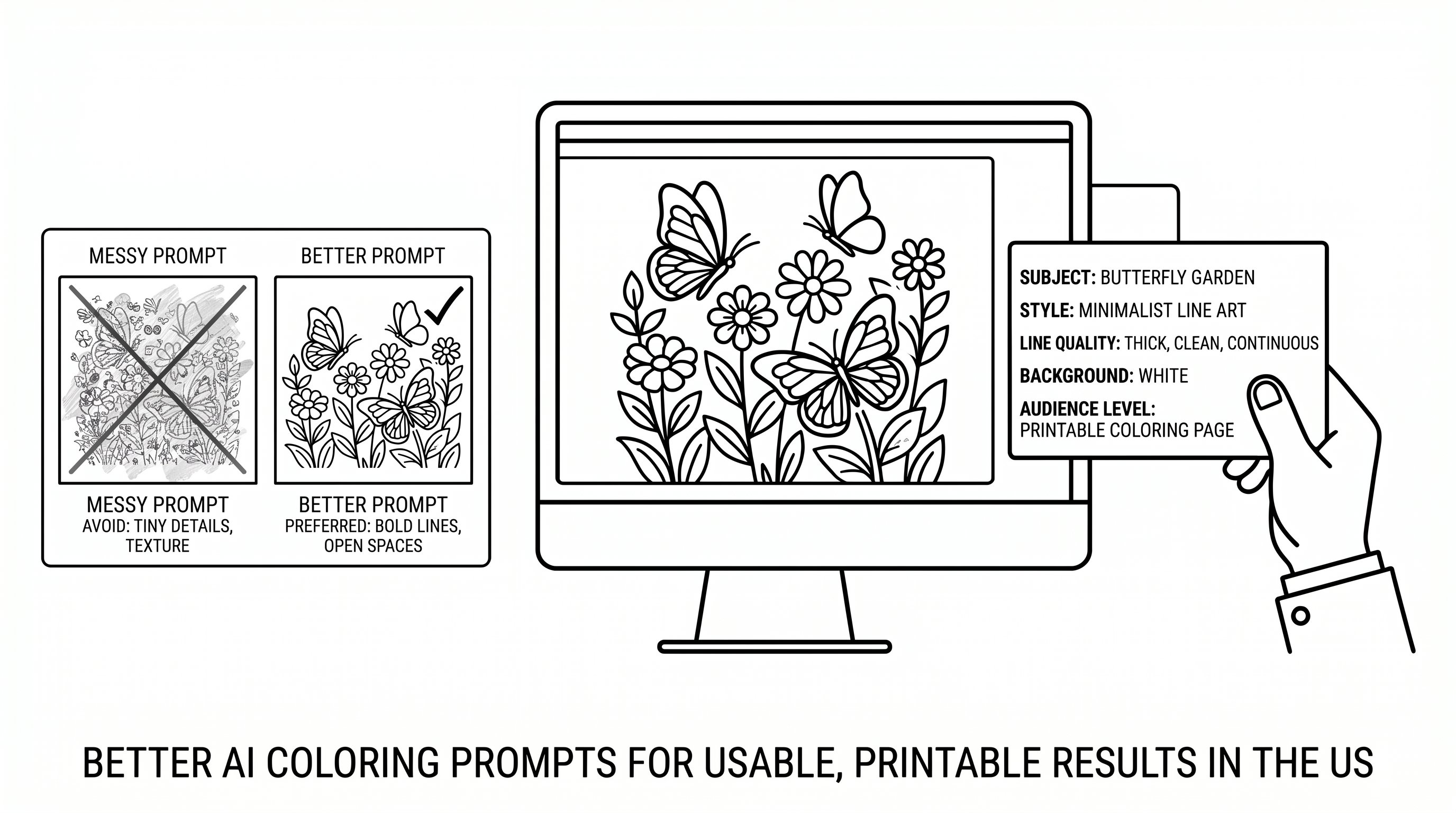
If your ai coloring results look messy, the prompt is usually the first fix.
Start with the subject, then add print-focused instructions. Good prompts tell the model what to include and what to avoid. That detail matters, which means you’ll get fewer gray areas and fewer unusable tiny shapes.
Use this formula:
subject + style + line quality + background + audience level
Examples:
- “Butterfly garden, coloring book page, bold clean lines, white background, for ages 6–8”
- “Serene forest cabin, adult coloring page, intricate but printable, black and white line art, no shading”
- “Fire truck at school, simple coloring page, thick outlines, minimal background”
Helpful prompt words:
- bold clear lines
- black and white
- white background
- coloring book style
- no shading
- printable line art
You can practice with an ai coloring tool or compare results inside an ai coloring book app, which means you’ll quickly see which words improve print quality.
Do this now: write one prompt with “no shading” and one without it. Spend 5 minutes comparing the outputs side by side.
AI Colorize Vs. AI Coloring: What’s The Difference And When To Use Each
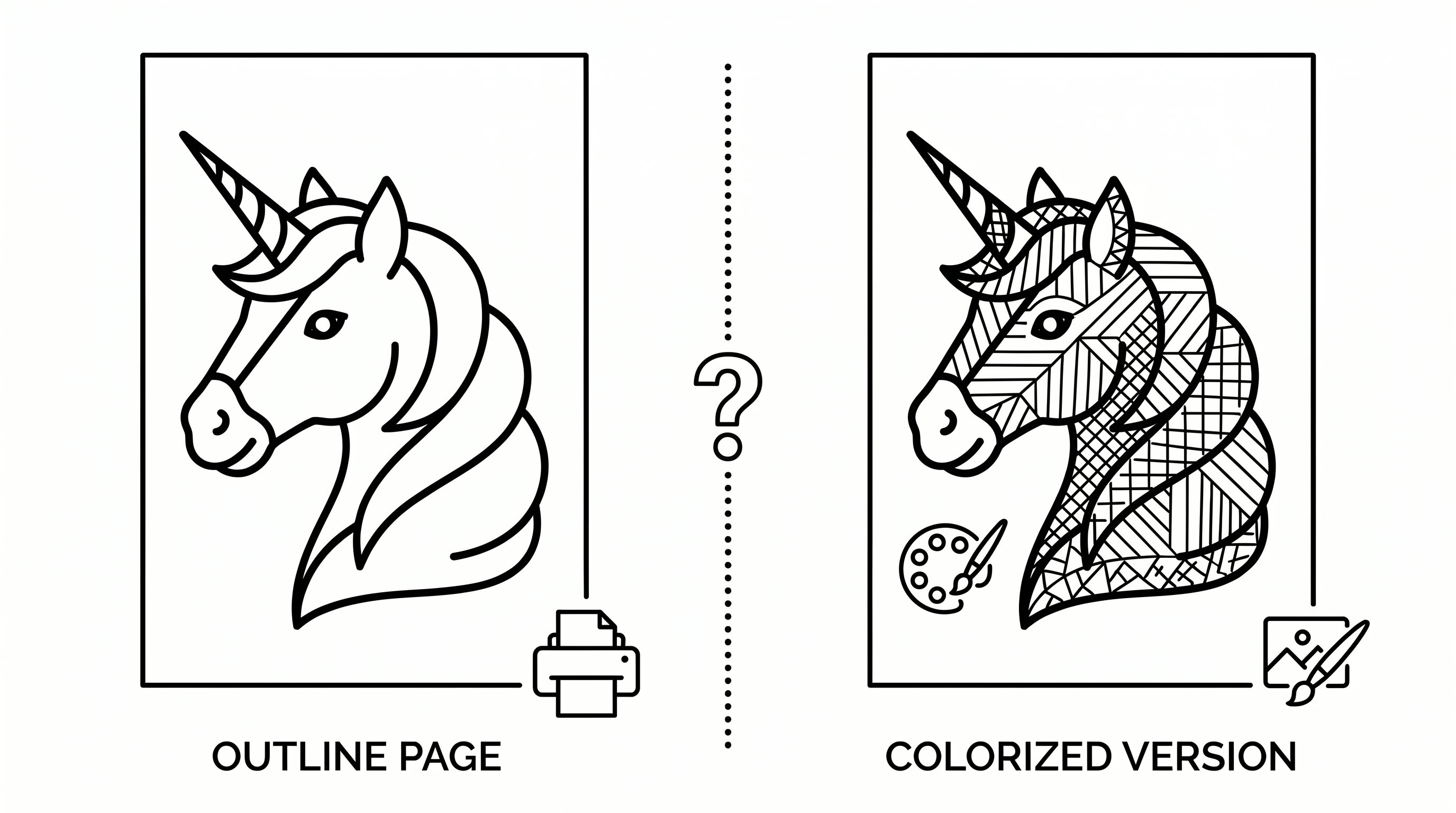
These terms get mixed up all the time.
AI coloring creates a new outline image meant for human coloring. Colorize AI or ai colorize tools add color to an existing image, drawing, or photo. Different job, different outcome.
Think of it this way:
- AI coloring: “Make me a printable unicorn page.”
- AI colorize: “Add a watercolor palette to this unicorn drawing.”
Use ai coloring when you need:
- fresh printable pages
- black-and-white activity sheets
- book interiors
- classroom handouts
Use colorize ai when you need:
- quick digital mockups
- palette inspiration
- restored or stylized old images
- preview versions before final design
Reference libraries like Wikipedia are useful for checking broad term definitions, which means you can sort out the vocabulary before choosing a tool. If your goal is line art, an ai coloring page generator is the better fit than a color-fill app.
Try this: ask yourself one question before you start: “Do I need outlines or finished color?” That takes 30 seconds and prevents the wrong workflow.
Common AI Coloring Mistakes And How To Fix Messy, Overdetailed, Or Unprintable Pages
Bad ai coloring output usually fails in predictable ways. The good news: most fixes are simple.
Mistake 1: Too much detail. Tiny leaves, crowded backgrounds, and hairline patterns look impressive on screen but print badly. Add “simple composition” or “large open spaces”, which means the page becomes easier to color.
Mistake 2: Gray shading. This often happens when the tool behaves like an art generator, not a coloring generator. Add “black and white line art, no shading, no grayscale”.
Mistake 3: Weak outlines. Ask for “bold clean lines” or “thick outlines for kids”, which means crayons and markers stay inside clearer boundaries.
Mistake 4: Low resolution. If you plan to print or sell, export at high resolution or PDF if available. Training platforms like Coursera often stress workflow quality basics, which means output settings matter as much as prompting.
If you’re making lots of pages, articles on ai coloring technology can help you spot repeatable settings, and even a quick review of coloring page terms can clarify usage limits.
Start by fixing one old prompt today. Spend 10 minutes removing extra detail and adding print-specific language.
Conclusion
AI coloring is most useful when you treat it like a practical tool, not magic. Give it clear prompts, aim for printable line art, and match the tool to the job.
If you need custom pages fast, start small. Make one page for one real person today. That 10-minute test will teach you more than reading twenty vague tips.
Frequently Asked Questions About AI Coloring
What is AI coloring and how does it differ from ordinary image generation?
AI coloring uses artificial intelligence to create black-and-white line art from text, photos, or sketches, designed specifically for printable coloring pages. Unlike ordinary image generation, the focus is on clear outlines and minimal shading for easy coloring with crayons or markers.
How can I create printable coloring pages using AI coloring tools?
You can generate printable pages by typing a descriptive text prompt, uploading a photo, or submitting a sketch to an AI coloring page generator. These tools simplify shapes, emphasize bold outlines, and reduce shading to produce clean, colorable line art ready for printing.
What are the best uses for AI coloring in education and therapy?
AI coloring is great for creating custom worksheets and vocabulary scenes for classrooms, calming repetitive art for therapy, and personalized activities for kids. It supports differentiated instruction and mindfulness practices by providing printable, adaptable coloring pages relevant to learners’ needs.
How do I write effective prompts to get better results from AI coloring tools?
Use clear, print-focused language in your prompt, combining subject, style, line quality, background, and audience level. For example, add terms like ‘bold clean lines,’ ‘black and white,’ ‘no shading,’ and specify the audience age to generate printable, high-quality line art.
What is the difference between AI coloring and AI colorize tools?
AI coloring creates new black-and-white line art designed for manual coloring or printing, while AI colorize tools add digital colors to existing images or line drawings. Use AI coloring to generate fresh pages and AI colorize for quick digital mockups or palette inspiration.
What are common mistakes when using AI coloring tools and how can I fix them?
Common issues include overly detailed pages, gray shading, weak outlines, or low resolution. Fix them by specifying ‘simple composition,’ ‘no shading,’ ‘bold clean lines,’ and exporting at high resolution format like PDF to ensure print-ready, clear coloring pages.