Generators / Quote Coloring Page Generator
Make coloring pages with your own words
Use this quote coloring page generator to turn your own quote, word, or short message into outlined lettering to color. Choose a font style, adjust the size and page orientation, then download the preview as a PNG or printable A4 PDF. Edit your design in the controls before export.
Customize your coloring page
Type your quote, select your font, then download and print your quote coloring page!
Turn a quote or phrase into a page to color
The editor starts with a sample quote. Replace it with your own words, choose one of the available font styles, and adjust the font size or keep Auto-fit on. Switch between portrait and landscape, then review the preview and download it.
Ideas for your words
- A favorite quote or encouraging message for a gift
- A weekly vocabulary word for a classroom activity
- A short party message or phrase for a bulletin board
- Try our Bible verse coloring page generator for a church or Sunday school activity
Choose your file
Download a PNG or a printable A4 PDF with the current preview. To change the words or lettering style, make your edits in the generator and export again.
Try another lettering style
Make a personalized name coloring page, try bubble letters, or create a graffiti-style coloring page.
Make illustrated word art in the app
Create a free ColorBliss account to make AI word art with illustrated backgrounds and save your generated pages. The app's free plan includes up to 12 generated pages; paid plans add credits and features.
Open the full word art generatorAI coloring page generator FAQ
Everything you need to know about creating coloring pages with AI
Other Free Generators
Explore more ways to create custom coloring pages
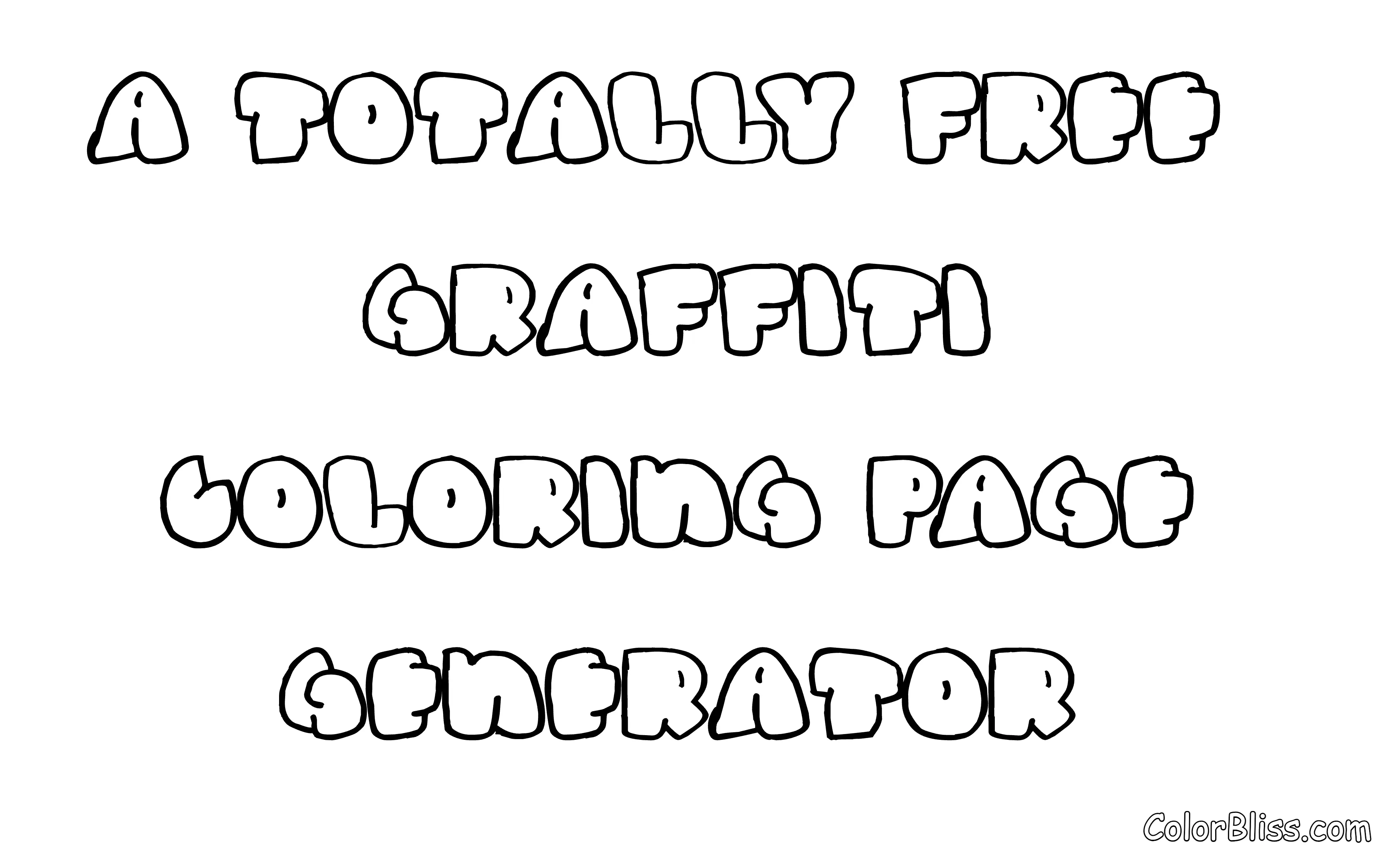
Graffiti Generator
Create custom graffiti-style coloring pages
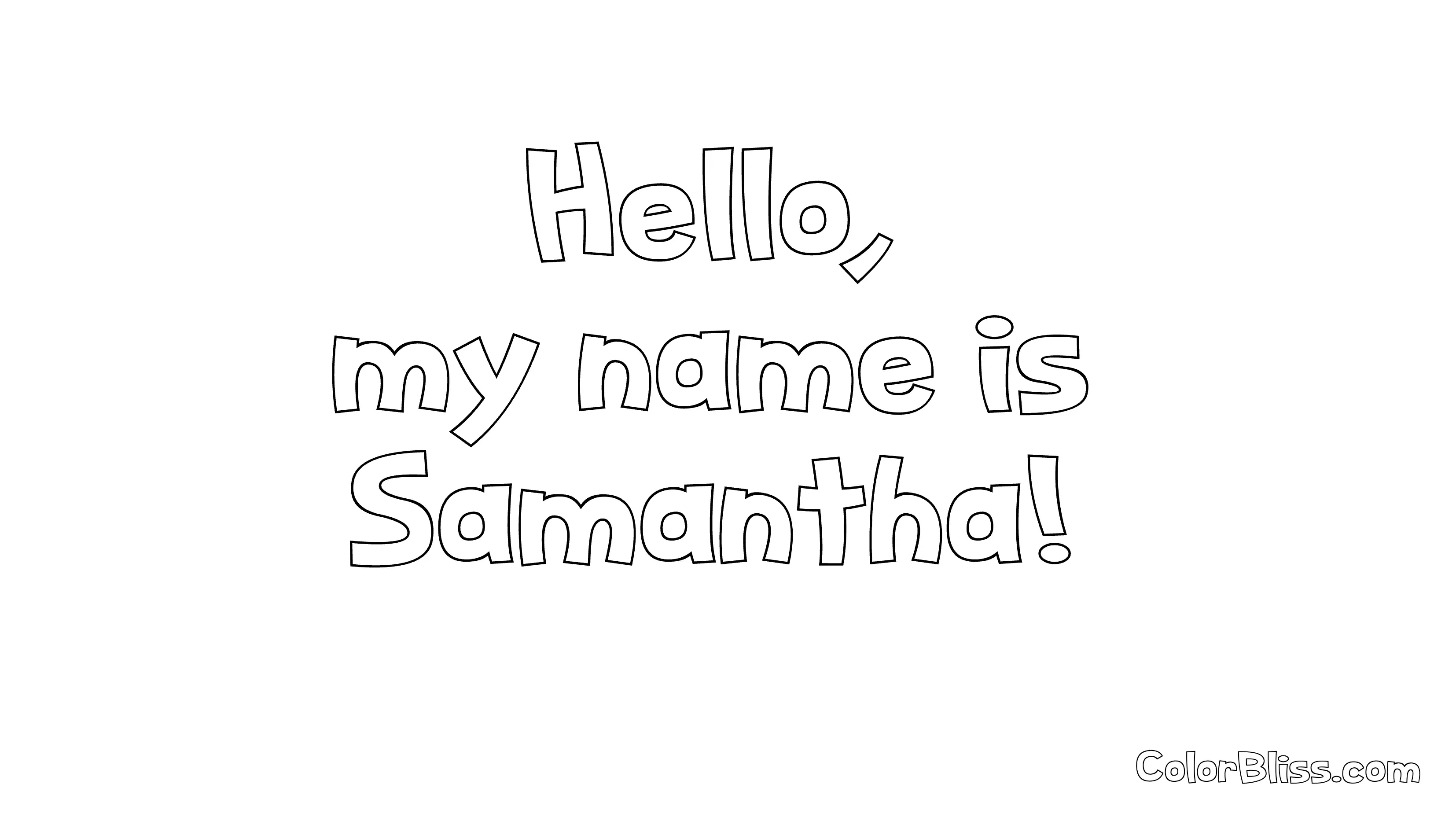
Name Generator
Turn names into beautiful coloring pages
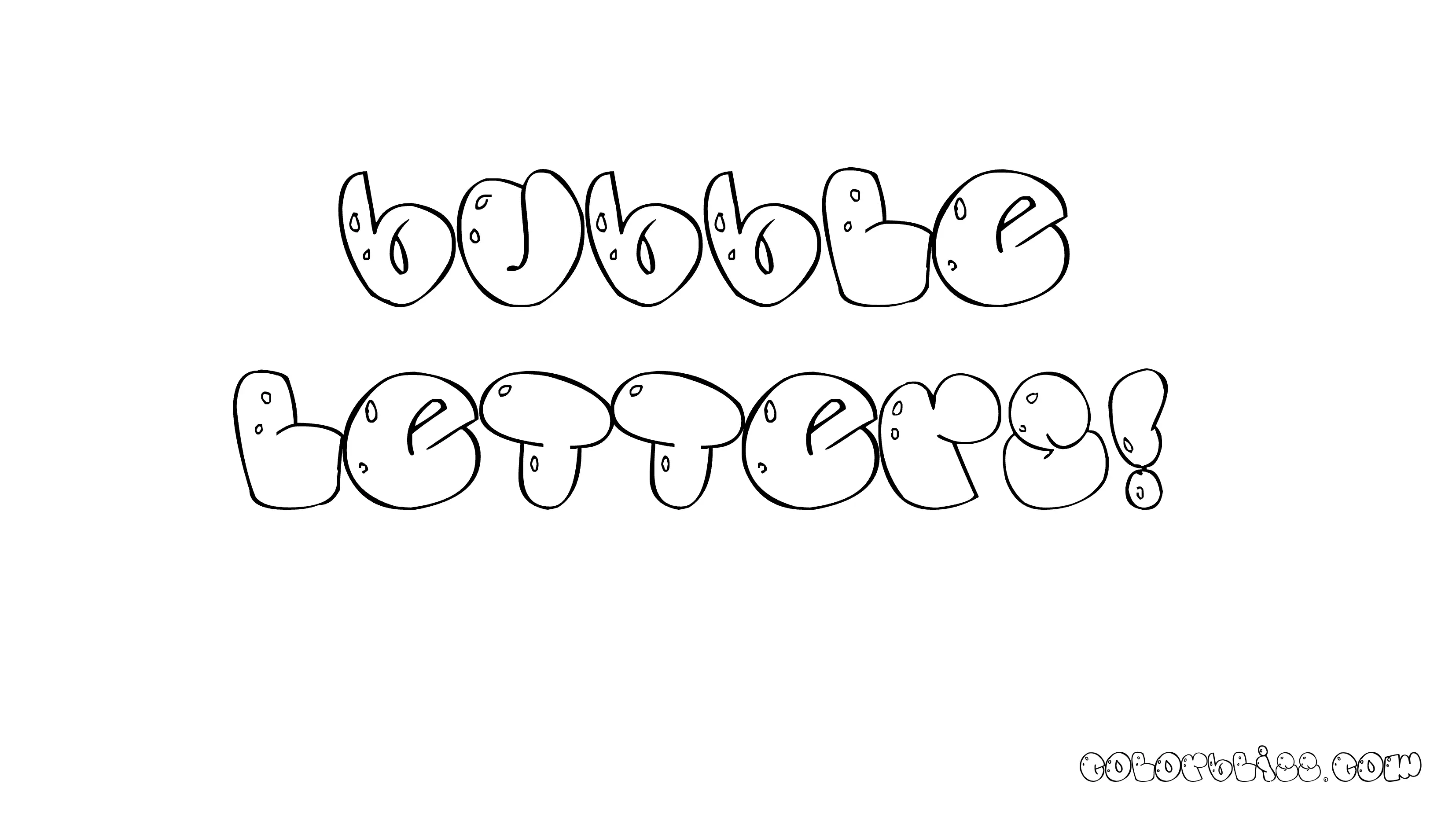
Bubble Letter Generator
Create fun bubble letter coloring pages
Bubble Graffiti Font Generator
Graffiti-style bubble letters for coloring
Bubble Cursive Font Generator
Flowing cursive bubble letters for coloring
Cute Bubble Font Generator
Kawaii-style cute bubble letters for coloring
Retro Bubble Font Generator
70s and 80s style bubble letters for coloring
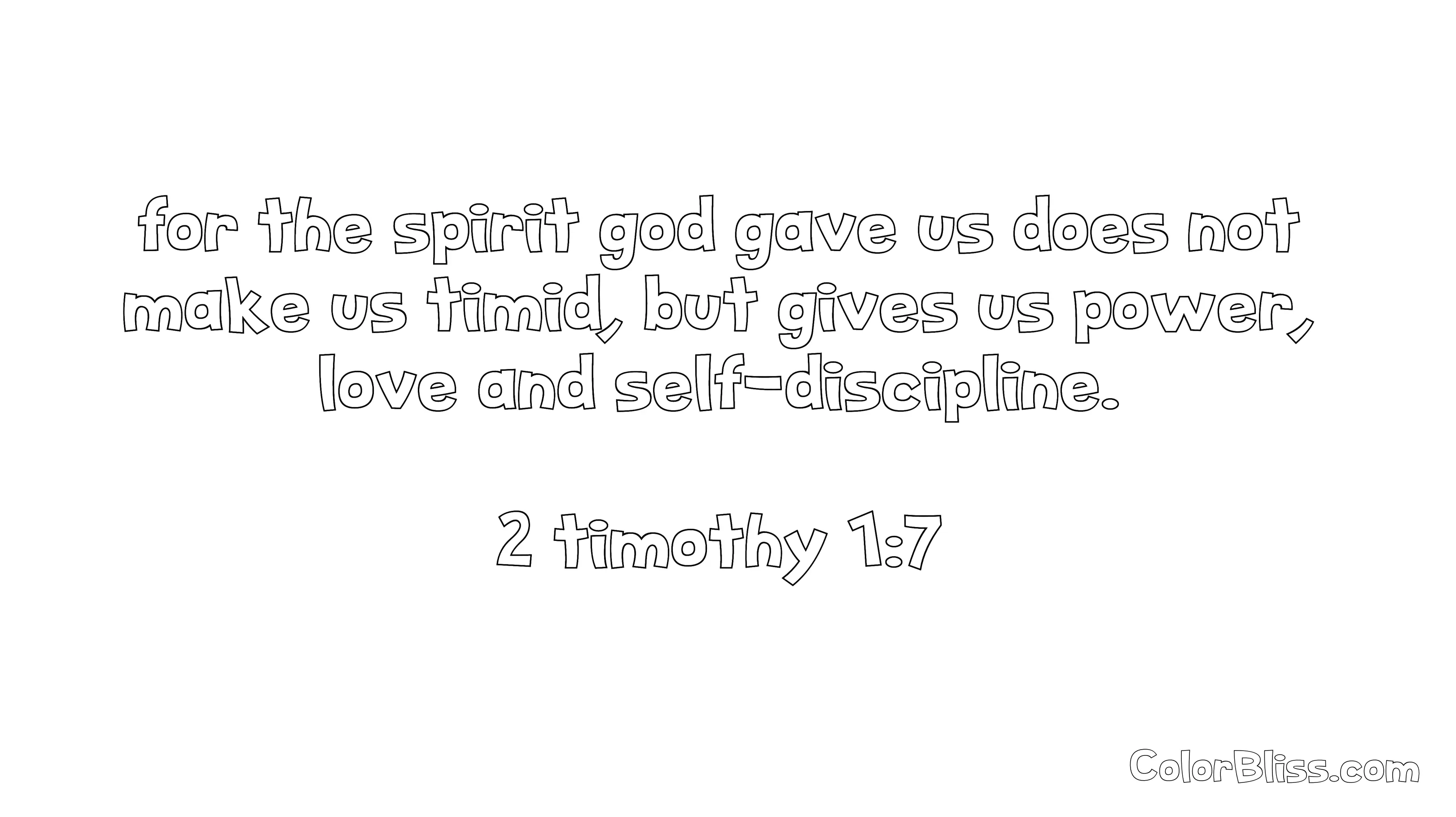
Bible Verse Generator
Create bible verse coloring pages
Classroom Activities
Find engaging activities for all grade levels
Rainy Day Activities
Fun indoor activities for kids and adults