Photo to coloring page converter
Turn a JPG, PNG, or WebP photo into printable black-and-white line art. Choose a style in the browser demo and download the finished page as a PNG. Try the public demo without an account.
Upload your photo for freeDrag the slider to see the coloring page transformation

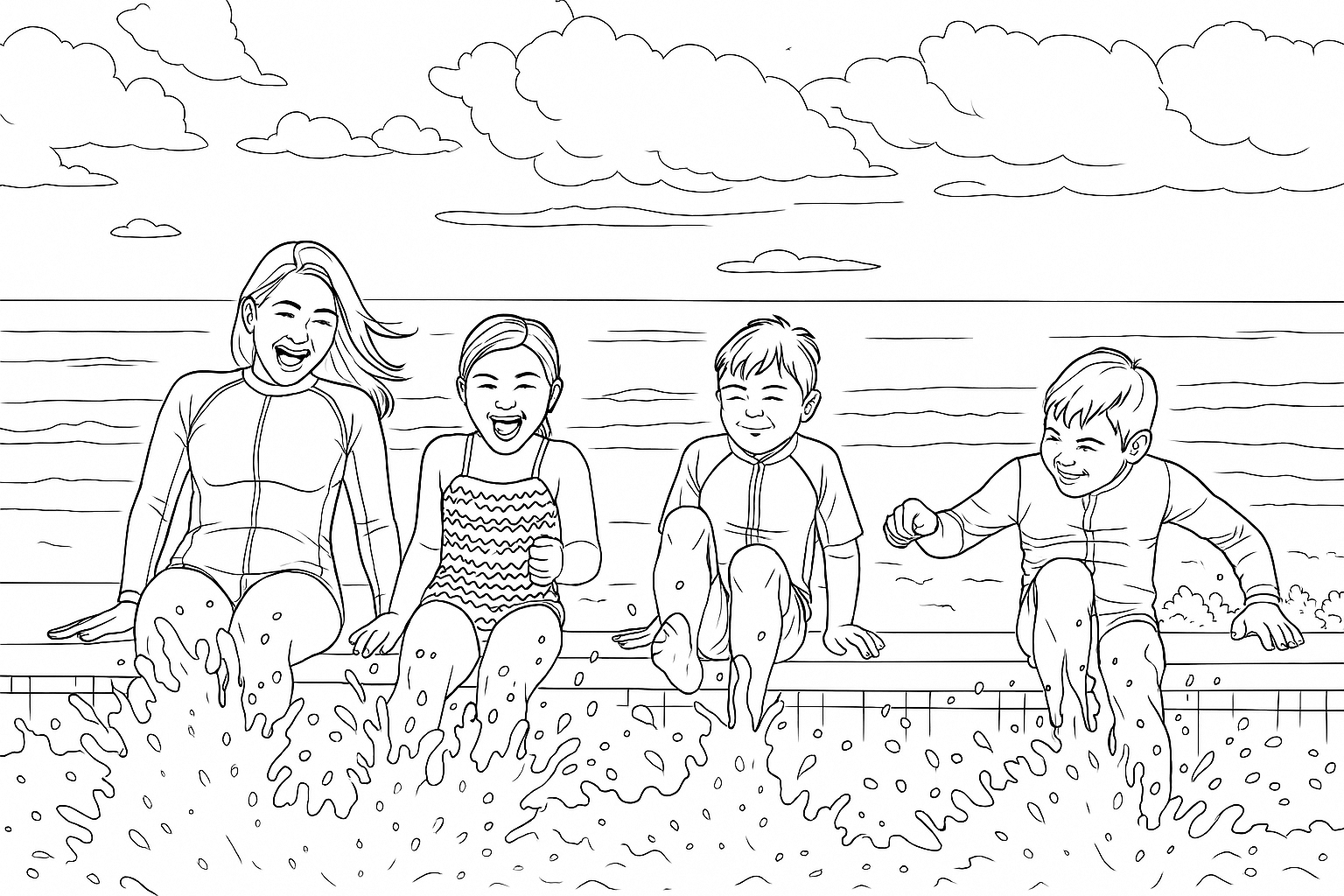
Upload a JPG, PNG, or WebP photo of a person, pet, or favorite memory, then choose a style in the demo. When processing finishes, download the PNG to print. Signed-in photo conversion is available through a ColorBliss account.
Turn a photo into a coloring page right here
Upload a JPG, PNG, or WebP photo. When processing finishes, download the coloring page as a PNG.
How to turn a picture into a coloring page in three steps
Upload a photo, choose a style, and download the finished PNG
Upload your photo
Upload a JPG, PNG, or WebP photo. Family photos, pet pictures, and vacation memories are all good subjects to try.
Choose your style
Select from Default (classic lines), Manga (bold outlines), Minimal (clean and simple), or Ghibli (whimsical). Each style creates a different coloring experience.
Download and print
When processing finishes, download the coloring page as a PNG and print it at home.
Turn a photo into a printable coloring page

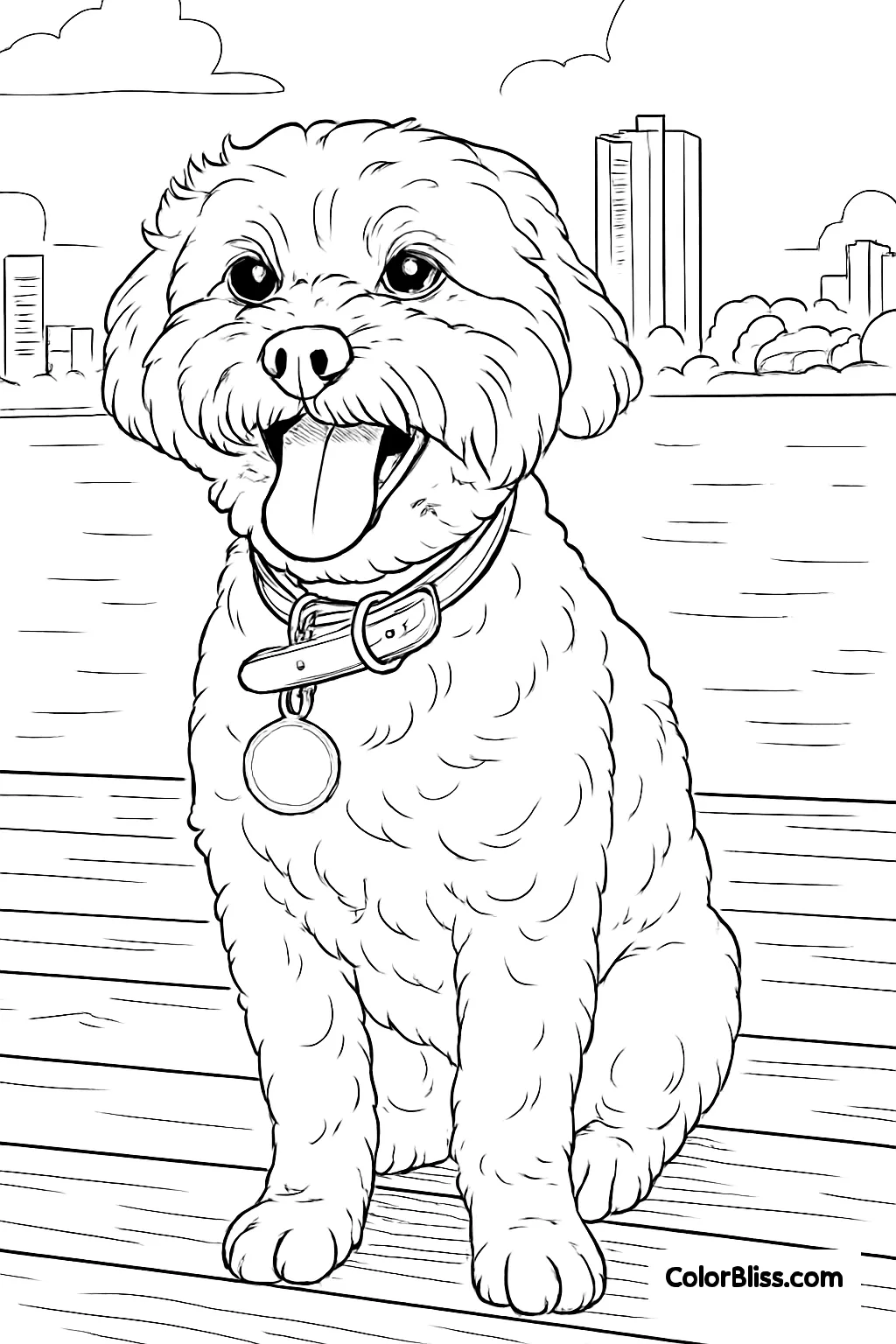
Looking specifically to turn family photos into coloring activities? Check out our dedicatedfamily photo coloring pagetool designed for family memories and kid-friendly fun.
Why Use This Coloring Page Converter?
Try the public photo demo
Submit a photo in the browser demo without creating an account.
PNG download
Download the finished coloring page as a PNG.
Customizable
Choose Default, Manga, Minimal, or Ghibli before submitting your photo.
Works everywhere
Use the browser demo on desktop or mobile, then download the PNG.
Privacy-first
The service attempts to delete the uploaded photo after processing. Retries can delay removal.
Creative flexibility
Perfect for gifts, education, relaxation, and events.
How to turn a picture into a coloring page online
A step-by-step guide to making coloring pages from your own photos
Pick a clear, well-lit picture
Start with a clear, well-lit photo with a distinct subject, such as a portrait, pet, landscape, or object.
Open the free photo to coloring page converter
Use the converter above in any web browser. No software download or account is needed to try the demo. It works on desktop, tablet, and mobile devices.
Upload your picture and choose a style
Upload a JPG, PNG, or WebP photo, then pick a style: Default for classic lines, Manga for bold outlines, Minimal for simple shapes, or Ghibli for a whimsical storybook feel.
Preview and convert your photo to a coloring page
The converter processes your photo into a black-and-white coloring page. Processing duration can vary; wait for it to finish before downloading the result.
Download, print, and start coloring
Download your finished coloring page as a PNG, then print it and color with crayons, markers, or colored pencils.
Try the photo to coloring page demo online
Try the public demo without an account
Upload a JPG, PNG, or WebP photo in the demo, choose one of its available styles, and submit it. When processing finishes, download the coloring page as a PNG. The demo is separate from signed-in photo conversion; see the pricing page for account details.
Input formats
JPG, PNG, WebP
Style choices
Default, Manga, Minimal, Ghibli
Download format
PNG
The public demo accepts one photo per submission. For signed-in photo conversion details, visitplans and pricing.
Choose your style - realistic, minimal, manga, cartoon and more



Bring old photos back to life as coloring pages


Creative Uses for Generated Coloring Pages
Turn your photos into something special
Personalized gifts
Make a unique coloring page of a pet, child, or favorite place.
Educational tools
Teachers can create coloring book pages of animals, landmarks, or diagrams.
Relaxation
Join the adult coloring book trend with pages from your own life.
Parties & events
Surprise guests with custom white coloring pages based on photos of them.
Love your converted photos? Turn them into a printedpersonalized coloring bookormake your own coloring bookfor a gift that is truly one of a kind.
Wall of Love
ColorBliss is absolutely fabulous!!! It's easy to use, a fun to work with! I would recommend to many younger moms who have kids that love to color their favorite things. I used this to make a special coloring book for a dear friend with Alzheimer's because she loves to color!

ColorBliss has a user-friendly interface which is perfect for someone like me who is not tech or AI savvy. I can create coloring pages easily from text prompts, photos, or I can even try to use my own sketches. It provides me a versatile and engaging experience. I would definitely recommend this application to my friends, co-teachers, and even to my students. Thank you for creating this app!
I'm loving what I can do with ColorBliss. Changing photos and drawings to coloring pages. I haven't even started with prompts. It does exactly what it says it does. I'm playing around with some artistic coloring books, and it's wonderful.

Overall brilliant and easy to use. I will be using ColorBliss frequently as I produce more and more coloring books. Easy to learn and produces great results very quickly. Batch processing is a fantastic time saver. Very happy to have find this software

I just started using it but it is easy to use and I love the outcome of the coloring pages. Im excited to get started with other opportunities to explore all the different options.

Eu amei .... estou fazendo um livro com 35 páginas de colorir com as fotos da família da minha cliente e o colorbliss me ajudou muito ... arradou [I loved it! I'm creating a book with 35 coloring pages featuring photos of my client's family, and Colorbliss helped me out so much... it turned out amazing!]

I like the platform as it has really good quality! Easy to navigate, and that saves me a ton of time. I can create new books to publish quick while also keeping high quality material.

amazing site and i love the way it puts the coloring in sections and it super easy and there super awesome. Enjoying this site. Thank you.

ColorBliss is so easy to use, no technical experience is required. It's as simple as typing the text to describe what image you want it to produce. The images generated are absolutely fantastic. Plus, with the plan I am subscribed on to, I can use the images commercially. Overall, a super package. Thankyou.
Pricing
Choose the plan that's right for you
Whether you are printing coloring sheets to keep your kids entertained or running business with high volume needs, we've got a plan for you.
/* Frequency toggle component */Hobby
Higher limits and access to all ways of creating coloring pages
$12.42per month
$149 billed annuallyBuy plan- 500 credits/month
- ✓Rollover up to 1 month of credits (500)
- Features
- ✓Create coloring pages from text prompts
- ✓Create coloring pages with words, names, and numbers
- ✓Adjust color, contrast, and brightness
- ✓Turn photos into coloring pages
- ✓Create coloring pages from drawings
- ✓Advanced editing features
- Additional Benefits
- ✓🎁 Bonus: 50 extra credits for experimenting and retries
- ✓Personal use
Artist
Best for those looking to sell their creations
$24.75per month
$297 billed annuallyBuy plan- 1,000 credits/month
- ✓Rollover up to 2 months of credits (2,000)
- Features
- ✓Create coloring pages from text prompts
- ✓Create coloring pages with words, names, and numbers
- ✓Adjust color, contrast, and brightness
- ✓Turn photos into coloring pages
- ✓Create coloring pages from drawings
- ✓Advanced editing features
- ✓Early access to new styles and features
- ✓Bulk Generation
- ✓Commercial use
- Additional Benefits
- ✓🎁 Bonus: 75 extra credits for experimenting and retries
Business
For businesses that need higher limits
$83.08per month
$997 billed annuallyBuy plan- 5,000 credits/month
- ✓Rollover up to 3 months of credits (15,000)
- Features
- ✓Create coloring pages from text prompts
- ✓Create coloring pages with words, names, and numbers
- ✓Adjust color, contrast, and brightness
- ✓Turn photos into coloring pages
- ✓Create coloring pages from drawings
- ✓Advanced editing features
- ✓API access after approval
- ✓Early access to new styles and features
- ✓Bulk Generation
- ✓Commercial use
- Additional Benefits
- ✓🎁 Bonus: 250 extra credits for experimenting and retries
Want to convert photos automatically from your own app?
Send a photo URL or convert up to 50 photos in a batch with the ColorBliss API. Connect personalized products, photo gifts, or a repeat publishing workflow. Available on Business after approval.
Explore the APIAI coloring page generator FAQ
Everything you need to know about creating coloring pages with AI
Related tools
Explore more ways to create with ColorBliss
Image to line art converter
Turn any photo into clean line drawings for digital art, stencils, and more.
Photo to pencil sketch
Convert photos into hand-drawn pencil sketches with natural shading and texture.
Mystery color by number generator
Turn a favorite photo into a printable puzzle. Color the grid to reveal the picture, and check it against the answer key.