How To Convert A Photo To A Coloring Page Free: 5 Easy Methods That Actually Work

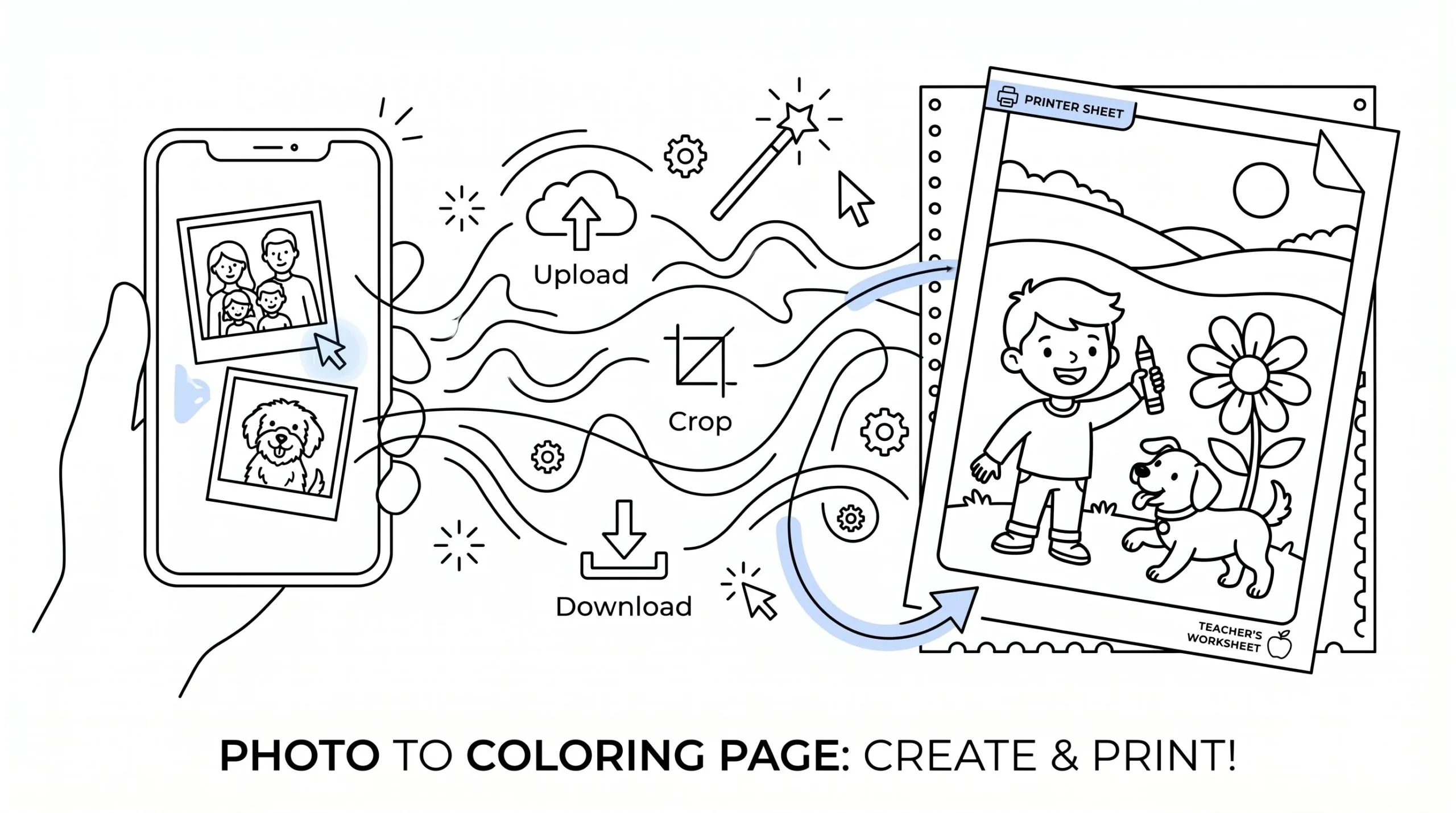
Convert photo to coloring page free tools can turn a family picture, classroom photo, pet snapshot, or landscape into printable line art in under a minute. If you want a fast, low-cost way to make custom coloring pages, this is one of the easiest creative projects to start today.
In this guide, you’ll learn five practical methods that actually work, from instant online converters to simple manual editing. This is for parents, teachers, therapists, artists, churches, and small business creators who want clean results without advanced design skills. It’s not for people who need museum-grade illustration from every image.
Key Takeaways
- Using free online converters offers the quickest way to convert photo to coloring page free with clean outlines ready for printing.
- Editing photos by cropping and increasing contrast before conversion enhances the clarity of the coloring page, reducing background noise and broken lines.
- ColorBliss provides high-resolution, printable coloring pages with style options, ideal for those seeking better print quality without sacrificing speed.
- Manual editing tools give creators control to refine lines and backgrounds, perfect for detailed projects or branded activity sheets.
- Choosing clear, high-contrast photos like portraits or simple objects improves the success of converting photos into easy-to-color pages.
1. Use A Free Online Photo-To-Coloring-Page Converter For The Fastest Results
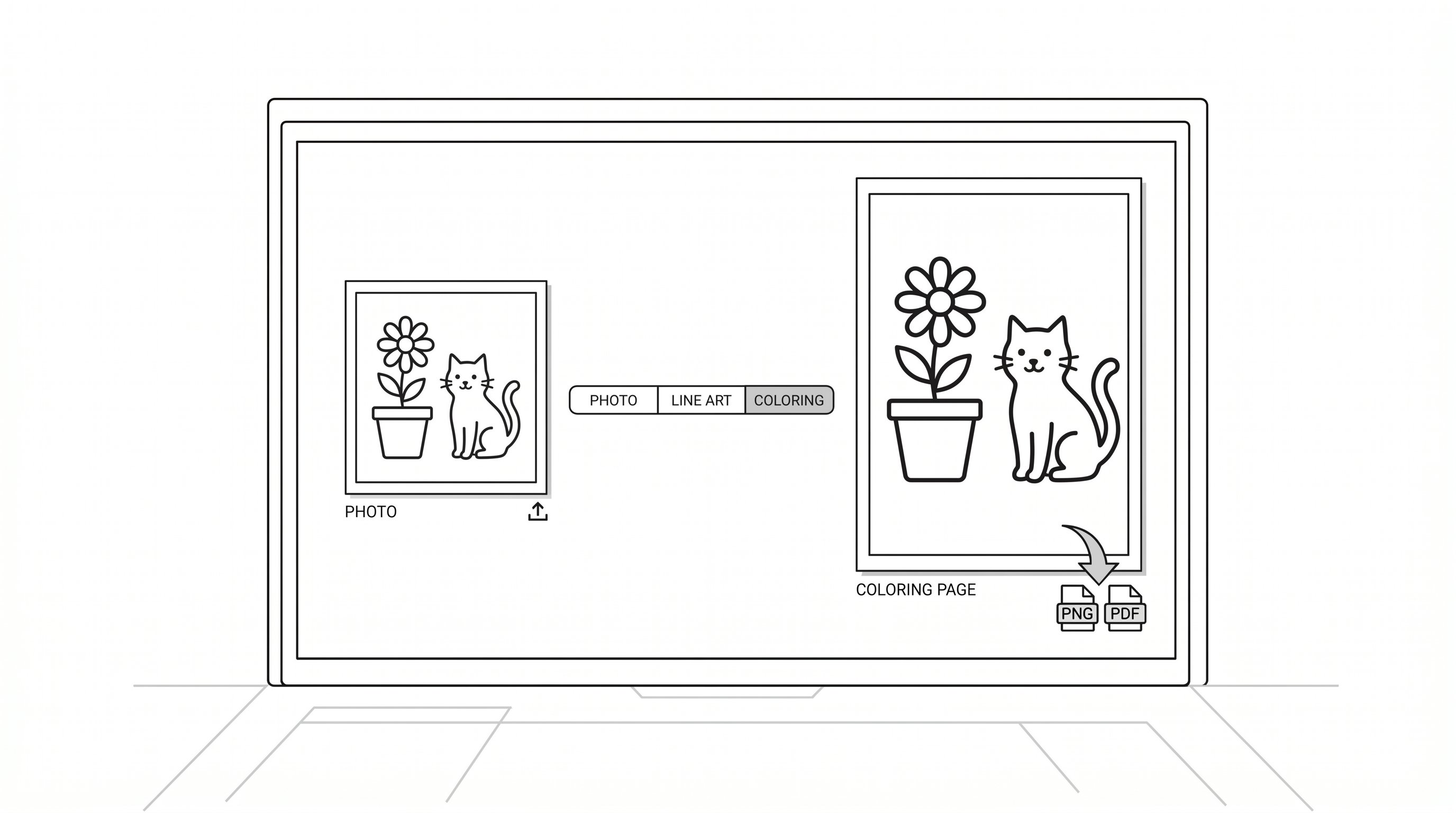
If your goal is to convert photo to coloring page free in the shortest time possible, start with an online converter. These tools use edge detection and line simplification, which means they pull out the main shapes for you instead of making you trace by hand.
Good options include Fotor, Appointo, and photo to coloring page tools that create printable files quickly. Most accept JPG, PNG, WEBP, GIF, or BMP, which means you can usually use the photos already sitting on your phone.
How to do it
- Upload one clear photo. Choose a portrait, pet, flower, or simple object.
- Pick a style. Options like Classic, Sketch, Simplified, or No Background reduce clutter, which means the page will be easier to color.
- Preview the result. Look for clean outlines and open spaces.
- Download as PNG or PDF. PDF prints more consistently, which means fewer surprises at home or in class.
This method is best for busy parents, teachers, and event planners who need a result in 1 to 3 minutes. It’s not the best fit if you want full artistic control over every line.
Do this today: Pick one favorite photo and run it through two free converters in 5 minutes. Compare which version has cleaner outlines before you print.
2. Turn Your Own Photos Into Printable Line Art With ColorBliss
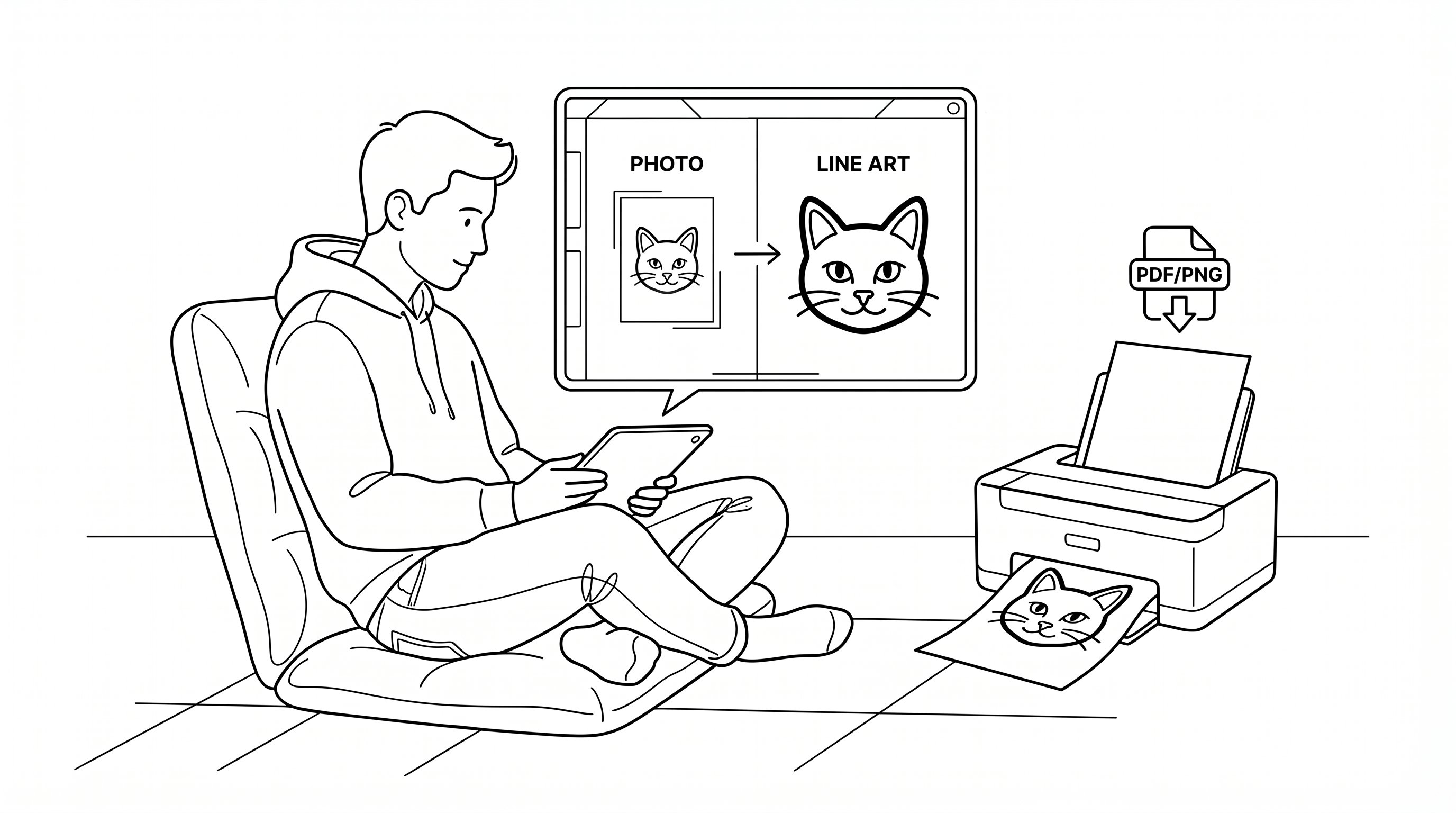
If you want a tool built specifically for printable coloring pages, ColorBliss is a strong option. It turns portraits, pets, travel shots, and simple scenes into high-resolution line art, which means your final page looks cleaner on paper, not just on a screen.
The process is simple on ColorBliss. Upload your image, choose a style, convert it, and download a PDF or PNG. It works on phones, tablets, and laptops, which means you can make a worksheet in the teacher lounge or prep a mindfulness activity from your couch.
You can also use the coloring page generator for prompt-based designs when you don’t have the right photo. That matters for churches, therapists, and small business creators, which means you can make themed pages even when no original image exists.
A few reasons this method stands out:
- High-res output, which means better print quality
- Style options, which means you can choose simpler or more detailed lines
- Free credits, which means you can test results before committing
- Printable downloads, which means less cleanup after conversion
This is best for people who want speed plus better-looking printables. It’s less ideal if you prefer to hand-draw every detail from scratch.
Try this today: Upload one portrait and one pet photo to ai coloring tools and compare which subject converts better in 10 minutes.
3. Edit The Photo First So The Coloring Page Comes Out Cleaner
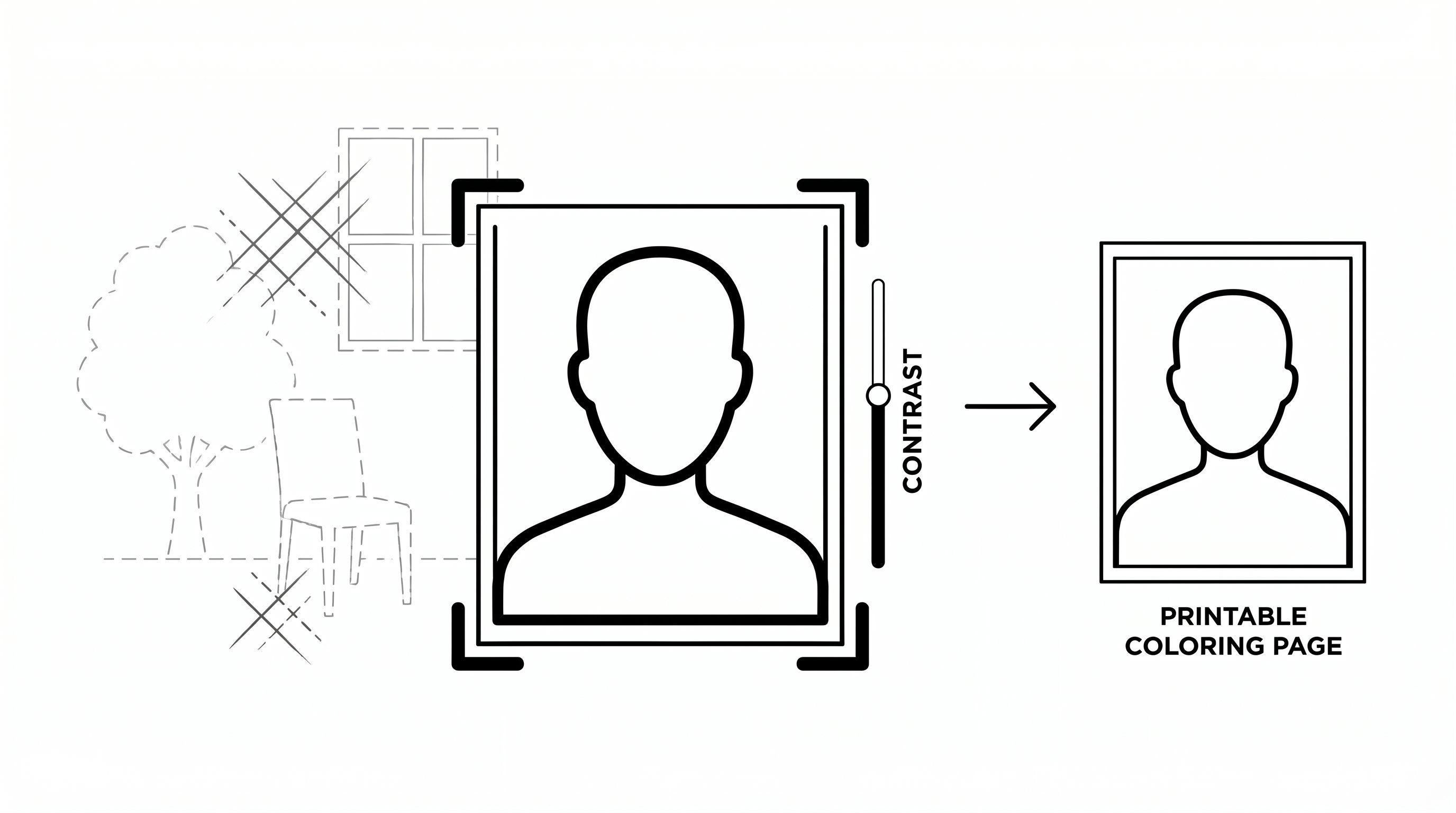
A lot of people skip this step, then wonder why their free coloring page looks muddy. Before you convert photo to coloring page free, clean up the original image first. Even basic edits improve the result, which means fewer broken lines and less background noise.
Start with three quick fixes:
- Crop tightly around the subject, which means the converter focuses on what matters
- Increase contrast, which means outlines stand out more clearly
- Remove distractions, which means trees, furniture, or shadows won’t crowd the page
If your image has a messy background, tools with background removal or simplified line settings help a lot. After converting, you can make final touch-ups in Canva or another basic editor, which means you can erase odd marks before printing.
This approach works especially well for classroom photos, product shots, and family pictures. It also helps when you want more polished coloring pages for handouts, party favors, or church activities.
For educators using history or art themes, cleaned-up source photos often create stronger worksheets from museum-style images or reference shots pulled from places like Wikipedia, which means students spend more time coloring and discussing than decoding visual clutter.
This is best for anyone who wants cleaner printable line art. It’s not necessary for quick, just-for-fun pages.
Start by doing this today: Spend 3 minutes cropping and boosting contrast on one image before converting it. The difference is usually obvious right away.
4. Convert Photos Manually With A Simple App Or Basic Design Tool
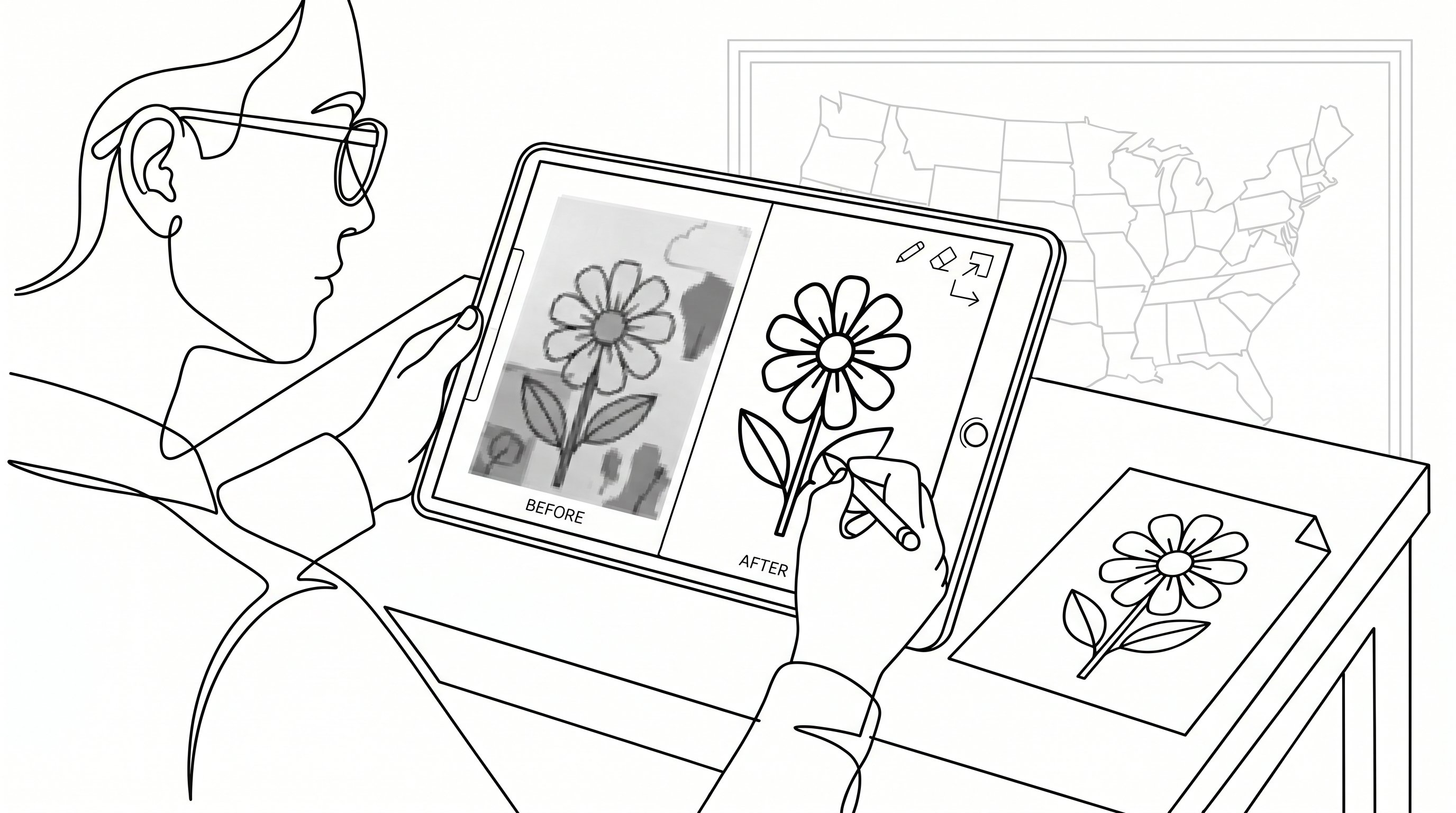
If automatic tools miss details you care about, go manual. A simple design app gives you more control over line weight, background cleanup, and object separation, which means you can fix awkward AI choices instead of accepting them.
One easy workflow is:
- Open the photo in a basic editor. Canva, mobile sketch apps, or beginner design tools all work.
- Apply a sketch, edge, or poster filter. This creates a draft of the line art, which means you start from structure instead of a blank page.
- Erase extra background shapes. Keep only the main subject.
- Darken important lines. Eyes, edges, petals, buildings, or fur patterns usually need help.
- Export and print.
Manual conversion is slower, but it’s useful when making custom pages for products, therapy sessions, or branded activity packs. If you need repeatable output for a classroom set or event handout, photo to coloring page workflows can speed up large batches, which means you won’t spend an hour repeating the same task 50 times.
If you want more control over the style before you clean up lines by hand, run the photo through an Image to Image generator first. You can push the output toward sketch or line-art styles, which gives you a cleaner starting point than a raw photo filter.
You can also sharpen your editing skills through beginner-friendly design courses on online learning platforms, which means even non-artists can get better results with a little practice.
This is best for artists, creators, and detail-oriented users. It’s not the best route if you need something done in under two minutes.
Do this today: Take one photo and spend 10 minutes manually cleaning the lines after auto-conversion. You’ll quickly see when the extra control is worth it.
5. Choose The Best Photo Types For Better Coloring Pages
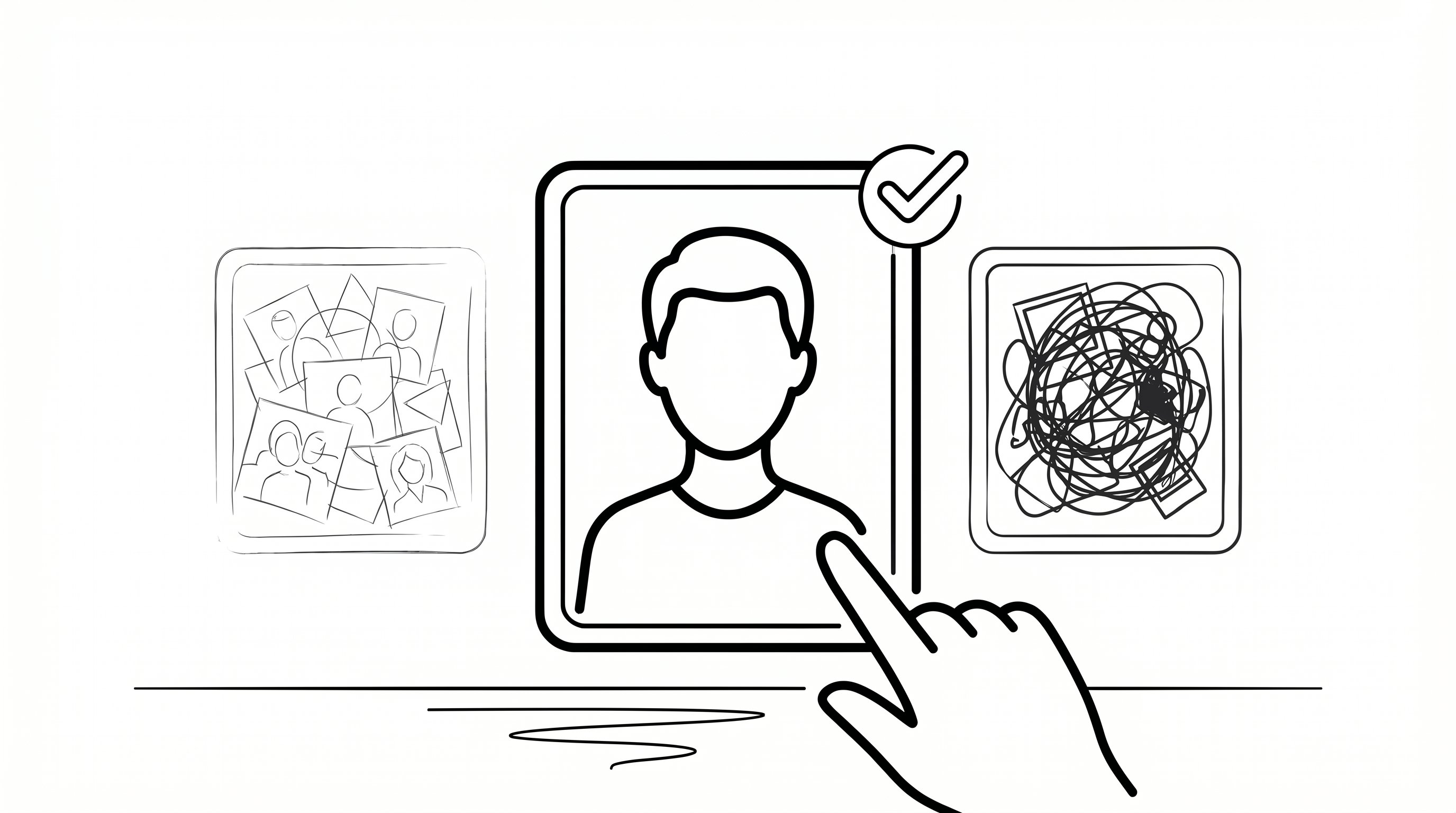
The fastest way to convert photo to coloring page free and get a good result is to start with the right image. Not every photo becomes a strong coloring sheet. Clear, high-contrast subjects work best, which means the software can separate important edges without turning the page into visual noise.
Best photo types
- Portraits with simple backgrounds, which means faces stay recognizable
- Pet photos with good lighting, which means fur outlines don’t blur together
- Single objects or toys, which means kids get bold, easy-to-color spaces
- Landscapes with strong shapes, which means buildings, trees, or mountains read clearly
- Illustrations or famous artworks, which means line-based styles often translate surprisingly well
Busy birthday party photos, dark group shots, and cluttered rooms usually perform poorly. There are just too many competing edges, which means the final page can look crowded or messy.
That’s why themed experiments using photo to coloring page ideas or even ai coloring examples often work so well: the source images already have strong composition.
This section is for beginners who want better results without learning design. It’s less relevant if you already plan to redraw the image by hand.
Try this today: Put three photos side by side and choose the one with the cleanest subject and plainest background. That 2-minute choice can save you 20 minutes of cleanup.
Conclusion
If you want to convert photo to coloring page free, start with a fast online converter, improve the photo first, and choose images with clear subjects. If you want better print quality or more control, use ColorBliss or a simple manual editing workflow.
Start today: pick one photo, spend 5 minutes testing one free tool, and print a single page. That small test will show you which method fits your time, skill level, and project best.
Frequently Asked Questions about Converting Photos to Coloring Pages for Free
What is the easiest way to convert a photo to a coloring page for free?
Using free online photo-to-coloring-page converters like ColorifyAI or iColoring AI offers the fastest and simplest method to turn your photos into printable coloring pages within minutes, without needing advanced skills.
How can I improve the quality of a free coloring page made from my photo?
Editing your photo before conversion—such as cropping tightly, increasing contrast, and removing distracting backgrounds—helps produce cleaner outlines and less clutter in the coloring page.
Which types of photos work best for converting into coloring pages?
High-contrast images with clear subjects, like portraits with simple backgrounds, well-lit pet photos, single objects, and defined landscapes, produce the best coloring pages with distinct outlines.
Can I manually edit a photo to coloring page conversion if automatic tools miss details?
Yes, using basic design apps or editors like Canva allows you to apply sketch filters, erase excess background, and darken key lines to gain better control over the final coloring page quality.
What makes ColorBliss a recommended tool for converting photos to coloring pages?
ColorBliss specializes in creating high-resolution printable line art with style options and free credits, making it ideal for users seeking speed plus higher print quality and more detailed results.
Are there free tools that support batch converting multiple photos to coloring pages?
Yes, some platforms offer bulk photo conversion allowing you to upload and convert up to 50 photos at once, saving time for educators and event planners needing large sets of coloring pages.