Perfect laser engraving test from a ColorBliss SVG
December 19, 2025Personal use
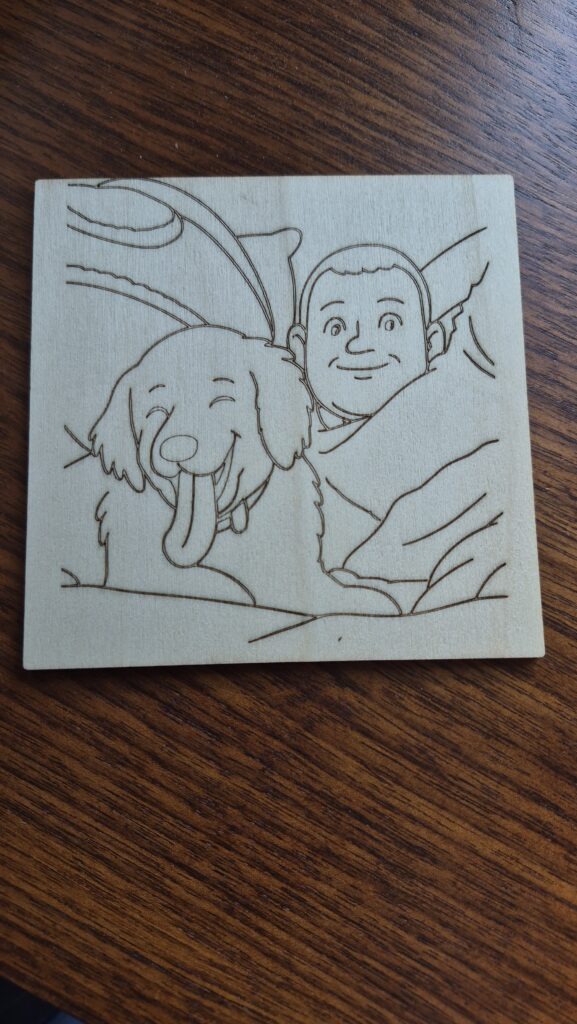
"I imported a ColorBliss SVG into LightBurn and did a test burn on cheap basswood. I looked at the result and said, perfect. I am looking forward to processing more photos in the same manor, I see endless possibilities here."
Alan signed up to make a few coloring pages for his wife for Christmas.
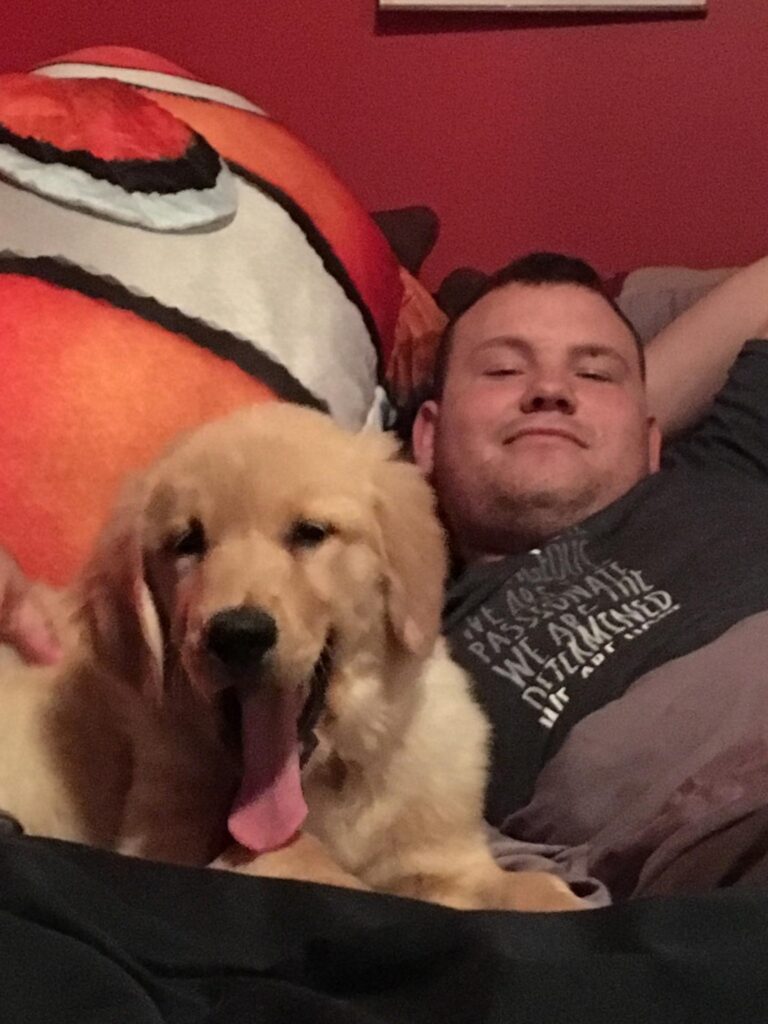
As he experimented, he noticed he could download the results as an SVG. The next morning, he imported a ColorBliss SVG into LightBurn and ran a test burn on inexpensive basswood.
He had been trying to get this exact look using other photo prep tools for laser engraving, but the workflows felt overly complex and pulled in too much detail. This was the first time he finished a test and genuinely thought the result was exactly right.
He removed text from a t shirt in the design, but he noted it could have stayed if the burn was larger. Next up, he plans to try more files and more materials.

Features used
More from Alan A.
Other creations in the Made with ColorBliss gallery.
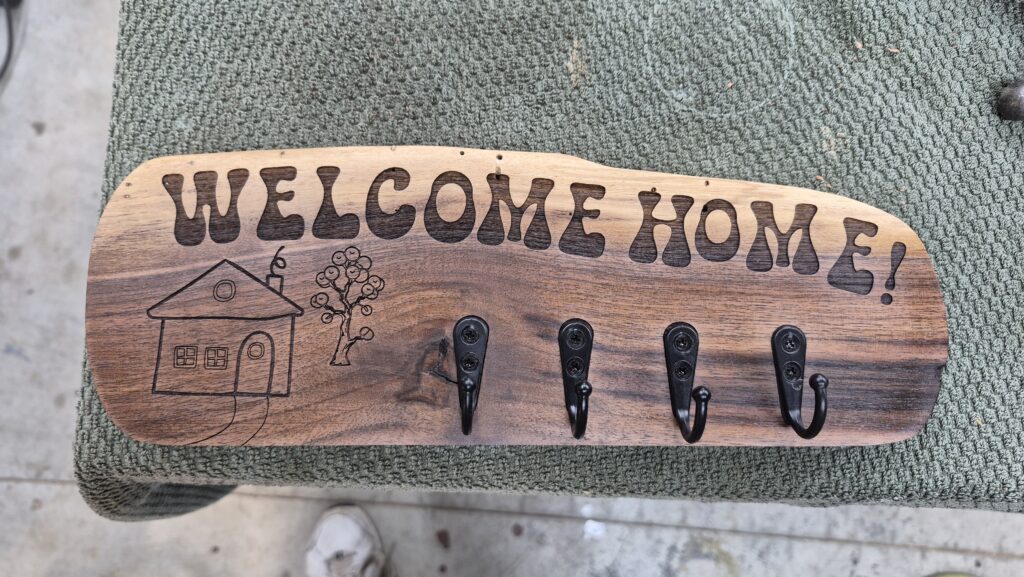
Tree Keyring Hanger
"I needed a little cartoon looking tree for a key ring hanger. I looked through a folder I had with 300 trees in it, but nothing was making me happy. I jumped on ColorBliss, less than 10 minutes later, I had the perfect tree."
Alan A.
Want to create something like this?
Start making your own coloring pages with ColorBliss today.
Get started free