Get finer detail and longer text with high quality settings

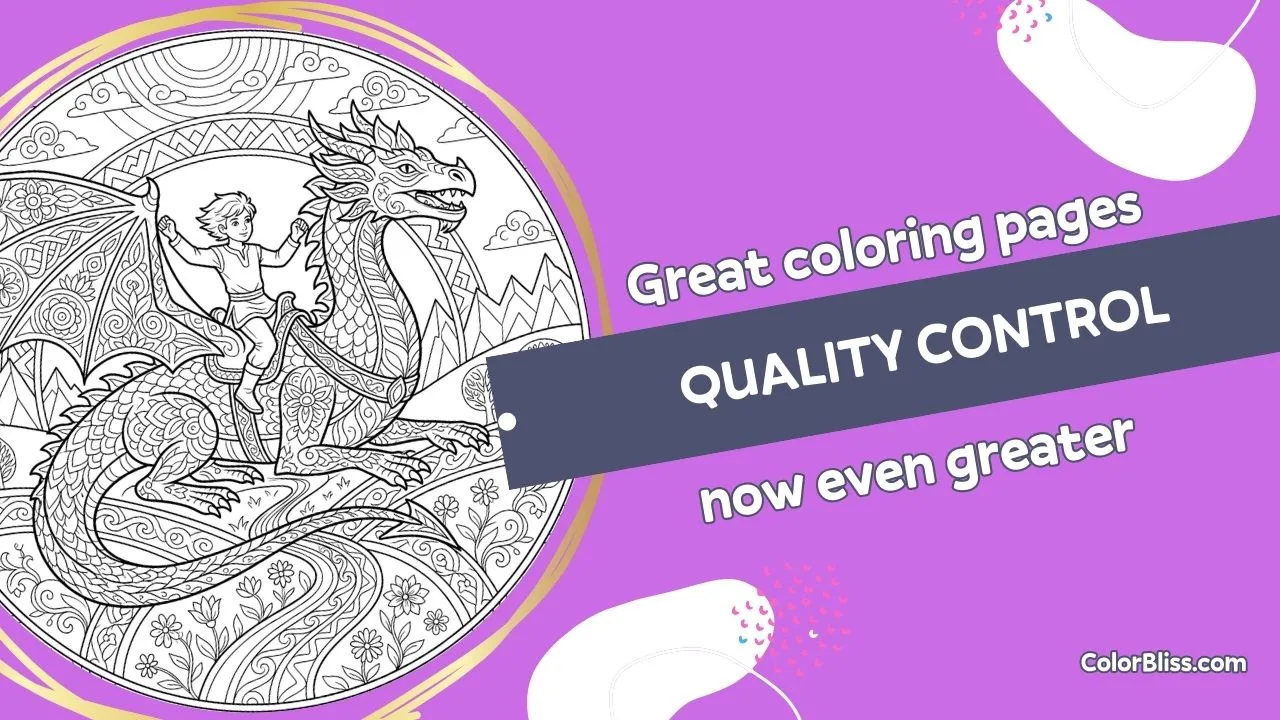
High quality is a new option for text prompt and word art generation everywhere. On any plan, you can switch from default to high quality when you want the model to follow prompts more closely, deliver denser line detail, keep letterforms sharp, or render long passages of text. Use it in the main dashboard for single pages or in bulk generation (Artist, Business, Ultra) when you’re running many prompts at once.
Why this matters
If you create pages for print, classroom use, or products, consistency matters. No more regenerating the same idea hoping for cleaner details or readable text. High quality gives you a predictable upgrade path when prompt fidelity and line precision are the priority.
How it works
- Open the generator: text prompts or word art on your dashboard, or bulk generation if you’re on Artist, Business, or Ultra
- Set Quality to High quality (alongside your usual style and aspect ratio)
- Submit and get finer detail, better prompt adherence, and cleaner text
What you get
- Quality option in text prompts and word art: choose Default or High quality on every run, on all plans
- Better prompt adherence: complex scene instructions are followed more reliably
- Cleaner text rendering: word art and text-heavy pages keep letterforms clearer
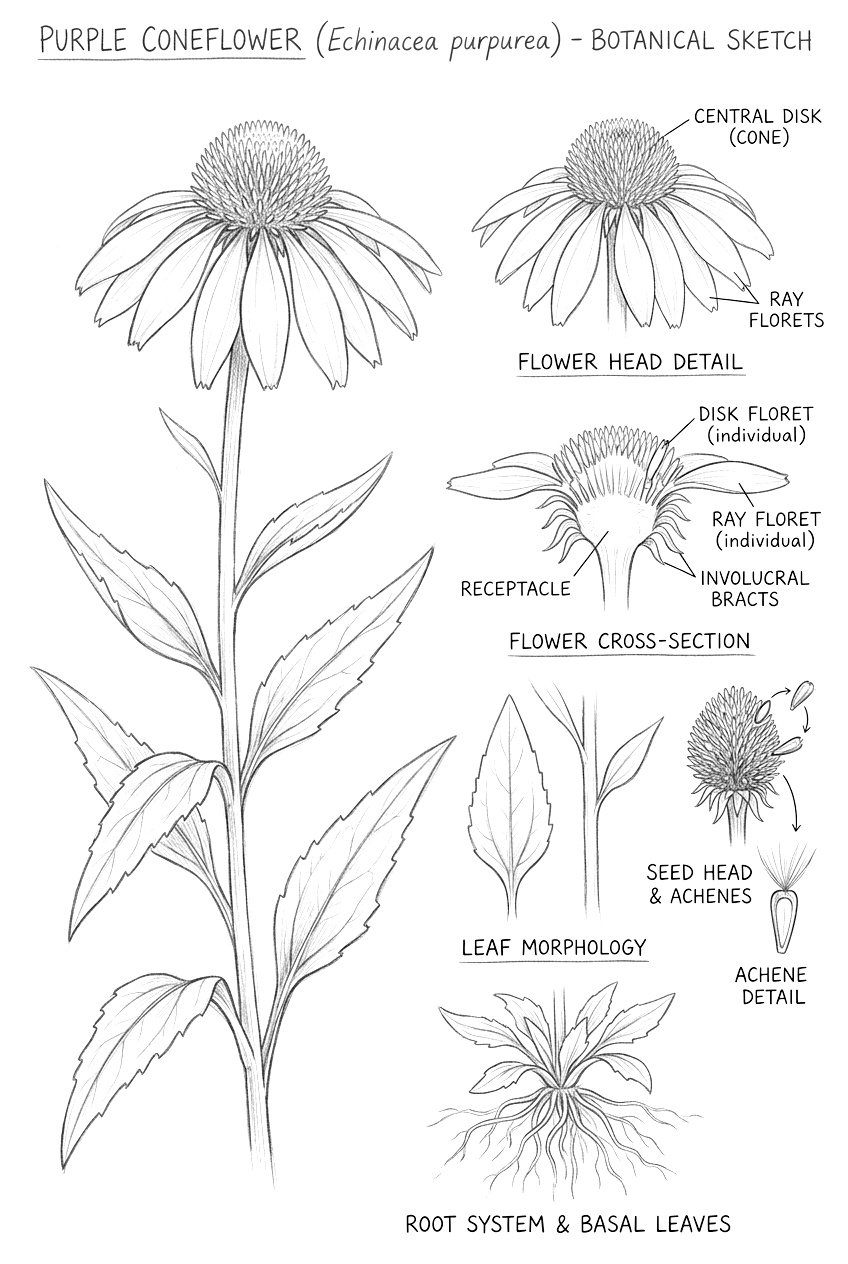
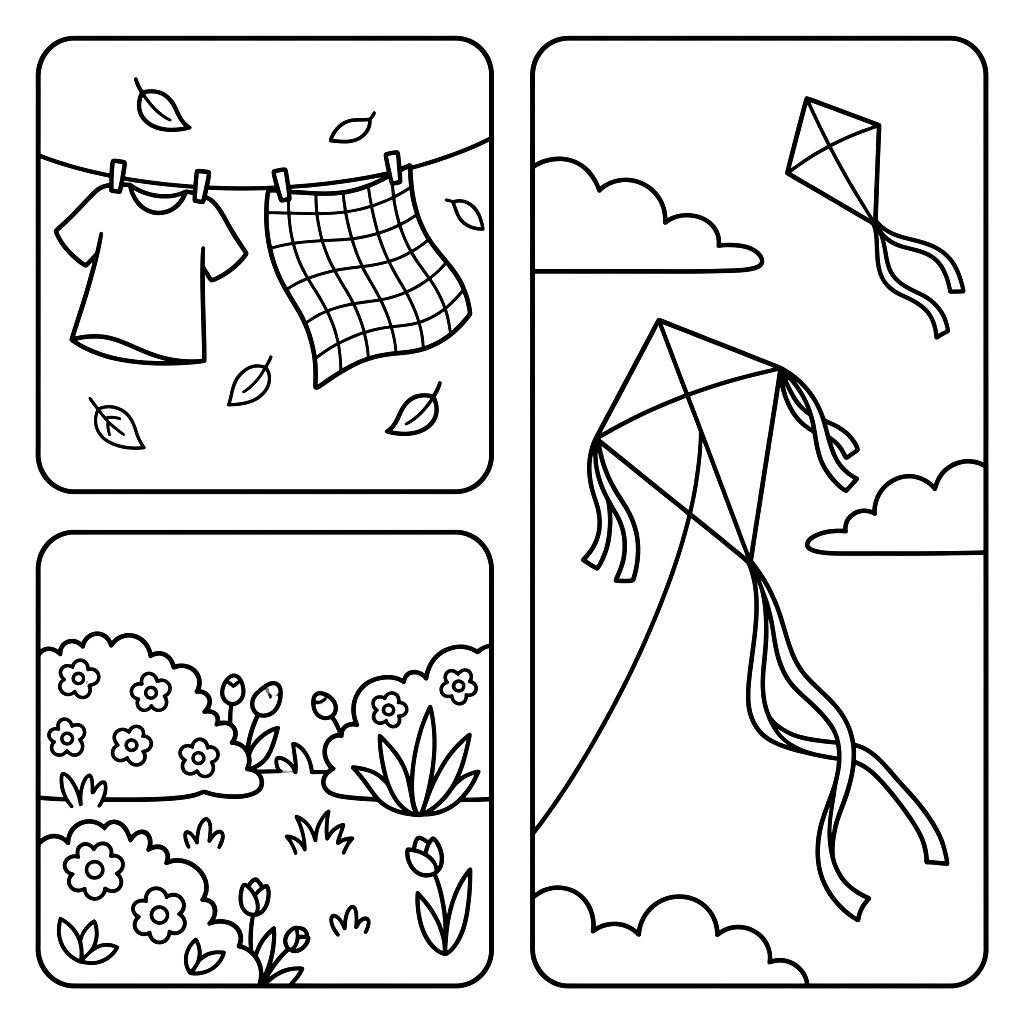
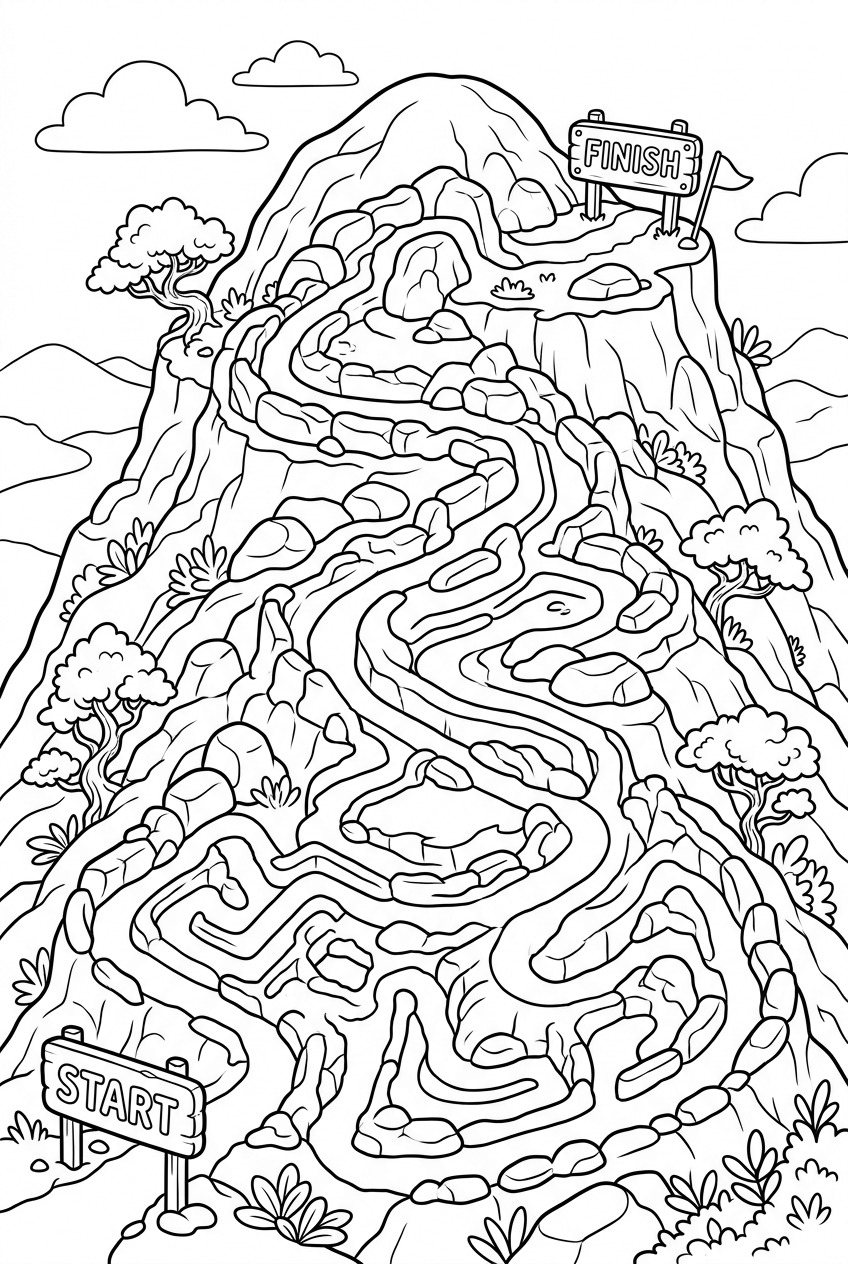
- Finer line detail: botanical, maze, and multi-panel pages get sharper outlines
- In bulk (Artist+): same High quality option when generating up to 50 prompts in one job
Perfect for
- Botanical and nature pages like the cone flower example: fine line detail and clean coloring boundaries
- Multi-panel or segmented pages for kids: distinct closed shapes and clear boundaries
- Puzzle-style pages like mazes: sharp path separation and readable Start/Finish or labels
- Word art and text-heavy pages like the Psalm 23 example: long passages with clear letterforms and decorative structure
Credit usage
- Default quality: cost depends on style (e.g. 1 credit for default style, 3 for Whimsical Anime, 5 for most specialty styles)
- High quality: 10 credits per image (text prompt, word art, or bulk)
Example: 10 high quality text-prompt pages = 100 credits.
Availability
High quality is available on all plans for text prompts and word art. Bulk generation (where you can also use high quality for up to 50 prompts at once) is on Artist, Business, and Ultra.
Real examples from the idea gallery
These examples show the kind of detailed line work you can create with high quality:
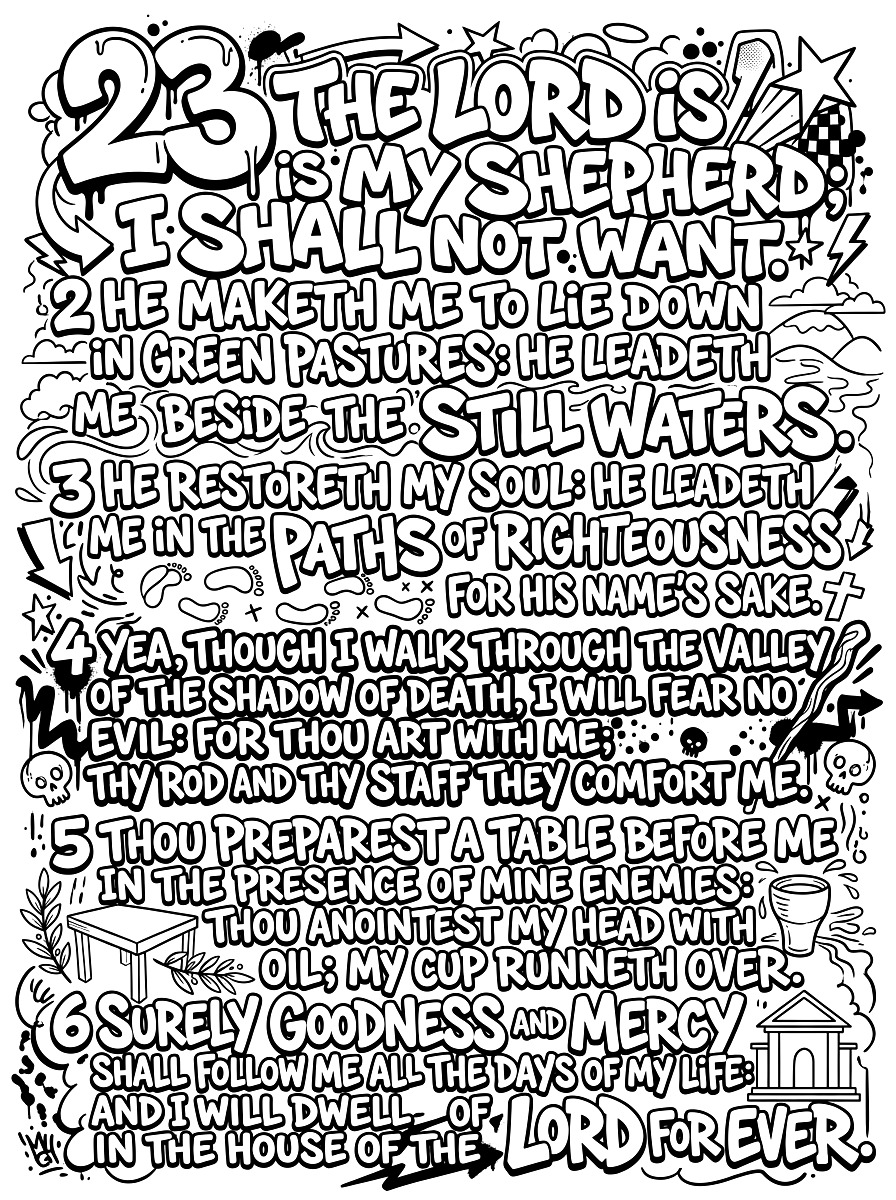 graffiti word art page from idea gallery” style=”width:403px;height:auto”/>
Getting started
Open your dashboard, create a text prompt or word art page, set Quality to High quality, and submit. On Artist, Business, or Ultra you can also use high quality in bulk generation.
Happy creating!
Ben