New Photo Style: Zendoodle

I’ve just added a new style to the Photo to Coloring Page generator that I’m really excited about. Zendoodle transforms your photos into meditative, pattern-filled artwork that’s genuinely relaxing to color.
If you’ve ever gotten lost in the flow of filling in intricate patterns, you already know why this style exists. It takes your photos and reimagines them as organic, free-flowing line art filled with swirls, waves, cross-hatching, and repeating textures.
What is Zendoodle?
Zendoodle sits somewhere between structured zentangle and pure freeform doodling. Where zentangle follows strict geometric rules, zendoodle embraces organic shapes and flowing curves while still maintaining that satisfying pattern-based approach.
Think of it as zentangle’s more relaxed cousin. The patterns are intentional but not rigid. Sections flow into each other naturally. There’s structure, but it breathes.
When you run a photo through the zendoodle style, it:
- Breaks your image into organic sections
- Fills each section with a unique texture or pattern
- Uses high-contrast black ink lines for crisp, colorable results
- Maintains plenty of white space so you’re not overwhelmed
- Creates that hand-drawn, meditative quality throughout
Perfect Photos for Zendoodle
This style really shines with certain types of photos:
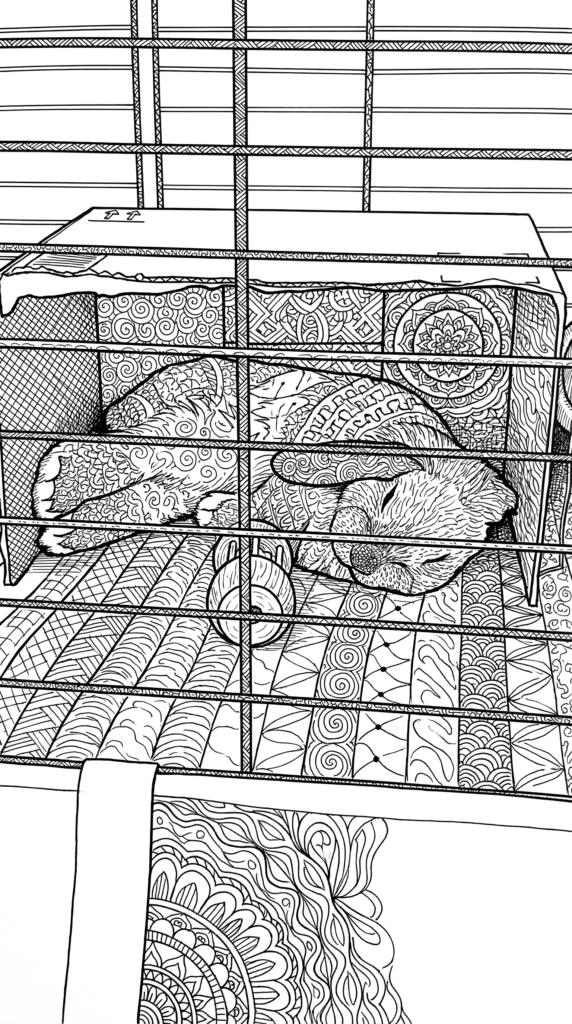
Pet portraits work beautifully. Your dog or cat becomes a patchwork of swirls and textures, each section of fur transformed into its own little meditation zone.
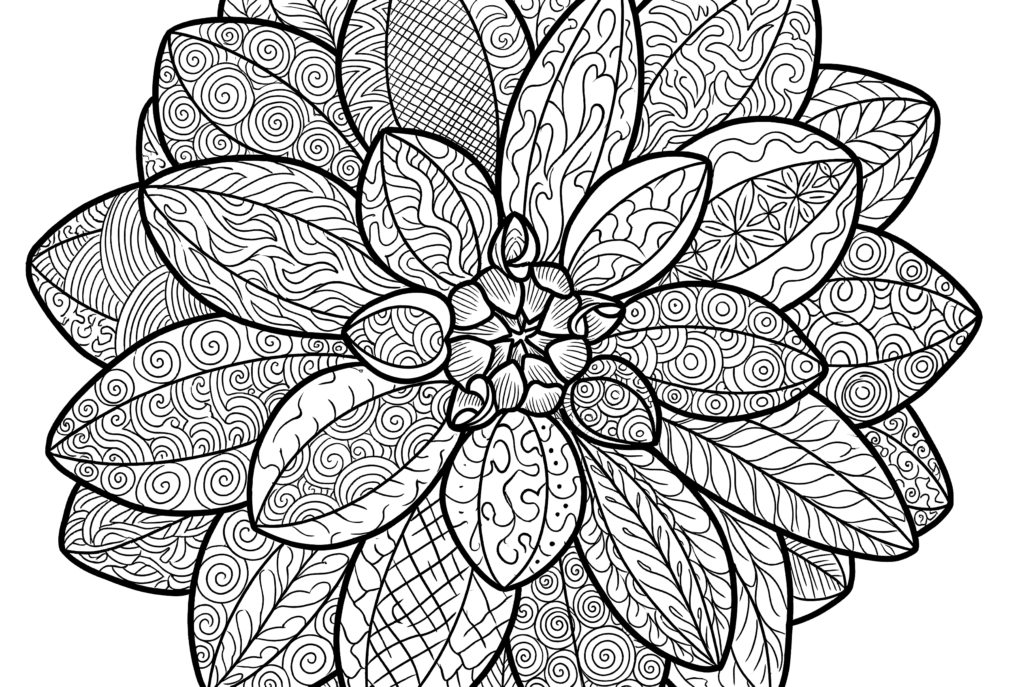
Nature photos are stunning. Flowers become kaleidoscopes of repeating motifs. Trees turn into flowing organic sculptures. Even a simple leaf photo becomes an intricate coloring experience.
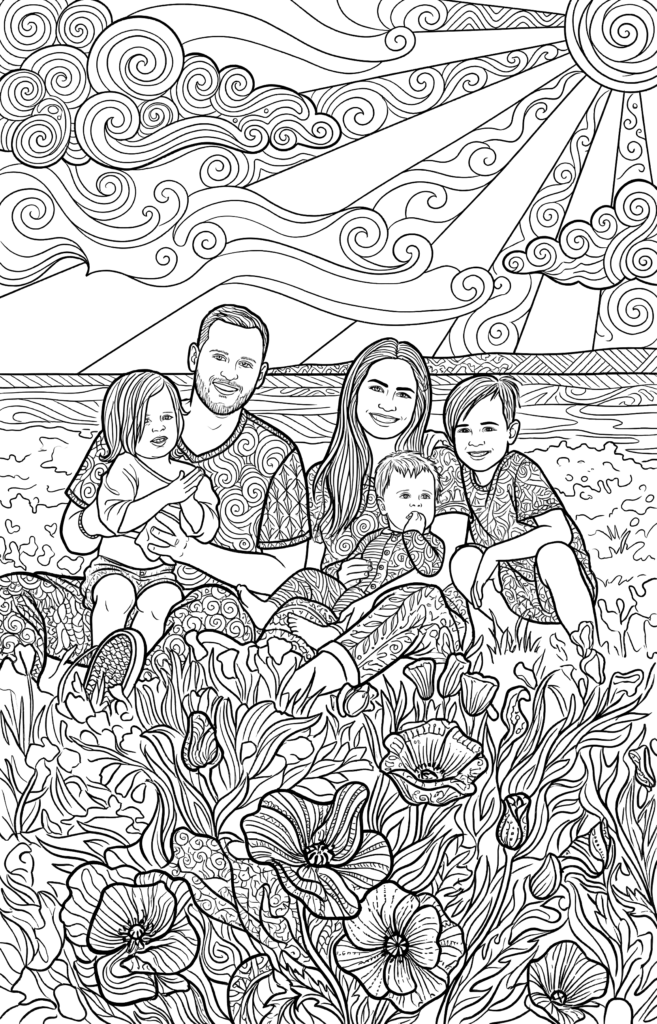
Family photos get an artistic twist that’s both recognizable and artistically interesting. The familiar faces remain, but rendered in a style that makes coloring genuinely engaging.
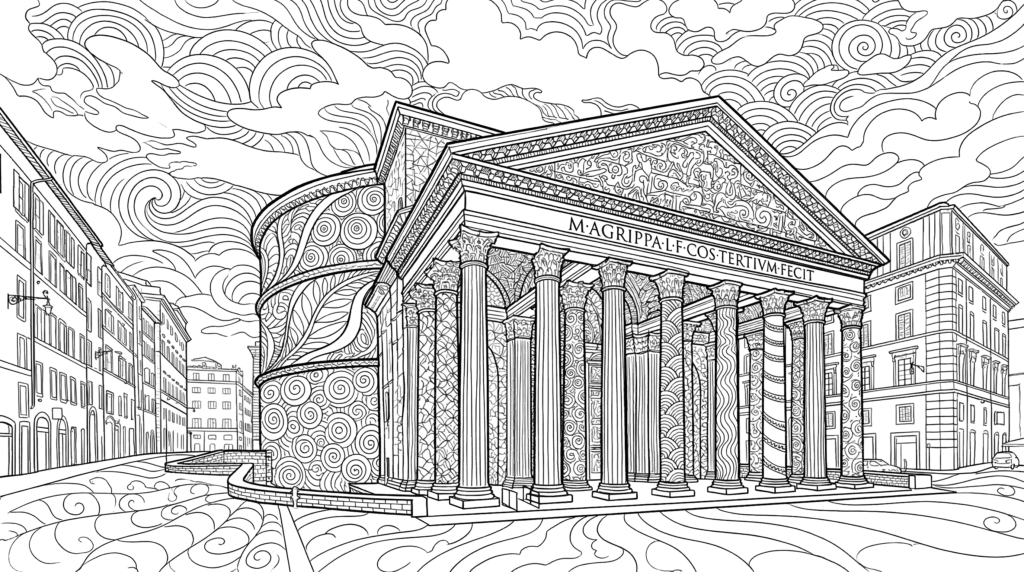
Architecture and objects transform into something almost stained-glass-like, with each surface getting its own pattern treatment.
Why Zendoodle Works for Coloring
The magic of zendoodle is in the pacing. Each small section is its own mini project. You can color one area, put it down, come back later. There’s no pressure to finish the whole thing in one sitting.
It’s also forgiving. The patterns are organic enough that your color choices don’t have to be precise. A little bleed between sections? Looks intentional. Mixed up your shading? Still works.
And honestly, there’s something deeply satisfying about filling in those repeating patterns. It hits the same brain chemicals as bubble wrap. Just pure, simple satisfaction with every completed section.
How to Try It
Head to the Photo to Coloring Page tool, upload any photo, and select “Zendoodle” from the style dropdown. Be sure to use “High Quality”.
I’d suggest starting with a photo that has clear subjects and good contrast. Pet portraits and flower photos are great first tries.
Fair warning though: once you see your first photo transformed into zendoodle art, you might end up converting your entire camera roll. Don’t say I didn’t warn you.
Got a photo that turned out particularly amazing in zendoodle style? I’d love to see it. Hit the feedback button in your dashboard and share your favorites!