Seminar outlines from renders and photographs
September 14, 2026Personal use
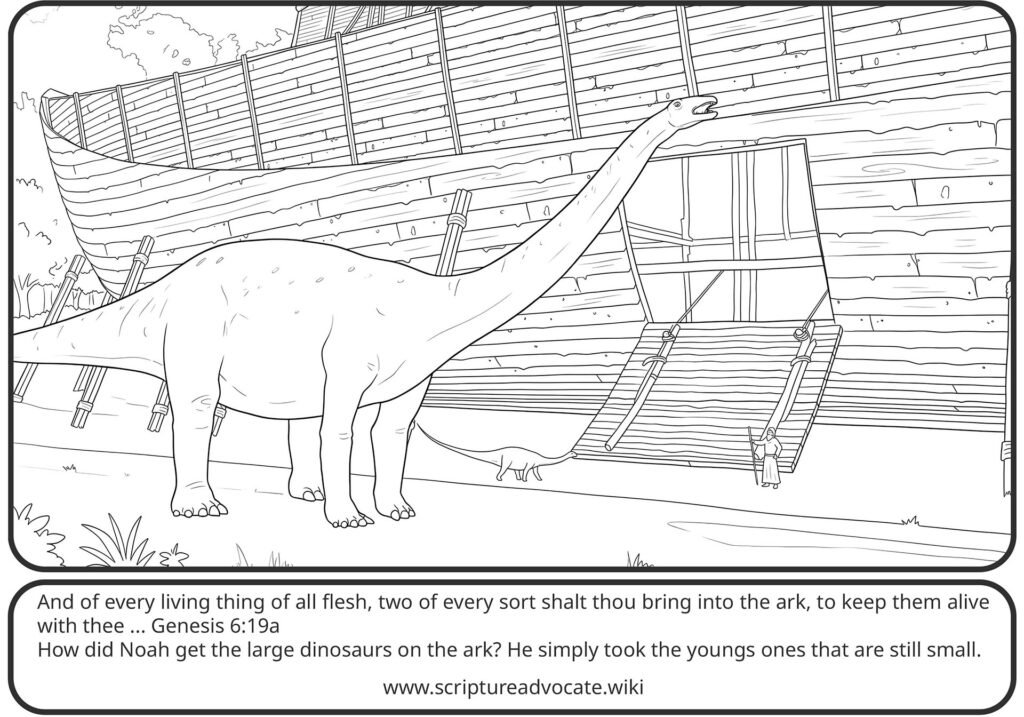
"My first use of ColorBliss was to make outlines from 3D Renders and from Photographs for use in my seminar. These images tend to be more detailed and realistic."
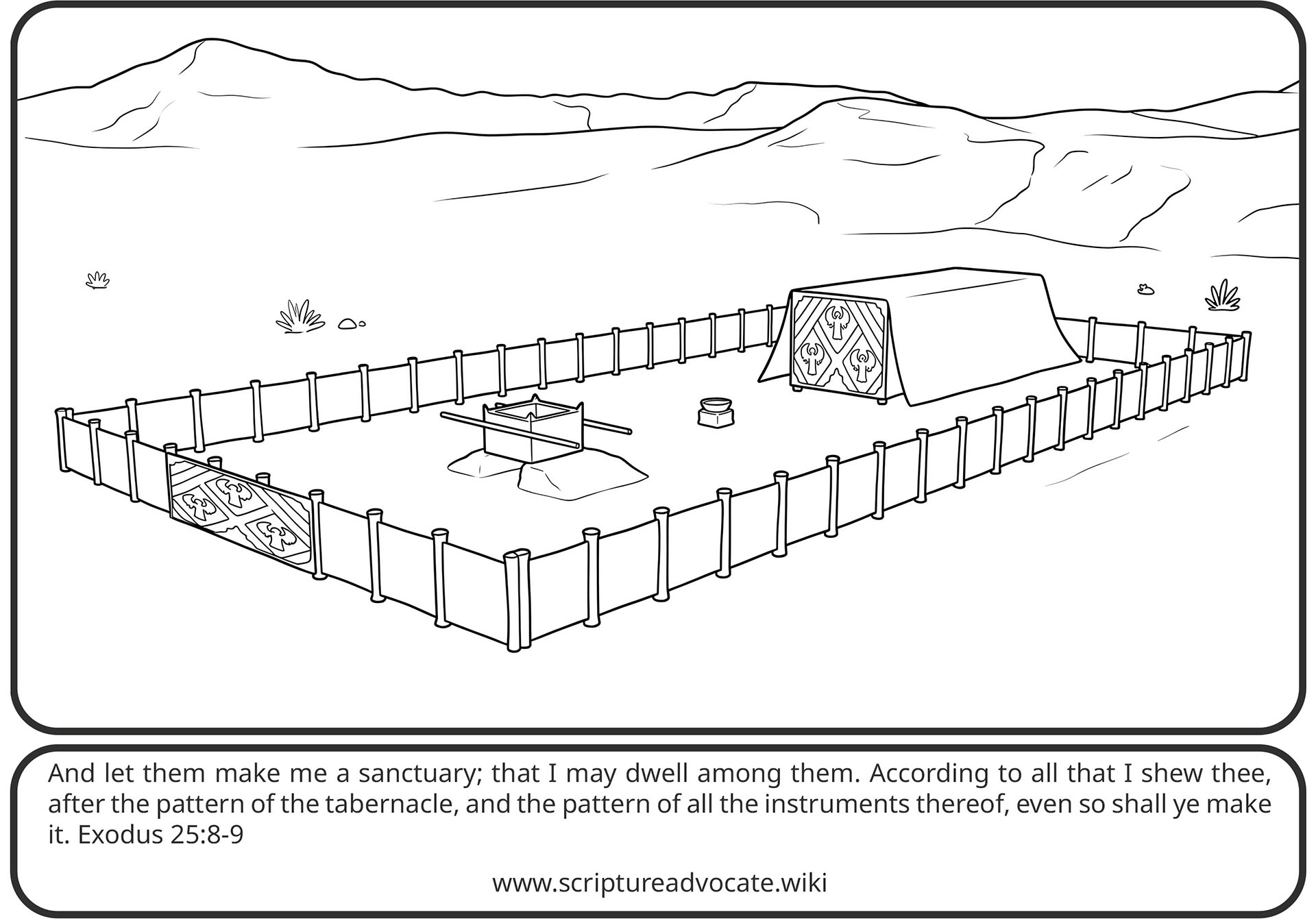
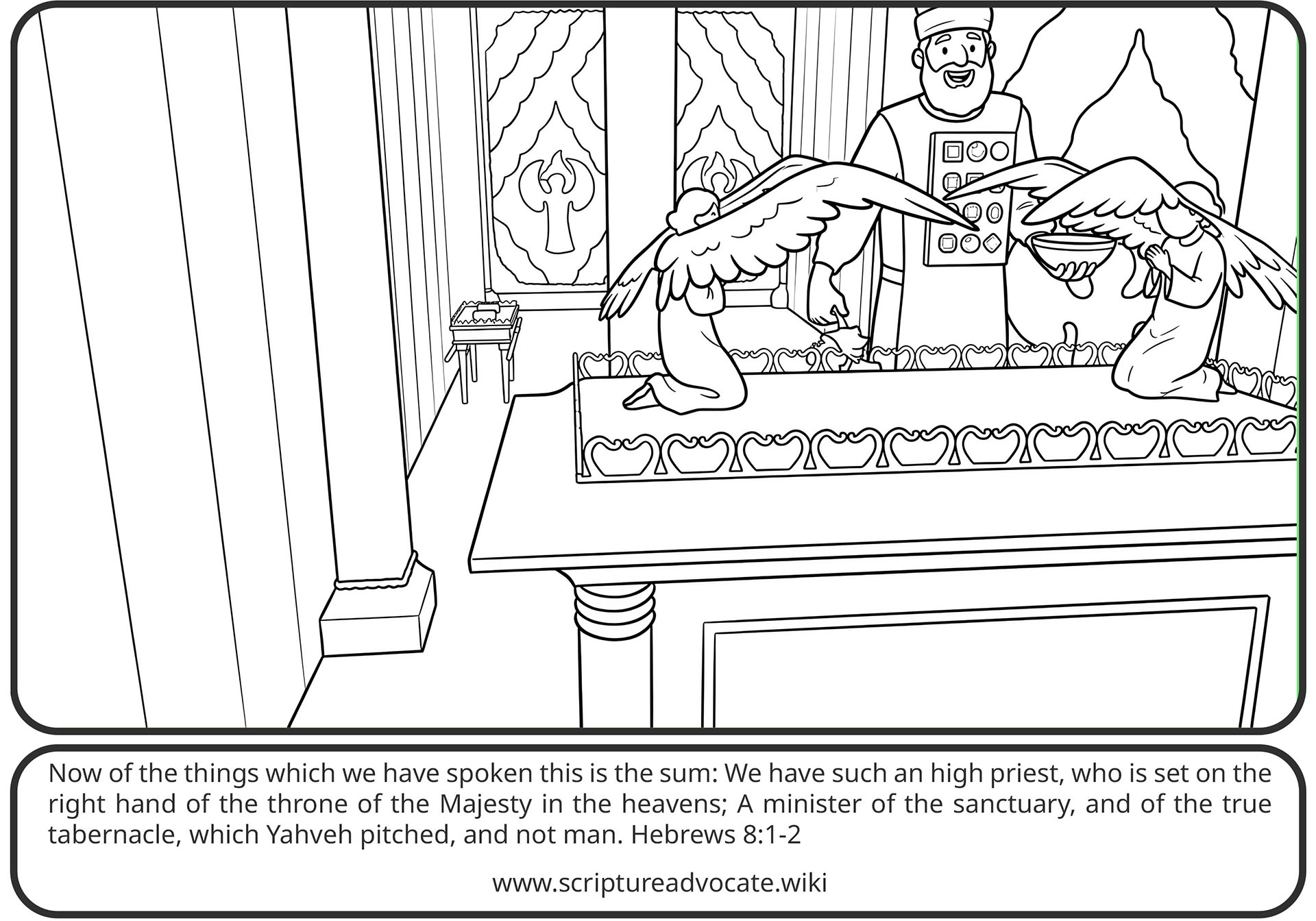
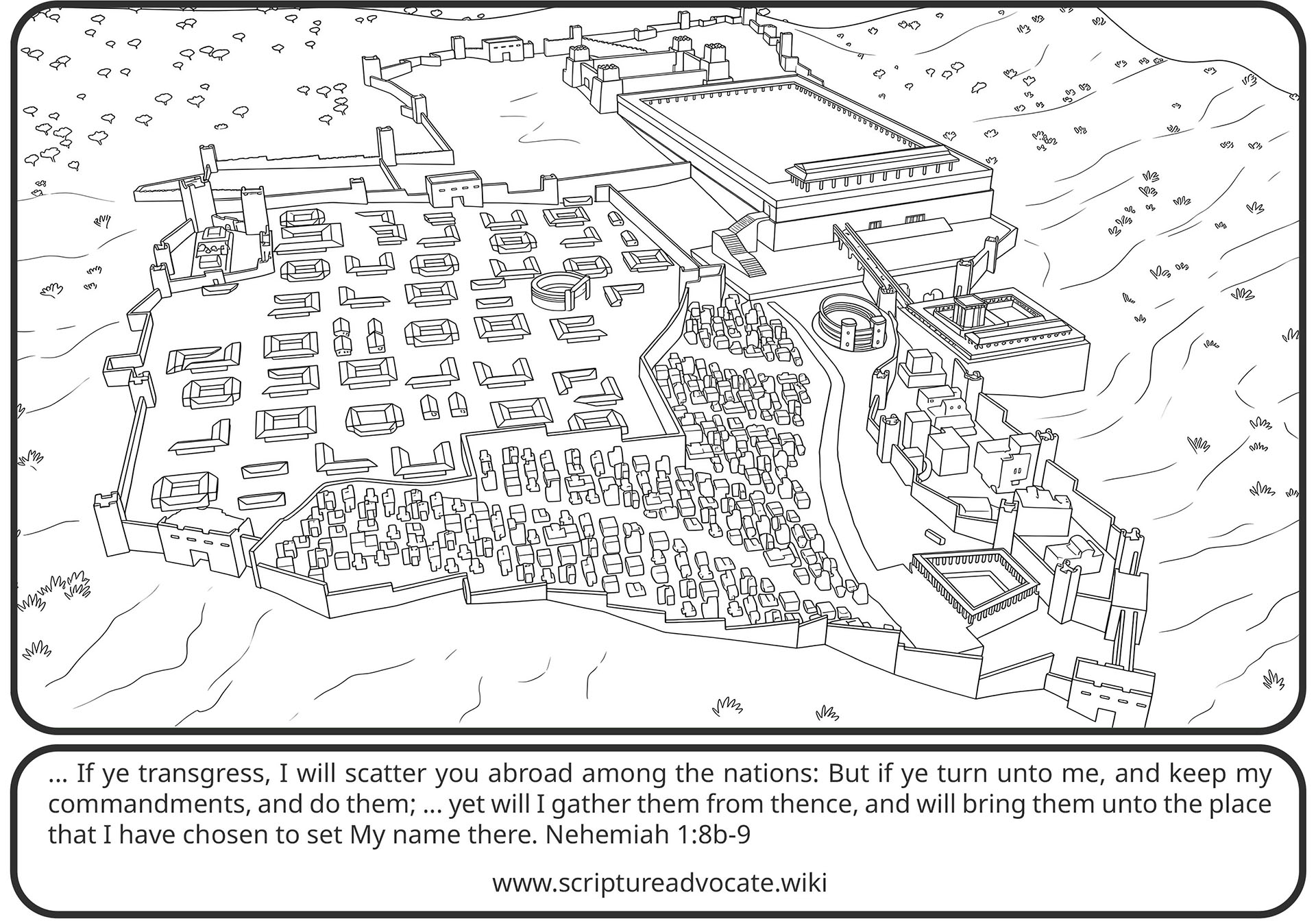
Todd first used ColorBliss to turn detailed 3D renders and photographs into line outlines for his Encouraging Life seminar. The pages keep the realistic shapes from the source images so they can sit next to the original art in teaching slides.
See the before and after pairs on his ColorBliss Samples page.
Seminar outlines
Features used
Created by

Todd Elder
Todd Elder writes and teaches through Scripture Advocate and the Encouraging Life Children's Mission. He uses ColorBliss to turn 3D renders, photographs, and text prompts into biblical coloring pages, seminar outlines, and print-ready family tree sketches.
More from Todd Elder
Other creations in the Made with ColorBliss gallery.
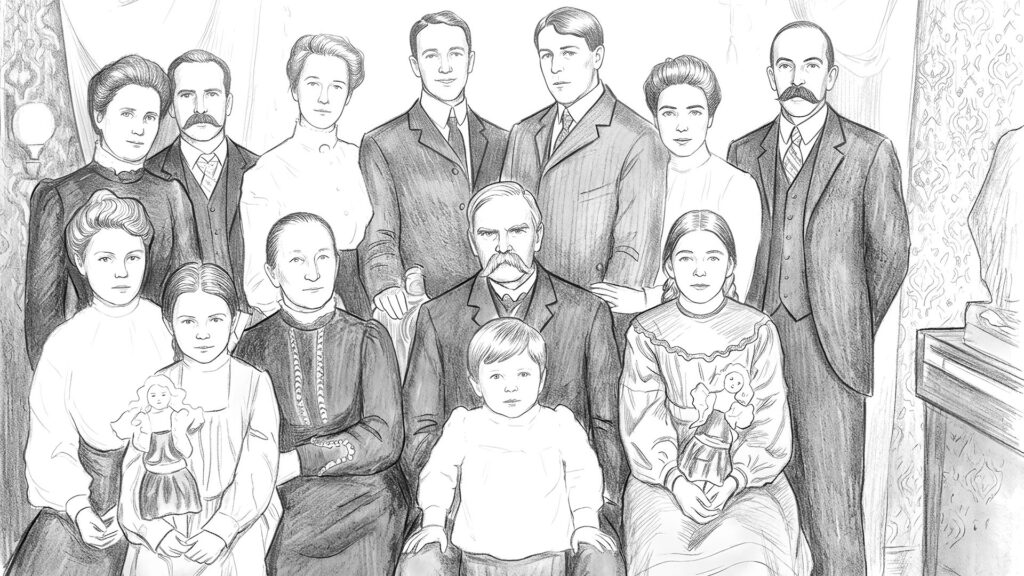
Ancestry and family tree sketches
"Old photographs are notorious for being small, discolored, or similar problems. I find the Line Sketch style a very nice alternative to bring all the images together in a consistent feel that is at a scale large enough to print and publish well."
Todd Elder
View profile →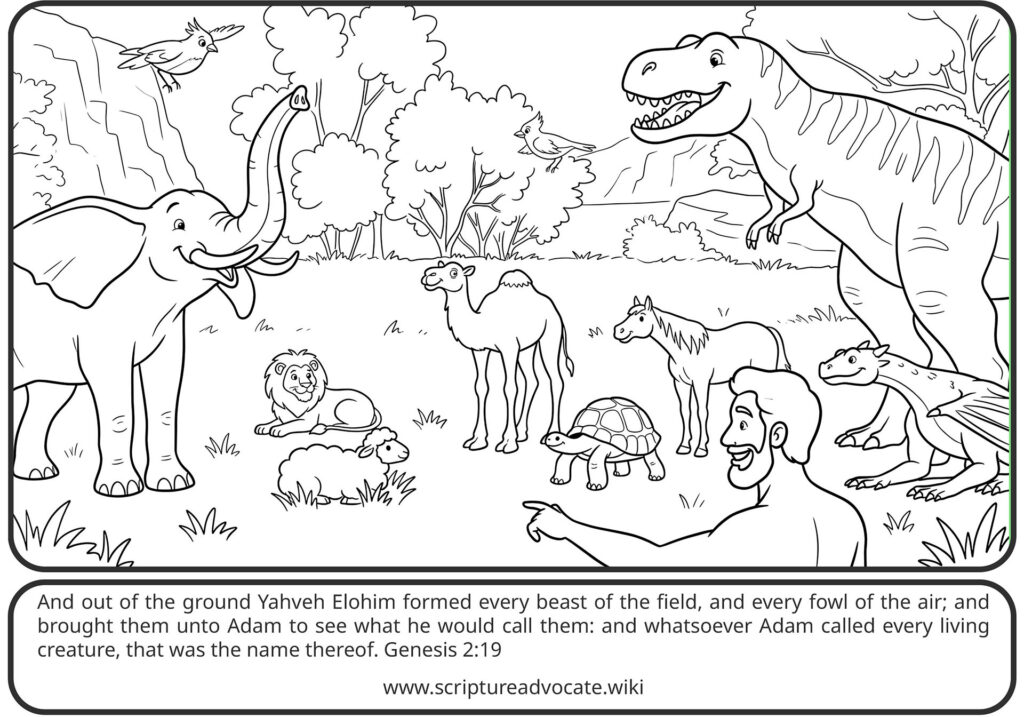
Encouraging Life coloring books
“After discovering the variety of images that ColorBliss is capable of making, I decided to follow the long held goal of making a coloring book. Once again based on the seminar, but this time using the cartoon and anime styles more heavily. Some of these are entirely from text prompts rather than renders or photographs.”
Todd Elder
View profile →Want to create something like this?
Start making your own coloring pages with ColorBliss today.
Get started free