Download entire folders with one click

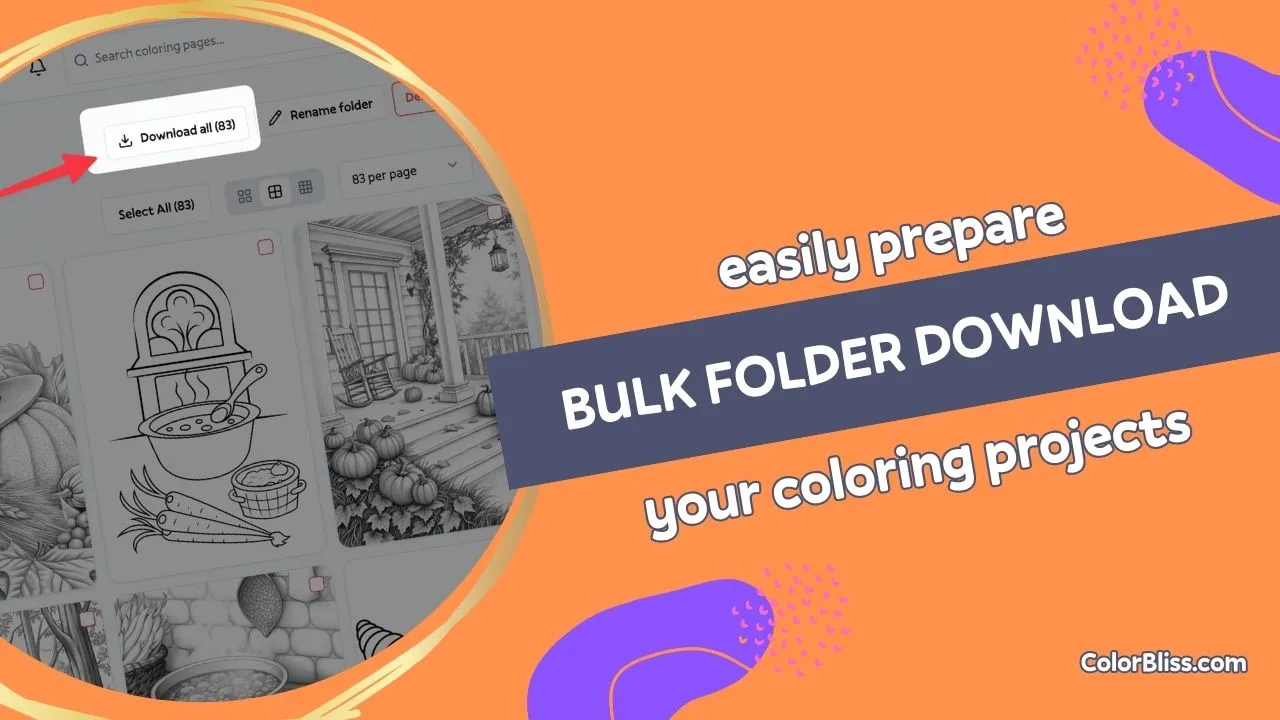
Your folder collections just got a lot more portable. You can now download everything in a folder as a single zip file, ready for printing, backup, or sharing.
What I built
Click “Download all” on any folder and choose your format. Within a few minutes, you get an email with a zip file containing every page in that folder.
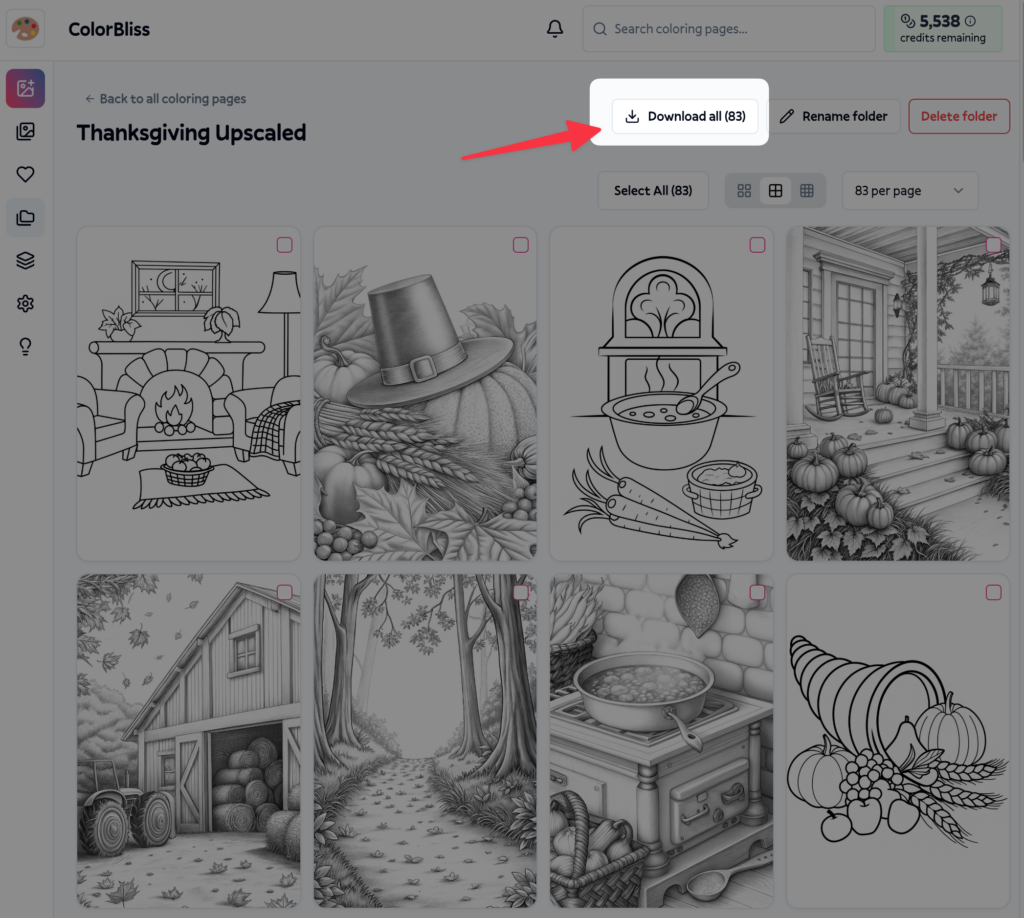
Three format options cover different needs:
- PNG for digital coloring and sharing
- PDF for printing (all pages in one document)
- SVG for editing in vector software
Each file is named using the original prompt, so you can identify pages without opening them.
Why I built this
I kept hearing the same request: “I want to download my whole folder, but selecting 50 pages one by one is painful.”
Teachers needed quick access to entire curriculum sets. Parents wanted to print vacation activity packs. Publishers needed bulk exports for production.
Selecting pages individually worked fine for a few downloads, but it fell apart with larger collections.
How it works
- Open any folder from your dashboard
- Click the “Download all” button
- Pick your format: PNG, PDF, or SVG
- Check your email in 2-5 minutes
The download happens in the background so you can keep working. No browser freezes, no timeout errors, no waiting around.
This works reliably whether your folder has 5 pages or 500. The zip file is ready when you are.
Availability
Folder downloads are available now to all ColorBliss users. Works with any folder you’ve created.
Download links stay active for 24 hours, giving you plenty of time to grab your files.
–Ben