Can ChatGPT Create A Coloring Book? What It Can Do, What It Can’t, And The Best Way To Make One In 2026

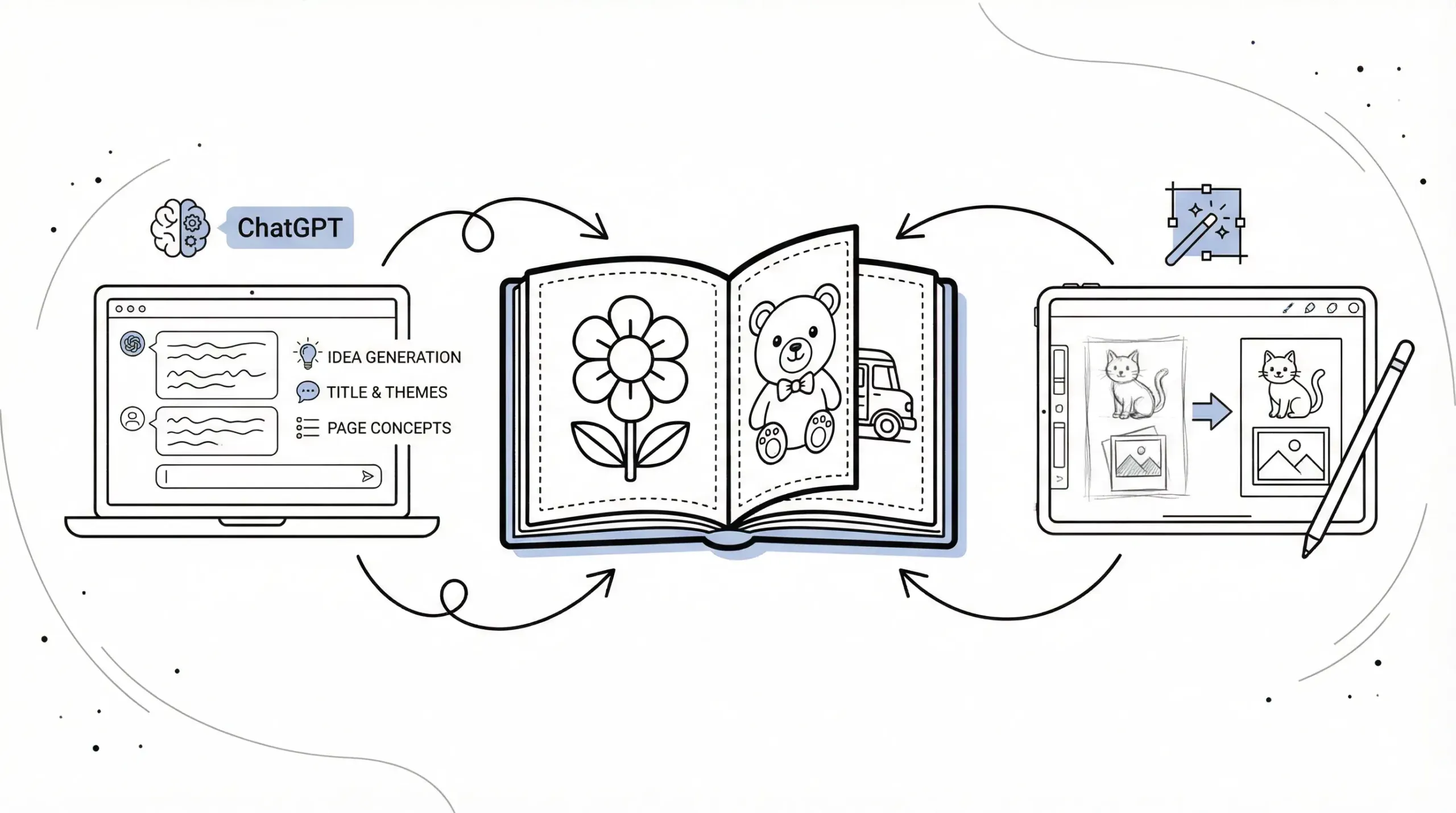
Can ChatGPT create a coloring book? Yes, but not by itself. It’s excellent for planning, writing, organizing, and improving your coloring book ideas, which means you can move from a vague concept to a workable project much faster. But if you want clean, printable coloring pages, you’ll still need image tools and a quick quality check.
That distinction matters. A lot of people hear “AI coloring book” and assume one tool handles everything from idea to print-ready PDF. Not quite. ChatGPT is best used as your creative assistant and project planner, while a tool built for printable line art handles the visuals.
If you’re a parent making a quiet-time activity, a teacher building seasonal worksheets, a therapist creating calming pages, or a small business owner testing an Etsy or KDP product, this guide is for you. If you want one-click perfection with zero review, it’s not.
Here’s how to use ChatGPT well, where it falls short, and the best workflow in 2026 for making a coloring book people will actually want to use.
Key Takeaways
- ChatGPT can effectively assist in creating a coloring book by generating themes, page ideas, prompts, and organizational structure, speeding up the planning process.
- While ChatGPT excels in text-based tasks, it cannot produce final printable coloring pages, so using specialized image tools is essential to create clean line art.
- A successful coloring book workflow involves using ChatGPT for creative planning and prompt writing, then employing image software to design pages, followed by thorough quality checks.
- Keeping coloring pages age-appropriate with clear outlines and simple subjects ensures usability and engagement across different audiences.
- Adding educational, mindfulness, or seasonal elements can increase the value and uniqueness of a coloring book, making it stand out in the market.
- Reviewing for print readiness, copyright compliance, and originality is crucial before publishing to ensure a professional and legally sound final product.
What ChatGPT Can Help You Do When Making A Coloring Book
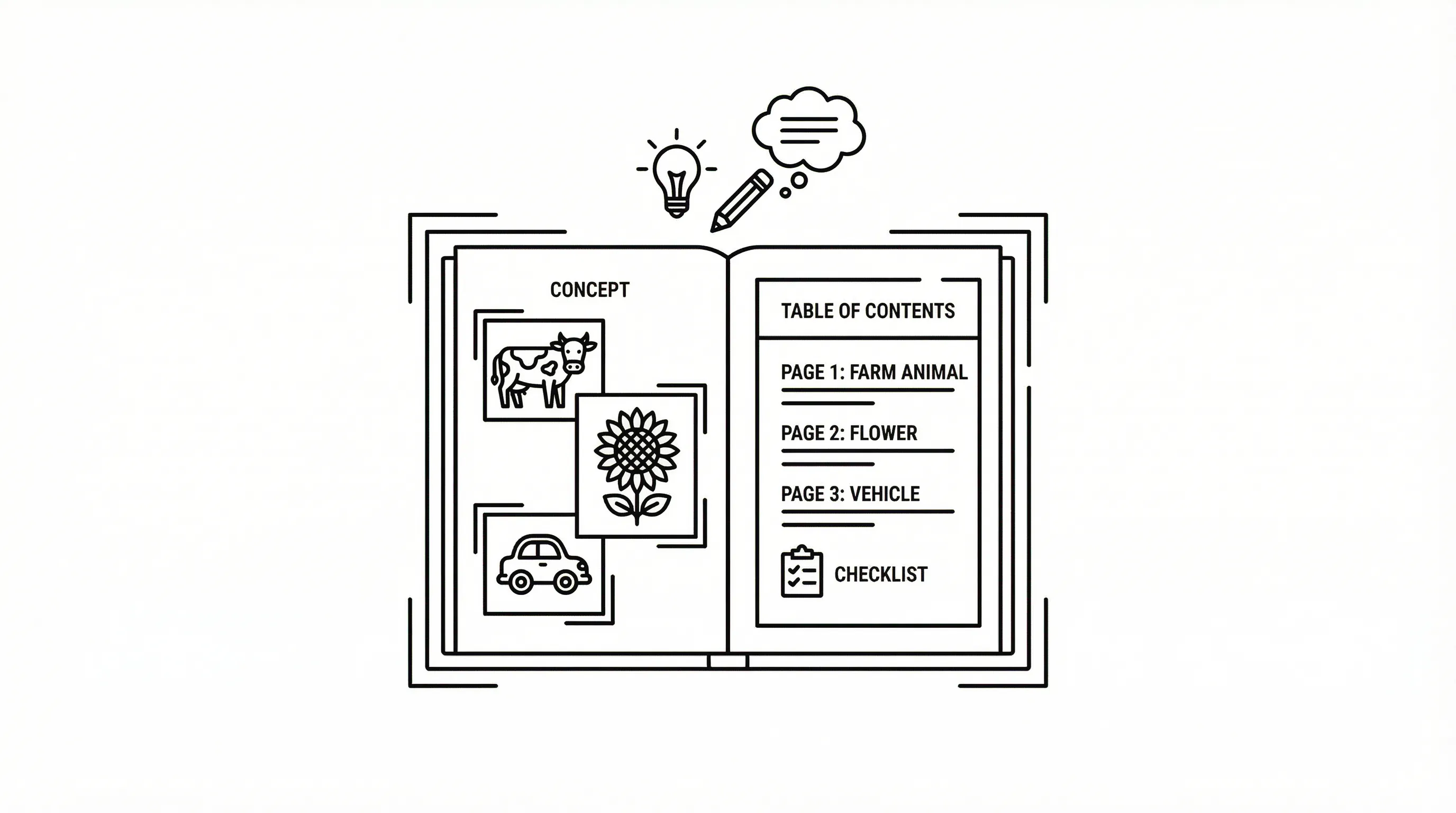
ChatGPT can help create a coloring book by handling the thinking work. It can turn a rough idea into themes, page concepts, age-appropriate directions, and a structure you can hand off to an image generator, which means less staring at a blank page and more actual progress.
It’s especially useful if you know the audience but not the format. Maybe you want a preschool farm book, a Bible coloring book for church, or a mindfulness coloring set for adults. ChatGPT can quickly turn that into a usable plan.
Brainstorm Book Themes, Age Groups, And Page Ideas
This is one of its strongest jobs. You can ask for niche ideas, audience fit, and page-by-page concepts, which means you get a clearer product before you invest time making art.
For example, you can ask for:
- 20 coloring book themes for kids ages 4–6
- 40 page ideas for an adult floral coloring book
- therapy-friendly prompts focused on calm breathing and grounding
- classroom coloring pages tied to seasons, holidays, or science units
Good prompts are specific. Instead of “give me coloring pages,” try: “Create 30 simple coloring page ideas for a transportation book for preschoolers, with bold outlines and one main object per page.”
That level of detail matters, which means the output is more usable and less generic.
Who this is for: beginners, busy teachers, parents, and creators who need help picking a direction.
Who this is not for: illustrators who already have a fully formed book map.
Do this today: Spend 10 minutes asking ChatGPT for three different coloring book concepts for your audience, then pick the one with the clearest age fit.
Write Prompts, Titles, Captions, And Activity Text
Once you have a theme, ChatGPT can write the support material around it. That includes image prompts, book titles, subtitle ideas, cover copy, page captions, affirmations, tracing lines, and simple educational text, which means your book feels complete rather than like a stack of disconnected pages.
This is where it saves a surprising amount of time.
You can use it to create:
- Prompt wording for image tools
- Book titles and subtitles for Etsy or Amazon KDP
- Short instructions like “Color the butterfly wings”
- Mindfulness phrases for adult pages
- Activity add-ons like counting, letter tracing, or reflection questions
If you use a tool like ColorBliss to turn prompts, photos, or sketches into coloring pages, ChatGPT helps you write cleaner source prompts, which means your generated pages are usually closer to what you pictured.
Do this today: Ask ChatGPT to write 10 page prompts and 10 title options for your chosen theme. Give yourself 15 minutes and save the best ones in one document.
Organize Your Book Into A Clear, Printable Structure
A coloring book needs more than decent page ideas. It needs order. ChatGPT can build a table of contents, page sequence, difficulty progression, intro page, dedication page, and printing checklist, which means your final book is easier to assemble and easier to use.
For example, it can help you organize pages like this:
- Cover
- Name page
- Intro or instructions
- Simple pages first
- Medium-difficulty pages next
- More detailed pages near the end
- Bonus activity pages
That sequence matters, especially for kids and therapeutic settings, which means the user gets a smoother experience instead of random jumps in difficulty.
Do this today: Have ChatGPT build a 30-page book outline with front matter, page order, and a final checklist. It takes about 10 minutes.
What ChatGPT Cannot Do Well On Its Own
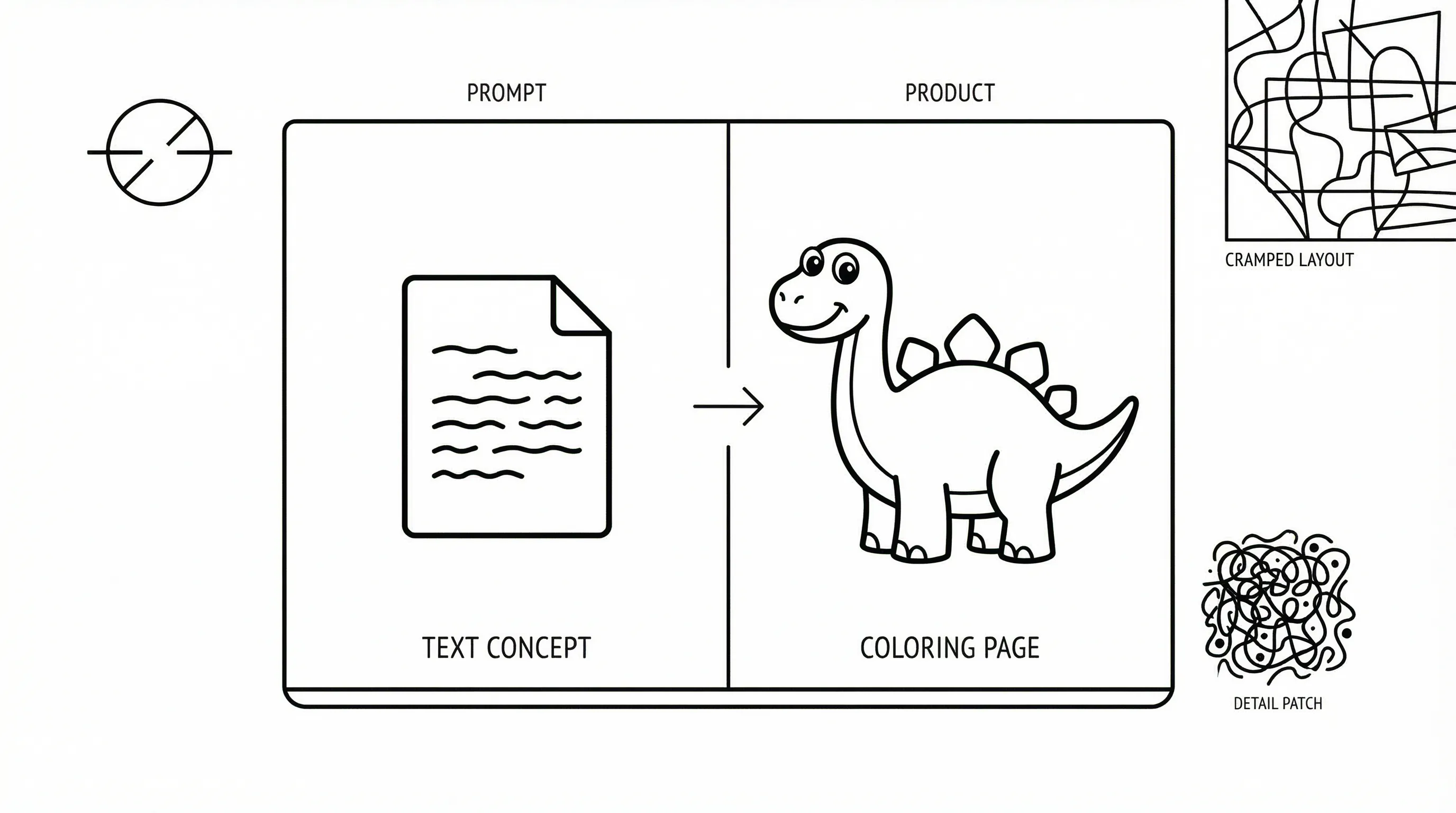
This is the part people often miss. ChatGPT can help create a coloring book, but ChatGPT alone does not produce a finished, printable coloring book. It creates text, which means you still need a visual tool to make the actual pages.
And even when AI helps with image generation, quality varies. Some concepts sound great in text but fall apart when turned into line art.
Why Text Output Alone Does Not Create Clean Coloring Pages
Coloring pages need clear outlines, printable contrast, open spaces for coloring, and consistent composition, which means they have to work as images, not just descriptions.
ChatGPT can describe:
- a smiling dinosaur for ages 5–7
- a simple flower mandala for adults
- a Thanksgiving turkey with big feathers
But it cannot, by itself, output the final black-and-white line art page ready for print. For that, you need an image-capable workflow or a specialized tool like ColorBliss that can generate clean, printable line art from prompts, photos, or sketches, which means you spend less time fixing muddy outputs.
If you only use ChatGPT, you’ll have a script, not a coloring book.
Do this today: Pick one sample page concept and test it in an image tool. Spend 5–10 minutes comparing the text idea to the actual visual result.
Common Quality Issues With AI-Generated Book Concepts
Even strong AI-assisted ideas can produce weak pages if you don’t review them. Common problems show up fast.
Watch for these issues:
- Too much detail, which means small hands or stressed adults may find the page frustrating rather than relaxing
- Messy or broken lines, which means the page won’t print cleanly
- Inconsistent style across pages, which means the book feels cobbled together
- Crowded compositions, which means there isn’t enough open coloring space
- Vague niche positioning, which means the book won’t stand out on Etsy, KDP, or in a classroom bin
This is also where creators get tripped up with commercial use. AI can speed up output, yes. But speed isn’t the same as originality or usefulness.
Who this is for: creators willing to review and refine.
Who this is not for: anyone hoping to publish 50 untouched AI pages and call it done.
Do this today: Review five sample pages and mark each one for line quality, age fit, and originality. Give yourself 15 minutes and be honest.
How To Actually Create A Coloring Book With ChatGPT And Image Tools
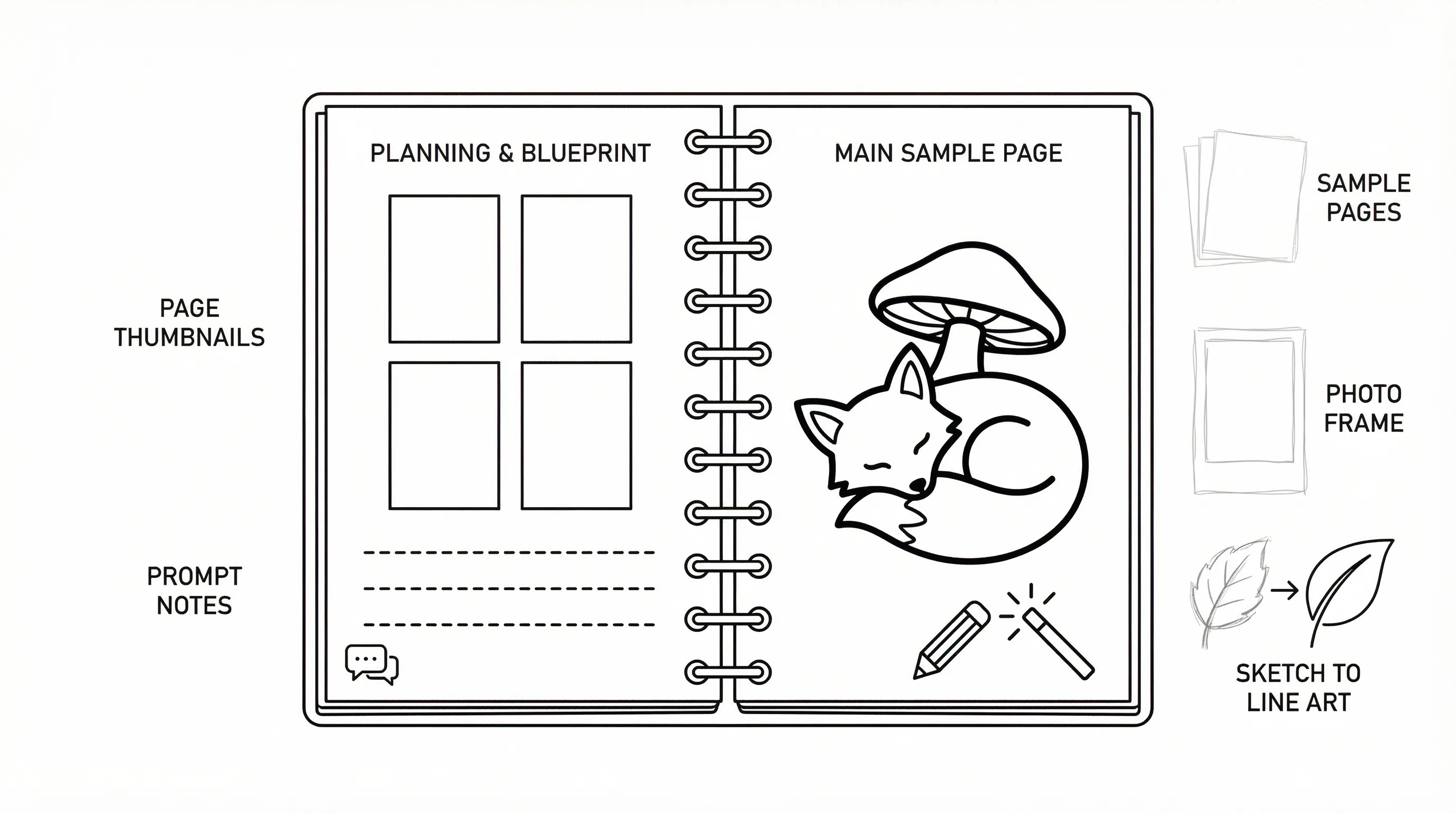
If your real question is how to create a coloring book with ChatGPT, here’s the practical answer: use ChatGPT for planning and prompt writing, then use image tools for the artwork, then review everything for print. That’s the workflow that works in 2026.
Step 1: Choose A Niche, Audience, And Page Count
Start small and specific. “Animals” is broad. “Cute woodland animals for ages 3–5 with bold outlines” is much better, which means the pages will be more consistent and easier to market or use.
Choose:
- Audience: preschoolers, elementary students, adults, therapy clients, church groups
- Theme: ocean animals, Bible stories, SEL emotions, seasonal math, garden flowers
- Page count: usually 20–40 pages for a first project
- Use case: classroom printable, Etsy digital download, KDP paperback, counseling office activity
For parents and teachers, simpler is usually better. For adult mindfulness books, repetition and pattern can work well.
Do this today: Write one sentence that defines your book in this format: “A coloring book for [audience] featuring [theme] with [page count] pages.” Budget 5 minutes.
Step 2: Use ChatGPT To Build Prompts And Page Descriptions
Now ask ChatGPT to create a page list and detailed prompts. This is where can ChatGPT create a coloring book becomes a useful yes, it can create the blueprint.
Ask for:
- A full page list
- Prompt variations for image generation
- Age-appropriate language
- Consistent style instructions
- Cover concept ideas
A useful prompt formula looks like this:
[Subject] + [style] + [age level] + [line quality] + [background simplicity] + [printable format]
Example: “A happy school bus, simple black-and-white coloring page for ages 4–6, bold clean outlines, minimal background, printable 8.5 x 11 format.”
That specificity matters, which means you get fewer unusable images.
Do this today: Generate 15 page prompts and sort them into easy, medium, and detailed. Give yourself 20 minutes.
Step 3: Turn Ideas, Photos, Or Sketches Into Printable Line Art
This is where visual tools take over. Use a platform that can turn prompts, images, or rough sketches into line art. ColorBliss is built for this exact job, which means you can generate coloring pages from text, turn photos into coloring pages, or clean up sketch-based ideas without jumping between five different apps.
You might use:
- Text prompts for original scenes
- Photos for personalized coloring pages
- Sketches for your own concepts turned into cleaner outlines
This matters for classrooms and families. A teacher can turn a class mascot or local landmark into a coloring page. A parent can convert a pet photo into a printable activity. A therapist can create calming, familiar images. Which means the final book feels personal, not generic.
Do this today: Create 3 sample pages from one text prompt, one photo, and one sketch. Spend 20–30 minutes and compare which method gives you the cleanest result.
Step 4: Review Layout, Consistency, And Print Readiness
Before you publish or print anything, review the whole book. This step is boring. It’s also the difference between “pretty good” and “people actually use this.”
Check:
- Line thickness, which means the page will print clearly
- Margins and bleed, which means nothing important gets cut off
- Consistency of style, which means the book feels intentional
- Difficulty progression, which means the audience won’t get discouraged
- Paper size and export format, which means printing is smoother
If you’re publishing on Amazon KDP, double-check trim size, interior formatting, and commercial rights for your assets. If it’s for your classroom or counseling practice, print a few test pages first.
Do this today: Print 2–3 test pages or export a sample PDF and review it by hand. Block out 15 minutes.
Best Coloring Book Ideas For Parents, Teachers, Therapists, And Creators
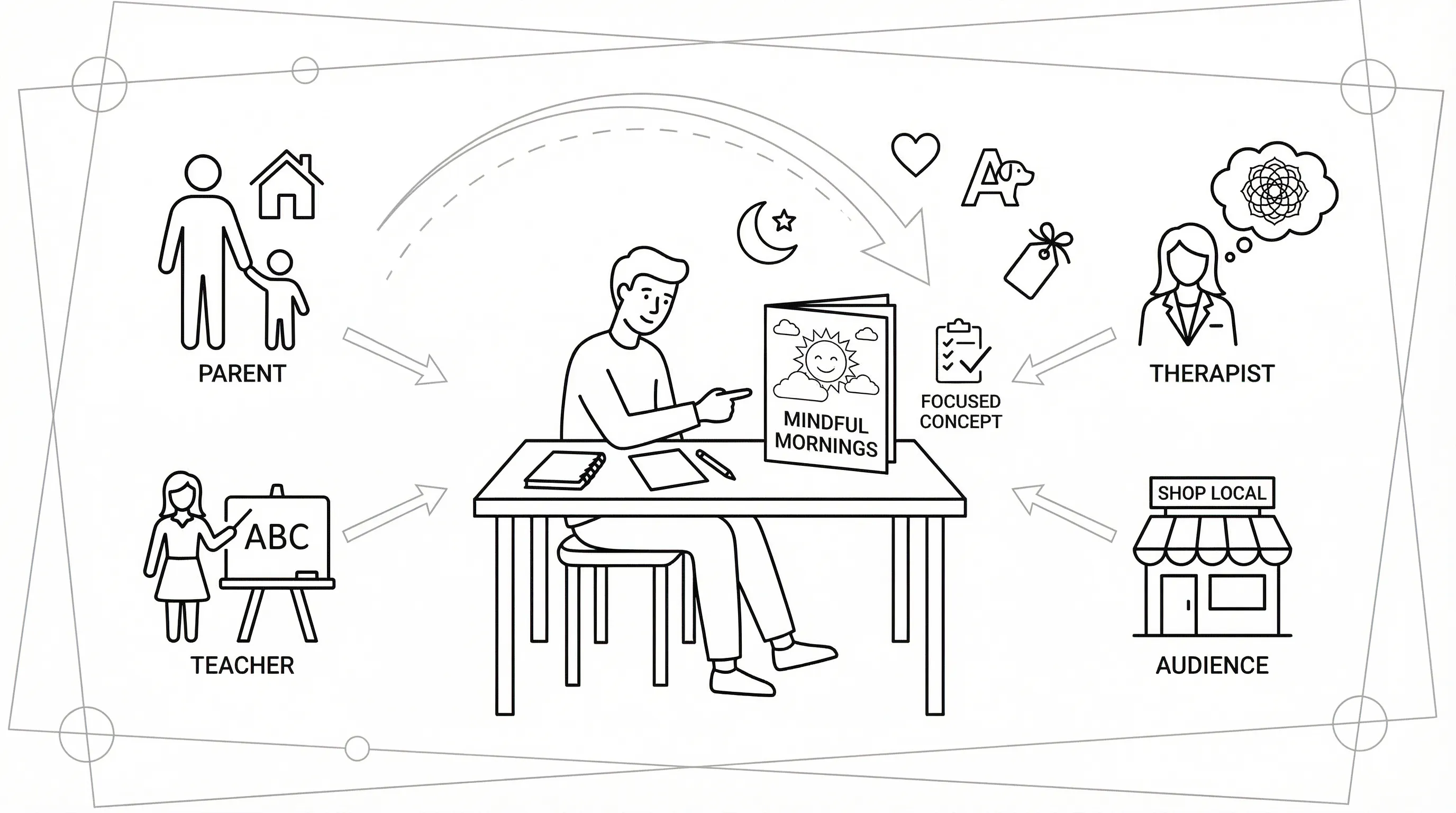
The best ideas are usually specific, useful, and easy to describe in one sentence. Broad books get lost. Focused books get used.
Here are strong options by audience.
For parents:
- bedtime wind-down coloring pages
- alphabet animal books for ages 3–5
- family holiday coloring packs
- personalized pet or home coloring pages
For teachers:
- seasonal classroom coloring sheets
- science vocabulary coloring pages
- history or Bible story reflection pages
- math coloring pages with counting or fractions
For therapists and counselors:
- grounding pages with breathing prompts
- emotion-identification coloring sheets
- simple mandalas for stress relief
- trauma-informed calm-corner printables
For creators and small businesses:
- niche Etsy printable sets
- church activity books
- homeschool unit coloring books
- local business or event-themed coloring pages
A good test: can a real person immediately understand who the book is for? If yes, you’re probably on the right track, which means your creation process and your marketing both get easier.
Who this is for: people who want a practical, audience-first idea.
Who this is not for: anyone trying to make a book for “everyone.”
Do this today: Pick one audience and one problem to solve, calm, learning, boredom, celebration, or personalization. Spend 10 minutes narrowing your idea.
Tips To Make Your Coloring Book More Useful And More Original
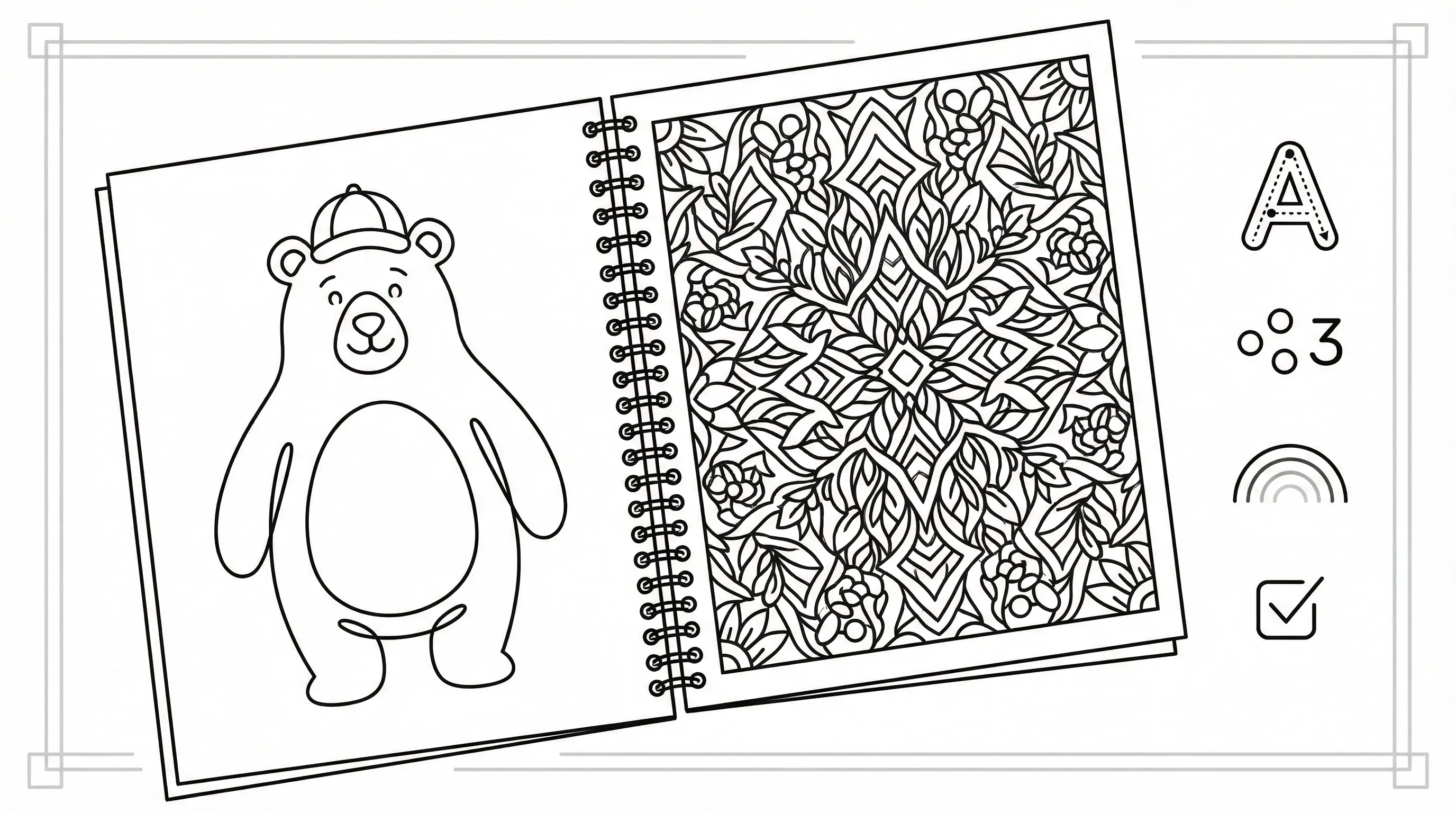
A coloring book doesn’t need to be flashy. It needs to be usable. And a little original. That’s enough.
Keep Lines Clean, Subjects Simple, And Difficulty Appropriate
The best coloring pages are easy to read at a glance. Clean outlines, clear subjects, and age-fit detail all matter, which means the person coloring spends time enjoying the page instead of decoding it.
Keep in mind:
- Young kids need bold lines and one main subject
- Older kids can handle scenes and simple backgrounds
- Adults often want pattern, symmetry, or calming themes
If every page is equally detailed, some users will quit halfway through.
Do this today: Review one page and ask, “Can my intended user finish this without frustration?” Take 5 minutes.
Add Educational, Mindfulness, Or Seasonal Value
This is one of the easiest ways to make your coloring book stand out. Add a second layer of purpose, which means the book becomes more than filler.
You can include:
- letter tracing
- counting prompts
- reflection questions
- breathing cues
- holiday or classroom themes
- scripture, affirmations, or SEL prompts
For example, a pumpkin coloring page can also include counting seeds. A flower page can include a grounding exercise. A church page can include a short memory verse. Which means the book becomes more useful for teachers, families, and therapists.
Do this today: Add one extra layer of value to three pages. Give yourself 10 minutes.
Check Copyright, Originality, And Commercial Use Rights
This part matters more than people think. If you plan to sell your coloring book, don’t assume every generated asset is automatically safe for commercial use.
Check:
- the rights for your AI tools and image sources
- whether your prompts imitate copyrighted characters or styles
- whether photos you upload are yours to use
- whether platform terms allow resale in book form
Originality matters too. If your book looks like hundreds of near-identical AI books online, it will struggle. Add your own page sequencing, educational framing, local references, personal photos, or original sketches, which means the final product has a real point of view.
Do this today: Make a simple rights checklist for your project and verify each asset source. Spend 10–15 minutes before publishing anything.
Conclusion
So, can ChatGPT create a coloring book? Yes, as part of the process. It can help create a coloring book by brainstorming ideas, writing prompts, organizing pages, and building supporting text, which means it’s incredibly useful at the planning stage.
But it can’t do the whole job alone. You still need image tools, print review, and a human eye for quality.
The best workflow in 2026 is simple:
- Use ChatGPT to plan the book
- Use an image tool to create line art
- Review for clarity, consistency, and rights
- Print, publish, or share
If you want the fastest practical route, pair ChatGPT with a coloring-page tool like ColorBliss, which means you can move from prompt, photo, or sketch to clean printable pages much faster.
Start by creating one mini book, just 5 pages. Test it with a real child, student, client, or customer this week. You’ll learn more from that small trial than from reading ten more articles.
Frequently Asked Questions About Creating Coloring Books with ChatGPT
Can ChatGPT create a complete coloring book by itself?
No, ChatGPT cannot create a finished coloring book alone; it generates text such as ideas and prompts but requires image generation tools and design software to produce printable line art pages.
How does ChatGPT assist in making a coloring book?
ChatGPT helps by brainstorming coloring book themes, generating detailed page concepts, writing prompts, titles, captions, and organizing the book structure, streamlining your creative planning process.
What is the recommended workflow to create a coloring book using ChatGPT?
The best workflow involves using ChatGPT to plan and write detailed prompts, using an image generation tool like DALL-E or ColorBliss to create line art, then refining images for print and compiling pages into a complete book.
Why are image tools necessary alongside ChatGPT when making coloring books?
Because ChatGPT only produces text, image tools are needed to convert text prompts into clean, printable black-and-white line art with proper contrast and clarity for coloring pages.
What are key quality considerations when creating AI-assisted coloring books?
Ensure pages have clear outlines, appropriate difficulty for the audience, consistent style, sufficient open space for coloring, and originality to make the book useful and appealing.
Can I use coloring book pages created with ChatGPT and AI tools commercially, like publishing on Amazon KDP?
Yes, but you must verify commercial rights for all generated content, avoid copyrighted styles or characters, and ensure originality and print-quality compliance before publishing.