Create consistent characters for AI coloring books
Build a reusable character reference from a photo, then use it to guide new coloring pages. Character references can help a series feel connected across scenes and styles.
Make your first characterStart free. No credit card required.


from 243 reviews
Over 1,724,184 coloring pages created!
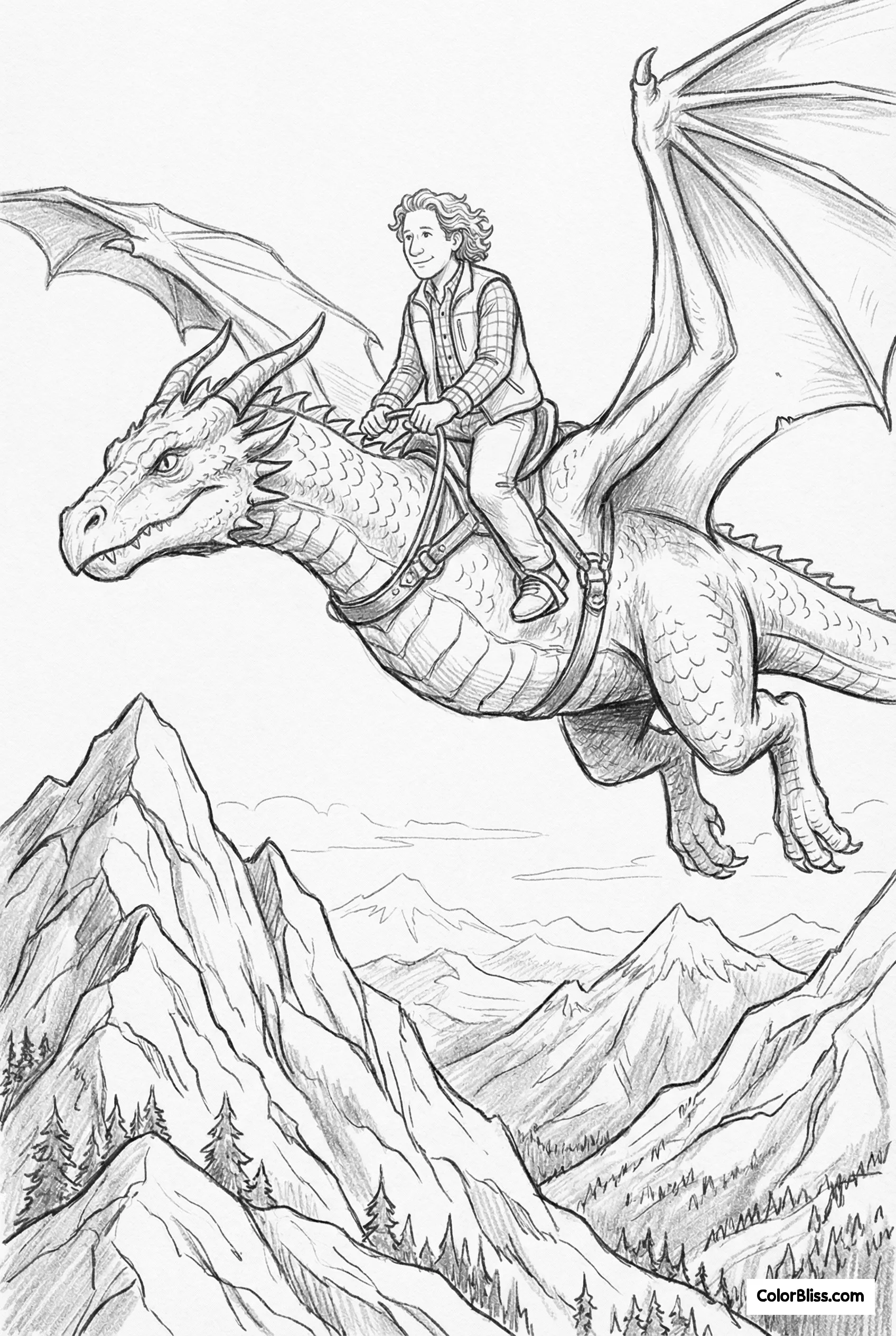
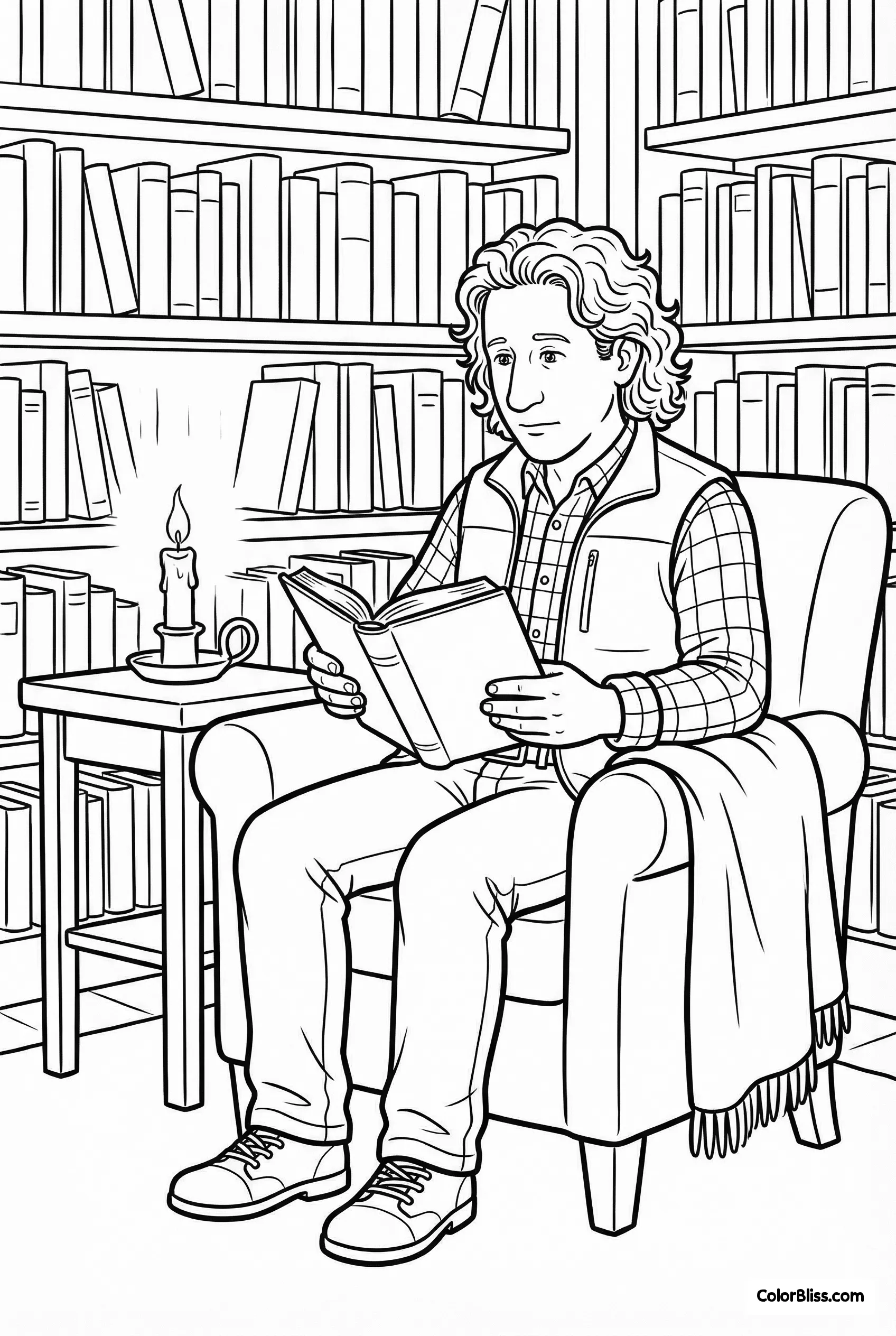
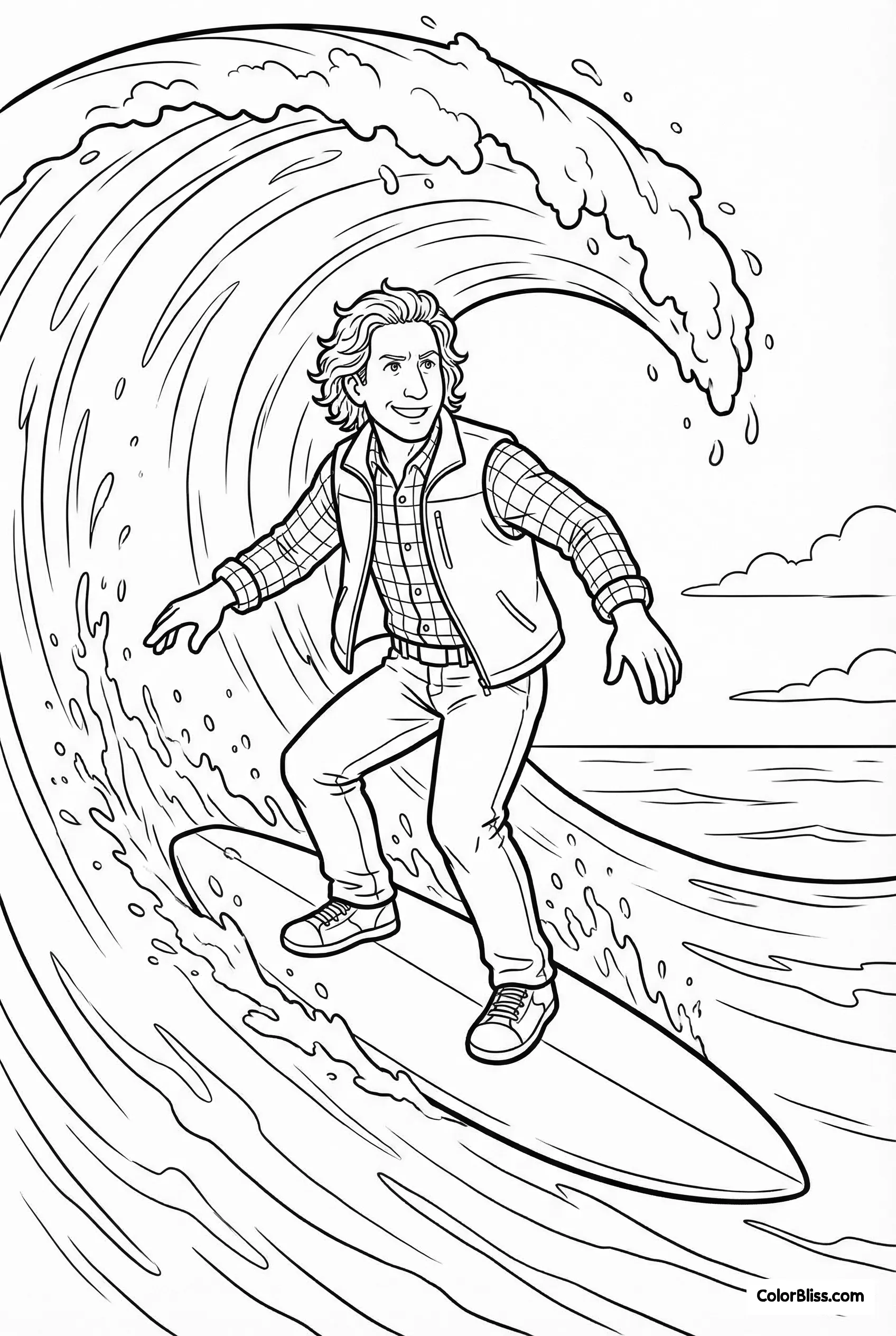
Upload a photo to create a character reference sheet. Select that character in a new prompt to give the model visual guidance on their appearance. Use the reference as a starting point for connected scenes in a coloring book.
You already know the problem
A character described only in text can look different from one generation to the next. Hair, facial features, and clothing may shift as you build pages for a story or coloring book.
A reusable visual reference gives the model more to work from when you create a recurring character in a new scene.
How consistent characters work
Upload a photo
Any clear, front-facing photo. The AI extracts facial features, hair, and body proportions.
AI builds a reference sheet
ColorBliss creates a character reference with visual details the model can use as guidance in new scenes. Creating a character sheet costs 10 credits.
Mention them in any prompt
Type @ and select your character. Describe the scene, not the person.
Create a new scene
The selected reference guides the character's recognizable traits. Review each result and adjust the prompt or style as needed.
See how consistent characters work
This video walks through creating a reusable character reference from a photo and selecting it while you generate new coloring page scenes.
One character, ten coloring pages
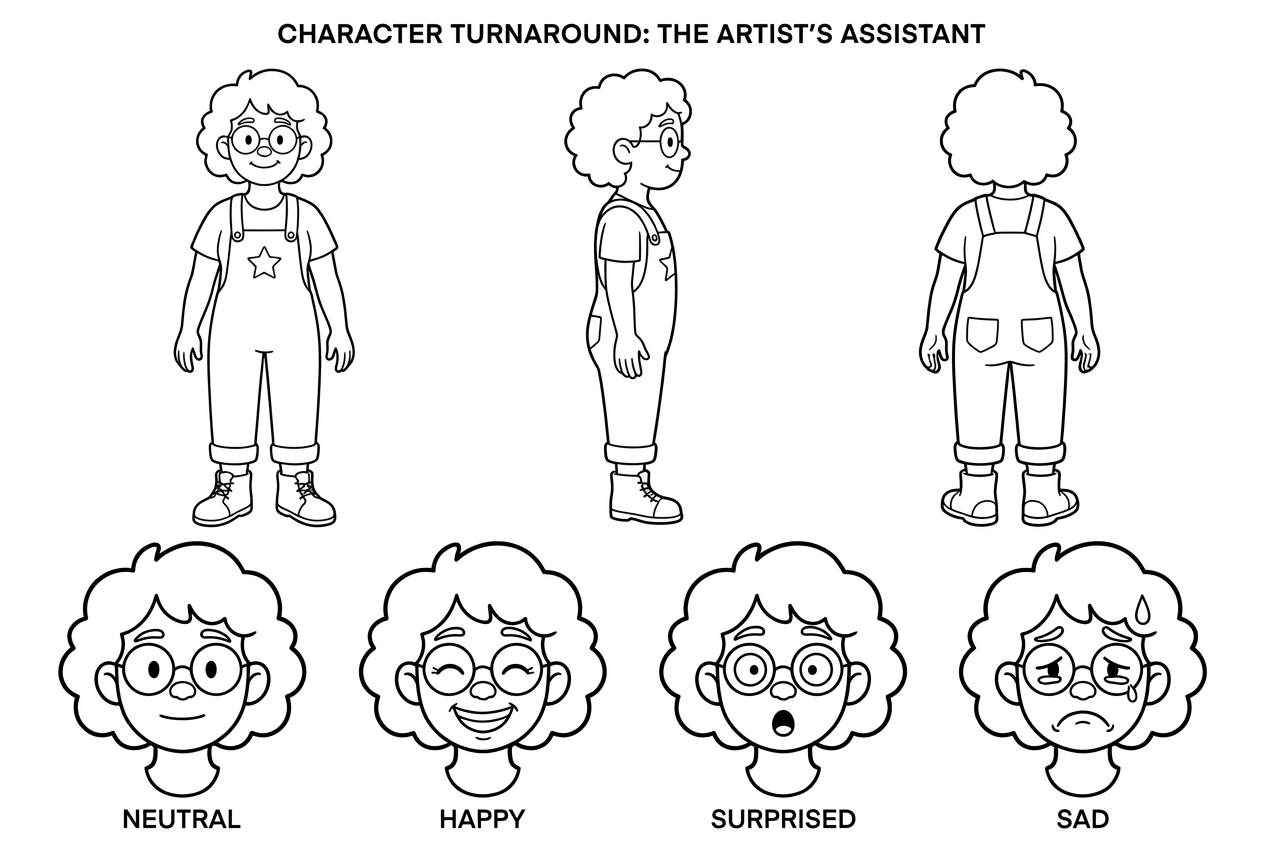
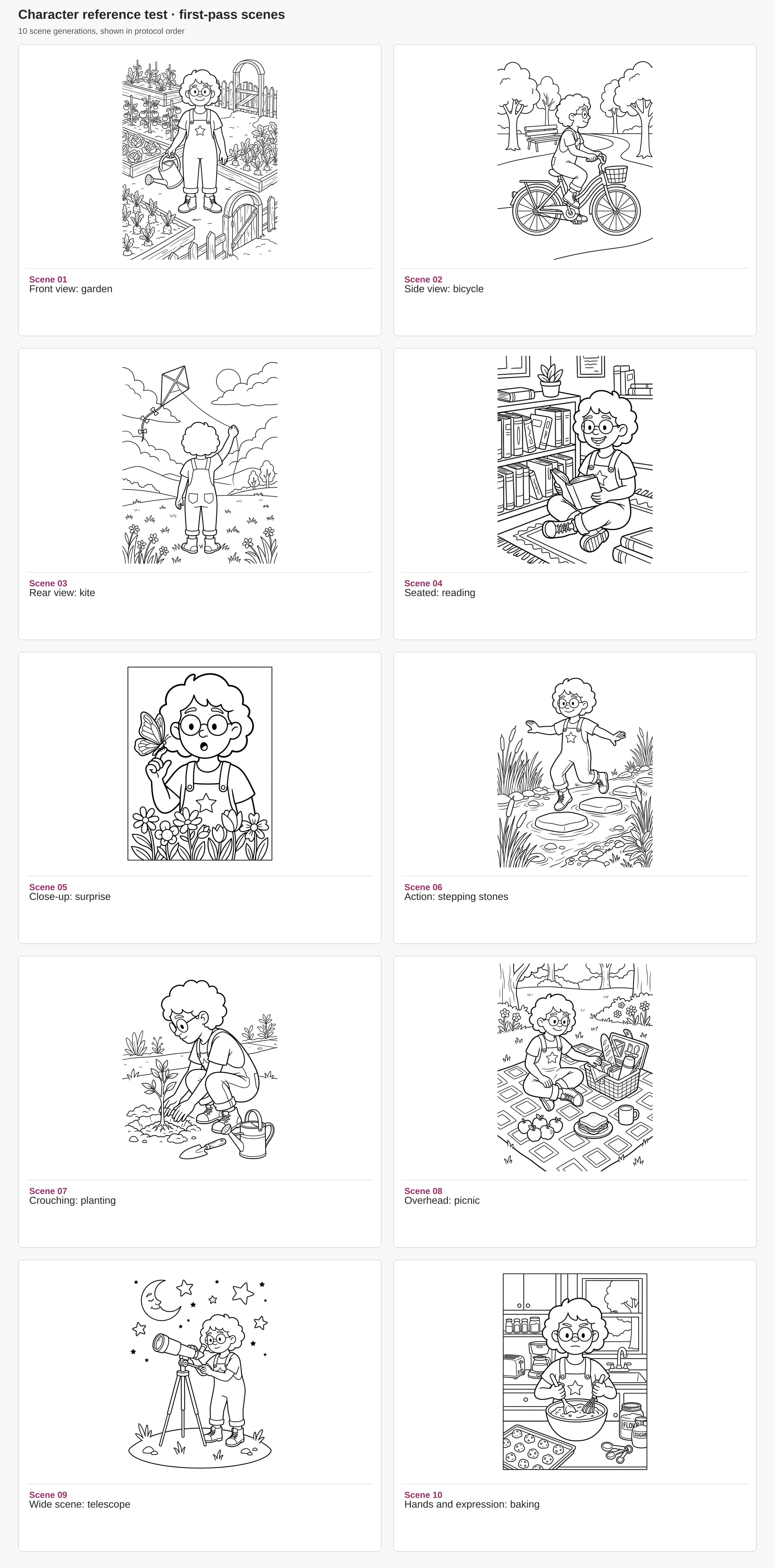
We used Rowan's saved character reference to guide ten new coloring pages. Rowan's hair, glasses, overalls, and star make a familiar thread through the changing scenes.
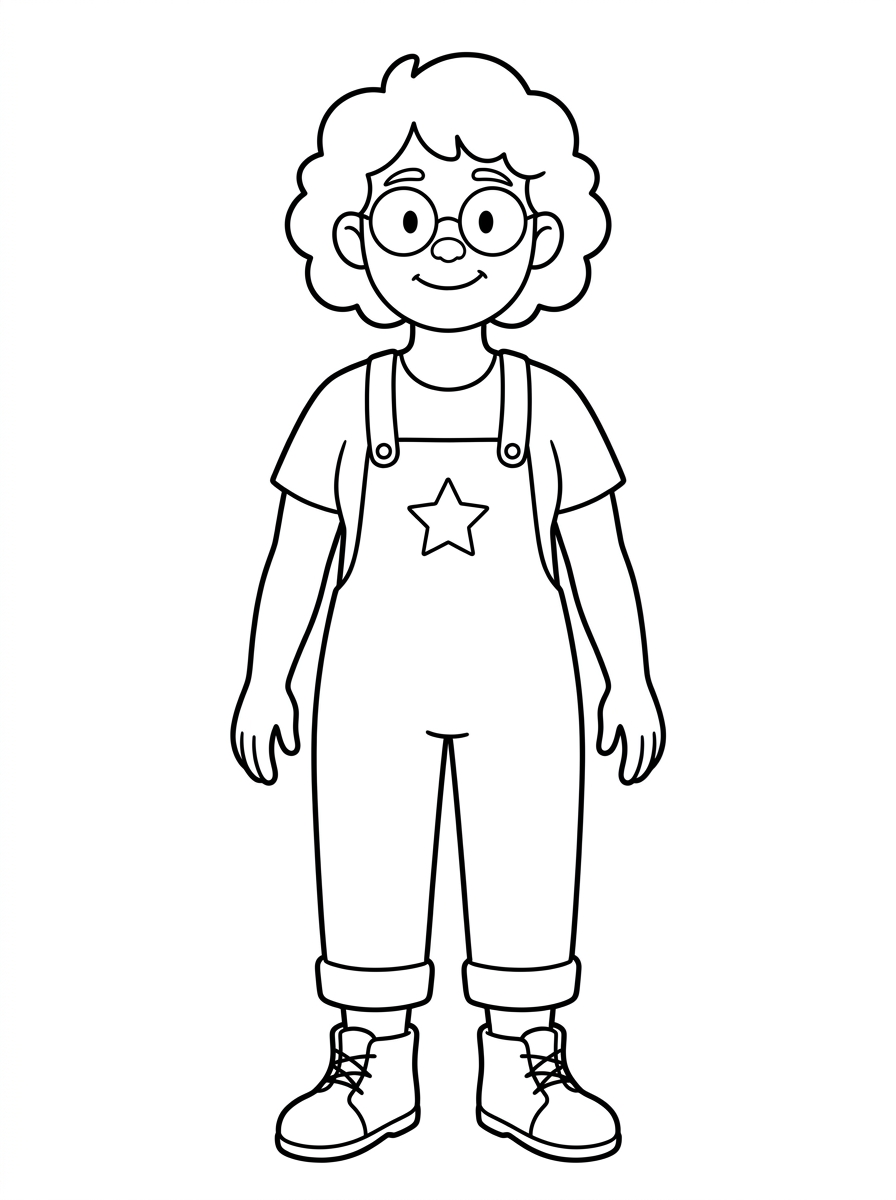
Browse the contact sheet or download the sample book. Get all the images and the PDF in the sample pages ZIP.
Want to make a character series of your own? Read our guide to creating consistent characters with AI.
One photo becomes a reusable character

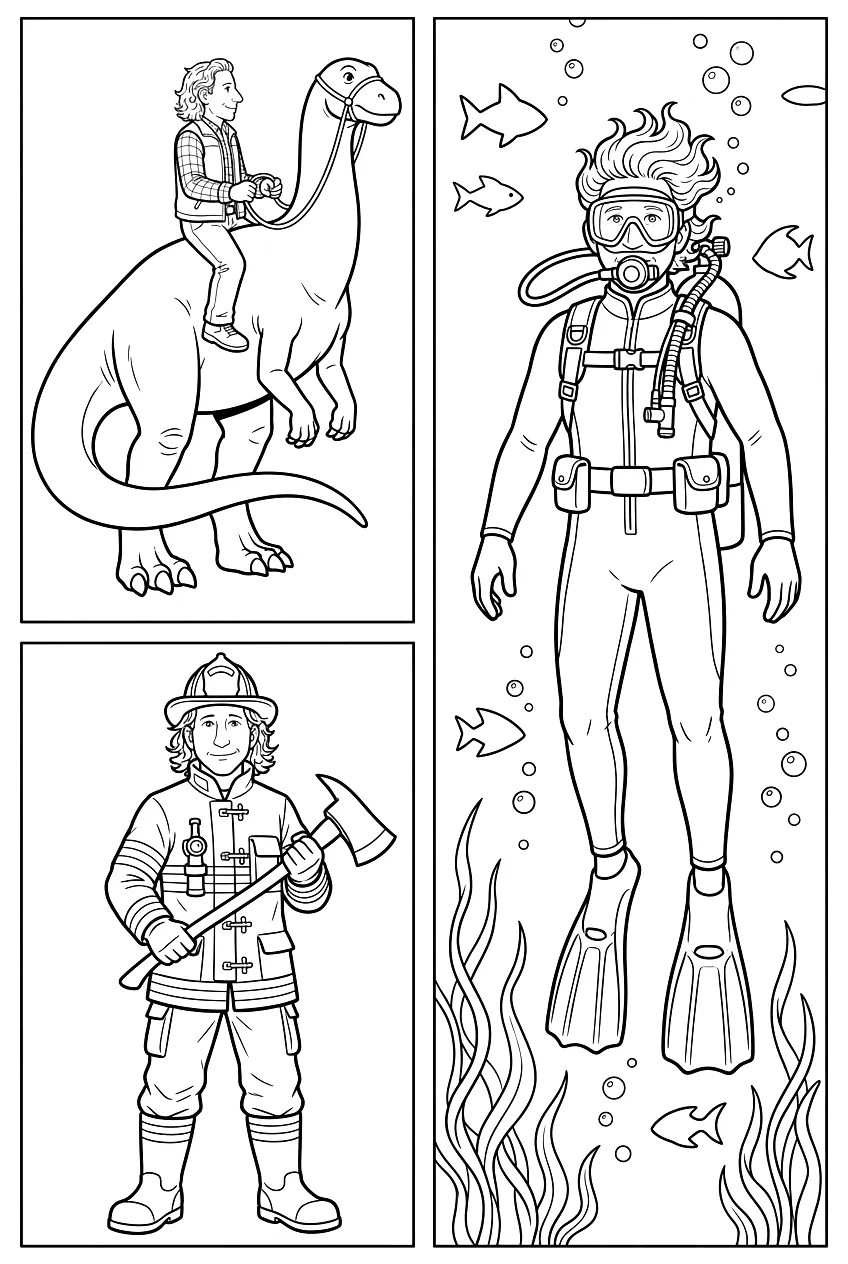
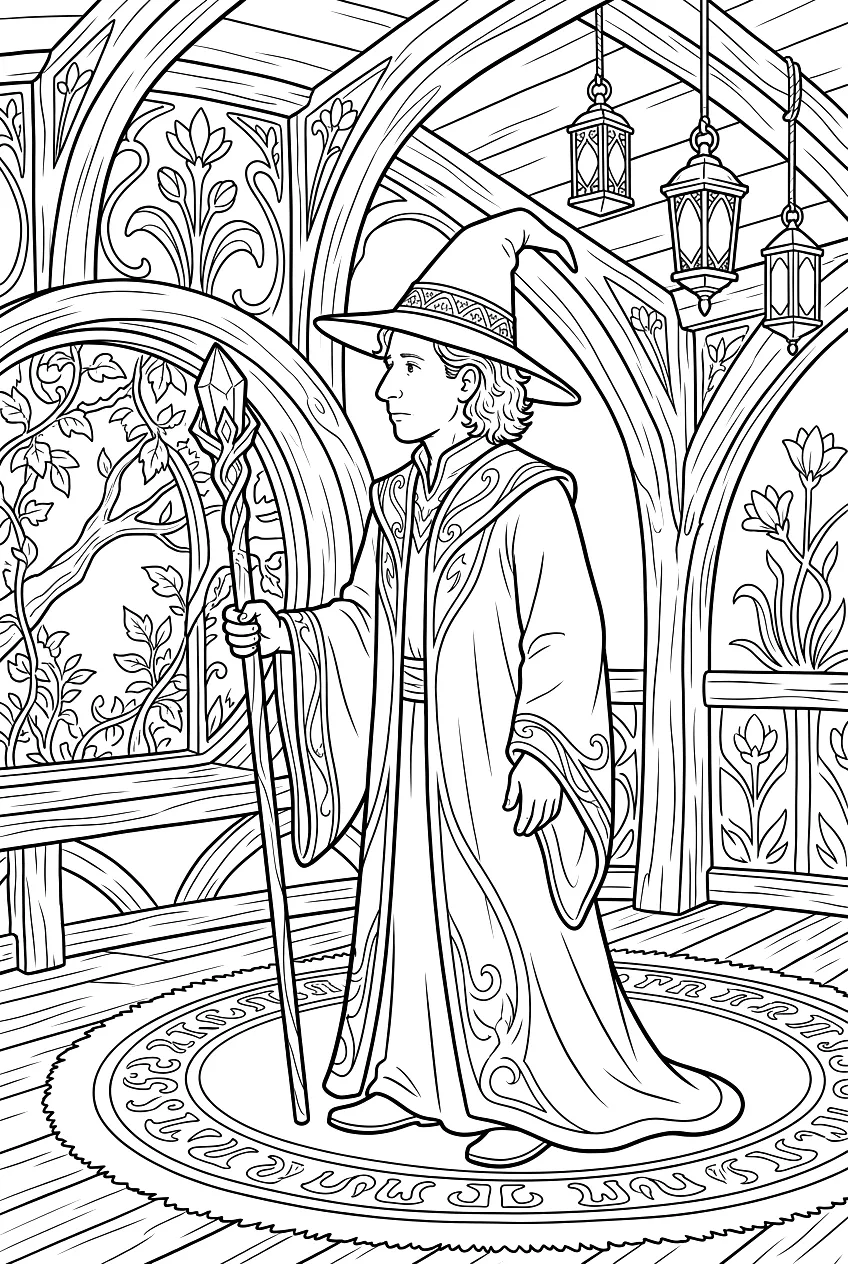
Use a character reference across styles
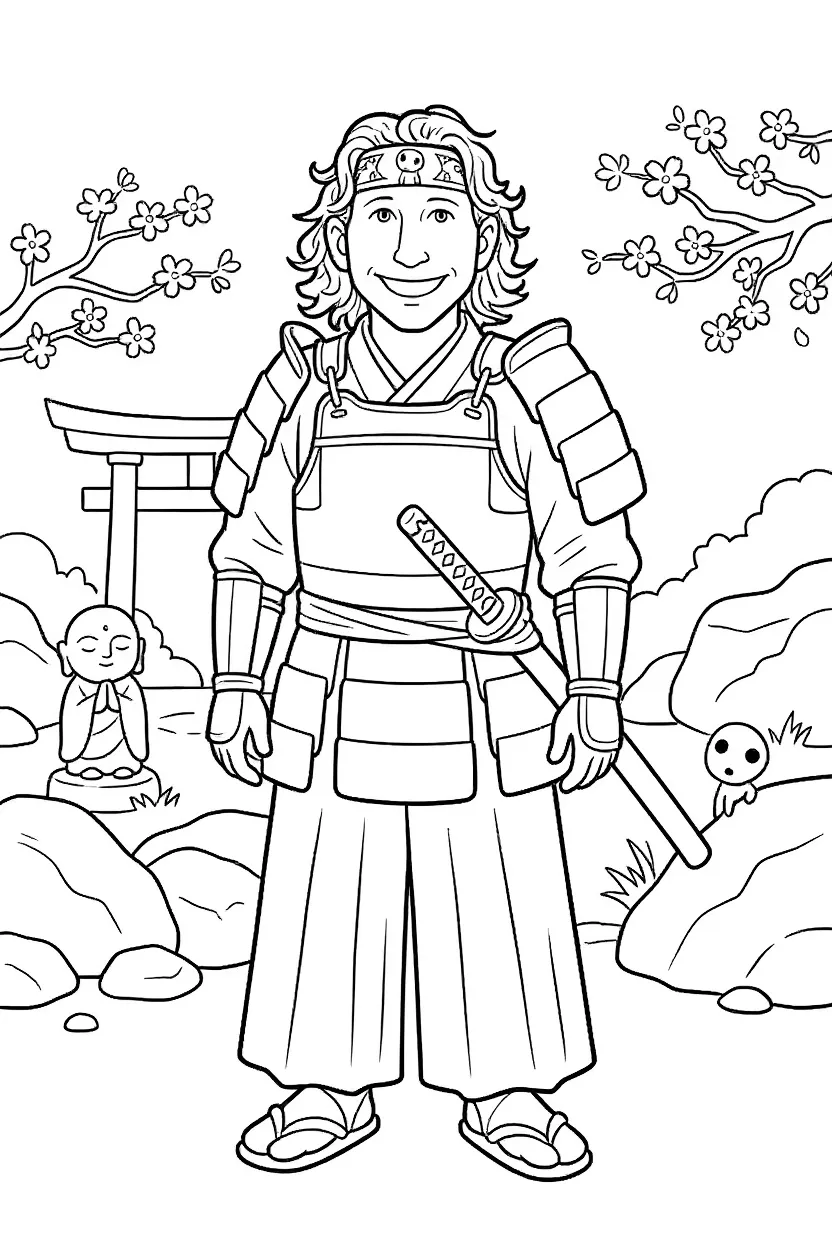

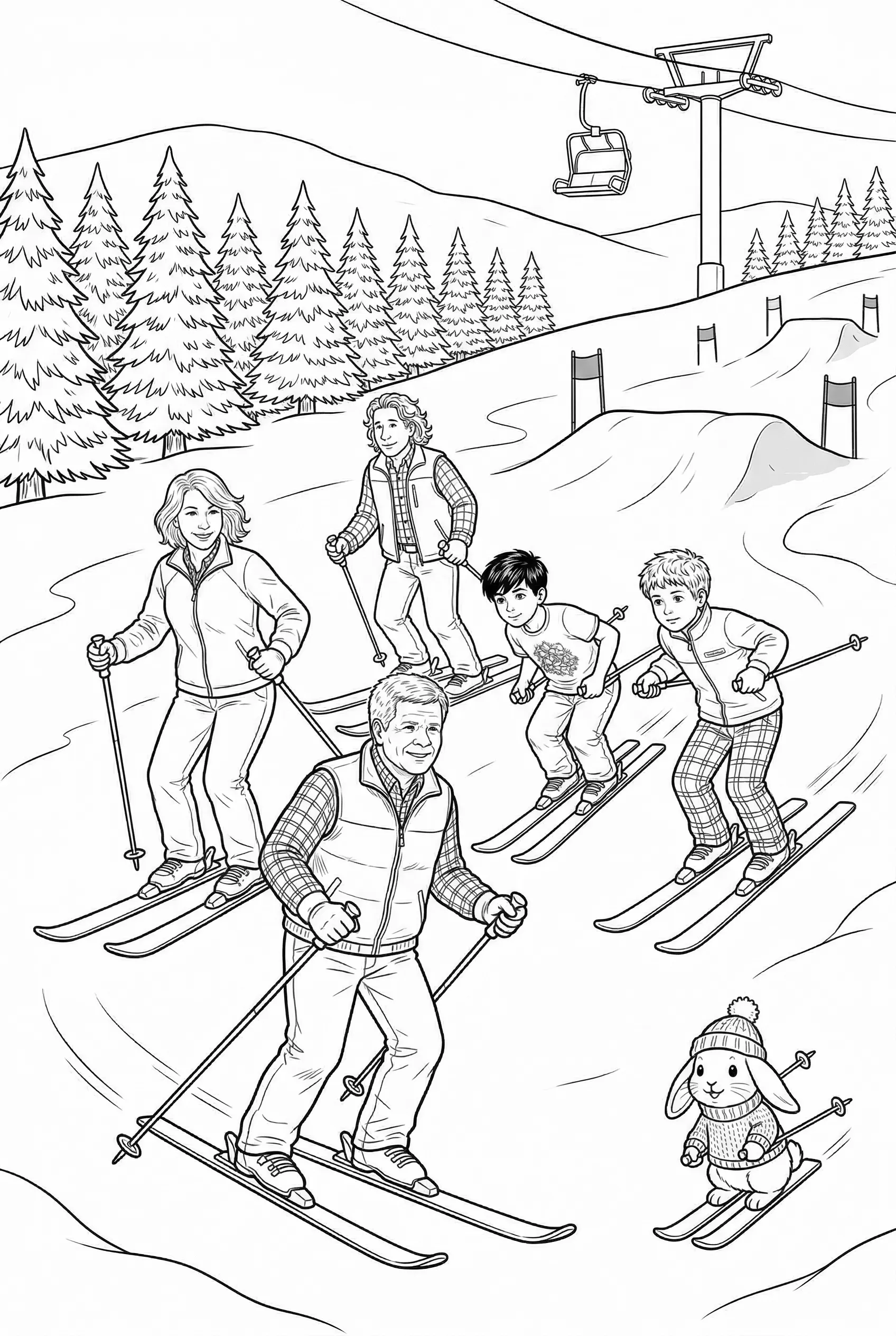
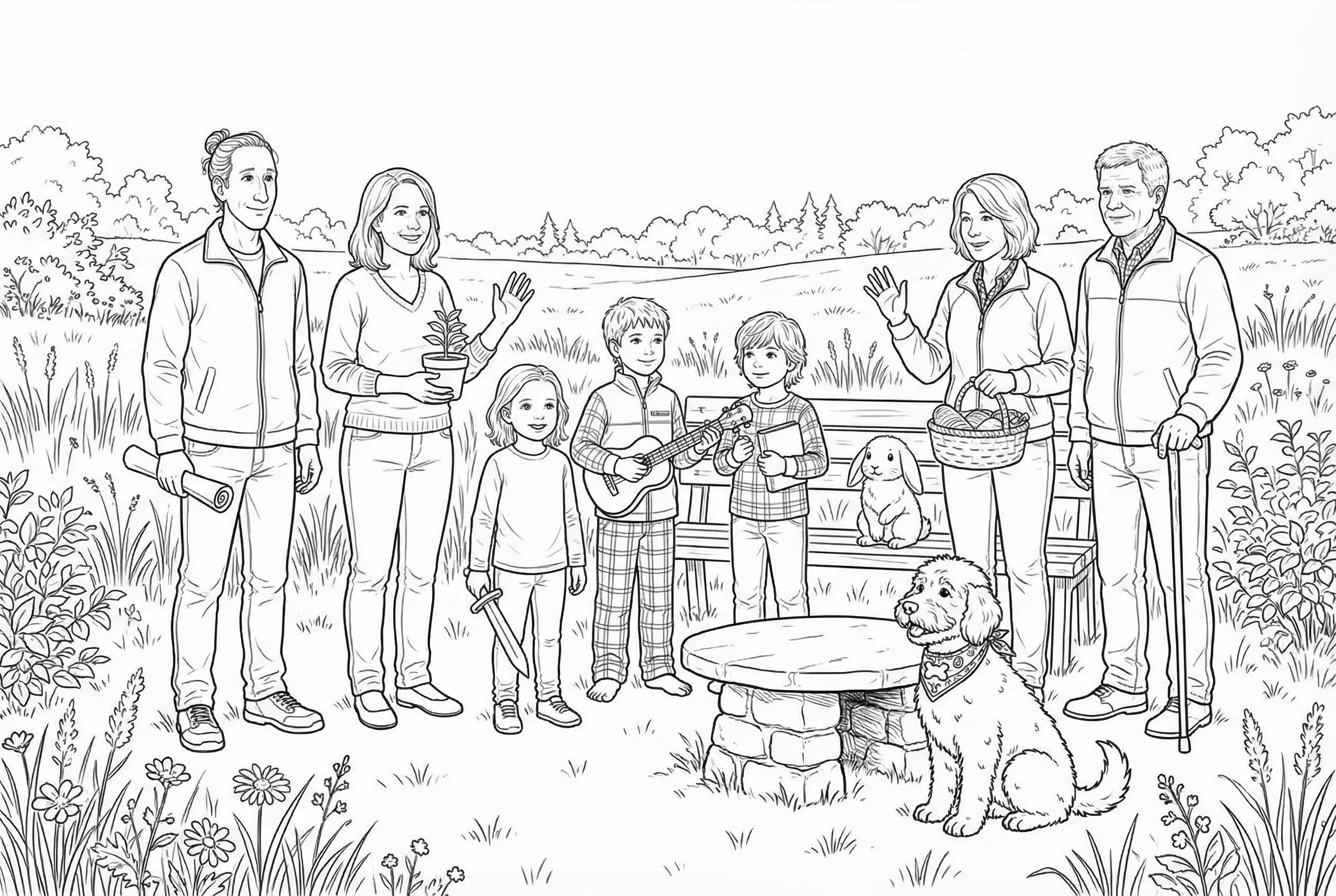
Build scenes with 8 or more character references
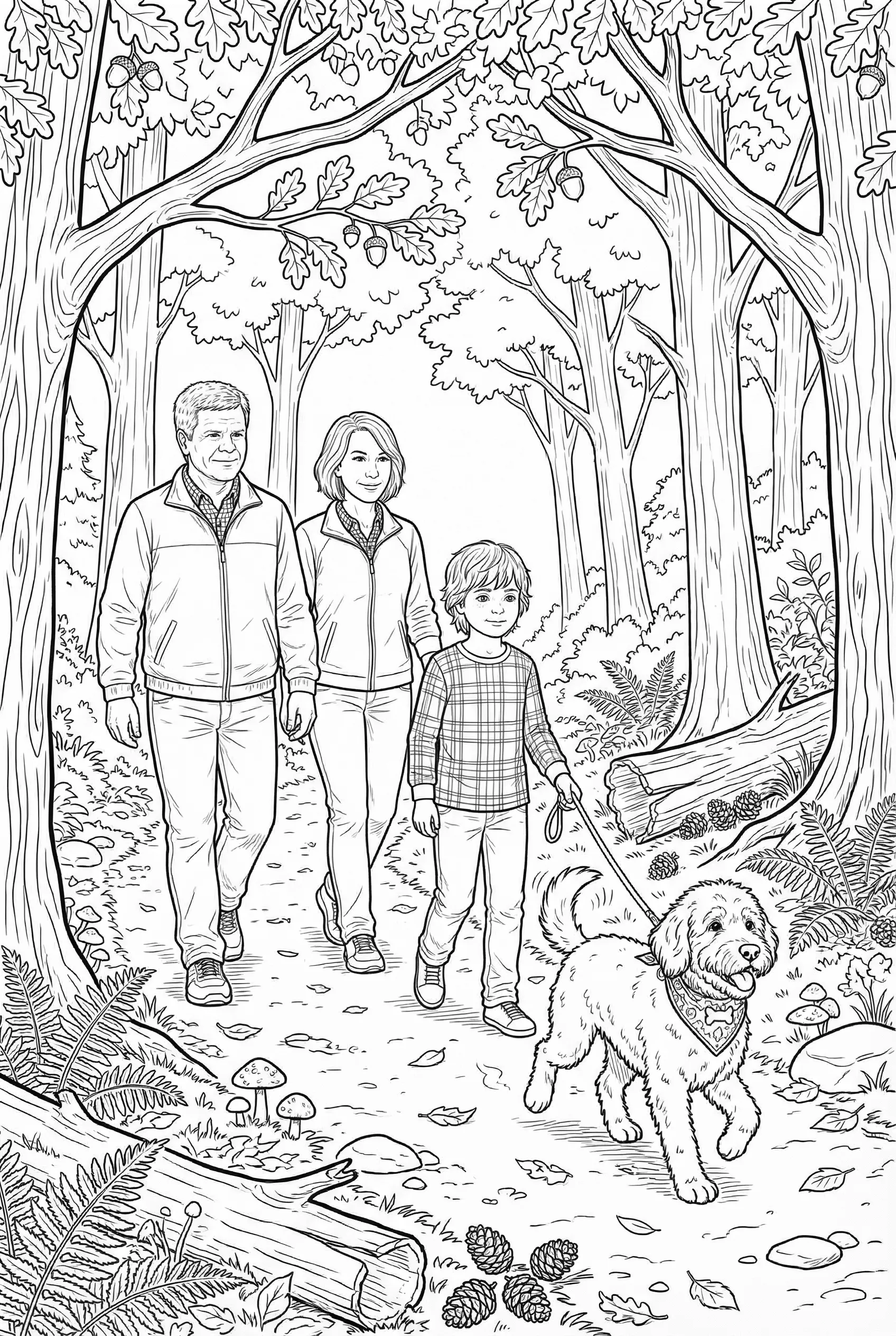
Works with human and non human characters
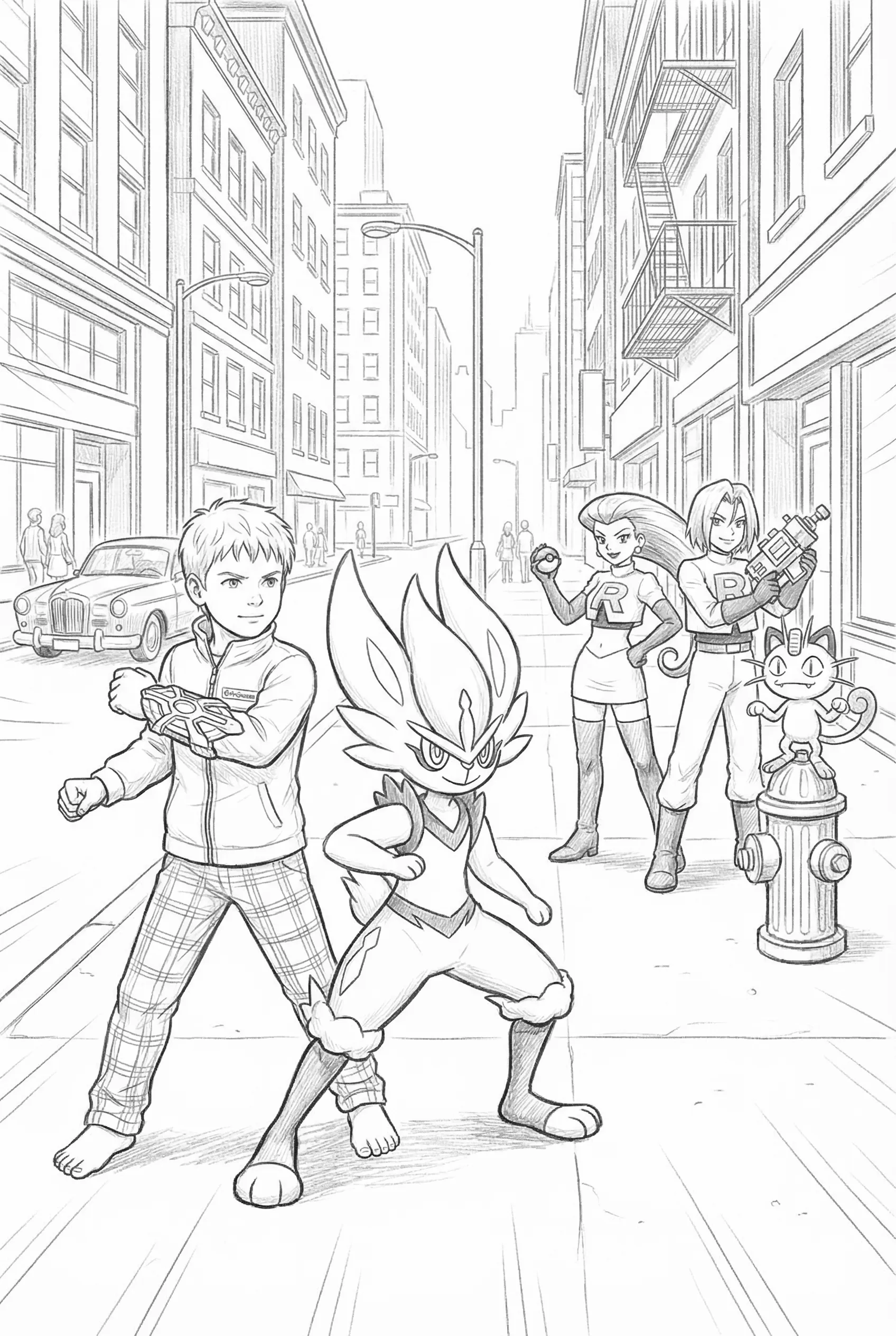
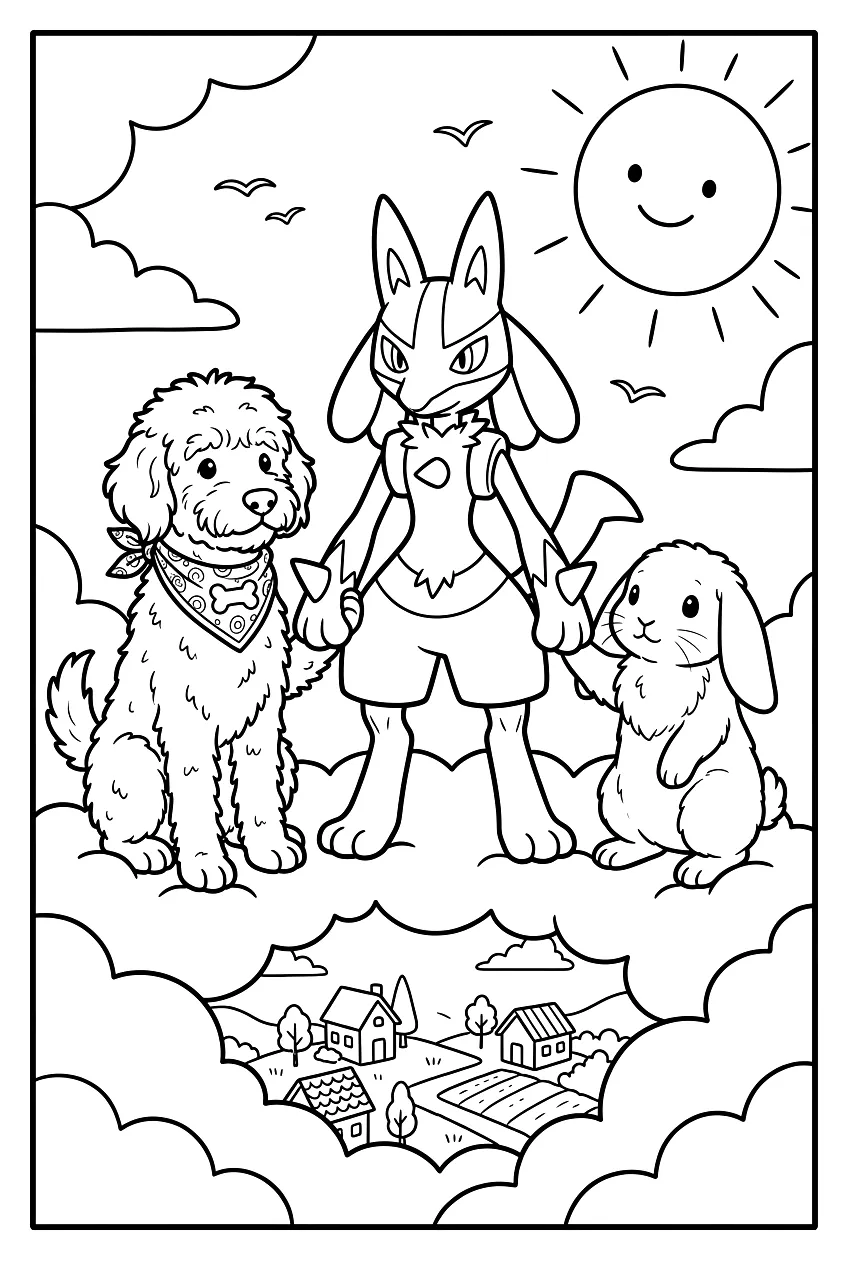
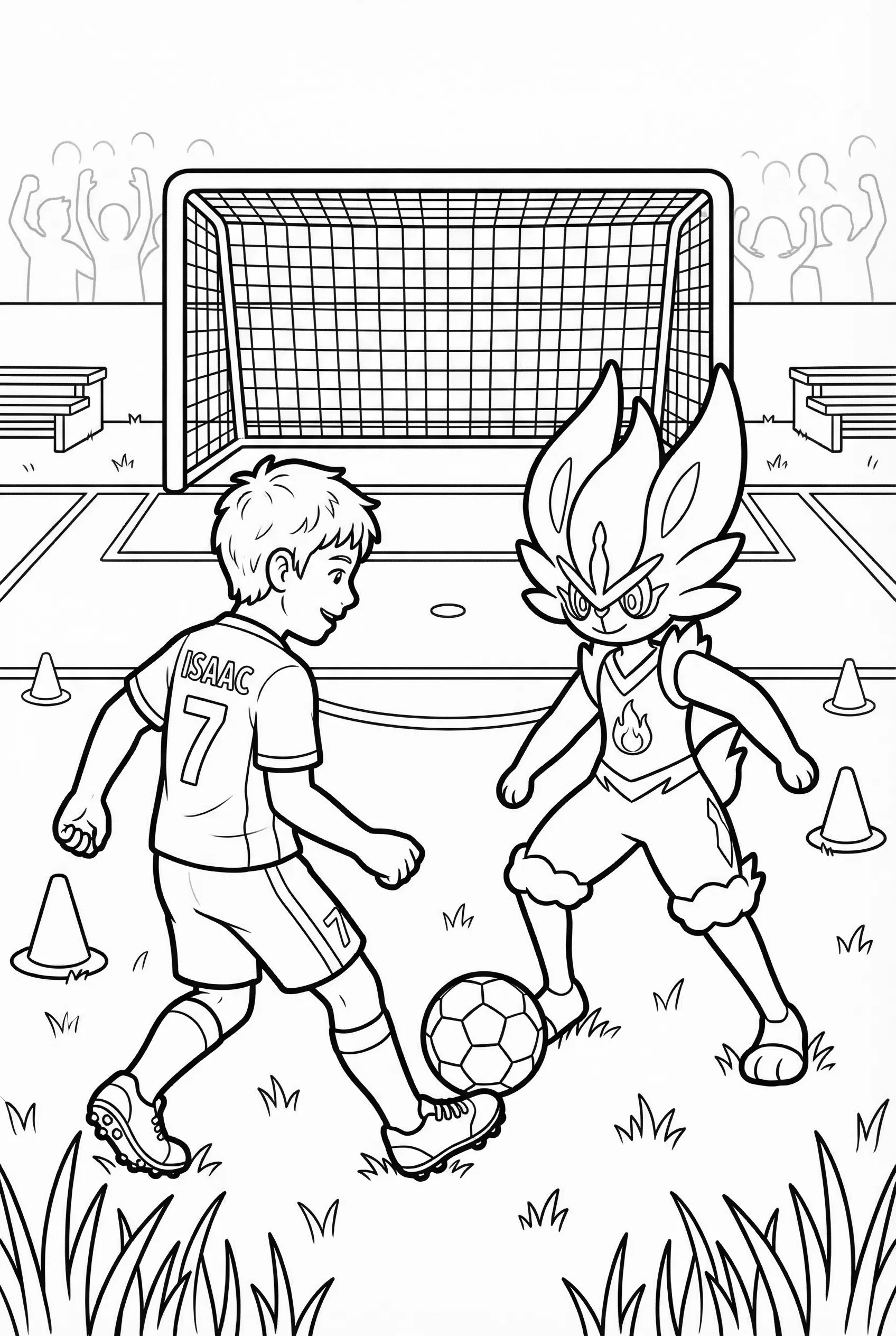
Built for people who ship coloring books
Coloring book creators
Build a multi-page book around a recurring character and create new scenes for each part of the story. Review the pages together to decide which results fit your book.
KDP publishers
Character references can help a coloring book feel connected from one page to the next. Review each generated page before publishing to make sure it fits your story.
From character to printed book
Create and review a connected set of scenes, then build a coloring book around your character. Arrange your pages in a folder and see how to choose a cover, binding and printed copy.
Brand and mascot designers
Use a mascot or character across branded coloring materials, activity books, and promotional content. A saved reference helps guide its appearance as you create new pieces.
Educators and therapists
Build workbooks with a recurring character that students or clients follow through a series of activities. Familiarity helps engagement.
Multi-character series
Create a cast of characters and combine them in scenes. Each one can be selected as a reference when you describe what is happening in the scene.
Wall of Love
Eu amei .... estou fazendo um livro com 35 páginas de colorir com as fotos da família da minha cliente e o colorbliss me ajudou muito ... arradou [I loved it! I'm creating a book with 35 coloring pages featuring photos of my client's family, and Colorbliss helped me out so much... it turned out amazing!]

I'm loving what I can do with ColorBliss. Changing photos and drawings to coloring pages. I haven't even started with prompts. It does exactly what it says it does. I'm playing around with some artistic coloring books, and it's wonderful.

Overall brilliant and easy to use. I will be using ColorBliss frequently as I produce more and more coloring books. Easy to learn and produces great results very quickly. Batch processing is a fantastic time saver. Very happy to have find this software

I strongly recommend Colorbliss. The service is outstanding, the quality exceptional, and it saved me countless hours of work. If you’re serious about creating a coloring book, this is absolutely the best place to bring your vision to life.

I've been searching for something as intuitive as this for such a long time! My activity books just got an upgrade in style thanks to this! Thank you for sharing this site snd all it's perks with us!!

ColorBliss is absolutely fabulous!!! It's easy to use, a fun to work with! I would recommend to many younger moms who have kids that love to color their favorite things. I used this to make a special coloring book for a dear friend with Alzheimer's because she loves to color!

Tips for best results
Use clear, front-facing photos
Good lighting and visible facial features give the best character references. Avoid sunglasses, heavy shadows, or profile shots.
Describe the scene, not the person
The reference handles what the character looks like. Just describe what they're doing: "riding a bike through a forest" works better than "a girl with brown hair riding a bike."
Name characters distinctively
"Emma" is easier to find than "Character 1" when you're typing @ mentions across dozens of prompts.
Stop fighting character drift
Create a reusable character reference, then use it as a starting point for new coloring pages. Start free, no credit card required.
Make your first characterPricing
Choose the plan that's right for you
Whether you are printing coloring sheets to keep your kids entertained or running business with high volume needs, we've got a plan for you.
/* Frequency toggle component */Hobby
Higher limits and access to all ways of creating coloring pages
$12.42per month equivalent on annual billing
- Month-to-month: $18/month.
- Annual plan: $149/year, equivalent to $12.42/month (rounded to the nearest cent).
- Annual billing saves $67 compared with 12 monthly payments (about 3.7 month-to-month payments).
- 500 credits/month
- ✓Rollover up to 1 month of credits (500)
- Features
- ✓Create coloring pages from text prompts
- ✓Create coloring pages with words, names, and numbers
- ✓Adjust color, contrast, and brightness
- ✓Turn photos into coloring pages
- ✓Create coloring pages from drawings
- ✓Advanced editing features
- Additional Benefits
- ✓🎁 Bonus: 50 extra credits for experimenting and retries
- ✓Personal use
Artist
Best for those looking to sell their creations
$24.75per month equivalent on annual billing
- Month-to-month: $35/month.
- Annual plan: $297/year, equivalent to $24.75/month (exact).
- Annual billing saves $123 compared with 12 monthly payments (about 3.5 month-to-month payments).
- 1,000 credits/month
- ✓Rollover up to 2 months of credits (2,000)
- Features
- ✓Create coloring pages from text prompts
- ✓Create coloring pages with words, names, and numbers
- ✓Adjust color, contrast, and brightness
- ✓Turn photos into coloring pages
- ✓Create coloring pages from drawings
- ✓Advanced editing features
- ✓Early access to new styles and features
- ✓Bulk Generation
- ✓Commercial use
- Additional Benefits
- ✓🎁 Bonus: 75 extra credits for experimenting and retries
Business
For businesses that need higher limits
$83.08per month equivalent on annual billing
- Month-to-month: $99/month.
- Annual plan: $997/year, equivalent to $83.08/month (rounded to the nearest cent).
- Annual billing saves $191 compared with 12 monthly payments (about 1.9 month-to-month payments).
- 5,000 credits/month
- ✓Rollover up to 3 months of credits (15,000)
- Features
- ✓Create coloring pages from text prompts
- ✓Create coloring pages with words, names, and numbers
- ✓Adjust color, contrast, and brightness
- ✓Turn photos into coloring pages
- ✓Create coloring pages from drawings
- ✓Advanced editing features
- ✓API access after approval
- ✓Early access to new styles and features
- ✓Bulk Generation
- ✓Commercial use
- Additional Benefits
- ✓🎁 Bonus: 250 extra credits for experimenting and retries
AI coloring page generator FAQ
Everything you need to know about creating coloring pages with AI
@ to mention characters by name in your prompt, such as @Emma and @Max building a sandcastle. Their saved references give the model visual guidance for the shared scene.