Can you sell Canva-made coloring books? A practical guide to licensing and original designs

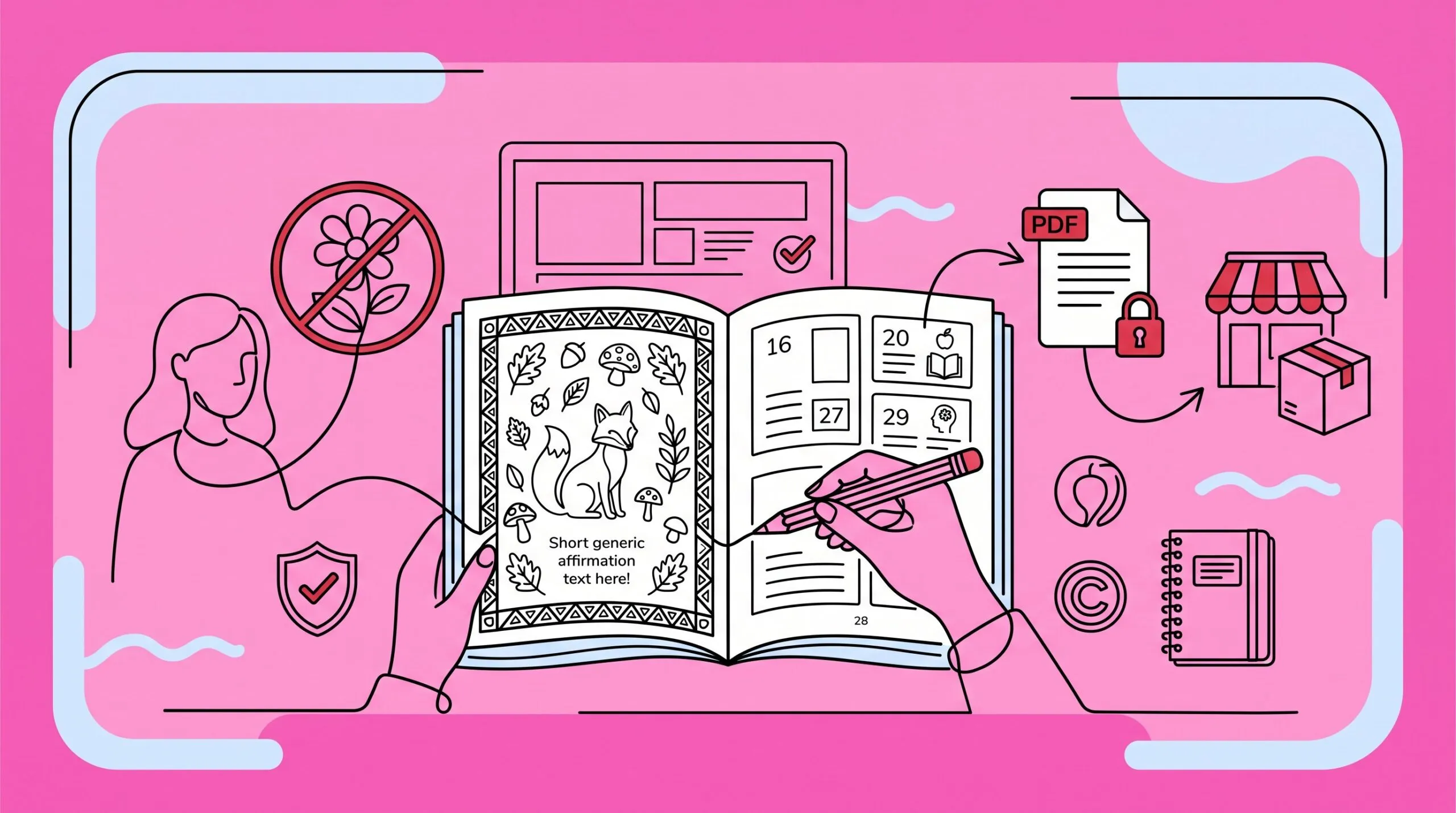
Can I sell coloring books made on Canva? Yes, usually. You need an original finished book, Canva’s current license terms, and zero protected characters, logos, or copied art. That legal line matters more than your design skills.
I’ve seen teachers sell seasonal activity books, therapists sell calming worksheet packs, and Etsy sellers build whole shops around themed books. All of that can work. Dragging one Canva flower onto a blank page and calling it a coloring book? That is not the same thing, and Canva’s license was never meant to cover it.
The short answer
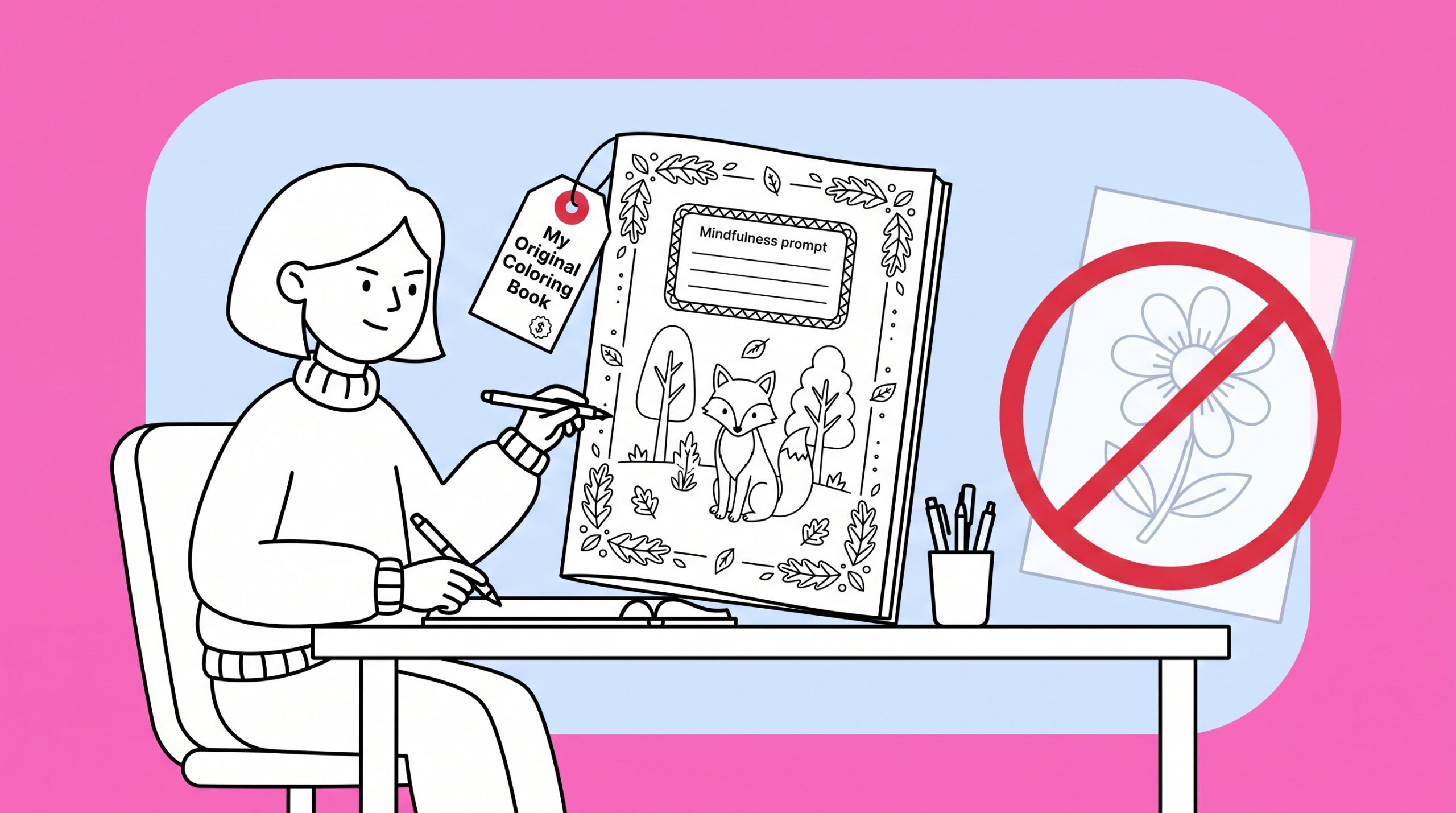
You can sell coloring books made on Canva when the book is your design, not a repackaged asset from their library. Canva allows commercial use of Free and Pro content inside a new design. A finished book with your theme, layout, and creative choices counts. One unedited stock illustration sold as a printable page does not.
Your theme, page concepts, arrangement, original drawings, prompts, borders, activities, and cover should add up to something a buyer could tell apart from a random Canva download. A 30-page “Woodland Mindfulness” book with custom layouts is a product. A single flower graphic exported as a coloring page is not.
This is practical advice for small creators selling finished books to end users. If you’re producing at scale, licensing to a company, or responding to an infringement claim, talk to a lawyer. I’m not one.
Before you list anything, open one planned page and ask: would a buyer be paying for my activity, or for a Canva graphic I barely touched? Redesign every page where the answer is the second one.
Read Canva’s license before you list anything
Forum answers from 2023 are not a business plan. Read Canva’s Content License Agreement and, if you want a walkthrough, their template licensing lesson on Coursera. Terms change. Check them when you start a project, not when someone flags your Etsy listing.
The rules that actually matter for coloring books:
- Don’t sell standalone elements. One stock flower, animal, or frame exported as a coloring page is too close to reselling Canva’s asset.
- Don’t sell clipart packs built from Canva content. Buyers should get a finished coloring experience, not raw files they can pull apart and reuse.
- Be careful with Pro assets. Use them inside your design. A flattened PDF is safer than handing over an editable Canva file where someone can isolate every element.
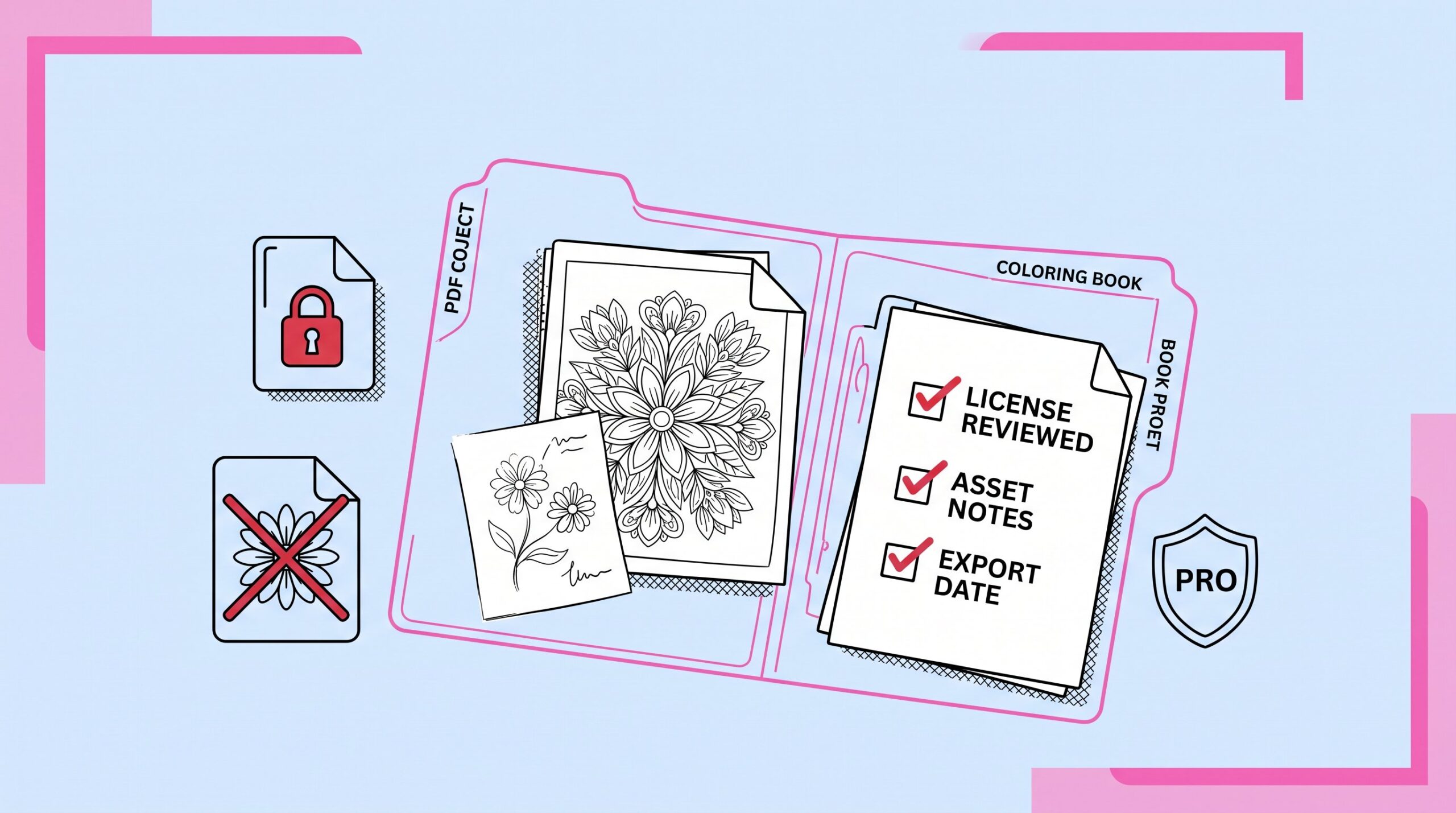
If you use Canva elements, mix them with your own work: original line art, hand-built patterns, page-specific text, a layout that holds the book together. I also keep a simple folder per book with export dates, asset notes, and a screenshot of the license page I read. Five minutes of paperwork beats a panicked email later.
Build original pages first, assemble in Canva second
The safest coloring books start before you open Canva. Pick a reader and an outcome. Large farm shapes for preschoolers. Fraction coloring for a math unit. Dense botanical pages for adults who want twenty quiet minutes.
Then write a page recipe you can repeat. Sketch the subject. Add a setting or background pattern. Change the composition page to page. Use Canva for type, page numbers, cover layout, and final export. The creative direction is yours, so the book reads like one product instead of a folder of unrelated downloads.
If drawing is not your thing, start from your own prompt or photo instead of random stock. A coloring page generator turns a defined theme into line art you can edit, sequence, and sell. Some creators use AI coloring ideas to test a niche before they commit to 30 pages.
Stay away from characters, logos, and “inspired by” traps
Canva does not give you permission to sell Disney characters, superhero logos, anime franchises, celebrity likenesses, sports team marks, or another artist’s signature style. “Inspired by” does not help much when the result is obviously identifiable.
Stick to themes you own outright:
- Forest animals, gardens, vehicles, seasonal scenes
- Original affirmations and geometric patterns
- Classroom topics like weather, habitats, or community helpers
If you mention wellness, keep the claims modest. Coloring can be calming. It is not a treatment for anxiety or any medical condition, and your listing should not imply that it is.
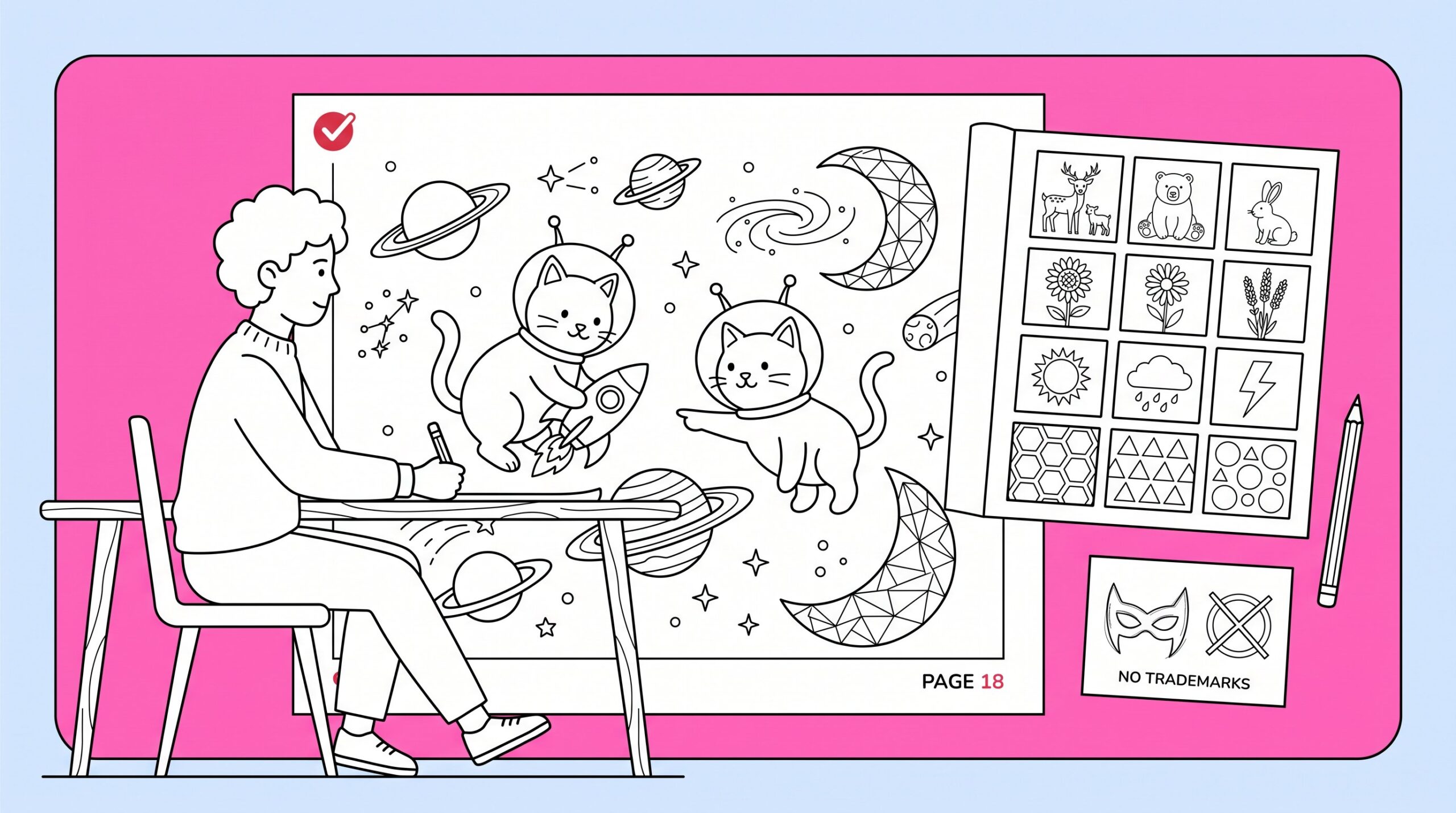
Scan your page plan for branded references. Replace each one with something specific but unprotected. “Space rescue cats” works. A famous space franchise does not.
Pick one sales format to start
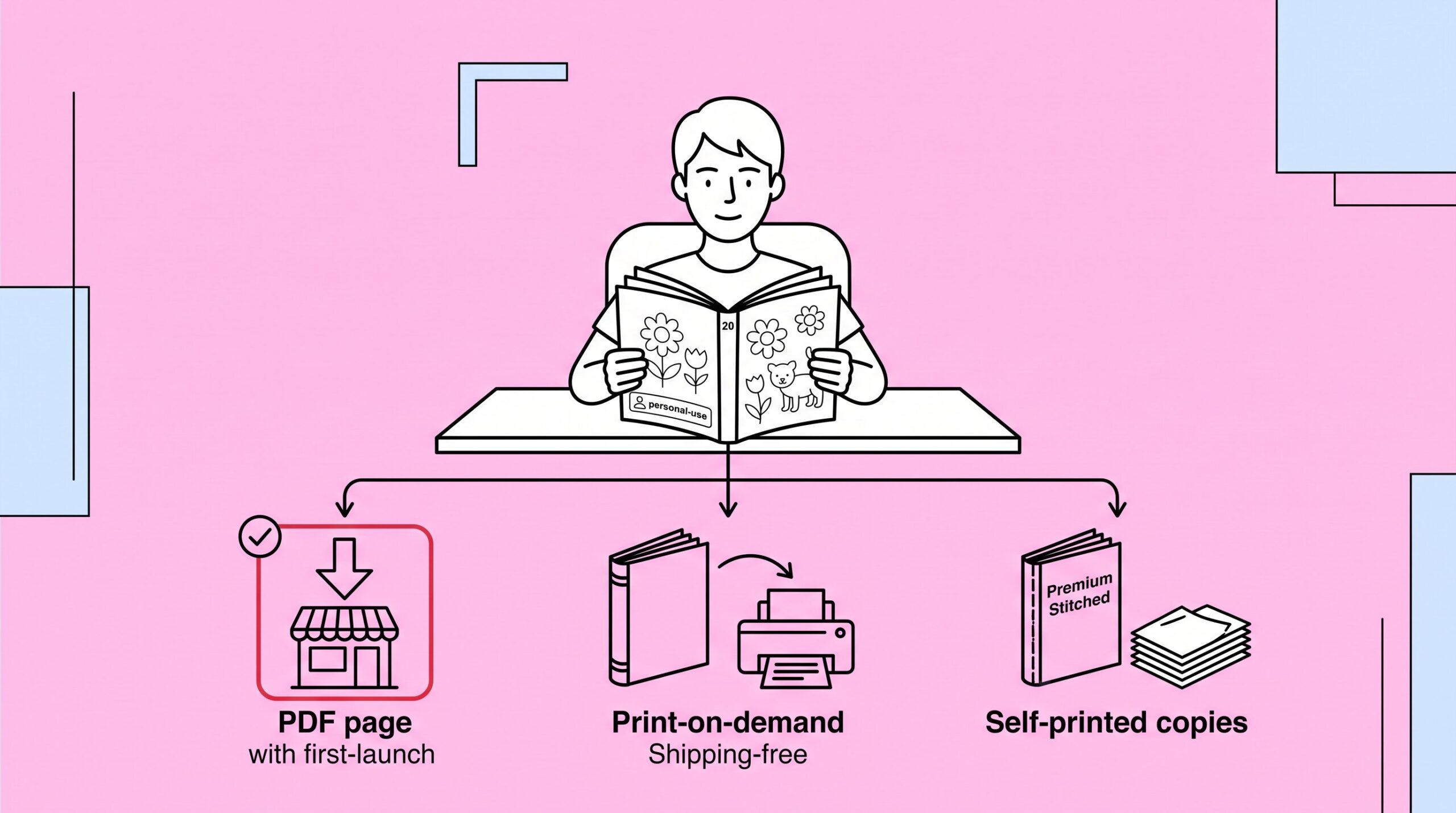
Once you know your book is original, choose how you want to sell it. The same interior can show up in more than one channel later. For your first launch, pick one.
Digital PDFs fit teachers, parents, and therapists who want pages today. No inventory, no postage. Etsy, Gumroad, and your own shop are the usual routes.
Print-on-demand through Amazon KDP fits creators who want a physical book without packing orders. The printer handles fulfillment. You focus on files, margins, and the listing.
Self-printed books give you control over paper and binding. That matters for classroom sets, church events, or anything where cheap copy paper would ruin the experience.
Sell personal-use coloring material. Not editable clipart. Not a commercial-use asset pack. Say that in the listing and inside the PDF.
For a first launch, I’d pick one format and ship a focused 20-page book. Three half-finished channels lose to one finished product every time.
Make the files print-ready
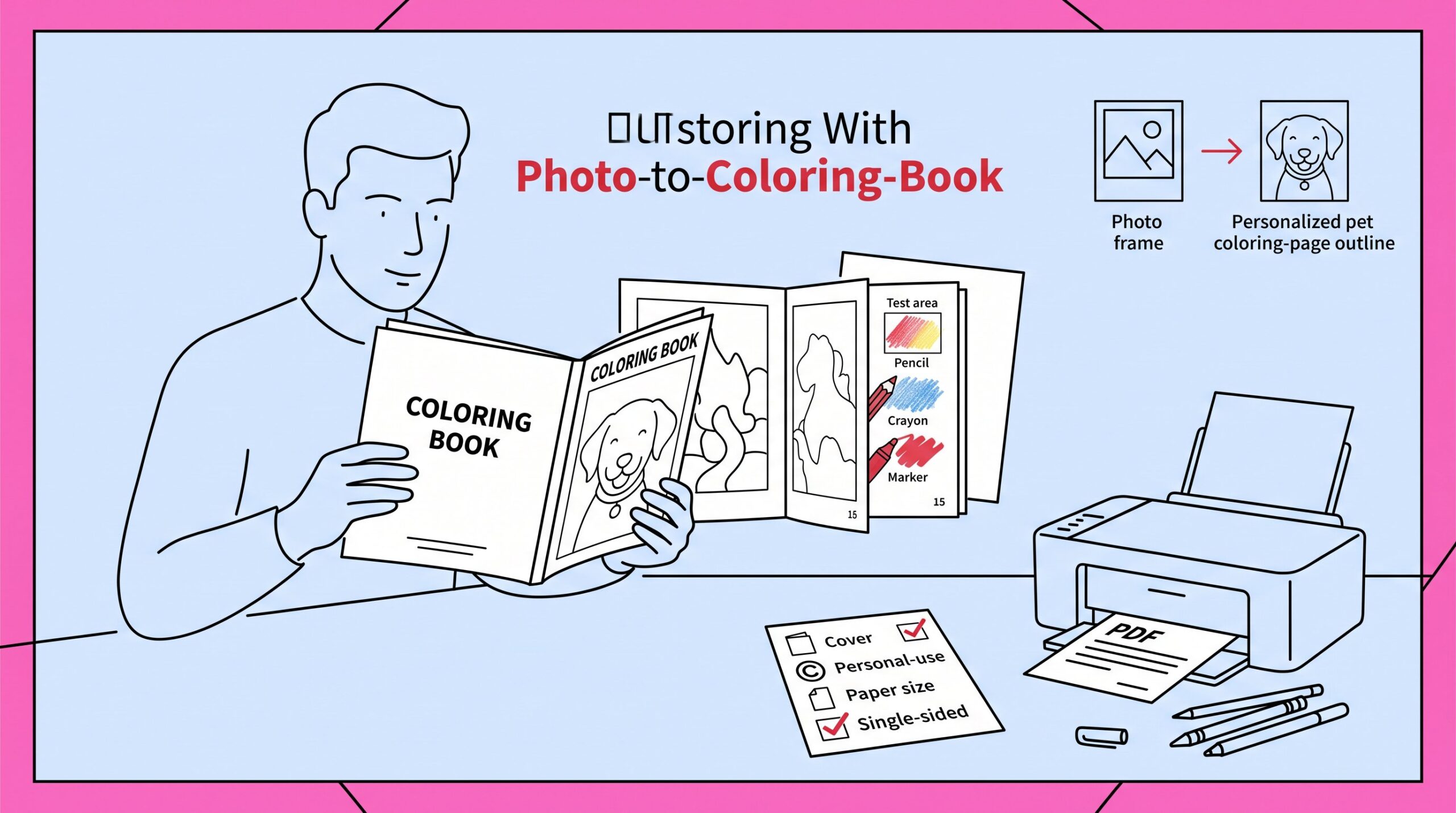
A license-compliant book can still get one-star reviews if it prints badly. Export a high-resolution PDF Print file. Keep page dimensions consistent. Leave safe margins. Avoid hairline details that fill in on a home printer.
Print your cover and three interior pages before you publish. Run colored pencils, crayons, and markers over them. If markers bleed through, add blank backs or tell buyers to slip a sheet behind the page.
Include the basics:
- Cover, title page, and page numbers
- Copyright notice and personal-use terms
- Page count, paper size, and printing notes in the listing
- Whether pages are single-sided
For a harder-to-copy offer, photo-to-coloring-page projects turn customer photos into one-of-a-kind books. For more audience ideas, see what people actually make in real coloring page projects.
Weak lines, bad margins, and same-y pages show up fast when you’re holding paper. Print before you list.
Frequently asked questions
Can I legally sell coloring books created using Canva?
Yes, if your pages are original work that follows Canva’s Content License Agreement. Don’t sell standalone Canva elements or pages built around protected characters.
What makes a Canva coloring book eligible for commercial sale?
You need a composed product: multiple pages, your layouts, your theme, your creative input. Not a repackaged graphic or a single stock image with a price tag.
How do I meet Canva’s license requirements on each page?
Combine and modify Canva elements with your own art. Add text, borders, and page-specific design. Don’t export unaltered stock and sell it as a coloring page.
What copyright and trademark rules still apply?
Everything outside Canva’s library. No famous characters, logos, or trademarked designs unless you have a license. Generic and original themes are the safe default.
What formats work best for Canva-made coloring books?
Digital PDFs on Etsy or Gumroad, print-on-demand through Amazon KDP, or self-printed books when you want control over paper and binding.
How do I give buyers a professional experience?
High-resolution PDFs, consistent layout, a cover and copyright notice, test prints, clear usage terms, and honest printing instructions in the listing.
Bottom line
Can you sell coloring books made on Canva? Yes, when you sell an original finished book, respect copyright and trademarks, and hand buyers files that actually print. Keep the first project small. Document your sources. Pick a theme that helps one real person.
If you are starting today, choose one 20-page concept and write the page plan before you open Canva.